Stock Market Needed by CC BankMarket Integration ccbankmarket-1.0.0.jar
requiredMatching file found Matched file: stockmarket-neoforge-1.3.1.jar
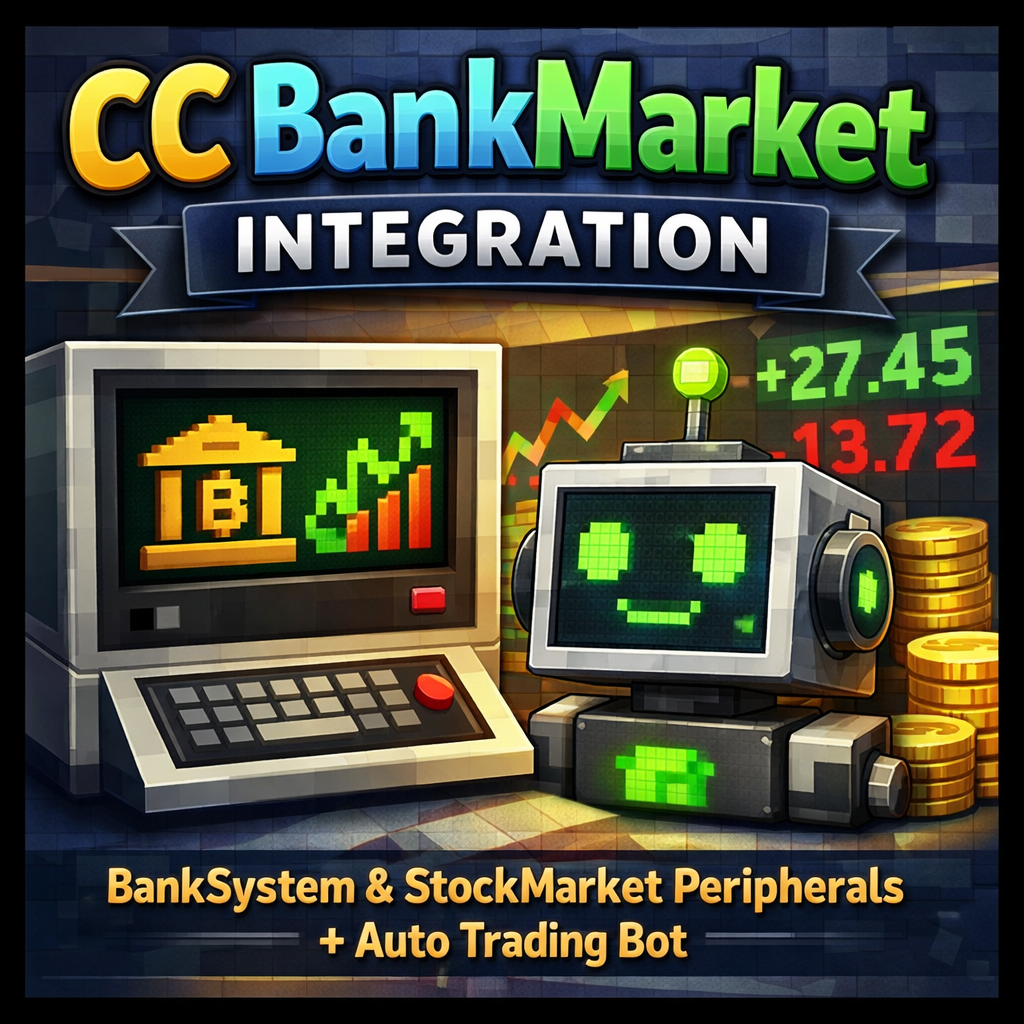
CurseForge · Minecraft mod
ComputerCraft peripherals for BankSystem and StockMarket mods with automatic market maker bot
Quick answer
CC BankMarket Integration ccbankmarket-1.0.0.jar targets 1.21.1 with NeoForge. The project page does not say whether this file belongs on the client, dedicated server, or both. All 3 required mods have matching files.
Where it goes
The project page does not say whether this file belongs on the client, dedicated server, or both.
The source does not explicitly classify this release as client-only or server-only.
ccbankmarket-1.0.0.jar. Change the file and its required mods may change too.
Install Stock Market, CC: Tweaked, BankSystem first. We found matching files for this game-version and loader setup.
We only count dependency files that match this setup. A file for another loader does not fill the gap.
Before you install it
Built for CC BankMarket Integration ccbankmarket-1.0.0.jar. Pick another file and the loader, install side or required mods may change.
Use ccbankmarket-1.0.0.jar. It targets 1.21.1 with NeoForge; another release may have different loader, side or dependency requirements.
Install Stock Market, CC: Tweaked, BankSystem first. We found matching files for this game-version and loader setup.
The project page does not say whether this file belongs on the client, dedicated server, or both.
Use the “Get this file” button beside ccbankmarket-1.0.0.jar. It opens that exact file at the source.
About this project
ComputerCraft peripheral integration for BankSystem and StockMarket mods.
This mod adds CC:Tweaked peripherals that allow ComputerCraft computers to interact with the BankSystem and StockMarket economy mods. Perfect for creating automated trading systems, banking terminals, and custom economy interfaces!
bank_terminal)Access the BankSystem mod from ComputerCraft:
getBalance() - Get your money balancegetItemBalance(itemId) - Get item balance in your banktransfer(targetPlayer, amount) - Transfer money to other playersdeposit(amount) / withdraw(amount) - Manage your fundsgetMoneyCirculation() - Get total money in the economystock_market)Full StockMarket integration:
getMarketItems() - List all tradeable itemsgetPriceInfo(itemId) - Get current prices and market datagetAllFloorPrices() - Get floor prices for all itemsgetOrderBookInfo(itemId) - Get bid/ask spread informationplaceBuyOrder(itemId, amount, price) - Place buy ordersplaceSellOrder(itemId, amount, price) - Place sell ordersgetMyOrders() - View your active orderscancelOrder(orderId) - Cancel an orderThe mod includes an automatic market maker bot that:
FloorBot Lua API:
local market = peripheral.find("stock_market")

-- Control the bot
market.setFloorBotEnabled(true/false)
market.setFloorBotPercentage(0.10)  -- 10% floor
market.setFloorBotCeilingPercentage(1.0)  -- 100% ceiling
market.setFloorBotAutoSell(true)

-- Get status
local status = market.getFloorBotStatus()
market.getFloorBotBuyOrderCount()
market.getFloorBotSellOrderCount()
emc_link)ProjectE integration for EMC values:
getEMC(itemId) - Get EMC value of any itemhasEMC(itemId) - Check if item has EMC-- Find peripherals
local bank = peripheral.find("bank_terminal")
local market = peripheral.find("stock_market")
-- Check balance
print("Balance: $" .. bank.getBalance())
-- Get diamond price
local info = market.getPriceInfo("minecraft:diamond")
print("Diamond floor: $" .. info.floorPrice)
-- Place a buy order
market.placeBuyOrder("minecraft:diamond", 64, 100)
The FloorBot can be configured in config/ccbankmarket-common.toml:
[floorbot]
enabled = true
floorPercentage = 0.10
ceilingPercentage = 1.0
maxOrderAmount = 1000
autoSell = true
For issues and feature requests, please visit our GitHub repository.
Made by Playtime Hosting
Project description from CurseForge.
Pick your setup
Choose the version and loader you play, then open the matching release.
Check the dependencies, then try the file in a copied instance before changing a world you care about.
Recent files
4 Jan 2026
Looking for an older file? The official CurseForge project page is in Resources.
 mod
modBuild Minecraft mod interfaces from reusable, themed components
 mod
modA planetary survival, industrial automation, and atmospheric terraforming tech mod set in a hostile desert world populated by colossal sandworms.
 mod
modCreate and synchronize custom items, armor, blocks, recipes and GeckoLib mobs from JSON.