Cloth Config API (Fabric/Forge/NeoForge) Needed by Eroded World ErodedWorld-1.1.1_26.1_-_26.4-snapshot-3.jar
requiredMatching file found Matched file: [Fabric 26.3] v26.3.158
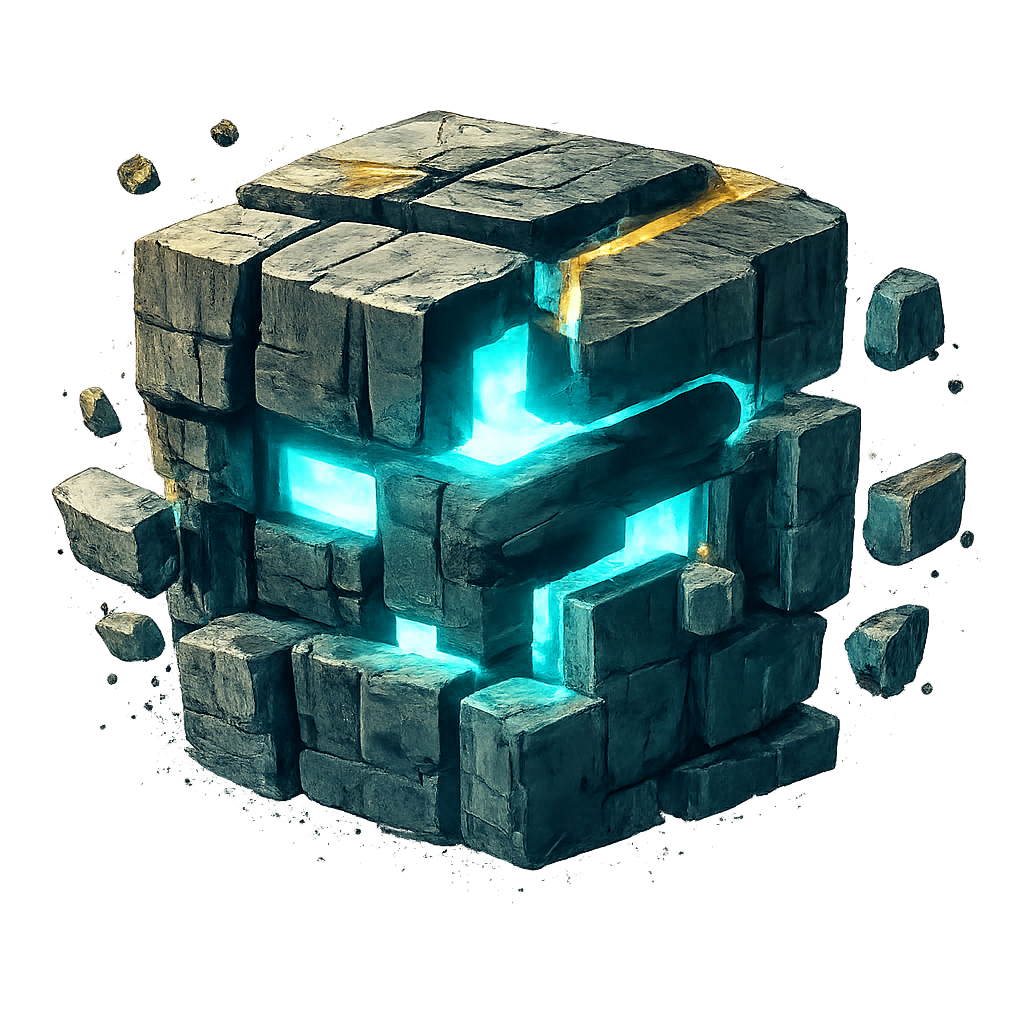
CurseForge · Minecraft mod
Every action has consequences. Plan ahead, conserve your strength, and survive a world that fights back.
Quick answer
Eroded World ErodedWorld-1.1.1_26.1_-_26.4-snapshot-3.jar targets 26.1, 26.1.1, 26.1.2 with Fabric. The project page does not say whether this file belongs on the client, dedicated server, or both. All 2 required mods have matching files.
Where it goes
The project page does not say whether this file belongs on the client, dedicated server, or both.
The source does not explicitly classify this release as client-only or server-only.
ErodedWorld-1.1.1_26.1_-_26.4-snapshot-3.jar on 26.3. Every mod below is checked against that same setup.
Install Cloth Config API (Fabric/Forge/NeoForge), Fabric API first. We found matching files for this game-version and loader setup.
We only count dependency files that match this setup. A file for another loader does not fill the gap.
Before you install it
Built for Eroded World ErodedWorld-1.1.1_26.1_-_26.4-snapshot-3.jar on 26.3. Pick another file and the loader, install side or required mods may change.
Use ErodedWorld-1.1.1_26.1_-_26.4-snapshot-3.jar. It targets 26.1, 26.1.1, 26.1.2 with Fabric; another release may have different loader, side or dependency requirements.
Install Cloth Config API (Fabric/Forge/NeoForge), Fabric API first. We found matching files for this game-version and loader setup.
The project page does not say whether this file belongs on the client, dedicated server, or both.
Use the “Get this file” button beside ErodedWorld-1.1.1_26.1_-_26.4-snapshot-3.jar. It opens that exact file at the source.
About this project
A world that remembers your actions — and makes you face the consequences.
Minecraft 1.21.6–1.21.11 | 26.1–26.4-snapshot-3 | Fabric
Minecraft survival is no longer just about gathering resources and building a shelter.
The world reacts to everything you do. The more you mine, the more unstable the underground becomes. Overexploitation damages the ecosystem, darkness hides new dangers, and even crafting requires effort.
Manage your Energy, master different materials, improve your equipment, and protect your territory.
Every action has a cost. Every decision matters.
The safest place in an increasingly dangerous world.
The spawn area provides protection against various threats, including destructive explosions. But safety has its limits — true adventure begins beyond its borders.
Darkness is no longer just a visual effect.
Caves, abandoned mineshafts, and deep underground areas become increasingly dangerous. Ordinary torches provide temporary safety, but you'll need to keep placing them as you explore.
Want portable lighting instead?
The deeper you venture, the more important light becomes.
Your Energy represents your physical condition and limits what you can accomplish.
Mining, sprinting, dodging, crafting, repairing, and operating various workstations consume Energy.
When exhausted, your ability to work and move becomes restricted.
Restore Energy by:
Plan your activities carefully — exhaustion at the wrong moment can be dangerous.
The underground remembers how much you've taken from it.
Excessive mining gradually destabilizes the surrounding area, increasing the danger of cave-ins and encounters with aggressive creatures.
Some underground enemies can even extinguish your torches!
Dig carefully. The underground isn't always forgiving.
One of your most valuable companions underground.
While held:
When placed:
A powerful emergency tool for dangerous underground expeditions.
Nature reacts to prolonged exploitation.
Repeated mining and environmental damage gradually degrade the affected territory.
As conditions worsen:
The best defense is prevention.
Avoid continuously exploiting the same chunk and give damaged areas time to recover.
Build your home without constantly worrying about griefing.
Protect your territory using a Territorial Module and a Territorial Anchor.
Territorial protection does not completely prevent hostile mobs from entering, so defending your base remains important.
Death is dangerous, but losing everything doesn't have to be permanent.
Death Chest
Death Compass
Respawn Protection
Getting your belongings back is part of the adventure.
Crafting is no longer a simple matter of combining ingredients.
Creating and repairing equipment consumes Energy, and the quality of your work determines how effective your equipment becomes.
Items can receive three quality levels:
Quality can affect an item's durability and performance.
The quality system also extends to repairs, upgrades, and compatible item transformations.
Become more skilled with the materials you use.
Material Mastery introduces independent experience progression for different materials, including wood, leather, stone, iron, gold, diamond, and netherite.
Mastering iron doesn't automatically make you an expert with diamonds.
Practice matters. Experience matters. Quality matters.
Energy consumption now extends beyond the standard Crafting Table.
Supported workstations include:
Poor-quality equipment cannot be repaired under the new repair rules.
Bulk crafting has also been improved with updated Energy accounting, Material Mastery progression, and quality handling.
Automated Crafters produce Poor-quality equipment, preserving the importance of player crafting skills.
Eroded World offers extensive configuration options for Energy, crafting, combat, darkness, environmental degradation, territorial protection, and other gameplay systems.
Legacy Configuration Support
Existing worlds can be upgraded, but backing up your world and configuration before updating is strongly recommended.
Existing general crafting experience is preserved, while the new Material Mastery system begins with separate progression.
| Minecraft | Java |
|---|---|
| 1.21.6–1.21.11 | Java 21 |
| 26.1–26.3 | Java 25 |
| 26.4-snapshot-3 | Java 25 |
Mod Loader: Fabric
Note: Minecraft 26.4-snapshot-3 support is experimental. Compatibility with the final Minecraft 26.4 release is not guaranteed.
Mine too aggressively, and the underground becomes unstable.
Neglect the environment, and nature fights back.
Waste your Energy, and even simple tasks become difficult.
Master your materials, protect your territory, and learn to survive in a world that responds to your decisions.
Eroded World — Survival with consequences.
Project description from CurseForge.
Pick your setup
Choose the version and loader you play, then open the matching release.
Showing the newest 12 of 14 game versions. Older files are in the list below.
Check the dependencies, then try the file in a copied instance before changing a world you care about.
Recent files
ErodedWorld-26.1_-_26.4-snapshot-3.jar
25 Oct 2026
Looking for an older file? The official CurseForge project page is in Resources.
 mod
modA vanilla+ expansion that introduces lead ore, customizable leaded glass & more. Includes compatibility with Create & Farmer's Delight!
 mod
modConfig API with automatic GUIs, powerful validation options, server-client sync, and more!
 mod
modA lightweight utility for recipe and tag manipulation via simple JSON configuration!