Fabric API Needed by miningz-1.0.2+1.21.1
requiredMatching file found Matched file: [1.21.1] Fabric API 0.116.17+1.21.1
CurseForge · Minecraft mod
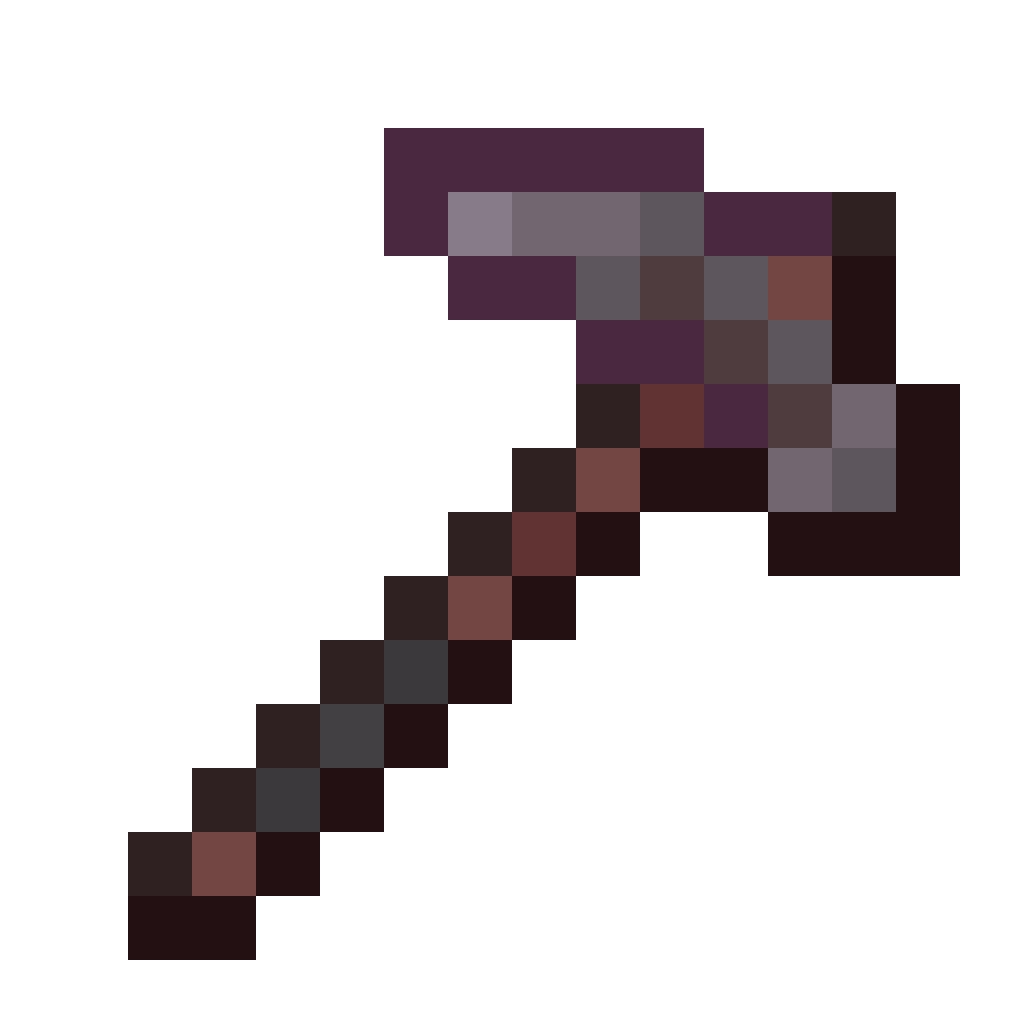
Designed to gently bring back the **Harvest Level** mechanic for blocks. It also adds Prospector Picks, which are really handy for finding resources without making a big mess of the terrain.
Quick answer
miningz-1.0.2+1.21.1 targets 1.21.1 with Fabric. The project page does not say whether this file belongs on the client, dedicated server, or both. All 3 required mods have matching files.
Where it goes
The project page does not say whether this file belongs on the client, dedicated server, or both.
The source does not explicitly classify this release as client-only or server-only.
miningz-1.0.2+1.21.1. Change the file and its required mods may change too.
Install Fabric API, Cloth Config API (Fabric/Forge/NeoForge), Cloth Config API first. We found matching files for this game-version and loader setup.
We only count dependency files that match this setup. A file for another loader does not fill the gap.
Before you install it
Built for miningz-1.0.2+1.21.1. Pick another file and the loader, install side or required mods may change.
Use miningz-1.0.2+1.21.1. It targets 1.21.1 with Fabric; another release may have different loader, side or dependency requirements.
Install Fabric API, Cloth Config API (Fabric/Forge/NeoForge), Cloth Config API first. We found matching files for this game-version and loader setup.
The project page does not say whether this file belongs on the client, dedicated server, or both.
Use the “Get this file” button beside miningz-1.0.2+1.21.1. It opens that exact file at the source.
About this project
Designed to gently bring back the Harvest Level mechanic for blocks.
It helps make sure players are using the right tier of tools for the job, just like in the old modpacks.
It also adds Prospector Picks, which are really handy for finding resources without making a big mess of the terrain.
Everything is fully configurable, so you can set it up exactly how you like it.
This feature lets you restore the mining hierarchy. You can decide which harvest level is required to break specific blocks.
It’s quite easy to configure. You can simply add your settings via a datapack right here:
Path: data\modid\mining\YOURFILE.json
{
  "1": {
    "replace": false,
    "items": [
      "minecraft:stone_pickaxe"
    ],
    "blocks": [
      "minecraft:stone",
      "minecraft:sandstone"
    ]
  },
  "2": {
    "replace": false,
    "items": [
      "minecraft:diamond_pickaxe"
    ],
    "blocks": [
      "minecraft:coal_ore",
      "minecraft:redstone_ore"
    ]
  }
}
To help you out while mining, we’ve included Prospector Picks. These allow you to dig into blocks and check for nearby ores.
When you use one, it will let you know what it found via a subtle text notification. Just enough to be helpful without cluttering up your chat.
If you want to adjust which blocks the picks work on, you can adjust the block tag:
Path: data\miningz\tags\block\prospector_blocks.json
{
  "replace": true,
  "values": [
    "#c:ores",
    "minecraft:amethyst_block"
  ]
}
If you don't know how to create a datapack check out Data Pack Wiki website and try to create your first one for the vanilla game.\
MiningZ is a mod built for the Fabric Loader. It requires Fabric API and Cloth Config API to be installed separately; all other dependencies are installed with the mod.
MiningZ is licensed under MIT.


Project description from CurseForge.
Pick your setup
Choose the version and loader you play, then open the matching release.
Check the dependencies, then try the file in a copied instance before changing a world you care about.
Recent files
miningz-1.0.2.jar
30 Oct 2026
miningz-1.0.1.jar
15 May 2026
miningz-1.0.0.jar
18 Feb 2026
Looking for an older file? The official CurseForge project page is in Resources.
 mod
modA Cobblemon addon to make cooking pot faster and automation friendly.
 mod
modAn Aeronautics expansion mod that adds items useful for designing vehicles, as well as practical utility items such as universal joints and kinetic converters.
 mod
modBuildCraft 7.x and 8.x improved and unified on modern MC: pipes, engines, oil, quarries, builders, logic gates AND robots.

