UniMixins Needed by angellib-1.0.1-curseforge.jar
requiredMatching file found Matched file: UniMixins 0.3.1

CurseForge · Minecraft mod
Angelic Industries library mod.
Quick answer
angellib-1.0.1-curseforge.jar targets 1.7.10 with Forge. The project page does not say whether this file belongs on the client, dedicated server, or both. All 1 required mods have matching files.
Where it goes
The project page does not say whether this file belongs on the client, dedicated server, or both.
The source does not explicitly classify this release as client-only or server-only.
angellib-1.0.1-curseforge.jar. Change the file and its required mods may change too.
Install UniMixins first. We found matching files for this game-version and loader setup.
We only count dependency files that match this setup. A file for another loader does not fill the gap.
Before you install it
Built for angellib-1.0.1-curseforge.jar. Pick another file and the loader, install side or required mods may change.
Use angellib-1.0.1-curseforge.jar. It targets 1.7.10 with Forge; another release may have different loader, side or dependency requirements.
Install UniMixins first. We found matching files for this game-version and loader setup.
The project page does not say whether this file belongs on the client, dedicated server, or both.
Use the “Get this file” button beside angellib-1.0.1-curseforge.jar. It opens that exact file at the source.
About this project
A shared code library and tweak/fix mod.








server-icon.gif file in the server root directory. Size limits are configurable. HodgePodge is a soft dependency, required if you want to use larger GIFs (because of the packet size limit). 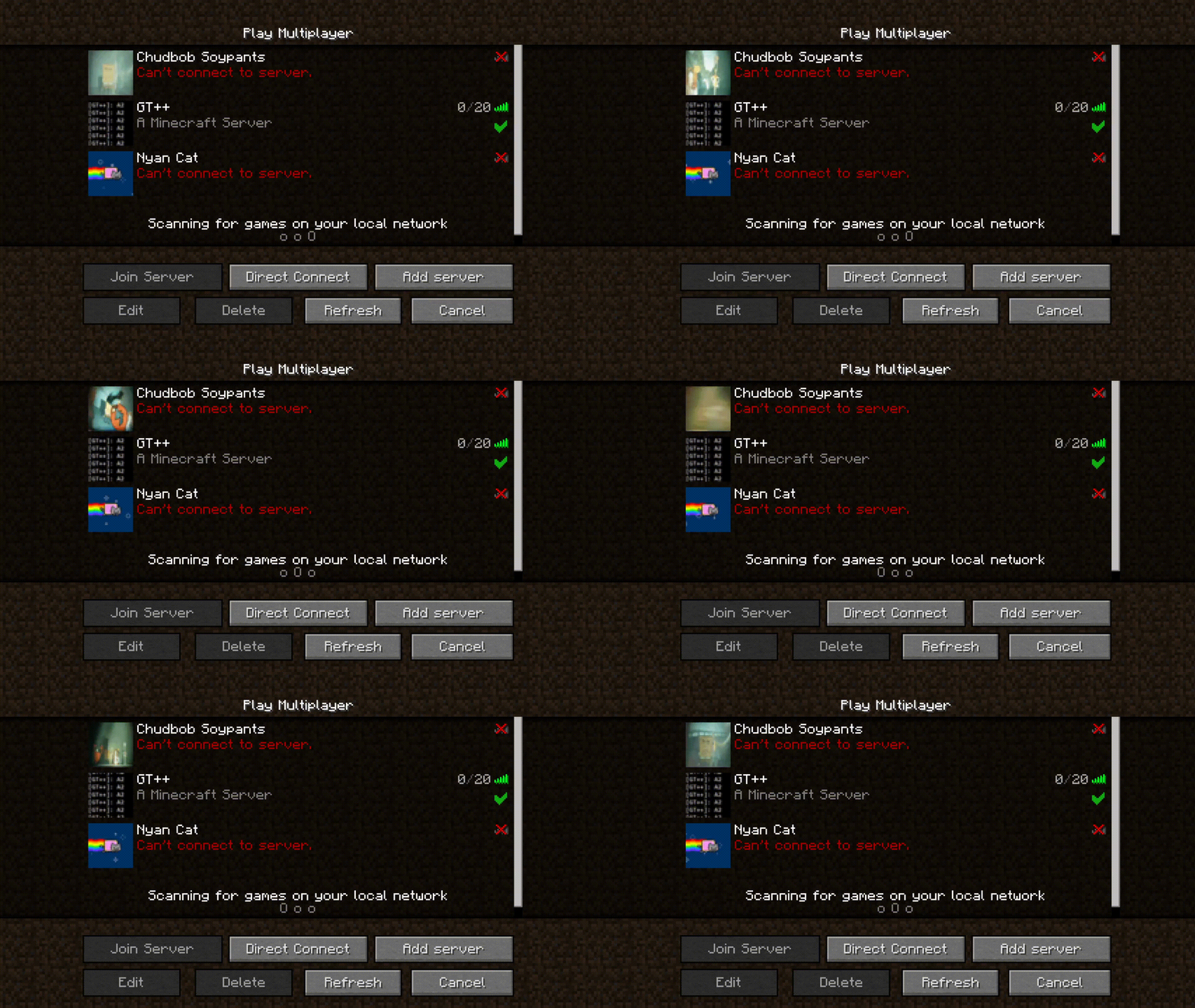 Use the
/reload_icon command to reload the icon. Also works for server-icon.png.S00PacketServerInfo packet. Example:public class ClientProxy extends CommonProxy {
@Override
public void preInit(FMLPreInitializationEvent event) {
S00PacketServerInfoModifyService.registerDeserializeHandler((response, fentlibData, serverData) -> {
if (fentlibData.has("server_to_client_payload")) {
// Yoohoo we got something back!!!!
// serverData contains stuff like server IP
}
});
}
}
public class CommonProxy {
public void preInit(FMLPreInitializationEvent event) {
if (MiscUtil.isServer()) {
S00PacketServerInfoModifyService.registerHandler((response, fentLibPresent) -> {
// fentLibPresent is just a boolean indicating whether fentlib is loaded
return "server_to_client_payload";
// You can return a String, a S00PacketServerInfoModifyService.KeyValue, or a JsonElement. If you return
// a non-null value, it will be passed back to the client
});
}
}
}
/dump_thaumonomicon <Optional Comment> command. Run it from the client, and all Thaumcraft research will be dumped as a static website. The comment will be visible under the page title, and you can indicate the pack or mods for with which the dump was done. 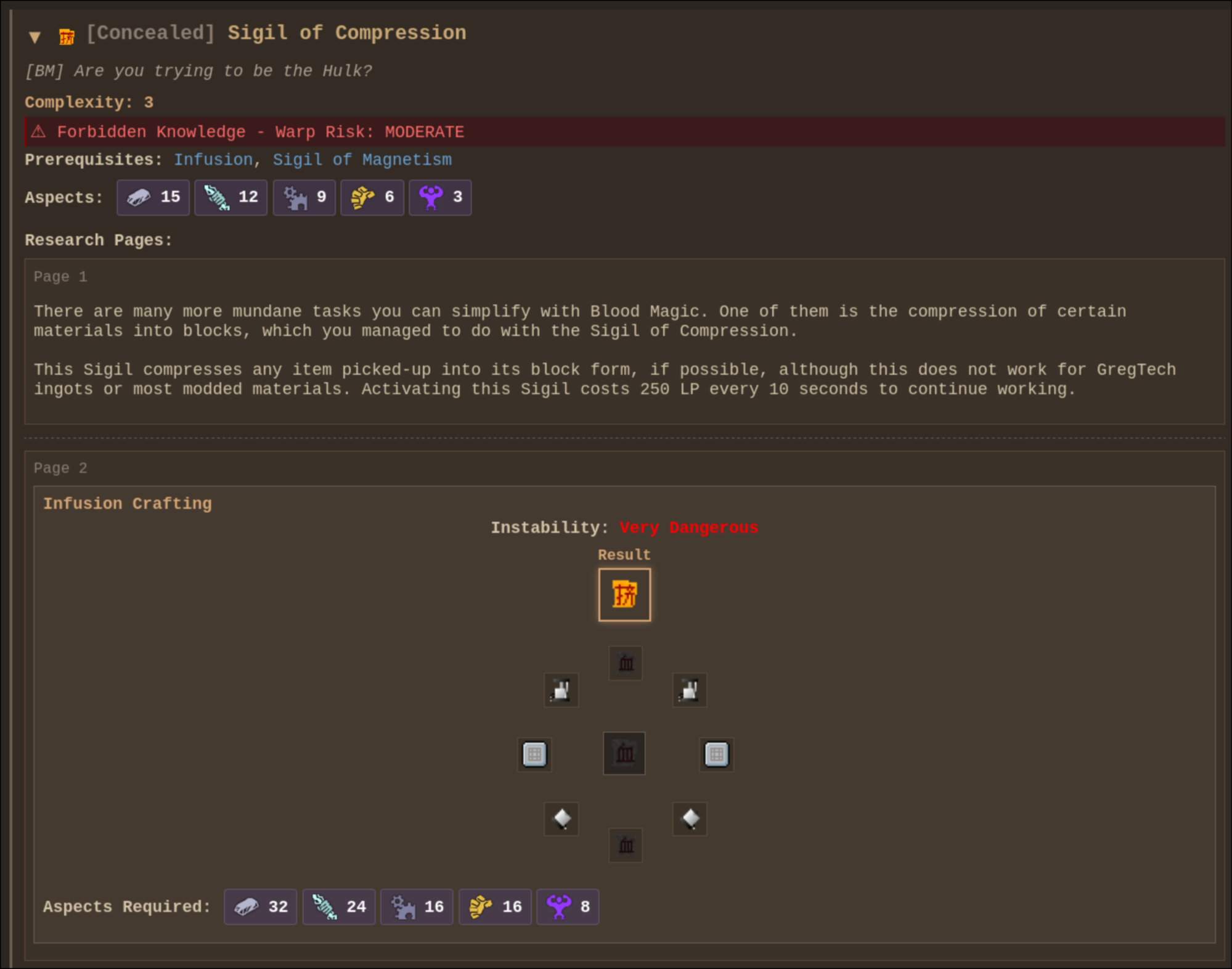
/warpdim [dimension ID] command. Painlessly warp to a dimension (meant for debugging).SessionAccessTokenOverrideMixin allows overriding the session access token in dev launches via -Dfentlib.accessTokenOverride=<token>.SoundUtil.withMaxDistance(ISound sound, float maxDistance);
SoundUtil.playWithMaxDistance(ISound sound, float maxDistance);
SoundUtil.playWithMaxDistance(SoundHandler soundHandler, ISound sound, float maxDistance);
SoundUtil.playAt(ResourceLocation soundResource, double x, double y, double z, float volume, float pitch, float maxDistance);
Example:
SoundUtil.playAt(waveSound, x, y, z, 0.25F, 1.0F, 64.0F);
config/fentlib/http-port-routes.json so services like Dynmap can be reached through the server port, such as /dynmap/..., instead of separate ports. Set publicBaseUrl in config/fentlib/fentlib.cfg to the public base URL of the server; mods should append their own relative route paths on top of it.server-icon.qoi is implemented.server-icon.webp is implemented.serverIconDirectory config option.Set enableFishingLootTable=true in config/fentlib/fentlib.cfg to enable FentLib's fishing override. The loot table lives at config/fentlib/fishing-loot.json. When enabled, vanilla still decides whether a catch is fish, junk, or treasure, but the item itself comes only from this JSON.
The JSON has top-level fish, junk, and treasure lists. Each entry uses vanilla-style weight, supports count and meta ranges, can be limited to a biome whitelist with biomes or inverted into a blacklist with invertBiomes, and biome selectors can be numeric IDs, biome names, or * to match any biome. Entries can also use explicit numeric enchant IDs or useVanillaEnchantingRules for vanilla-style random enchanting.
{
  "fish": [
    {
      "item": "minecraft:fish",
      "weight": 60,
      "count": { "min": 1, "max": 1 },
      "meta": { "min": 0, "max": 0 }
    },
    {
      "item": "minecraft:fish",
      "weight": 10,
      "count": { "min": 1, "max": 2 },
      "meta": { "min": 1, "max": 1 },
      "biomes": ["ocean", "river"]
    }
  ]
}
./gradlew build.
LGPLv3.
893tQ56jWt7czBsqAGPq8J5BDnYVCg2tvKpvwTcMY1LS79iDabopdxoUzNLEZtRTH4ewAcKLJ4DM4V41fvrJGHgeKArxwmJ
Project description from CurseForge.
Pick your setup
Choose the version and loader you play, then open the matching release.
Check the dependencies, then try the file in a copied instance before changing a world you care about.
Recent files
12 Nov 2026
15 Oct 2026
6 Sept 2026
14 Jul 2026
11 Jul 2026
23 Jun 2026
12 Jun 2026
29 May 2026
21 May 2026
14 May 2026
4 May 2026
10 Mar 2026
Looking for an older file? The official CurseForge project page is in Resources.
 mod
A robot helper that chops, digs, hunts, farms, smelts and sorts your loot into labeled chests, and acts like a real player.
 mod
This mod adds an in-game enchantment merge optimizer to the vanilla Anvil GUI.
 mod
Death Engine overhauls Minecraft combat with injury states, downed players, lootable corpses, and adrenaline-based revival.


