Minecraft version
Back to mods 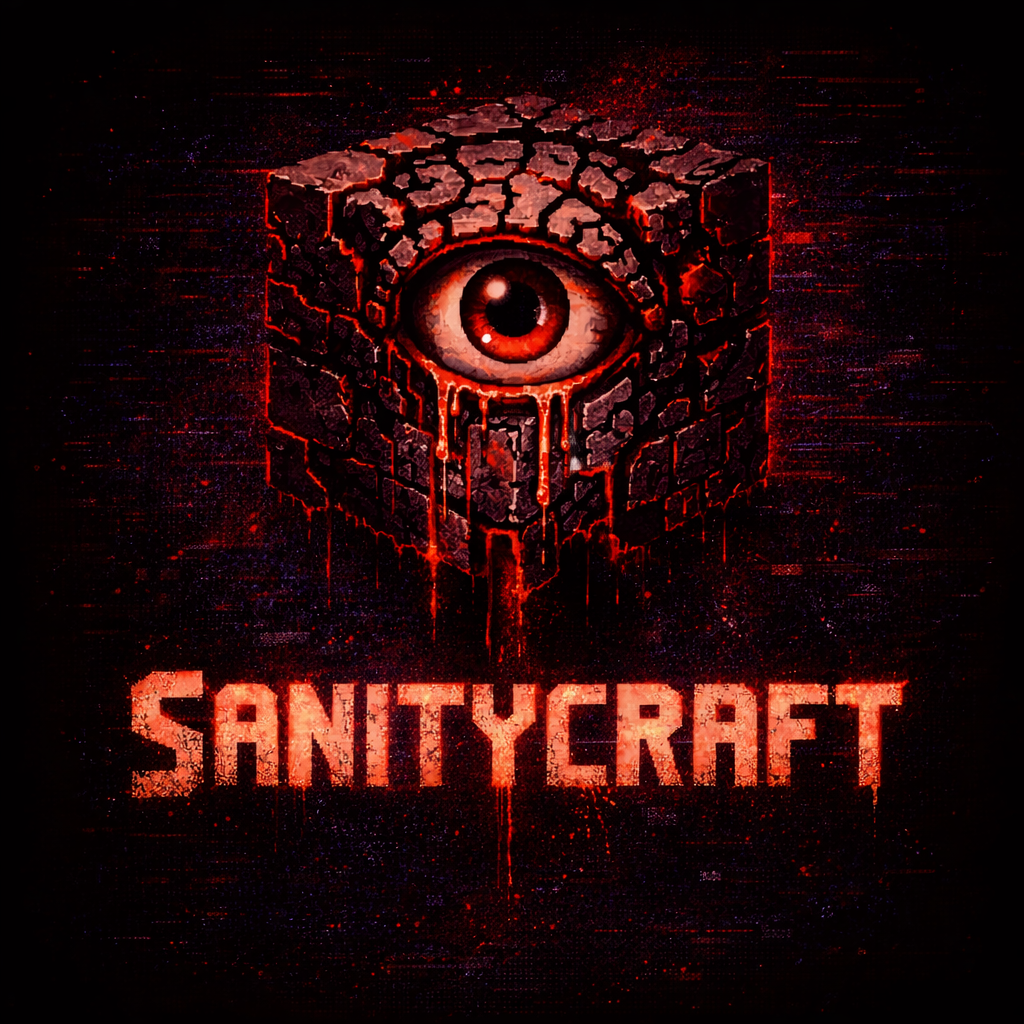
CurseForge · Minecraft mod
SanityCraft
Survive not only the world, but your own mind with SanityCraft's sanity and hallucination system.
Choose a version Pick your version below, then grab the matching file.
Quick answer
Which SanityCraft release should I use?
Latest stable file sanitycraft-0.1.3.jar
Game version 1.21.8
Loader Fabric
sanitycraft-0.1.3.jar targets 1.21.8 with Fabric. The project page does not say whether this file belongs on the client, dedicated server, or both. No extra mods listed for this file.
Where it goes
Is SanityCraft required on the client, server, or both?
The project page does not say whether this file belongs on the client, dedicated server, or both.
Client Source doesn’t say
Dedicated server Source doesn’t say
Loader for this release Fabric
Required install it here Optional supported, not mandatory Not supported do not install here Source doesn’t say do not assume
The source does not explicitly classify this release as client-only or server-only.
What else does sanitycraft-0.1.3.jar need?
sanitycraft-0.1.3.jar. Change the file and its required mods may change too.
This file does not list any required mods. Do not add a library just because a different file uses it.
This file does not list any required or optional mods.
Before you install it
Add SanityCraft without breaking your instance.
Built for sanitycraft-0.1.3.jar. Pick another file and the loader, install side or required mods may change.
- 01
Stick to this file
Use sanitycraft-0.1.3.jar. It targets 1.21.8 with Fabric; another release may have different loader, side or dependency requirements.
- 02
Bring the mods it needs
This file does not list any required mods. Do not add a library just because a different file uses it.
- 03
Put it on the correct side
The project page does not say whether this file belongs on the client, dedicated server, or both.
- 04
Pick the file you checked
Use the “Get this file” button beside sanitycraft-0.1.3.jar. It opens that exact file at the source.
About this project
What does SanityCraft add?
🧠 SanityCraft
SanityCraft is a psychological survival mod that introduces a Sanity system to Minecraft.
Your mind becomes part of your survival.
Darkness, hostile creatures, isolation, and dangerous environments slowly erode your sanity.
As your sanity drops, the world begins to change…
You may hear whispers in the distance, see shadows moving between the trees, or encounter disturbing hallucinations that blur the line between reality and imagination.
Survive not only the world — but your own mind.
⚙️ Features
🧠 Sanity System
A new Sanity bar appears on your HUD.
Your mental state is affected by your environment.
Sanity decreases when:
- Staying too long in darkness
- Exploring caves or underground areas
- Being near hostile mobs
- Remaining in dangerous environments
Sanity can be restored by:
- Staying near light sources
- Resting or sleeping
- Using stabilizing items
👁️ Psychological Effects
As your sanity drops, disturbing effects may occur:
- Whispers and strange sounds
- Visual distortions
- Hallucinations
- Shadow entities appearing around you
The lower your sanity becomes, the more unstable reality feels.
🔥 Survival Through Light
Light becomes your best ally.
Torches, campfires, and safe areas help keep your mind stable.
But if you wander too long in the darkness…
your mind may collapse.
🧪 Planned Features
- New hallucination entities
- Psychological events
- Advanced sanity effects
- New survival items
🎮 Gameplay Vision
SanityCraft aims to turn Minecraft into a psychological survival experience where the greatest danger is not always the monsters…
…but your own mind.
🛠 Development
This mod is currently under active development.
Feedback and suggestions are welcome!
📦 Installation
- Install Fabric Loader
- Install Fabric API
- Download SanityCraft
- Place the
.jarfile inside yourmodsfolder - Launch Minecraft
⚠️ Warning
This mod contains psychological horror elements and disturbing visual/audio effects.
❤️ Credits
Created by Nekuzaky
Project description from CurseForge.
Pick your setup
SanityCraft by Minecraft version and loader
Choose the version and loader you play, then open the matching release.
Check the dependencies, then try the file in a copied instance before changing a world you care about.
Recent files
SanityCraft versions and loaders
sanitycraft-0.1.3.jar
sanitycraft-0.1.0.jar
14 Mar 2026
Client Source doesn’t say Server Source doesn’t say Dependencies No extras listed Listed on Release listing
Check the 1.21.8 · Fabric setup Fabric1.21.8 release
sanitycraft-0.1.2-fabric-1.21.8.jar
11 Mar 2026
Client Source doesn’t say Server Source doesn’t say Dependencies No extras listed Listed on Release listing
Check the 1.21.8 · Fabric setup Fabric1.21.8 beta
sanitycraft-0.1.1-fabric-1.21.8.jar
sanitycraft-0.1.0-fabric-1.21.8.jar
11 Mar 2026
Client Source doesn’t say Server Source doesn’t say Dependencies No extras listed Listed on Release listing
Check the 1.21.8 · Fabric setup Fabric1.21.8 beta
sanitycraft-0.1.0-fabric-1.21.8.jar
11 Mar 2026
Client Source doesn’t say Server Source doesn’t say Dependencies No extras listed Listed on Release listing
Check the 1.21.8 · Fabric setup Fabric1.21.8 beta
Looking for an older file? The official CurseForge project page is in Resources.
 mod
mod CurseForge · Minecraft
Bandage
A lightweight survival mod that adds bandages, medical kits and medical crafting supplies, allowing players to recover health directly without relying on hunger, saturation or natural regeneration
 mod
mod CurseForge · Minecraft
Flat Bedrock
Make the bedrock layer of your world flat!
 mod
mod CurseForge · Minecraft
Sneaky Tweaks
Minor tweaks and enhancements related to what happens when you sneak around