Minecraft version
Back to mods 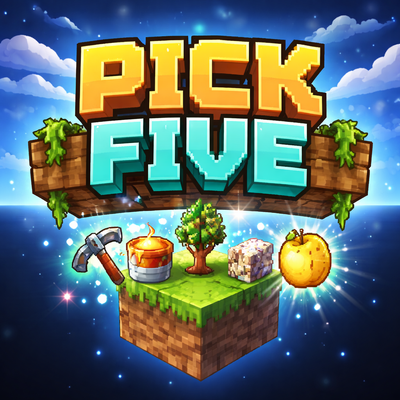
CurseForge · Minecraft mod
Pick Five
Start on one dirt block. Choose any 5 items in the game as your starter kit. Survive, progress, and see how fast you can win.
Choose a version Pick your version below, then grab the matching file.
Quick answer
Which Pick Five release should I use?
Latest stable file pick5-1.0.0.jar
Game version 1.21.8
Loader NeoForge
Pick Five pick5-1.0.0.jar targets 1.21.8 with NeoForge. The project page does not say whether this file belongs on the client, dedicated server, or both. No extra mods listed for this file.
Where it goes
Is Pick Five required on the client, server, or both?
The project page does not say whether this file belongs on the client, dedicated server, or both.
Client Source doesn’t say
Dedicated server Source doesn’t say
Loader for this release NeoForge
Required install it here Optional supported, not mandatory Not supported do not install here Source doesn’t say do not assume
The source does not explicitly classify this release as client-only or server-only.
What else does Pick Five pick5-1.0.0.jar need?
pick5-1.0.0.jar. Change the file and its required mods may change too.
This file does not list any required mods. Do not add a library just because a different file uses it.
This file does not list any required or optional mods.
Before you install it
Add Pick Five without breaking your instance.
Built for Pick Five pick5-1.0.0.jar. Pick another file and the loader, install side or required mods may change.
- 01
Stick to this file
Use pick5-1.0.0.jar. It targets 1.21.8 with NeoForge; another release may have different loader, side or dependency requirements.
- 02
Bring the mods it needs
This file does not list any required mods. Do not add a library just because a different file uses it.
- 03
Put it on the correct side
The project page does not say whether this file belongs on the client, dedicated server, or both.
- 04
Pick the file you checked
Use the “Get this file” button beside pick5-1.0.0.jar. It opens that exact file at the source.
About this project
What does Pick Five add?
Pick Five
Start with nothing but one dirt block and one choice: pick your five.
Pick Five is a Minecraft survival challenge mod where every new world begins the same way:
you spawn on a single dirt block with nothing else around you and a Magic Paper in your hand.
Right-click the paper to open a searchable item picker and choose exactly 5 starter items from the game.
That is your run.
That is your strategy.
That is your chance to prove your route is the best.
How it works
- You spawn on a single dirt block
- You begin with a Magic Paper
- Right-click the paper to open the starter selection menu
- Choose exactly 5 items
- Confirm your choices and begin your survival run
- The paper is removed after use
- Each new world starts fresh
The challenge
Everybody starts under the same rule:
You only get five starting items.
After that, it is all about planning, efficiency, and survival.
Try it your way:
- Go for the safest survival setup
- Try risky speedrun routes
- Attempt a Hardcore clear
- Challenge friends to use the same five items
- Compete to see who can beat Minecraft the fastest
Why Pick Five?
Most survival challenge mods force one route.
Pick Five does the opposite.
You create your own opening strategy.
Every run can be different.
Every choice matters.
A lava bucket, sapling, and ice might be enough for one player.
Another might build around food, combat, or pure progression.
The best five is up to you.
Current version
This first release places you on a single dirt block high in the sky with no other starting blocks around you.
It is simple, direct, and built for challenge runs.
Loader / Version
- Minecraft: 1.21.8
- Loader: NeoForge
Good challenge ideas
- Beat Minecraft with your best 5-item opening
- Hardcore mode challenge
- Same-seed friend challenge
- Randomized self-imposed 5-item runs
- Speedrun competitions
First release
Pick Five 1.0 is the first public release.
If you find bugs or weird edge cases, report them and I’ll improve it.
Project description from CurseForge.
Pick your setup
Pick Five by Minecraft version and loader
Choose the version and loader you play, then open the matching release.
Check the dependencies, then try the file in a copied instance before changing a world you care about.
Recent files
Pick Five versions and loaders
pick5-1.0.0.jar
25 Mar 2026
Client Source doesn’t say Server Source doesn’t say Dependencies No extras listed Listed on Release listing
Check the 1.21.8 · NeoForge setup 1.21.8NeoForge release
Looking for an older file? The official CurseForge project page is in Resources.
 mod
mod CurseForge + Modrinth · Minecraft
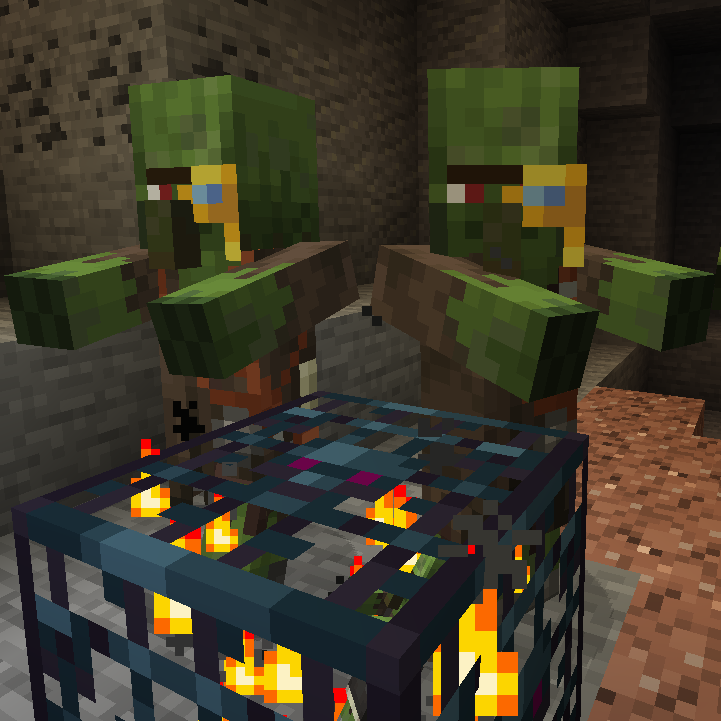
Zombie Villagers From Spawner
🧟♂ Returns the ability for zombie spawners to spawn the villager variant, removed in 1.11.
 mod
mod CurseForge · Minecraft
CityWorld ReForged
A procedural NeoForge world generator that fills Minecraft with endless, fully-furnished cities — roads, buildings, mines, sewers, farms and wild nature — deterministically built from your world seed.
 mod
mod CurseForge + Modrinth · Minecraft
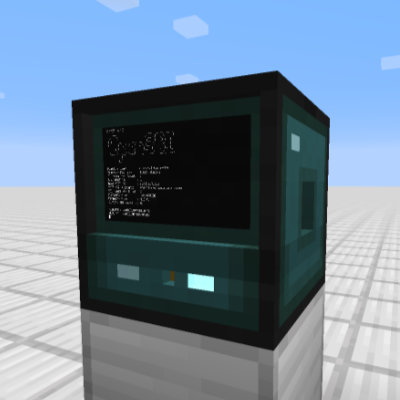
OpenComputers II
Computers and robots for automating things via in-game scripting.