Minecraft version
Back to mods 
CurseForge · Minecraft mod
Keybind Atlas
Keybind overlay for modpacks that shows what every key does at a glance.
Choose a version Pick your version below, then grab the matching file.
Quick answer
Which Keybind Atlas release should I use?
Latest stable file KeybindAtlas-v2.0.0-mc26.2-neoforge.jar
Game version 26.2
Loader NeoForge
Keybind Atlas KeybindAtlas-v2.0.0-mc26.2-neoforge.jar targets 26.2 with NeoForge. The project page does not say whether this file belongs on the client, dedicated server, or both. No extra mods listed for this file.
Where it goes
Is Keybind Atlas required on the client, server, or both?
The project page does not say whether this file belongs on the client, dedicated server, or both.
Client Source doesn’t say
Dedicated server Source doesn’t say
Loader for this release NeoForge
Required install it here Optional supported, not mandatory Not supported do not install here Source doesn’t say do not assume
The source does not explicitly classify this release as client-only or server-only.
What else does Keybind Atlas KeybindAtlas-v2.0.0-mc26.2-neoforge.jar need?
KeybindAtlas-v2.0.0-mc26.2-neoforge.jar. Change the file and its required mods may change too.
This file does not list any required mods. Do not add a library just because a different file uses it.
This file does not list any required or optional mods.
Before you install it
Add Keybind Atlas without breaking your instance.
Built for Keybind Atlas KeybindAtlas-v2.0.0-mc26.2-neoforge.jar. Pick another file and the loader, install side or required mods may change.
- 01
Stick to this file
Use KeybindAtlas-v2.0.0-mc26.2-neoforge.jar. It targets 26.2 with NeoForge; another release may have different loader, side or dependency requirements.
- 02
Bring the mods it needs
This file does not list any required mods. Do not add a library just because a different file uses it.
- 03
Put it on the correct side
The project page does not say whether this file belongs on the client, dedicated server, or both.
- 04
Pick the file you checked
Use the “Get this file” button beside KeybindAtlas-v2.0.0-mc26.2-neoforge.jar. It opens that exact file at the source.
About this project
What does Keybind Atlas add?
Keybind Atlas
Keybind Atlas is a client-side visual keybinding overlay that shows players what every key does, across vanilla and modded content.
How? When players open the atlas(default key K), it reads their current keybinding state and renders a live visual map of their keyboard and mouse. Each key is color-coded based on whether it's assigned, unused, or hidden, and hovering over a key shows an info box with the action name and source mod. Players can also enter edit mode to manage bindings directly from the overlay.
Why? Modpack controls get crowded fast. Instead of digging through long controls menus, players can open a readable map and understand where bindings come from at a glance, and easily edit them.
<center>  </center>
Features
Live Visual Overview
Keybind Atlas reads the current keybinding state from vanilla Minecraft and installed mods, then renders a live map of the player's keyboard and mouse. If a player changes a binding or adds a mod, the atlas updates dynamically.
Keys are visually separated by state:
- Assigned for keys with active bindings
- Unused for free keys
- Hidden for bindings the player chooses to keep out of the overview
Hovering a key shows the action name and source mod. You can also search for a specific action or mod in the top search bar, highlighting the assigned keys.
In-Overlay Editing
Players can manage bindings directly from the overlay:
- Remove or rebind an assigned key
- Browse unassigned bindings grouped by mod
- Assign actions to new keys
- Undo changes, discard them, or apply them when ready
- List all changes before applying
<center>  </center>
Keybind Sets
You can create and manage multiple keybind sets, allowing you to switch between different configurations easily. Each set is saved as a JSON file in the config folder, and you can rename or delete sets as needed. The selected set is remembered and automatically tracks edits. Includes a keybind to cycle between sets (default Alt+K).
Each snapshot is its own JSON file under config/keybindatlas/sets/, containing a display name and bindings mapped to key and modifier values. Names must be unique (case-insensitive).
Filtering and Customization
Players can filter visible bindings by mod or by specific actions to reduce noise and focus on the controls that matter. The atlas also supports custom color-coded categories for organizing assigned bindings, including creating, editing, and deleting categories directly in the overlay. Keyboard layout selection, function and extra key toggles, animation controls, hidden-binding controls, 16px and 32px pixel-art resolution, persisted mod and binding filters, and panel styling options are also available.
The Box Layout & Routing editor under Settings allows changes to box sizing, spacing, and connector preferences.
Why should I add this to my modpack?
If your pack depends on many key-driven features, vehicles, abilities, gadgets, magic systems, or utility menus, this mod gives players a much better first impression of the control setup and helps new players learn the controls faster. Players can reassign controls as they see fit in the same screen.
I recommend using this mod along with Default Options mod to ship a custom keybinding setup with your modpack.
Other Info
- Side: Client-side only, no server installation is required.
- Default open key:
K - Open command:
/keybindatlas, handled client-side without server installation or operator permissions. - Supported keyboard layouts: US QWERTY, UK QWERTY, Brazilian ABNT2, French AZERTY, Belgian AZERTY, German QWERTZ, Swiss QWERTZ, Spanish QWERTY, Italian QWERTY, and Nordic QWERTY
- Mouse support: Integrated mouse visualization is included alongside the keyboard overlay.
- Supported localizations: English (US), English (UK), Portuguese (Brazil), French, German, Spanish, Italian, Dutch (Belgium), Danish, Swedish, Norwegian Bokmal, Finnish, Russian, and Simplified Chinese
Showcase Videos
Thank you to all the content creators who have showcased the mod! If you have a video featuring Keybind Atlas that you'd like to share, please let me know.
Kreksu
EnderVerse
Project description from CurseForge.
Pick your setup
Keybind Atlas by Minecraft version and loader
Choose the version and loader you play, then open the matching release.
Minecraft version
1.21.1
2 loader buildsMinecraft version
1.20.1
3 loader buildsCheck the dependencies, then try the file in a copied instance before changing a world you care about.
Recent files
Keybind Atlas versions and loaders
KeybindAtlas-v2.0.0-mc26.2-neoforge.jar
20 Oct 2026
Client Source doesn’t say Server Source doesn’t say Dependencies No extras listed Listed on Release listing
Check the 26.2 · NeoForge setup NeoForge26.2 release
KeybindAtlas-v2.0.0-mc1.20.1-fabric.jar
20 Oct 2026
Client Source doesn’t say Server Source doesn’t say Dependencies No extras listed Listed on Release listing
Check the 1.20.1 · Fabric setup Fabric1.20.1 release
KeybindAtlas-v2.0.0-mc1.21.1-fabric.jar
20 Oct 2026
Client Source doesn’t say Server Source doesn’t say Dependencies No extras listed Listed on Release listing
Check the 1.21.1 · Fabric setup Fabric1.21.1 release
KeybindAtlas-v2.0.0-mc1.21.1-neoforge.jar
18 Oct 2026
Client Source doesn’t say Server Source doesn’t say Dependencies No extras listed Listed on Release listing
Check the 1.21.1 · NeoForge setup 1.21.1NeoForge release
KeybindAtlas-v2.0.0-mc1.20.1-forge.jar
18 Oct 2026
Client Source doesn’t say Server Source doesn’t say Dependencies No extras listed Listed on Release listing
Check the 1.20.1 · Forge setup 1.20.1ForgeNeoForge release
KeybindAtlas-v1.4.0-mc1.20.1-forge.jar
11 May 2026
Client Source doesn’t say Server Source doesn’t say Dependencies No extras listed Listed on Release listing
Check the 1.20.1 · Forge setup 1.20.1ForgeNeoForge release
KeybindAtlas-v1.4.0-mc1.21.1-neoforge.jar
11 May 2026
Client Source doesn’t say Server Source doesn’t say Dependencies No extras listed Listed on Release listing
Check the 1.21.1 · NeoForge setup 1.21.1NeoForge release
KeybindAtlas-v1.3.1-mc1.21.1-neoforge.jar
3 May 2026
Client Source doesn’t say Server Source doesn’t say Dependencies No extras listed Listed on Release listing
Check the 1.21.1 · NeoForge setup 1.21.1NeoForge release
keybindatlas-1.3.1.jar
2 May 2026
Client Source doesn’t say Server Source doesn’t say Dependencies No extras listed Listed on Release listing
Check the 1.20.1 · Forge setup 1.20.1ForgeNeoForge release
keybindatlas-1.3.0.jar
2 May 2026
Client Source doesn’t say Server Source doesn’t say Dependencies No extras listed Listed on Release listing
Check the 1.20.1 · Forge setup 1.20.1Forge release
keybindatlas-1.2.0.jar
2 May 2026
Client Source doesn’t say Server Source doesn’t say Dependencies No extras listed Listed on Release listing
Check the 1.20.1 · Forge setup 1.20.1Forge release
keybindatlas-1.1.0.jar
30 Apr 2026
Client Source doesn’t say Server Source doesn’t say Dependencies No extras listed Listed on Release listing
Check the 1.20.1 · Forge setup 1.20.1Forge release
Looking for an older file? The official CurseForge project page is in Resources.
 mod
mod CurseForge + Modrinth · Minecraft
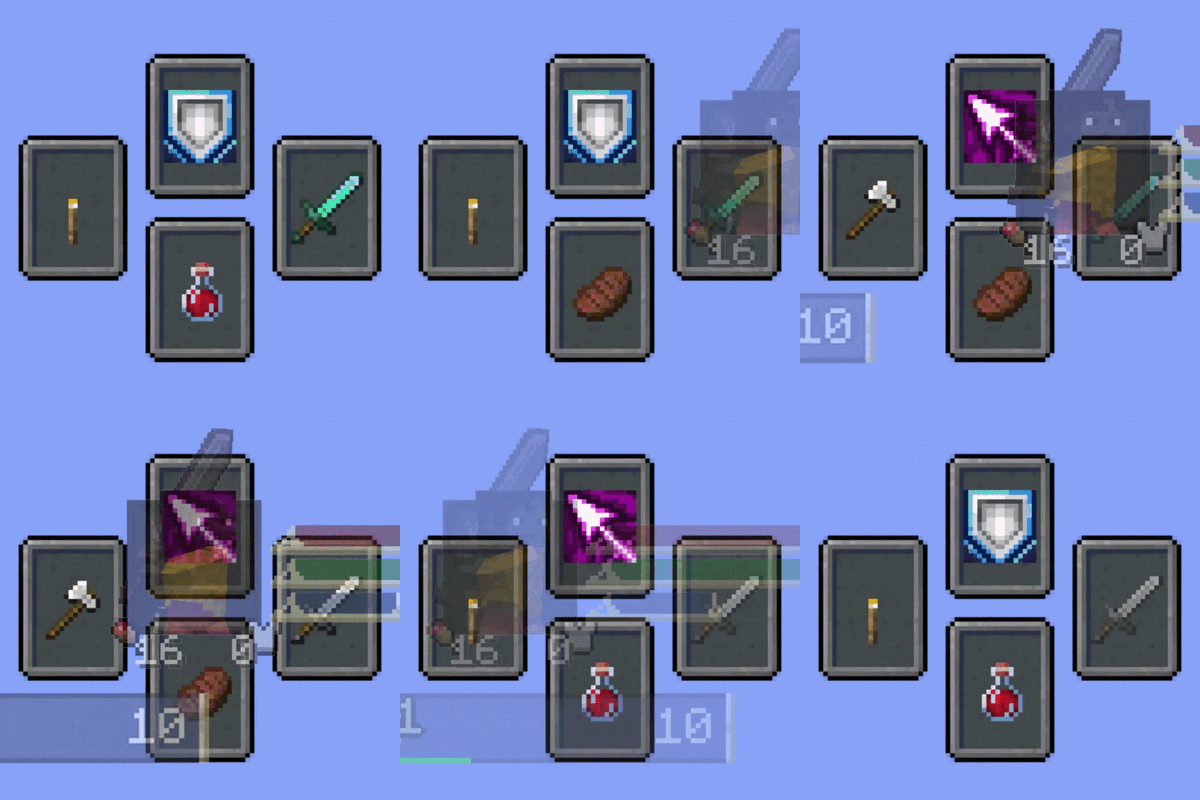
Souls Combat HUD
Adds a soulslike HUD featuring equipment slots, boss bar, status gauges and team display.
 mod
mod CurseForge + Modrinth · Minecraft
Universal Enchants
Better enchantments! Use them on all tools and weapons. Infinity crossbow, or looting trident anyone?
 mod
mod CurseForge · Minecraft
Fluxwolf
Empower tamed wolves — feed them to grow stronger and unleash a dazzling assault.