Lib 5555ff Optional for No Build Limit no-build-limit-v3.1.0
optionalMatching file found Matched file: 5555ff-lib-v1.2.1.0

CurseForge · Minecraft mod
Increased build height limit! Build from -64 to +2032
Quick answer
No Build Limit no-build-limit-v3.1.0 targets 26.3 with Fabric, Forge, NeoForge. The project page does not say whether this file belongs on the client, dedicated server, or both. No extra mods listed for this file.
Where it goes
The project page does not say whether this file belongs on the client, dedicated server, or both.
The source does not explicitly classify this release as client-only or server-only.
no-build-limit-v3.1.0. Change the file and its required mods may change too.
This file does not list any required mods. Do not add a library just because a different file uses it.
We only count dependency files that match this setup. A file for another loader does not fill the gap.
Before you install it
Built for No Build Limit no-build-limit-v3.1.0. Pick another file and the loader, install side or required mods may change.
Use no-build-limit-v3.1.0. It targets 26.3 with Fabric, Forge, NeoForge; another release may have different loader, side or dependency requirements.
This file does not list any required mods. Do not add a library just because a different file uses it.
The project page does not say whether this file belongs on the client, dedicated server, or both.
Use the “Get this file” button beside no-build-limit-v3.1.0. It opens that exact file at the source.
About this project






Increases the build height limit to Y = 2032
The min Y stays at Y = -64
How to install:
or fix it if your world got corrupted
If you remove it
Project description from CurseForge.
Pick your setup
Choose the version and loader you play, then open the matching release.
Showing the newest 12 of 13 game versions. Older files are in the list below.
Check the dependencies, then try the file in a copied instance before changing a world you care about.
Recent files
no-build-limit-v3.1.0.jar
30 Sept 2026
no-build-limit-v3.1.0.zip
30 Sept 2026
no-build-limit-v3.0.2.jar
4 Jul 2026
No-Build-Limit-v3.0.2.zip
4 Jul 2026
no-build-limit-v3.0.1.jar
24 May 2026
No-Build-Limit-v3.0.1.zip
24 May 2026
no-build-limit-v3.0.0.jar
19 Apr 2026
No-Build-Limit-v3.0.0.zip
19 Apr 2026
no-build-limit-v2.0.1.jar
3 Jan 2026
NoBuildLimit-[1.21.11+]-v2.0.1.zip
3 Jan 2026
no-build-limit-v2.0.0.jar
10 Nov 2025
NoBuildLimit-[1.21.6+]-v2.0.0.zip
10 Nov 2025
Looking for an older file? The official CurseForge project page is in Resources.
 mod
modA JEI/REI/EMI plugin that displays detailed enchantment information
 mod
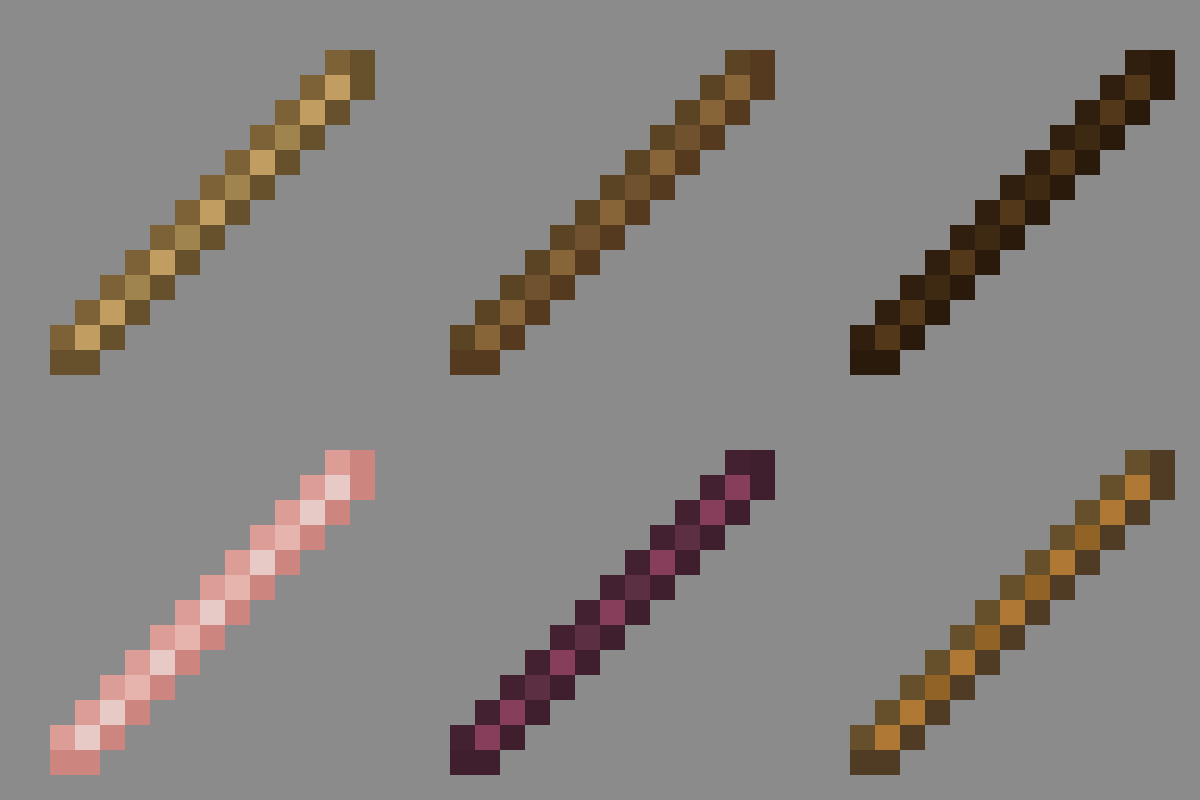
modMatches every stick to its source wood texture. Lightweight and vanilla friendly. Make your world feel more consistent!
 mod
modA Structure Datapack adding dungeons, taverns and other structures to find while you explore the world.