[ESL] Extra Special LIB Needed by [ESC] Extra Special Core extraspecialcore-2.0.3+1.21.1-neoforge
requiredMatching file found Matched file: extraspeciallib-1.1.0+1.21.1-neoforge
![[ESC] Extra Special Core project artwork](https://media.forgecdn.net/avatars/1989/728/639225631080989512.png)
CurseForge · Minecraft mod
ExtraSpecialCore bundles shared fonts and GUI helpers (EscText, EscButtons, EscSearchBox, panels) so Creatopia mods stay consistent. Library only—install when another mod lists it as required.
Quick answer
[ESC] Extra Special Core extraspecialcore-2.0.3+1.21.1-neoforge targets 1.21.1 with NeoForge. The project page does not say whether this file belongs on the client, dedicated server, or both. All 1 required mods have matching files.
Where it goes
The project page does not say whether this file belongs on the client, dedicated server, or both.
The source does not explicitly classify this release as client-only or server-only.
extraspecialcore-2.0.3+1.21.1-neoforge. Change the file and its required mods may change too.
Install [ESL] Extra Special LIB first. We found matching files for this game-version and loader setup.
We only count dependency files that match this setup. A file for another loader does not fill the gap.
Before you install it
Built for [ESC] Extra Special Core extraspecialcore-2.0.3+1.21.1-neoforge. Pick another file and the loader, install side or required mods may change.
Use extraspecialcore-2.0.3+1.21.1-neoforge. It targets 1.21.1 with NeoForge; another release may have different loader, side or dependency requirements.
Install [ESL] Extra Special LIB first. We found matching files for this game-version and loader setup.
The project page does not say whether this file belongs on the client, dedicated server, or both.
Use the “Get this file” button beside extraspecialcore-2.0.3+1.21.1-neoforge. It opens that exact file at the source.
About this project
Shared fonts and small UI building blocks for Creatopia mods—consistent typography, sharper text drawing, and reusable buttons/search without every mod re‑implementing the same glue.
ExtraSpecialCore is a library mod. It doesn’t add gameplay, items, or a “main feature” by itself. Other mods depend on it for font assets and client UI helpers so screens look and behave the same across the ecosystem.
ESC ships bundled font definitions (via Minecraft’s Style#withFont) and helpers around them: EscText for drawing and wrapping labeled text, EscButtons for buttons that use ESC’s styled messages, EscSearchBox for search fields that match the same face, plus light layout pieces like panels, rectangles, scroll‑list utilities, and a small UI style hook. Mods use these to build settings screens, diagnostics UIs, guides, and similar panels with less duplicate code and a shared visual baseline.
ESC registers extraspecialcore font JSON under its namespace and exposes ResourceLocation constants (e.g. Fira Code, Monocraft, Unifont, and a few arcade/terminal faces). Helpers apply those fonts to Components and FormattedCharSequence lines so splitting, wrapping, and drawing stay in sync. Higher‑level mods consume the API from their own code; ESC does not decide what screen you open or when—only how pieces of the UI are drawn when they do.
ESC is a dependency, not a standalone content pack. Match loader and game version with the mods that require it (Forge and NeoForge variants are separate). If something fails to load, check the mod that depends on ESC first, then confirm ESC version and loader match the pack. License and font attribution live with the mod (see FONT_LICENSES / assets under the mod’s font folder for redistribution notes).
Project description from CurseForge.
Pick your setup
Choose the version and loader you play, then open the matching release.
Check the dependencies, then try the file in a copied instance before changing a world you care about.
Recent files
extraspecialcore-2.0.3+1.21.1-neoforge.jar
15 Sept 2026
extraspecialcore-2.0.3+1.20.1-forge.jar
15 Sept 2026
extraspecialcore-2.0.2+1.21.1-neoforge.jar
11 Sept 2026
extraspecialcore-2.0.2+1.20.1-forge.jar
11 Sept 2026
extraspecialcore-2.0.1+1.21.1-neoforge.jar
19 Aug 2026
extraspecialcore-2.0.1+1.20.1-forge.jar
19 Aug 2026
extraspecialcore-2.0.0+1.20.1-forge.jar
17 Aug 2026
extraspecialcore-2.0.0+1.21.1-neoforge.jar
17 Aug 2026
extraspecialcore-1.3.0+1.20.1-forge.jar
9 Aug 2026
extraspecialcore-1.3.0+1.21.1-neoforge.jar
9 Aug 2026
extraspecialcore-1.2.2+1.21.1-neoforge.jar
22 Jul 2026
extraspecialcore-1.2.2+1.20.1-forge.jar
22 Jul 2026
Looking for an older file? The official CurseForge project page is in Resources.
 mod
modThis mod animates all UI in the game!
 mod
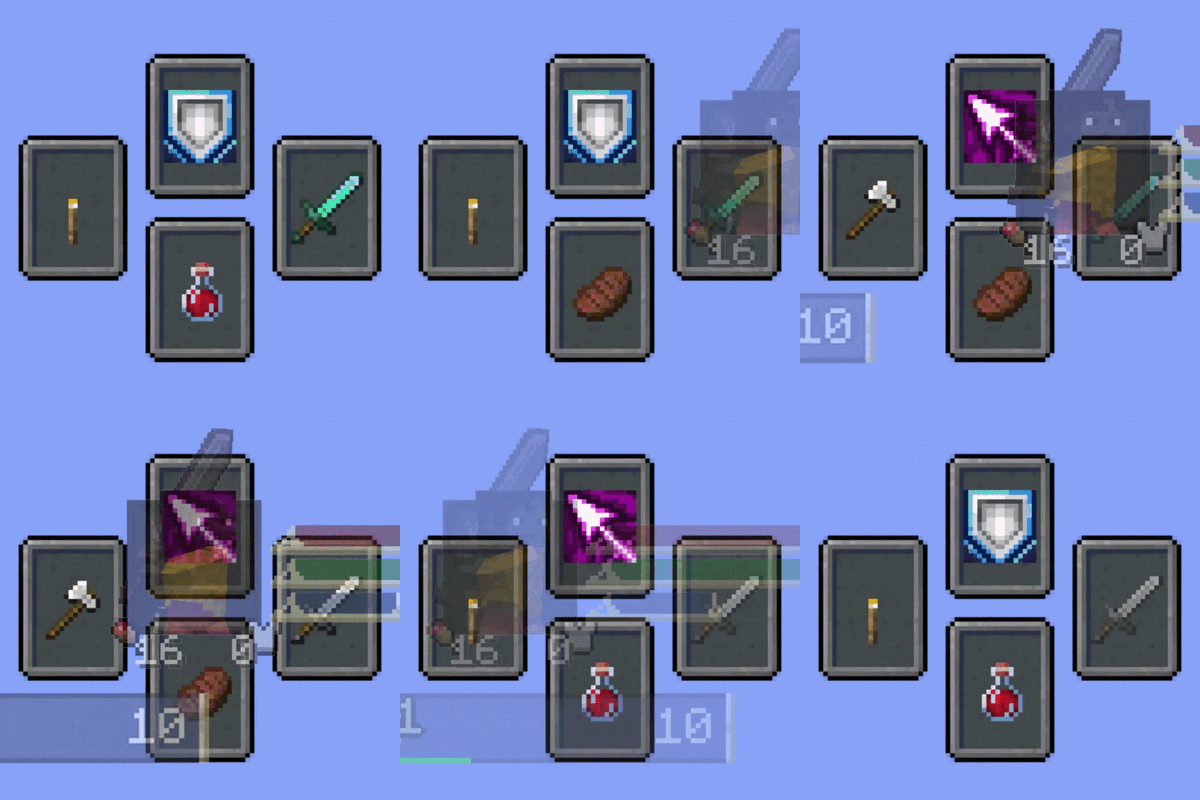
modAdds a soulslike HUD featuring equipment slots, boss bar, status gauges and team display.
 mod
modBetter enchantments! Use them on all tools and weapons. Infinity crossbow, or looting trident anyone?