Create Aeronautics Needed by Create Balloon create_balloon-1.0.13.jar
requiredMatching file found Matched file: Create Aeronautics 1.3.2 for mc1.21.1

CurseForge · Minecraft mod
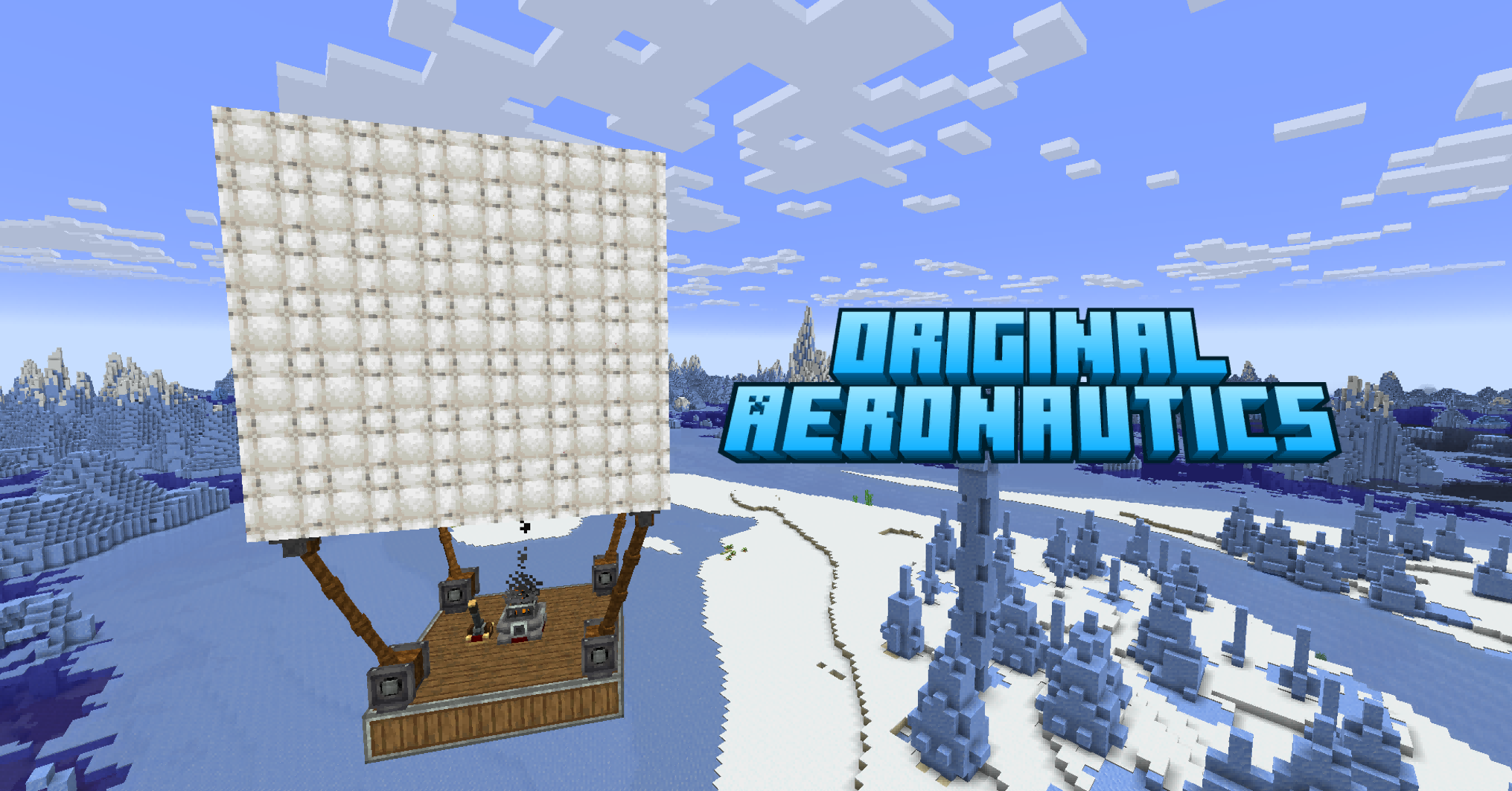
Adds inflatable hot air balloons to Create: Aeronautics.
Quick answer
Create Balloon create_balloon-1.0.13.jar targets 1.21.1 with NeoForge. The project page does not say whether this file belongs on the client, dedicated server, or both. All 3 required mods have matching files.
Where it goes
The project page does not say whether this file belongs on the client, dedicated server, or both.
The source does not explicitly classify this release as client-only or server-only.
create_balloon-1.0.13.jar. Change the file and its required mods may change too.
Install Create Aeronautics, Sable, Create first. We found matching files for this game-version and loader setup. 3 come through another mod in the chain.
3 extra mods were pulled in by other dependencies. Indented rows show who needs each one. We only count dependency files that match this setup. A file for another loader does not fill the gap.
Before you install it
Built for Create Balloon create_balloon-1.0.13.jar. Pick another file and the loader, install side or required mods may change.
Use create_balloon-1.0.13.jar. It targets 1.21.1 with NeoForge; another release may have different loader, side or dependency requirements.
Install Create Aeronautics, Sable, Create first. We found matching files for this game-version and loader setup. 3 come through another mod in the chain.
The project page does not say whether this file belongs on the client, dedicated server, or both.
Use the “Get this file” button beside create_balloon-1.0.13.jar. It opens that exact file at the source.
About this project
This mod is completely completed by AI. The version on Modrinth is no longer available due to platform AI policy changes, please download the latest version from CurseForge.

Hot air balloons for Create × Create: Aeronautics.
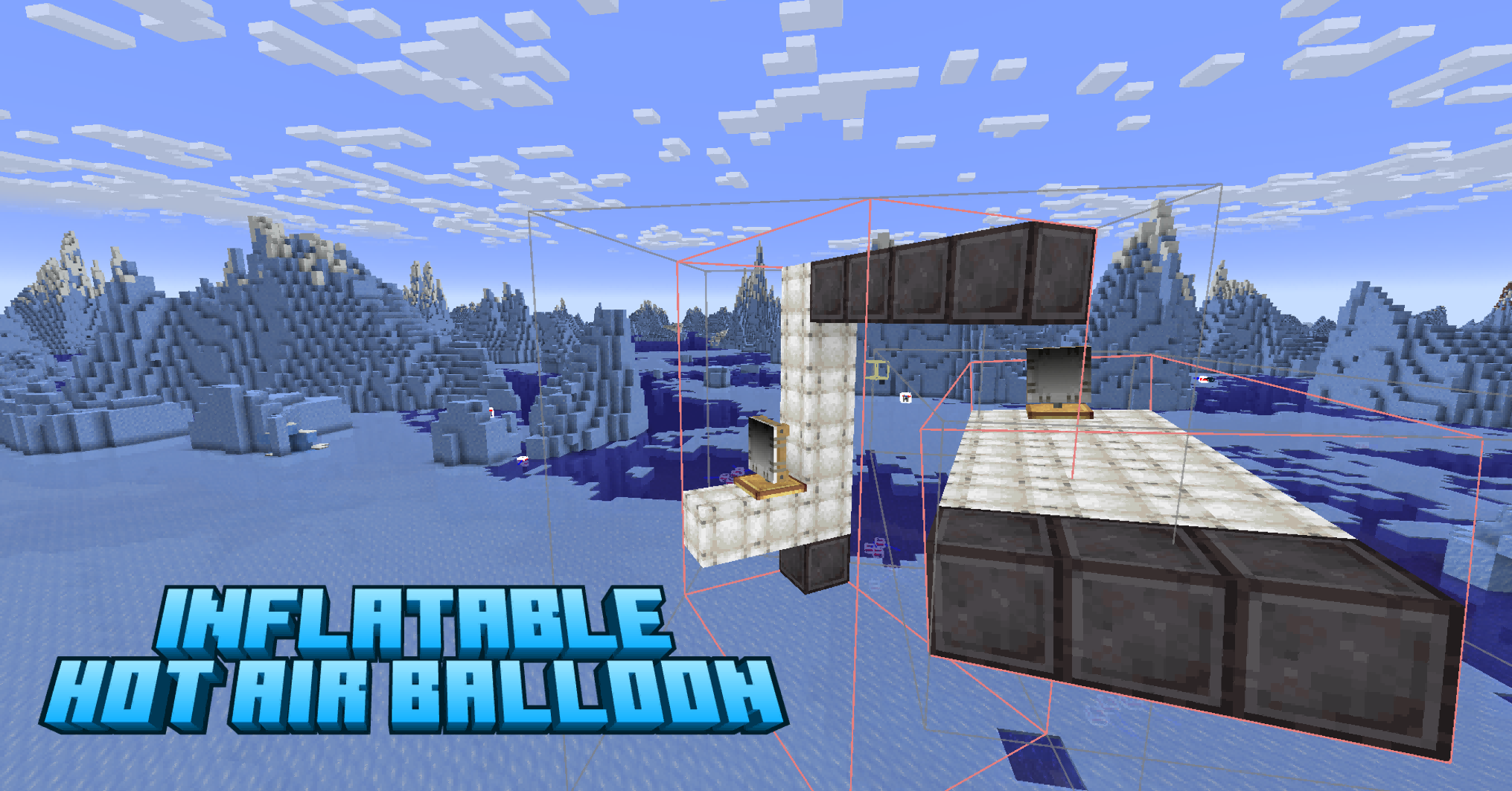
Add craftable, flyable balloon blocks that provide lift, stabilization, and movement to your Sable physics structures. Pilot them with WASD controls, automate them with CC:Tweaked, or integrate them into redstone & Drive-By-Wire automation.
Hot Air Balloon Block
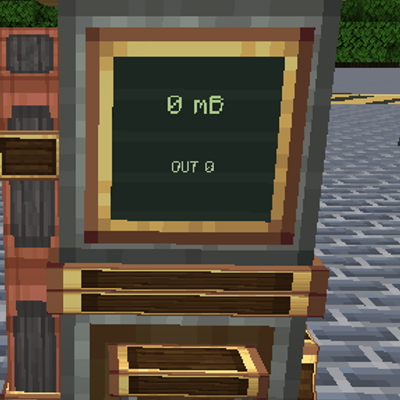
Balloon Controller
CC:Tweaked Integration (optional)
balloon.ascend() works from any computer on the structure — no wrapping needed.ascend, descend, hover, forward, back, turnLeft, turnRight, stop, count, isActive, getHeight.Native global API (recommended):
balloon.ascend()
balloon.descend()
balloon.hover()
balloon.forward()
balloon.back()
balloon.turnLeft()
balloon.turnRight()
balloon.stop()
balloon.count()
balloon.isActive()
balloon.getHeight()
Legacy peripheral API (backward compatible):
local b = peripheral.find("balloon")
b.ascend()
b.descend()
b.hover()
b.forward()
b.back()
b.turnLeft()
b.turnRight()
b.stop()
b.count()
b.isActive()
| Mod | Version | Required |
|---|---|---|
| NeoForge | 21.1.226+ | Yes |
| Minecraft | 1.21.1 | Yes |
| Create | 6.0.10+ | Yes |
| Create: Aeronautics Bundled | 1.1.3+ | Yes |
| Sable | 1.1.3+ | Yes |
MIT
Project description from CurseForge.
Pick your setup
Choose the version and loader you play, then open the matching release.
Check the dependencies, then try the file in a copied instance before changing a world you care about.
Recent files
31 Oct 2026
25 Sept 2026
20 Aug 2026
21 Jul 2026
7 Jul 2026
3 Jul 2026
3 Jun 2026
2 Jun 2026
30 May 2026
30 May 2026
24 May 2026
23 May 2026
Looking for an older file? The official CurseForge project page is in Resources.
 mod
modThis mod adds Things for building a working Gas Station for your Create:Aeronautics Cars/planes etc
 mod
modConnect a QShop currency to the coin system in Confluence: Otherworld. QShop shops, commands, quests, and scripts can all use the same balance, while players carry that money as Confluence coins.
 mod
modAdds more Chinese dishes to Kaleidoscope Cookery.
