Minecraft version
Back to mods 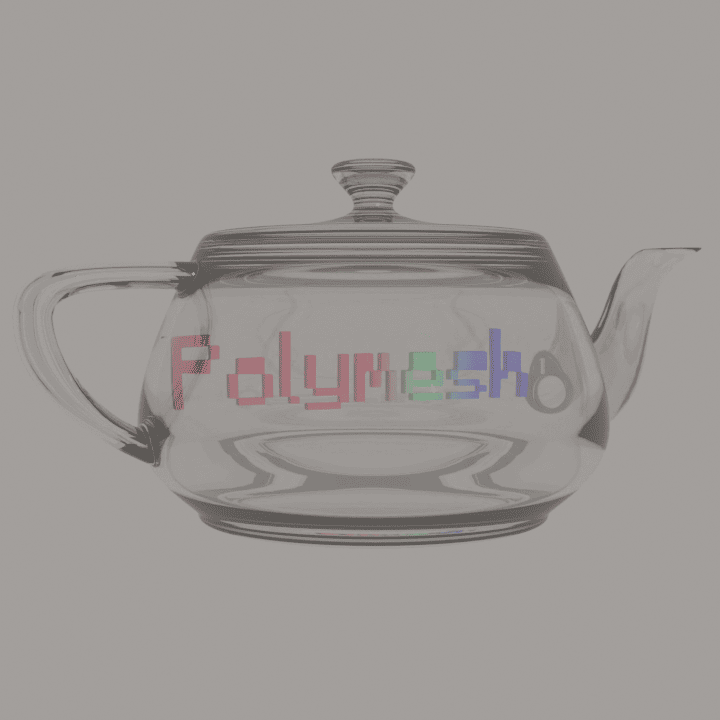
CurseForge · Minecraft mod
Polymesh
Polymesh is a Forge/NeoForge 1.20.1 client runtime for rendering glTF 2.0 models from mod resources.
Choose a version Pick your version below, then grab the matching file.
Quick answer
Which Polymesh release should I use?
Latest stable file Polymesh 1.0.0
Game version 1.20.1
Loader Forge
Polymesh 1.0.0 targets 1.20.1 with Forge. The project page does not say whether this file belongs on the client, dedicated server, or both. No extra mods listed for this file.
Where it goes
Is Polymesh required on the client, server, or both?
The project page does not say whether this file belongs on the client, dedicated server, or both.
Client Source doesn’t say
Dedicated server Source doesn’t say
Loader for this release Forge
Required install it here Optional supported, not mandatory Not supported do not install here Source doesn’t say do not assume
The source does not explicitly classify this release as client-only or server-only.
What else does Polymesh 1.0.0 need?
Polymesh 1.0.0. Change the file and its required mods may change too.
This file does not list any required mods. Do not add a library just because a different file uses it.
This file does not list any required or optional mods.
Before you install it
Add Polymesh without breaking your instance.
Built for Polymesh 1.0.0. Pick another file and the loader, install side or required mods may change.
- 01
Stick to this file
Use Polymesh 1.0.0. It targets 1.20.1 with Forge; another release may have different loader, side or dependency requirements.
- 02
Bring the mods it needs
This file does not list any required mods. Do not add a library just because a different file uses it.
- 03
Put it on the correct side
The project page does not say whether this file belongs on the client, dedicated server, or both.
- 04
Pick the file you checked
Use the “Get this file” button beside Polymesh 1.0.0. It opens that exact file at the source.
About this project
What does Polymesh add?
Polymesh
Polymesh renders glTF 2.0 models in Minecraft Forge and NeoForge 1.20.1. Mods can use it to render items, entities, and block entities.
Install
If a mod uses Polymesh, install Polymesh. Put polymesh-1.0.0-forge.jar in the Minecraft mods folder. This file includes the jgltf and Jackson dependencies.
Model functions
- Load
.gltffiles with relative buffers and textures. - Load
.glbfiles with embedded textures. - Render static meshes, animated meshes, skins, and morph targets.
- Control animation speed and transitions between clips.
- Read node transforms and glTF
extrasmetadata. - Find morph targets by their Blender shape key names.
- Select entity and block entity models by camera distance.
The CPU calculates skin and morph deformation. With an active Iris or Oculus shader pack, the default setting selects a Minecraft vertex consumer. The shader pack controls the lighting.
Limits
The renderer does not apply emissive textures or metallic and roughness properties. Items use the base model at all distances. Polymesh does not calculate physics or mesh collisions.
Mod development
Read the developer guide for registration examples and API options.
License: LGPL-3.0-or-later.
Project description from CurseForge.
Pick your setup
Polymesh by Minecraft version and loader
Choose the version and loader you play, then open the matching release.
Check the dependencies, then try the file in a copied instance before changing a world you care about.
Recent files
Polymesh versions and loaders
Polymesh 1.0.0
polymesh-1.0.0-forge.jar
15 Sept 2026
Client Source doesn’t say Server Source doesn’t say Dependencies No extras listed Listed on Release listing
Check the 1.20.1 · Forge setup 1.20.1Forge release
Looking for an older file? The official CurseForge project page is in Resources.
 mod
CurseForge + Modrinth · Minecraft
Clientcommands NeoForged
An unofficial port of Clientcommands for (Neo)Forge.
 mod
CurseForge + Modrinth · Minecraft
Tinkers' Schema
Data-driven registration of custom tools for Tinkers' Construct 2 using JSON, with no Java required.
 mod
CurseForge · Minecraft
Ghost Rider: Redux
The reimagined experience as undead antihero awaits you! Stare, burn, beat, shoot - anyone who you deem guilty!