Fabric API Needed by Lumière Play 0.6.0
requiredMatching file found Matched file: [1.21.1] Fabric API 0.116.17+1.21.1
CurseForge · Minecraft mod
A cinema inside Minecraft. Watch YouTube, Twitch and local videos on a virtual screen in your world.
Quick answer
Lumière Play 0.6.0 targets 1.21.1 with Fabric. The project page does not say whether this file belongs on the client, dedicated server, or both. All 1 required mods have matching files.
Where it goes
The project page does not say whether this file belongs on the client, dedicated server, or both.
The source does not explicitly classify this release as client-only or server-only.
Lumière Play 0.6.0. Change the file and its required mods may change too.
Install Fabric API first. We found matching files for this game-version and loader setup.
We only count dependency files that match this setup. A file for another loader does not fill the gap.
Before you install it
Built for Lumière Play 0.6.0. Pick another file and the loader, install side or required mods may change.
Use Lumière Play 0.6.0. It targets 1.21.1 with Fabric; another release may have different loader, side or dependency requirements.
Install Fabric API first. We found matching files for this game-version and loader setup.
The project page does not say whether this file belongs on the client, dedicated server, or both.
Use the “Get this file” button beside Lumière Play 0.6.0. It opens that exact file at the source.
About this project
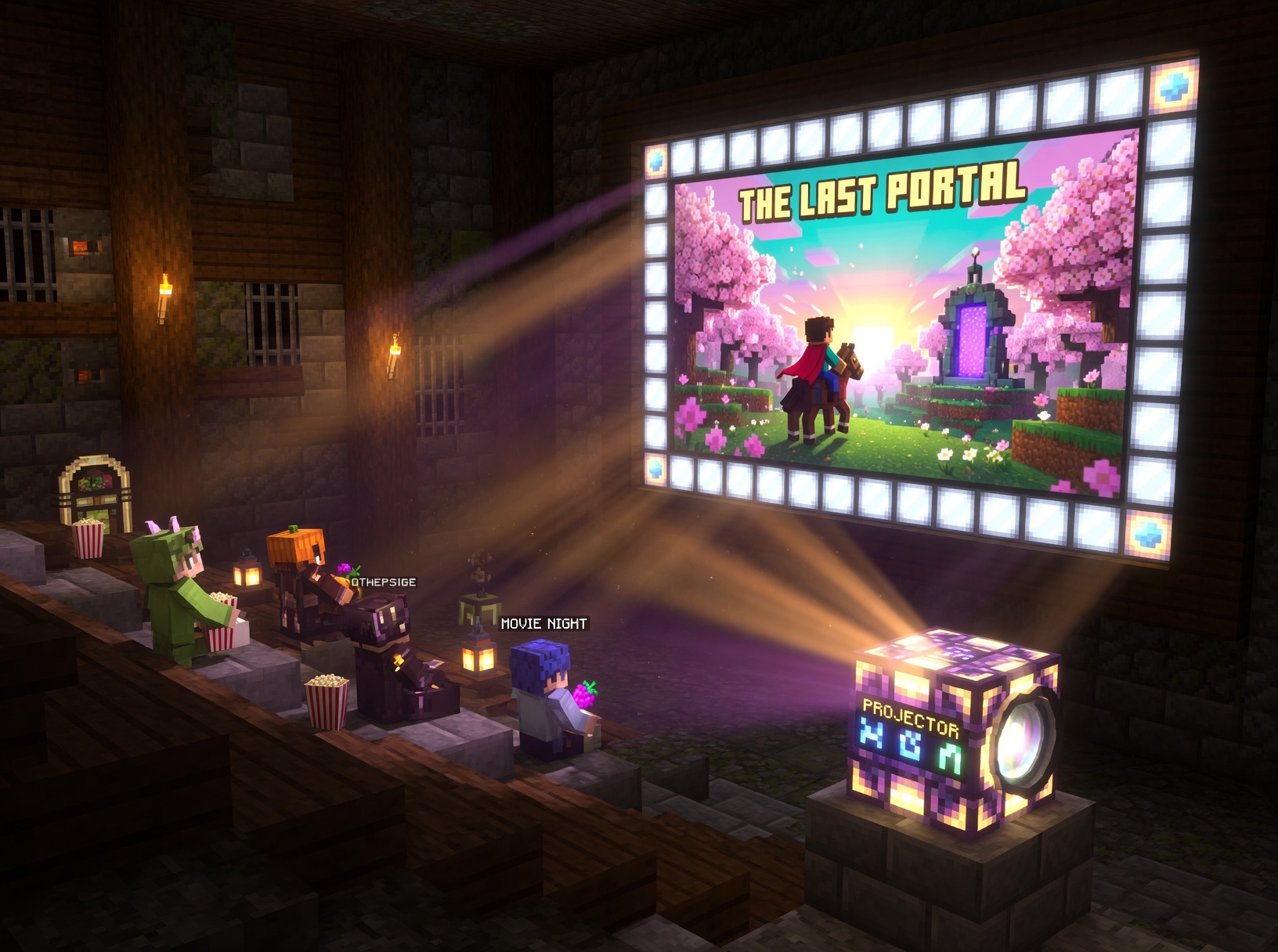
You build a theatre. Place a projector. Paste a YouTube link — and a screen appears on your wall, playing the video. With sound. In real time. Everyone nearby sees and hears the same thing.
That is the whole mod.
Craft the projector, place it facing a wall, right-click — and you are in. Pick quality, screen size, hit Play.
| Glass Pane | Glass Pane | Glass Pane |
| Iron Ingot | Diamond | Iron Ingot |
| Iron Ingot | Redstone | Iron Ingot |
YouTube · Twitch · Vimeo · VK · Rutube · Dailymotion · SoundCloud · local files
Quality: Best / 1080p / 720p / 480p / 360p
Screen ratios: 16:9 — 32:18 — 21:9 — 4:3
Works on servers out of the box. The server needs nothing extra — all playback is client-side. Everyone in range watches together.
Just VLC Media Player — the mod uses it for video decoding.
Linuxsudo pacman -S vlc or sudo apt install vlc
Windows
Download at https://www.videolan.org/vlc/
macOSbrew install vlc
yt-dlp downloads itself automatically if it is not on your system. Nothing to do.
English and Russian built in.
Source code · Apache 2.0 · by jrxmod
Project description from CurseForge.
Pick your setup
Choose the version and loader you play, then open the matching release.
Check the dependencies, then try the file in a copied instance before changing a world you care about.
Recent files
lumiereplay-0.6.0.jar
9 Aug 2026
lumiereplay-0.5.5.jar
18 Jul 2026
lumiereplay-0.3.0.jar
5 Jul 2026
lumiereplay-0.2.1.jar
14 Jun 2026
lumiereplay-0.1.0.jar
29 May 2026
Looking for an older file? The official CurseForge project page is in Resources.
 mod
modAdd compatibility with RPG Series Jewelry and Relics and additional features to Dungeon Difficulty
 mod
modHUD:A lightweight Jade alternative ,Saturation and Coordinates Monitor ,Waila,HWYLA,show Horse speed and jump stats,death location,Death Finder
 mod
modFind any item without opening a single backpack. Pin an item or type a name and ItemFinder lights up the slot holding it, looking inside Sophisticated Backpacks and shulker boxes. Client-side only - the server never needs to have it.