Puzzles Lib Needed by Stonecutting Upgrade v26.3.1-mc26.3.x+neoforge
requiredMatching file found Matched file: v26.3.17-mc26.3.x+neoforge

CurseForge · Minecraft mod
Bigger stonecutter menus, remembered recipes, and quick refills for speedy crafting.
Quick answer
Stonecutting Upgrade v26.3.1-mc26.3.x+neoforge targets 26.3 with NeoForge. The project page does not say whether this file belongs on the client, dedicated server, or both. All 1 required mods have matching files.
Where it goes
The project page does not say whether this file belongs on the client, dedicated server, or both.
The source does not explicitly classify this release as client-only or server-only.
v26.3.1-mc26.3.x+neoforge. Change the file and its required mods may change too.
Install Puzzles Lib first. We found matching files for this game-version and loader setup.
We only count dependency files that match this setup. A file for another loader does not fill the gap.
Before you install it
Built for Stonecutting Upgrade v26.3.1-mc26.3.x+neoforge. Pick another file and the loader, install side or required mods may change.
Use v26.3.1-mc26.3.x+neoforge. It targets 26.3 with NeoForge; another release may have different loader, side or dependency requirements.
Install Puzzles Lib first. We found matching files for this game-version and loader setup.
The project page does not say whether this file belongs on the client, dedicated server, or both.
Use the “Get this file” button beside v26.3.1-mc26.3.x+neoforge. It opens that exact file at the source.
About this project




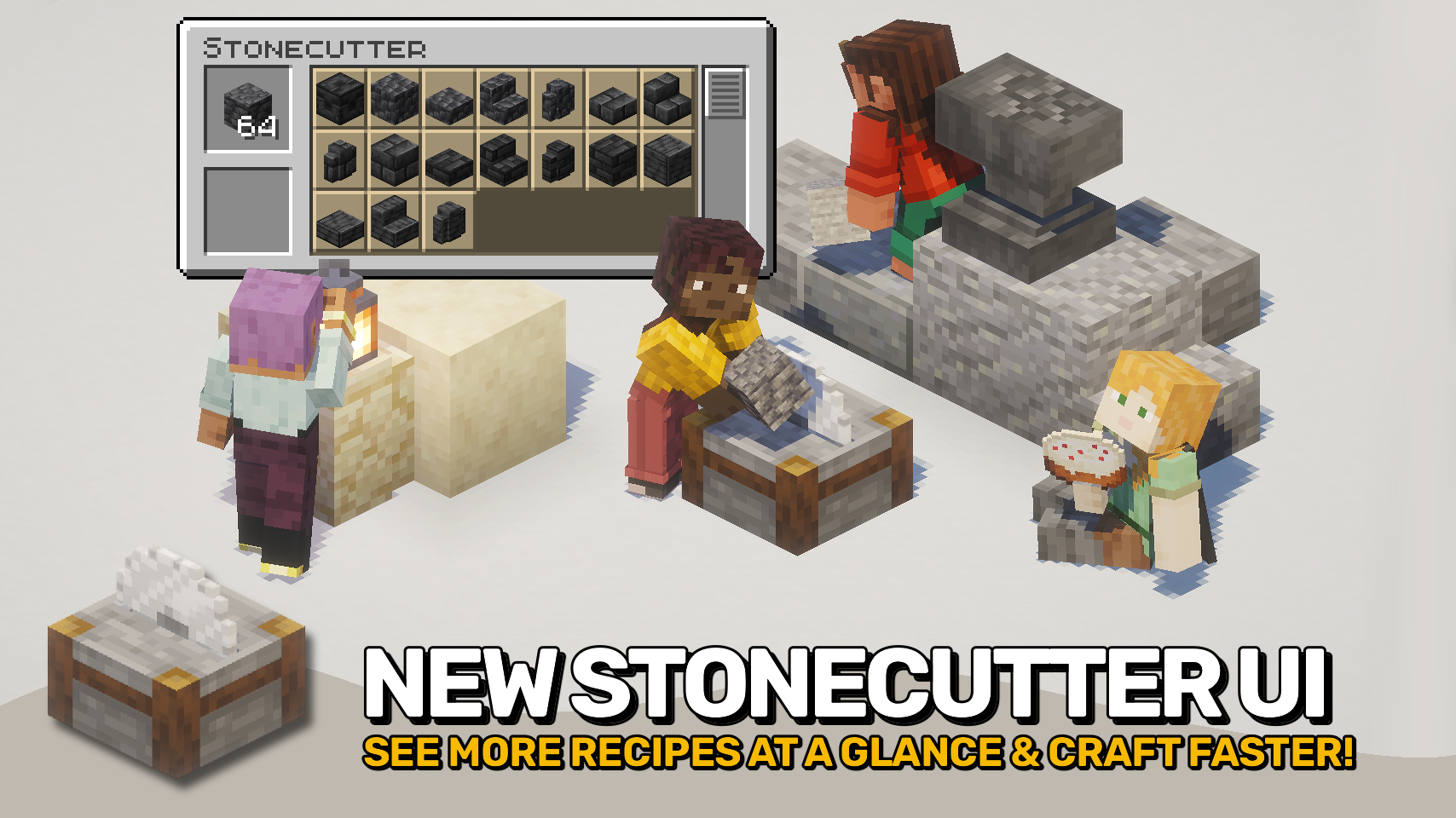
Stonecutting Upgrade gives the stonecutter menu the overhaul it deserves. 🪨 With a larger recipe selection area, smoother scrolling, and a more convenient layout, stonecutting finally feels comfortable to use again.
No more constantly scrolling through cramped recipe lists or reselecting the same block over and over. This mod remembers your last recipe and includes quick refill controls to keep crafting flowing smoothly. ✨
Best of all, the mod is fully client side, making it easy to use anywhere without requiring server installation. ⚙️



⏩ INSTALLATION REQUIRED ON CLIENT
⏩ REQUIRES PUZZLES LIB TO BE INSTALLED (FABRIC & NEOFORGE)
⏩ REQUIRES FABRIC API TO BE INSTALLED (FABRIC)
⏩ REQUIRES FORGE CONFIG API PORT TO BE INSTALLED (FABRIC)

If available for a mod, configuration is possible directly from in-game using the mod menu (requires Mod Menu by Prospector to be installed on Fabric).
For manual configuration using an external text editor all files are found at .minecraft/config, named as MOD_ID-client.toml, MOD_ID-common.toml, or MOD_ID-server.toml, depending on the type of config. Not all types might exist for a mod, if any at all.

🌟 Thanks to weirdbrackets and their Portable Stonecutter mod for inspiring the improved stonecutter menu.
 |
 |
|
|---|---|---|
 |
 |
|
 |
 |
|
 |
 |
|
 |
 |
|

© 2026 @heyitsfuzs. All rights reserved. This page was last edited on 11 September 2026, at 06:44 (UTC).
Project description from CurseForge.
Pick your setup
Choose the version and loader you play, then open the matching release.
Check the dependencies, then try the file in a copied instance before changing a world you care about.
Recent files
stonecuttingupgrade-v26.3.1-mc26.3.x+neoforge.jar
23 Sept 2026
stonecuttingupgrade-v26.3.1-mc26.3.x+fabric.jar
23 Sept 2026
stonecuttingupgrade-v26.3.0-mc26.3.x+fabric.jar
23 Sept 2026
stonecuttingupgrade-v26.3.0-mc26.3.x+neoforge.jar
23 Sept 2026
StonecuttingUpgrade-v21.1.0-mc1.21.1-Fabric.jar
5 Sept 2026
StonecuttingUpgrade-v21.1.0-mc1.21.1-NeoForge.jar
5 Sept 2026
StonecuttingUpgrade-v26.2.0-mc26.2.x-Fabric.jar
18 Jun 2026
StonecuttingUpgrade-v26.2.0-mc26.2.x-NeoForge.jar
18 Jun 2026
StonecuttingUpgrade-v26.1.1-mc26.1.x-NeoForge.jar
1 Jun 2026
StonecuttingUpgrade-v26.1.1-mc26.1.x-Fabric.jar
1 Jun 2026
StonecuttingUpgrade-v21.11.1-mc1.21.11-NeoForge.jar
1 Jun 2026
StonecuttingUpgrade-v21.11.1-mc1.21.11-Fabric.jar
1 Jun 2026
Looking for an older file? The official CurseForge project page is in Resources.
 mod
A lightweight Forge 1.20.1 mod that announces in the global chat when a player consumes a Totem of Undying. Designed for maximum compatibility.
 mod
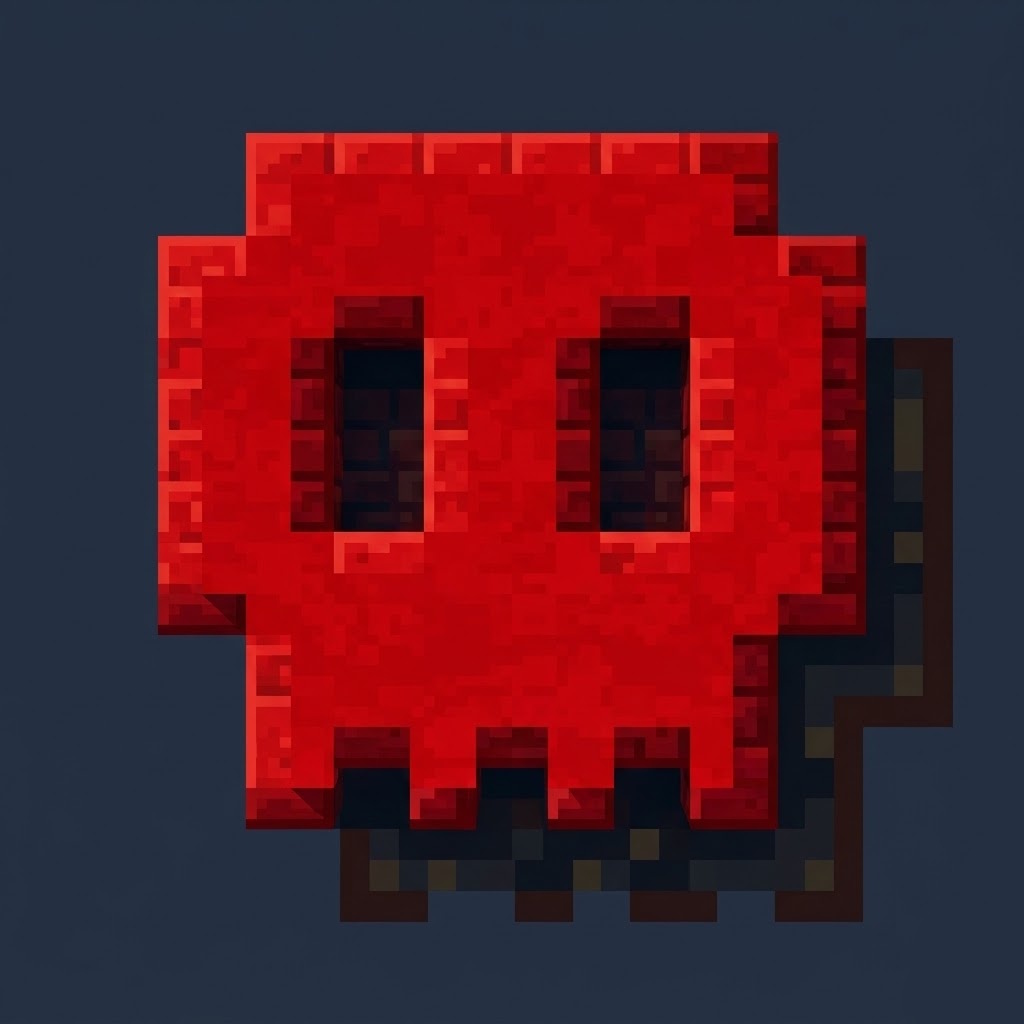
A Forge 1.20.1 modification that plays a custom sound effect upon death and alters the game's text components to display death messages in red, bold text with skull symbols in both the chat and the main death screen.
 mod
A sleek, dynamic loading animation that displays random words from a custom library.
