Puzzles Lib Needed by Open Together v26.3.0-mc26.3.x+neoforge
requiredMatching file found Matched file: v26.3.15-mc26.3.x+neoforge
CurseForge · Minecraft mod
Open matching double doors, trapdoors, and fence gates with a single click.
Quick answer
Open Together v26.3.0-mc26.3.x+neoforge targets 26.3 with NeoForge. The project page does not say whether this file belongs on the client, dedicated server, or both. All 1 required mods have matching files.
Where it goes
The project page does not say whether this file belongs on the client, dedicated server, or both.
The source does not explicitly classify this release as client-only or server-only.
v26.3.0-mc26.3.x+neoforge. Change the file and its required mods may change too.
Install Puzzles Lib first. We found matching files for this game-version and loader setup.
We only count dependency files that match this setup. A file for another loader does not fill the gap.
Before you install it
Built for Open Together v26.3.0-mc26.3.x+neoforge. Pick another file and the loader, install side or required mods may change.
Use v26.3.0-mc26.3.x+neoforge. It targets 26.3 with NeoForge; another release may have different loader, side or dependency requirements.
Install Puzzles Lib first. We found matching files for this game-version and loader setup.
The project page does not say whether this file belongs on the client, dedicated server, or both.
Use the “Get this file” button beside v26.3.0-mc26.3.x+neoforge. It opens that exact file at the source.
About this project
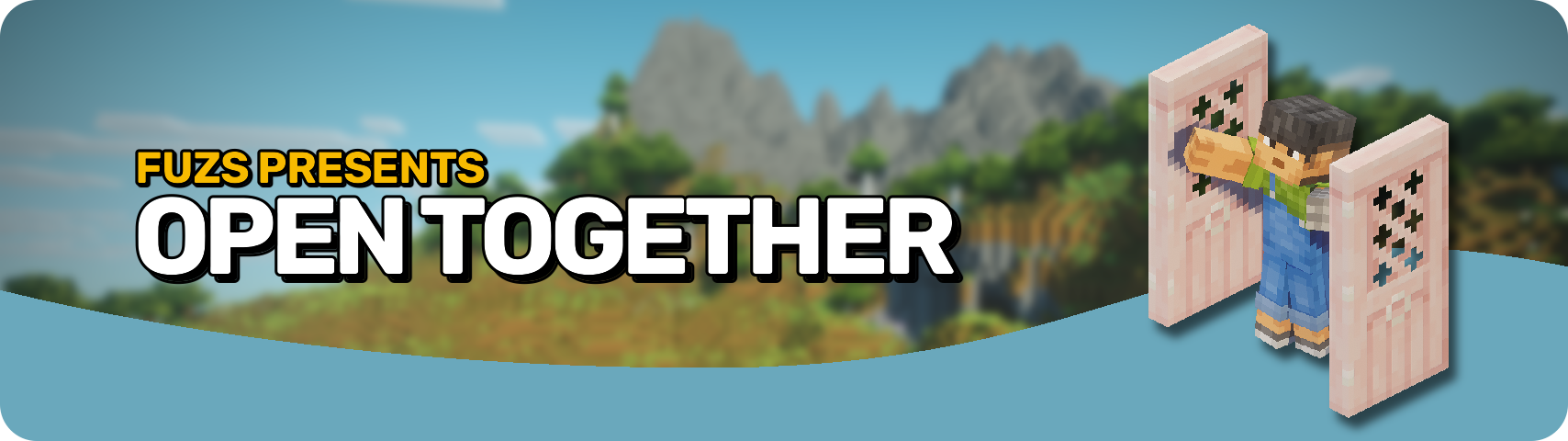







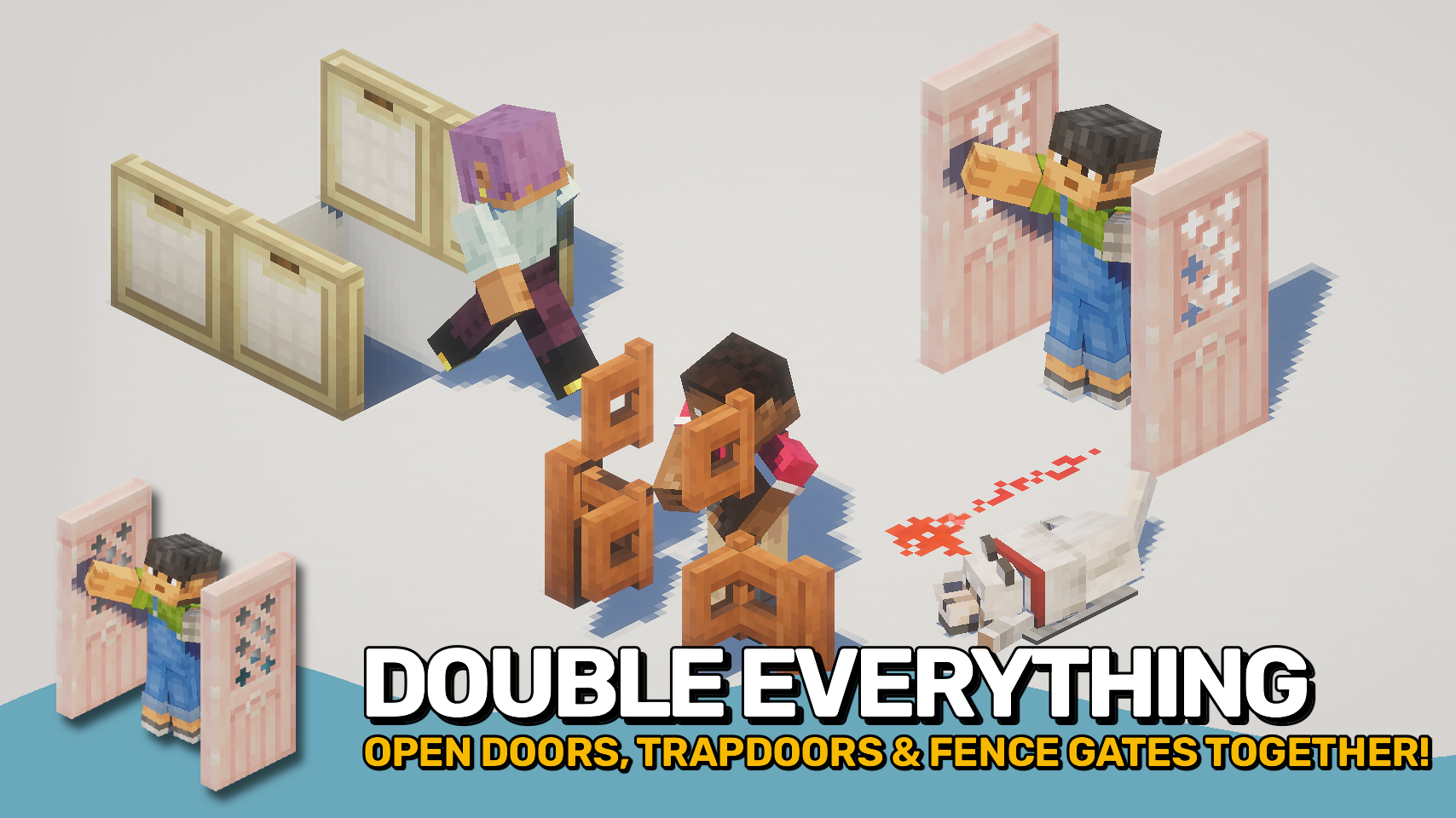
Open Together makes matching doors, trapdoors, and fence gates open as a group when placed next to each other. Open one block, and connected neighbours follow automatically, making double doors and wider entrances feel natural to use. 🚪
The mod removes repetitive clicks during everyday gameplay while preserving vanilla behaviour and building styles. It works with manual interactions and can also support vanilla mechanics such as redstone when installed on the server. ⚡
Unlike most similar solutions, the mod can be installed on the client, the server, or both. Server installation provides the most complete and consistent experience for all players. Client-only use also works on multiplayer servers without the mod, but only for your own manual interactions and not for server-side effects like redstone. 🌐



⏩ INSTALLATION OPTIONAL ON CLIENT & OPTIONAL ON SERVER
⏩ REQUIRES PUZZLES LIB TO BE INSTALLED (FABRIC & NEOFORGE)
⏩ REQUIRES FABRIC API TO BE INSTALLED (FABRIC)
⏩ REQUIRES FORGE CONFIG API PORT TO BE INSTALLED (FABRIC)

If available for a mod, configuration is possible directly from in-game using the mod menu (requires Mod Menu by Prospector to be installed on Fabric).
For manual configuration using an external text editor all files are found at .minecraft/config, named as MOD_ID-client.toml, MOD_ID-common.toml, or MOD_ID-server.toml, depending on the type of config. Not all types might exist for a mod, if any at all.
 |
 |
|
|---|---|---|
 |
 |
|
 |
 |
|
 |
 |
|
 |
 |
|

© 2026 @heyitsfuzs. All rights reserved. This page was last edited on 11 September 2026, at 06:44 (UTC).
Project description from CurseForge.
Pick your setup
Choose the version and loader you play, then open the matching release.
Check the dependencies, then try the file in a copied instance before changing a world you care about.
Recent files
opentogether-v26.3.0-mc26.3.x+neoforge.jar
23 Sept 2026
opentogether-v26.3.0-mc26.3.x+fabric.jar
23 Sept 2026
OpenTogether-v26.2.2-mc26.2.x-Fabric.jar
10 Sept 2026
OpenTogether-v26.2.2-mc26.2.x-NeoForge.jar
10 Sept 2026
OpenTogether-v26.1.2-mc26.1.x-Fabric.jar
10 Sept 2026
OpenTogether-v26.1.2-mc26.1.x-NeoForge.jar
10 Sept 2026
OpenTogether-v21.1.2-mc1.21.1-Fabric.jar
10 Sept 2026
OpenTogether-v21.1.2-mc1.21.1-NeoForge.jar
10 Sept 2026
OpenTogether-v26.2.1-mc26.2.x-Fabric.jar
8 Sept 2026
OpenTogether-v26.2.1-mc26.2.x-NeoForge.jar
8 Sept 2026
OpenTogether-v26.1.1-mc26.1.x-Fabric.jar
8 Sept 2026
OpenTogether-v26.1.1-mc26.1.x-NeoForge.jar
8 Sept 2026
Looking for an older file? The official CurseForge project page is in Resources.
 mod
modAll-in-one mod that improves performance, reduces memory usage, and fixes many bugs. Compatible with all your favorite performance mods!
 mod
modA vanilla-style "Very Hard" difficulty with smarter mobs, harsher survival and 10 advancements.
 mod
modBind any key to a command or chat message — trigger it with one keypress
