Jauml Needed by Odyssey Map 1.3.0 · neoforge · 26.1.2
requiredMatching file found Matched file: 2.3.0 · neoforge · 26.1.2
CurseForge · Minecraft mod
Explore. Navigate. Never get lost again. A clean, lightweight minimap and fullscreen map for Minecraft.
Quick answer
Odyssey Map 1.3.0 · neoforge · 26.1.2 targets 26.1.2 with NeoForge. The project page does not say whether this file belongs on the client, dedicated server, or both. All 1 required mods have matching files.
Where it goes
The project page does not say whether this file belongs on the client, dedicated server, or both.
The source does not explicitly classify this release as client-only or server-only.
1.3.0 · neoforge · 26.1.2 on 26.1.2 NeoForge. Every mod below is checked against that same setup.
Install Jauml first. We found matching files for this game-version and loader setup.
We only count dependency files that match this setup. A file for another loader does not fill the gap.
Before you install it
Built for Odyssey Map 1.3.0 · neoforge · 26.1.2 on 26.1.2 NeoForge. Pick another file and the loader, install side or required mods may change.
Use 1.3.0 · neoforge · 26.1.2. It targets 26.1.2 with NeoForge; another release may have different loader, side or dependency requirements.
Install Jauml first. We found matching files for this game-version and loader setup.
The project page does not say whether this file belongs on the client, dedicated server, or both.
Use the “Get this file” button beside 1.3.0 · neoforge · 26.1.2. It opens that exact file at the source.
About this project

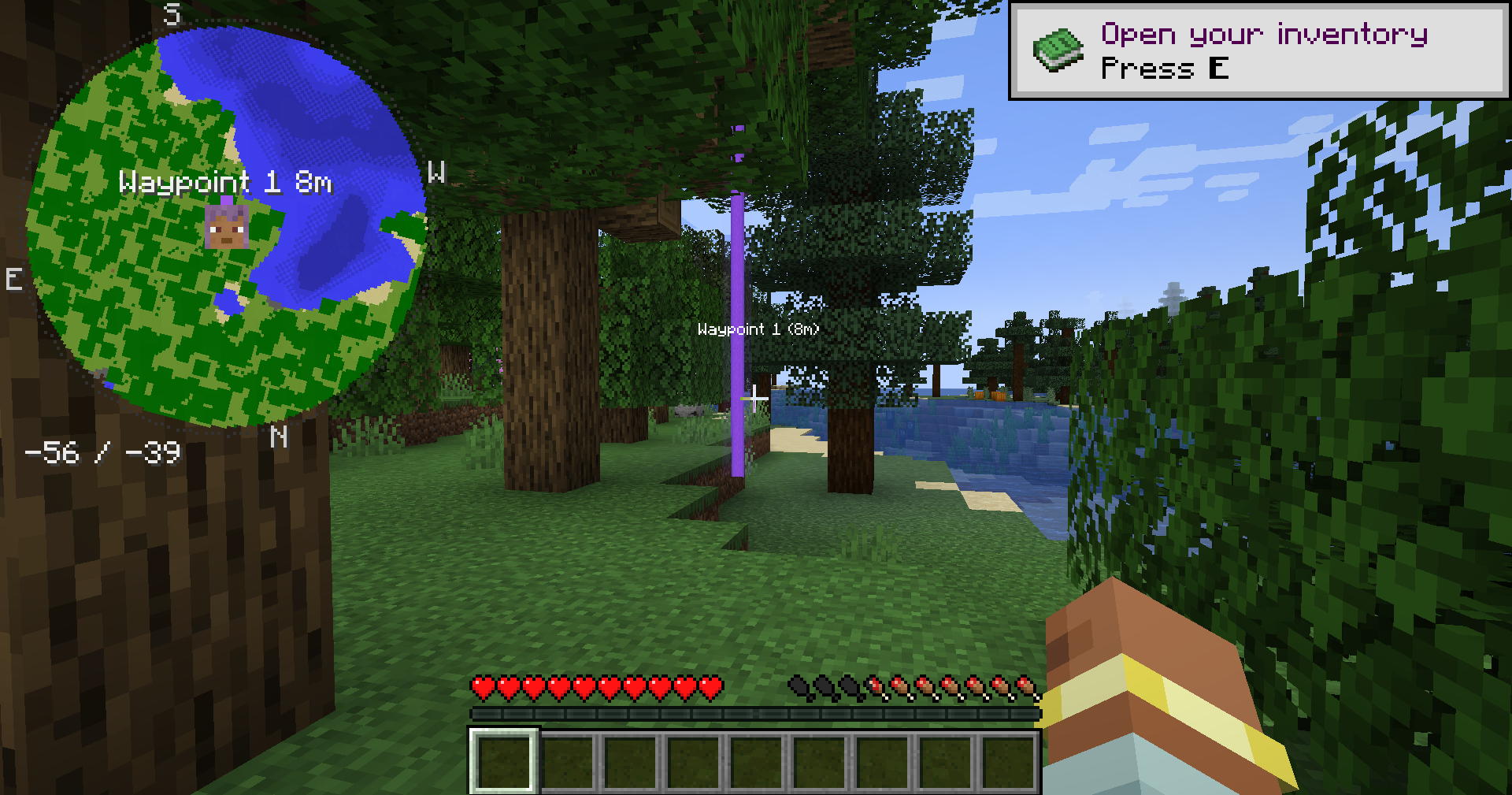

Odyssey Map is a modern client-side minimap mod built for players who want a clear overview of their world without clutter, performance hits, or confusing menus. Designed to feel like a natural extension of Minecraft, it combines a clean minimap HUD, fullscreen mapping, waypoints, accurate terrain rendering, and lightweight performance.




| Feature | Description |
|---|---|
| Minimap HUD | Circular or square minimap styles |
| Rotation Modes | North-Up or Heading-Up |
| Waypoints | Create and manage custom markers |
| Death Points | Automatically track deaths |
| Bed Tracking | Quickly find your spawn point |
| Fullscreen Map | Explore your world in detail |
| Custom Colors | Override terrain colors |
| Fully Configurable | Customize position, size, transparency, markers, zoom, and map shape |
| Client-Side | No server installation required |
| Multiplayer Friendly | Works in multiplayer environments |
| Modpack Ready | Designed for large modpacks |
| Lightweight | Efficient terrain caching keeps performance impact low |
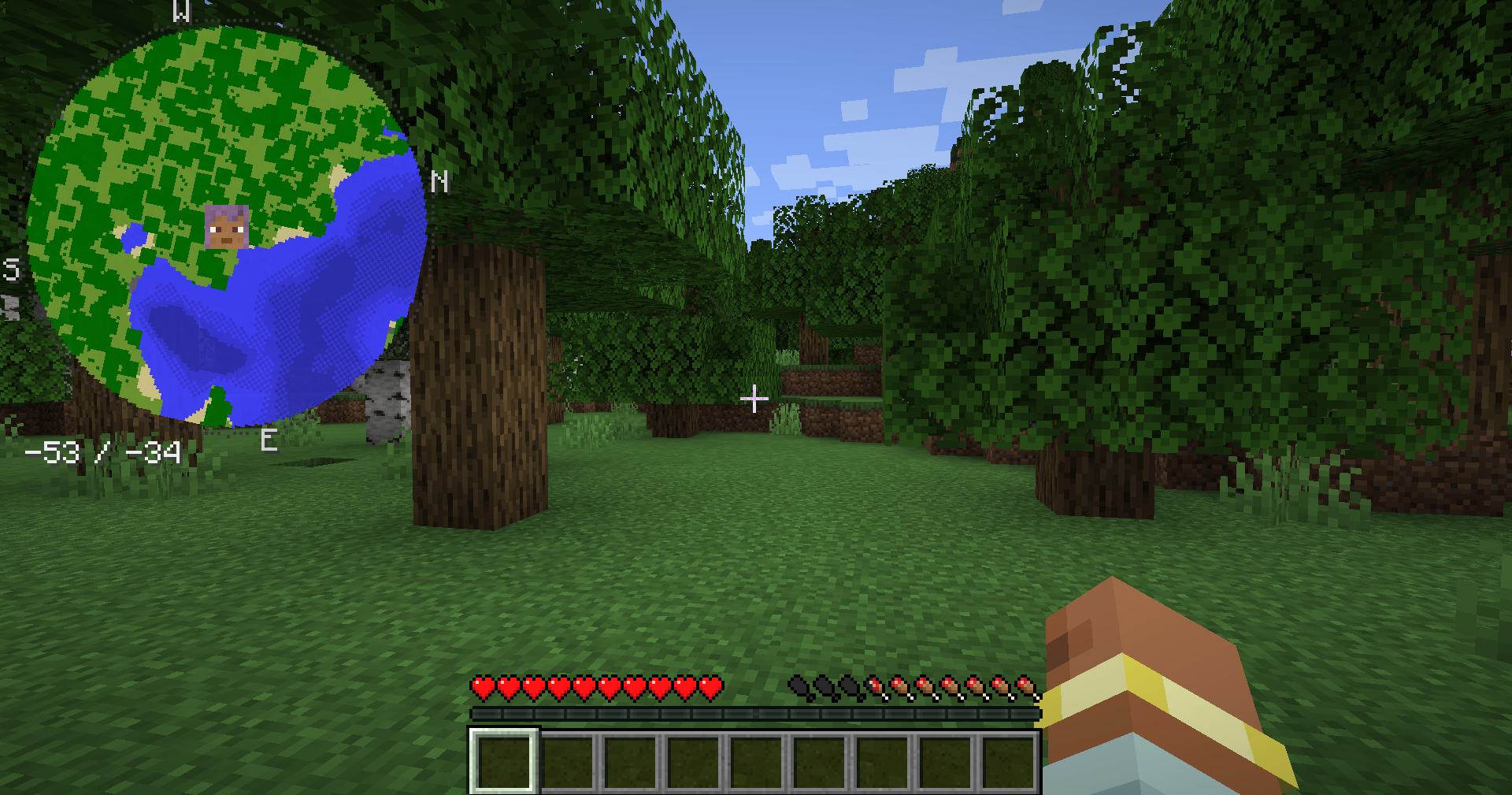
Choose between a circular or square minimap and customize the HUD to match your interface.
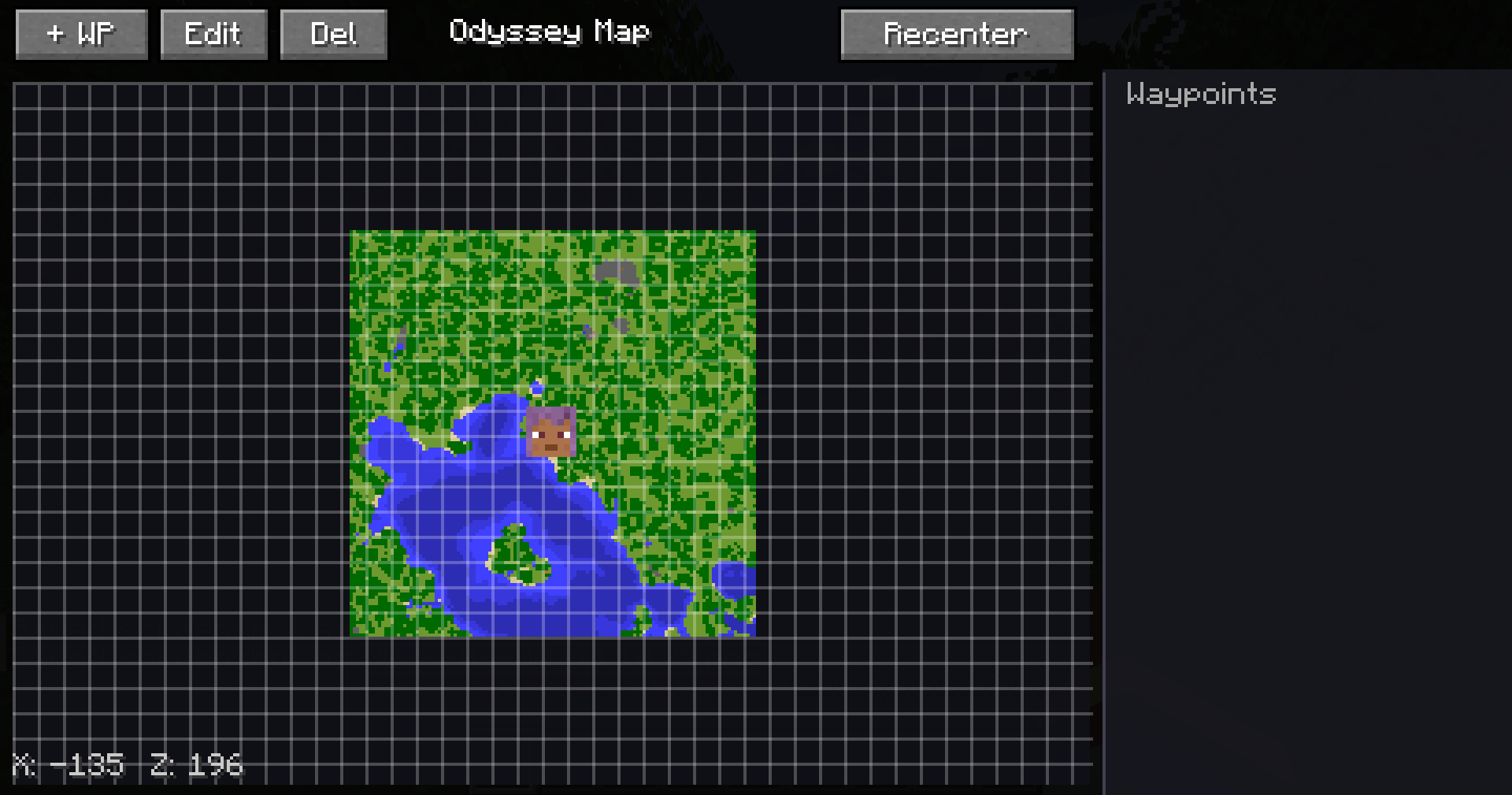
Explore discovered terrain through a detailed fullscreen map designed for smooth navigation.
Create and manage custom markers for bases, structures, farms, resources, and other important locations.
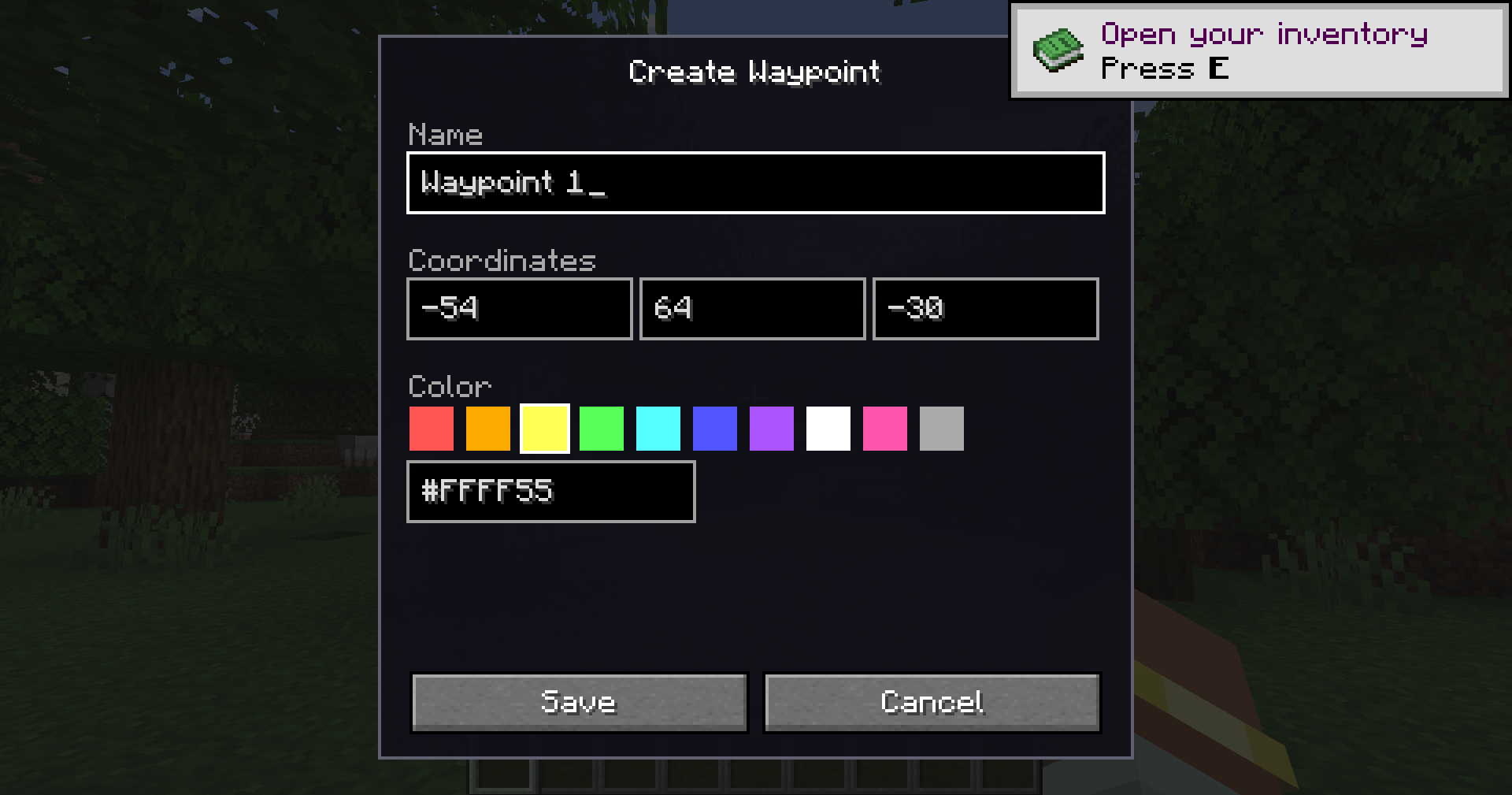
Odyssey Map automatically tracks death locations, making it easier to return and recover dropped items.
Track your bed and spawn point so you can quickly navigate home after exploring.
| Key | Action |
|---|---|
M |
Toggle Minimap HUD |
J |
Open Fullscreen Map |
= |
Zoom In |
- |
Zoom Out |
B |
Create Waypoint |
All keybindings can be customized through:
Options → Controls
odysseymap-client.tomlControls:
odysseymap-blocks.tomlAllows custom terrain colors:
minecraft:stone=minecraft:grass_block
minecraft:deepslate=minecraft:stone
Odyssey Map is completely client-side. The server does not need the mod installed.
It is designed for:
No. Odyssey Map is completely client-side.
Absolutely.
Very little. Terrain data is cached efficiently.
Yes.
Not currently.
Yes. Position and size are configurable.
Planned features:

Project description from CurseForge.
Pick your setup
Choose the version and loader you play, then open the matching release.
Check the dependencies, then try the file in a copied instance before changing a world you care about.
Recent files
odysseymap-neoforge-26.1.2-1.3.0.jar
3 Sept 2026
27 Aug 2026
16 Jul 2026
24 Jun 2026
17 Jun 2026
5 Jun 2026
Looking for an older file? The official CurseForge project page is in Resources.
