Minecraft version
Back to mods 
CurseForge · Minecraft mod
ChopChopChop
ChopChopChop is an immersive tree felling mod that degrades log blocks visually and fells whole trees dynamically based on progress. Rather than instantly breaking single logs or causing trees to hover mid-air, logs accumulate "chops" when hit with an axe.
Choose a version Pick your version below, then grab the matching file.
Quick answer
Which ChopChopChop release should I use?
Latest stable file ChopChopChop 1.0.0
Game version 1.21.1
Loader NeoForge
ChopChopChop 1.0.0 targets 1.21.1 with NeoForge. The project page does not say whether this file belongs on the client, dedicated server, or both. No extra mods listed for this file.
Where it goes
Is ChopChopChop required on the client, server, or both?
The project page does not say whether this file belongs on the client, dedicated server, or both.
Client Source doesn’t say
Dedicated server Source doesn’t say
Loader for this release NeoForge
Required install it here Optional supported, not mandatory Not supported do not install here Source doesn’t say do not assume
The source does not explicitly classify this release as client-only or server-only.
What else does ChopChopChop 1.0.0 need?
ChopChopChop 1.0.0. Change the file and its required mods may change too.
This file does not list any required mods. Do not add a library just because a different file uses it.
This file does not list any required or optional mods.
Before you install it
Add ChopChopChop without breaking your instance.
Built for ChopChopChop 1.0.0. Pick another file and the loader, install side or required mods may change.
- 01
Stick to this file
Use ChopChopChop 1.0.0. It targets 1.21.1 with NeoForge; another release may have different loader, side or dependency requirements.
- 02
Bring the mods it needs
This file does not list any required mods. Do not add a library just because a different file uses it.
- 03
Put it on the correct side
The project page does not say whether this file belongs on the client, dedicated server, or both.
- 04
Pick the file you checked
Use the “Get this file” button beside ChopChopChop 1.0.0. It opens that exact file at the source.
About this project
What does ChopChopChop add?
ChopChopChop
ChopChopChop is an immersive tree felling mod that degrades log blocks visually and fells whole trees dynamically based on progress. Rather than instantly breaking single logs or causing trees to hover mid-air, logs accumulate "chops" when hit with an axe.
Features
- Visual Degradation System — Custom chopped log blocks with 25 degradation states mapping static 3D models representing organic notches carved into the wood.
- Dynamic Felling Threshold — Computes the required chops dynamically as total logs + 1, capped at a configurable maximum (default 25 chops).
- Floating 3D HUD — Renders progress indicator ("X/Y") in the world, positioned 0.7 blocks outward toward the player's eye height to prevent model clipping.
- Efficiency Color Scaling — HUD text colors shift dynamically from red (slow) to orange, yellow, and green (fast) based on estimated felling time, which incorporates tool tier, enchantments, status effects, and tree size.
- Balanced Sound Levels — Lowered tree felling crunch sound volume by 55% to provide satisfying feedback without high-noise spikes.
- Sneak Behavior — Configurable sneak interaction: always chop, sneak to bypass (vanilla-style), or sneak to chop.
- Robust Leaf Scanner — Uses a BFS search algorithm verifying structural connections and leaf count to safeguard man-made wood cabins from collapsing.
- Tool Damage Cap — Axe damage is capped at 20 uses per tree to prevent instantly breaking axes.
- 8 Wood Types — Oak, Spruce, Birch, Jungle, Acacia, Dark Oak, Mangrove, Cherry.
- Modded Tree Support — Logs from other mods (Biomes O' Plenty, Regions Unexplored, etc.) that use the
#minecraft:logstag are automatically detected and included in tree scans. Modded logs accumulate chops just like vanilla logs, though without visual degradation (no custom model variants for modded wood types). - Felling Animation — Trees visually fall to the ground with realistic rotation around their base. Leaves travel with the trunk and drops land at the tree's base. Trees exceeding the configurable size limit are felled instantly instead.
- Configuration Support — Organized in three categories: Gameplay (enable, sneak behavior, max chops, max tree size), Compatibility (mangrove roots, nether fungi), and Audio & Visual (felling style, volume).
Requirements
Fabric 1.21.1
| Dependency | Version | Required |
|---|---|---|
| Minecraft | 1.21.1 | Yes |
| Fabric Loader | 0.16.x+ | Yes |
| Fabric API | 0.115.0+ | Yes |
| Yet Another Config Lib (YACL) | 3.6.6+ | Yes |
| ModMenu | 11.x+ | Optional (Config GUI) |
Installation
- Install the appropriate mod loader for your Minecraft version (Fabric, Forge, or NeoForge).
- Download ChopChopChop from this page.
- Place the
.jarfile in your.minecraft/mods/folder. - Download and place the required dependencies for your loader in the same folder.
- Launch Minecraft and start chopping!
Configuration
- Fabric: Access via ModMenu → ChopChopChop → Config. Settings saved under
config/chopchopchop.properties. - Forge / NeoForge: Access via Mods → ChopChopChop → Config. Settings saved under
config/chopchopchop.toml.
Gameplay
| Setting | Default | Range | Description |
|---|---|---|---|
| Enable Chop | true | — | Enable/disable the mod |
| Sneak Behavior | Sneak to Bypass | — | Controls how sneaking affects tree chopping. Always Chop: always chop regardless. Sneak to Bypass: hold sneak to mine vanilla-style. Sneak to Chop: only chop while sneaking |
| Max Chops Limit | 25 | 1–100 | Maximum total chops required to fell any tree |
| Max Felling Tree Size | 64 | 1–256 | Maximum number of logs a tree can have for the falling animation to play. Trees exceeding this limit are felled instantly |
Compatibility
| Setting | Default | Range | Description |
|---|---|---|---|
| Break Mangrove Roots | false | — | Include mangrove roots in tree scans and destroy them during felling |
| Detect Nether Fungi | false | — | Treat crimson/warped wart blocks and shroomlight as leaves, allowing nether fungi (huge mushrooms) to be felled |
Audio & Visual
| Setting | Default | Range | Description |
|---|---|---|---|
| Felling Animation | Instant | — | Animation style when a tree is felled. Instant: all blocks break at once. Fall: tree visually falls diagonally to the ground |
| Felling Volume | 1.0 | 0.0–2.0 | Sound volume for tree felling crunch |
Compatibility
- Available for Fabric 1.20.1, Fabric 1.21.1, Forge 1.20.1, Forge 1.21.1, and NeoForge 1.21.1.
- Supports any modded tools, enchantments, and RPG attributes affecting mining speed.
- Modded tree support: Any log block in the
#minecraft:logstag is automatically detected and included in tree felling. Mods like Biomes O' Plenty, Regions Unexplored, Oh The Biomes You'll Go, and many more work out of the box. Modded logs accumulate chops and contribute to the felling threshold, though they don't have visual degradation models (only vanilla logs get the chopped appearance). - Modpack inclusion: Allowed under MIT license.
FAQ
Q: Can I include this in a modpack? A: Yes! ChopChopChop is licensed under the MIT license. You are free to include it in any modpack.
Q: Does this work on servers? A: Yes, the mod needs to be installed on both client and server to manage structural block checks, networking, and the custom 3D floating HUD synchronization.
Q: Do modded trees from other mods work? A: Yes! Any log block in the #minecraft:logs tag is automatically detected. Mods like Biomes O' Plenty, Regions Unexplored, Oh The Biomes You'll Go, and many more work out of the box. Modded logs accumulate chops and contribute to the felling threshold. The only difference is that modded logs don't show visual degradation (no custom notch models), but they still display the floating HUD and produce chop sounds.
Q: Where do I report bugs or suggest features? A: Visit Arvani Creations for help, feedback, and suggestions.
Licensed under MIT. Made by Arvani Creations.
Project description from CurseForge.
Pick your setup
ChopChopChop by Minecraft version and loader
Choose the version and loader you play, then open the matching release.
Minecraft version
1.20.1
2 loader buildsCheck the dependencies, then try the file in a copied instance before changing a world you care about.
Recent files
ChopChopChop versions and loaders
ChopChopChop 1.0.0
ChopChopChop-1.0.0-NeoForge-1.21.1.jar
21 Jul 2026
Client Source doesn’t say Server Source doesn’t say Dependencies No extras listed Listed on Release listing
Check the 1.21.1 · NeoForge setup 1.21.1NeoForge release
ChopChopChop-1.0.0
ChopChopChop-1.0.0-Forge-1.21.1.jar
2 Jul 2026
Client Source doesn’t say Server Source doesn’t say Dependencies No extras listed Listed on Release listing
Check the 1.21.1 · Forge setup Forge1.21.1 release
ChopChopChop 1.0.0
ChopChopChop-1.0.0-Forge-1.20.1.jar
2 Jul 2026
Client Source doesn’t say Server Source doesn’t say Dependencies No extras listed Listed on Release listing
Check the 1.20.1 · Forge setup 1.20.1Forge release
ChopChopChop 1.0.0
ChopChopChop-1.0.0-Fabric-1.20.1.jar
28 Jun 2026
Client Source doesn’t say Server Source doesn’t say Dependencies No extras listed Listed on Release listing
Check the 1.20.1 · Fabric setup Fabric1.20.1 release
ChopChopChop 1.0.0
ChopChopChop-1.0.0-Fabric-1.21.1.jar
28 Jun 2026
Client Source doesn’t say Server Source doesn’t say Dependencies No extras listed Listed on Release listing
Check the 1.21.1 · Fabric setup Fabric1.21.1 release
Looking for an older file? The official CurseForge project page is in Resources.
 mod
CurseForge + Modrinth · Minecraft
Souls Combat HUD
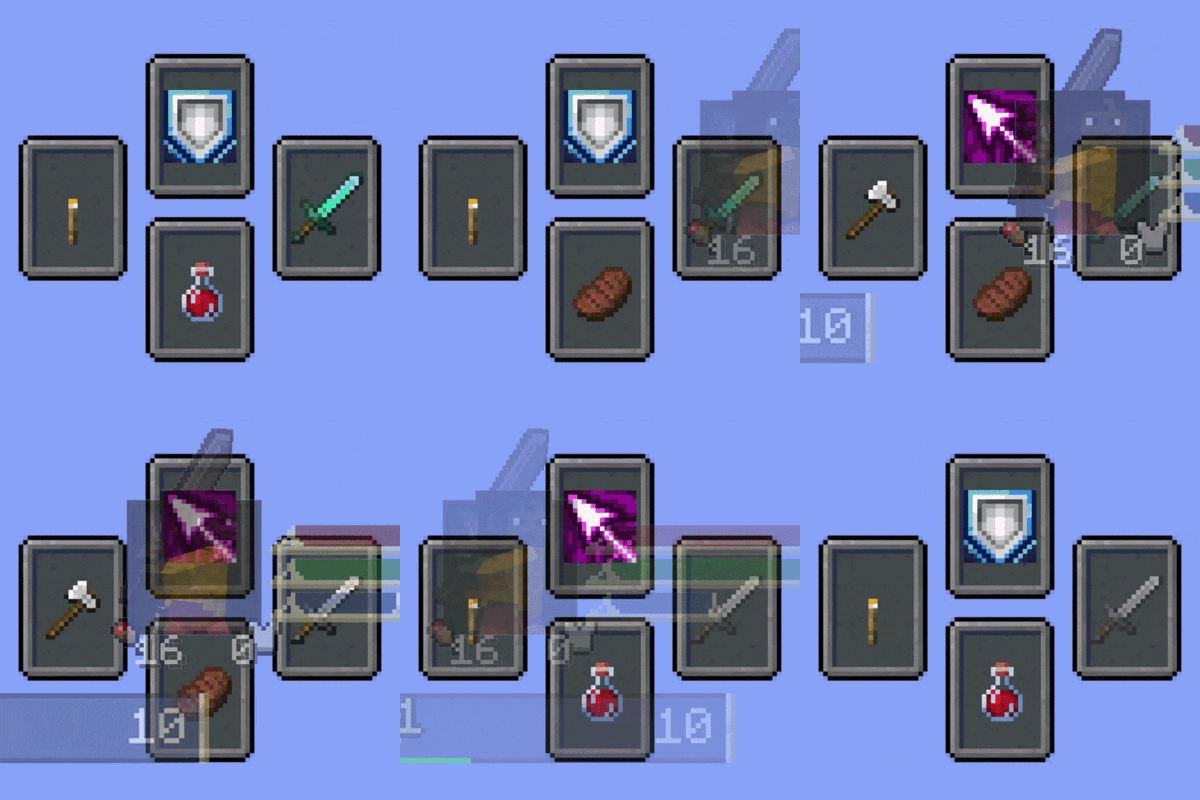
Adds a soulslike HUD featuring equipment slots, boss bar, status gauges and team display.
 mod
CurseForge + Modrinth · Minecraft
NEEPMeat
A tech mod with pipes, computers, guns, rusty machinery and meat.
 mod
CurseForge · Minecraft
Sparrow's Homestead Chronicles
Standalone adventure journal featuring quests, XP progression, a customizable HUD, and an adventure library for Minecraft 1.21.1.