
Minecraft version
Back to mods 
CurseForge · Minecraft mod
Mortal Golems
Iron Golems now drown, take fall damage, and slowly degrade over time — no more immortal iron statues clogging your server.
Choose a version Pick your version below, then grab the matching file.
Quick answer
Which Mortal Golems release should I use?
Latest stable file mortal-golems-1.0.0.jar
Game version 26.2
Loader Fabric
Mortal Golems mortal-golems-1.0.0.jar targets 26.2 with Fabric. The project page does not say whether this file belongs on the client, dedicated server, or both. No extra mods listed for this file.
Where it goes
Is Mortal Golems required on the client, server, or both?
The project page does not say whether this file belongs on the client, dedicated server, or both.
Client Source doesn’t say
Dedicated server Source doesn’t say
Loader for this release Fabric
Required install it here Optional supported, not mandatory Not supported do not install here Source doesn’t say do not assume
The source does not explicitly classify this release as client-only or server-only.
What else does Mortal Golems mortal-golems-1.0.0.jar need?
mortal-golems-1.0.0.jar. Change the file and its required mods may change too.
This file does not list any required mods. Do not add a library just because a different file uses it.
This file does not list any required or optional mods.
Before you install it
Add Mortal Golems without breaking your instance.
Built for Mortal Golems mortal-golems-1.0.0.jar. Pick another file and the loader, install side or required mods may change.
- 01
Stick to this file
Use mortal-golems-1.0.0.jar. It targets 26.2 with Fabric; another release may have different loader, side or dependency requirements.
- 02
Bring the mods it needs
This file does not list any required mods. Do not add a library just because a different file uses it.
- 03
Put it on the correct side
The project page does not say whether this file belongs on the client, dedicated server, or both.
- 04
Pick the file you checked
Use the “Get this file” button beside mortal-golems-1.0.0.jar. It opens that exact file at the source.
About this project
What does Mortal Golems add?



Mortal Golems
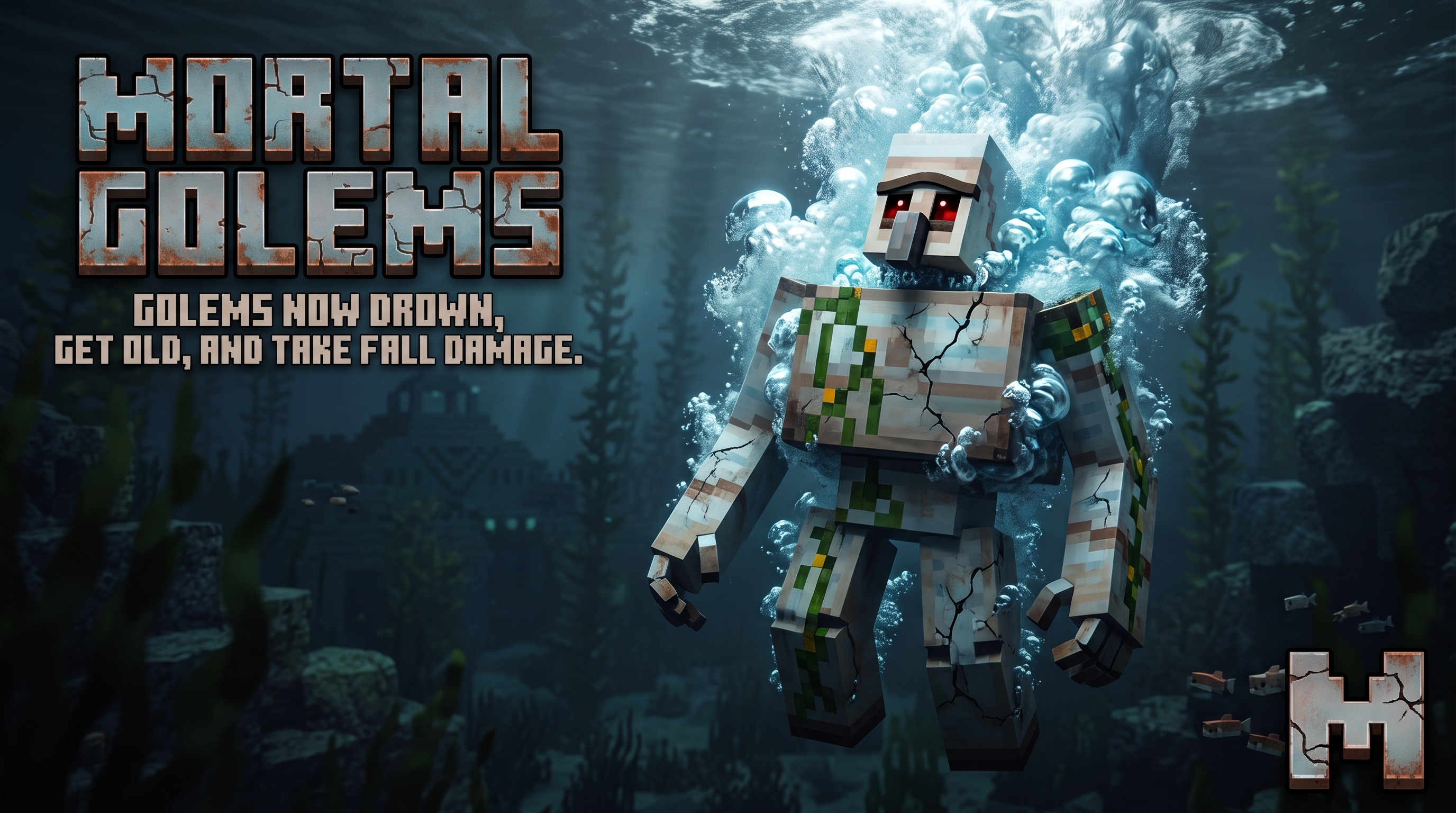
Iron Golems are no longer immortal.
In vanilla Minecraft, Iron Golems are practically indestructible — they don't drown, they're immune to fall damage, and they never age. This leads to a common server problem: dozens of forgotten golems accumulate underwater, in caves, or in inaccessible places, slowly overloading the server with useless entities that never despawn. Your iron farms keep spawning golems that get trapped and pile up forever, eating server resources for nothing.
Mortal Golems fixes this. Golems now degrade over time, drown underwater, and take fall damage like any other mob. They become a resource that requires active maintenance — repair them with iron ingots, or let them rust away. No more immortal iron statues clogging up your world.
Features
🗡️ Fall Damage
Iron Golems now take fall damage like any other mob. No more dropping them from heights without consequence.
🌊 Drowning
Iron Golems now lose air underwater and can drown. The vanilla immunity to drowning is removed.
⏳ Aging Degradation
Iron Golems slowly deteriorate over time:
- 4 HP damage per in-game day (configurable)
- ~25 day lifespan with 100 HP base health
- Visual iron block particle effects when degradation ticks
- Catch-up logic: if a chunk is unloaded while the server runs, accumulated damage is applied when the chunk reloads (capped at 5 days to prevent instant death)
- Players must repair golems with iron ingots to keep them alive
🔧 Configuration
All values are editable via config/mortal_golems.json:
{
  "damagePerDay": 4.0,
  "maxCatchupDays": 5,
  "checkIntervalTicks": 20,
  "enableFallDamage": true,
  "enableDrowning": true,
  "enableAging": true
}
Hot-reload with /mortalgolems reload — no server restart needed.
💬 Commands
Available to all players:
| Command | Description |
|---|---|
/mortalgolems |
Shows mod status and active configuration |
/mortalgolems scan |
Scans Iron Golems within 50 blocks — HP, days remaining, crack state, position |
/mortalgolems reload |
Reloads configuration from JSON |
Installation
Requirements
- Minecraft 26.2
- Fabric Loader 0.19.3+
- Fabric API 0.153.0+
Server
- Download
mortal-golems-<version>.jarfrom Releases - Place it in your server's
mods/folder - Restart the server
- (Optional) Edit
config/mortal_golems.jsonto customize
Client
This is a server-side only mod. No client installation needed.
FAQ
Q: Do server restarts cause damage to golems? A: No. The mod uses in-game time (getGameTime()), which only advances while the server is running. Restarts cause zero damage.
Q: What happens if a chunk is unloaded for a long time? A: When the chunk reloads, accumulated damage is applied with a configurable cap (default: 5 days max). This prevents instant death from long absences.
Q: Can I disable specific features? A: Yes. Set enableFallDamage, enableDrowning, or enableAging to false in the config.
Q: Is this compatible with other mods? A: Yes. Mortal Golems uses standard Fabric mixins and data-driven tags. It should be compatible with most mods.
Building from Source
git clone https://github.com/cmarfil/MortalGolems.git
cd MortalGolems
./gradlew build
The output JAR will be in build/libs/.
License
This project is licensed under the MIT License — see LICENSE for details.
Author
cmarfil — GitHub
Project description from CurseForge.
Pick your setup
Mortal Golems by Minecraft version and loader
Choose the version and loader you play, then open the matching release.
Check the dependencies, then try the file in a copied instance before changing a world you care about.
Recent files
Mortal Golems versions and loaders
mortal-golems-1.0.0.jar
5 Jul 2026
Client Source doesn’t say Server Source doesn’t say Dependencies No extras listed Listed on Release listing
Check the 26.2 · Fabric setup Fabric26.2 release
Looking for an older file? The official CurseForge project page is in Resources.
 mod
mod CurseForge + Modrinth · Minecraft
OpenComputers II
Computers and robots for automating things via in-game scripting.
 mod
mod CurseForge + Modrinth · Minecraft
Ragex's Nuclear Tech (RNTM)
A realism-focused fork of HBM’s Nuclear Tech Mod (NTM), expanding its nuclear technology into a sci-fi chemistry, space, science, and immersion-focused experience.
 mod
mod Modrinth · Minecraft
Gloom Raiders
Add six new illager called:Nun,Earl,Dramatist,Headsman,Psychic,SpellSword,and many mobs or items about them.