Markdown Manual Needed by OpenComputers II oc2-MC1.21.1-0.6.0
requiredMatching file found Matched file: MarkdownManual-MC1.21.1-1.2.7
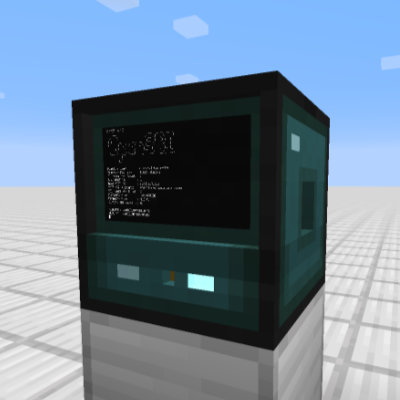
CurseForge · Minecraft mod
Computers and robots for automating things via in-game scripting.
Quick answer
OpenComputers II oc2-MC1.21.1-0.6.0 targets 1.21.1 with Fabric. The project page does not say whether this file belongs on the client, dedicated server, or both. All 5 required mods have matching files.
Where it goes
The project page does not say whether this file belongs on the client, dedicated server, or both.
The source does not explicitly classify this release as client-only or server-only.
oc2-MC1.21.1-0.6.0. Change the file and its required mods may change too.
Install Markdown Manual, Forge Config API Port, Architectury API, Fabric API and 1 more first. We found matching files for this game-version and loader setup. 2 come through another mod in the chain.
2 extra mods were pulled in by other dependencies. Indented rows show who needs each one. We only count dependency files that match this setup. A file for another loader does not fill the gap.
Before you install it
Built for OpenComputers II oc2-MC1.21.1-0.6.0. Pick another file and the loader, install side or required mods may change.
Use oc2-MC1.21.1-0.6.0. It targets 1.21.1 with Fabric; another release may have different loader, side or dependency requirements.
Install Markdown Manual, Forge Config API Port, Architectury API, Fabric API and 1 more first. We found matching files for this game-version and loader setup. 2 come through another mod in the chain.
The project page does not say whether this file belongs on the client, dedicated server, or both.
Use the “Get this file” button beside oc2-MC1.21.1-0.6.0. It opens that exact file at the source.
About this project
OpenComputers II is a spiritual successor to OpenComputers. It carries some of the core ideas with it, such as configurability and sandboxing. However, there are also many changes, such as the mod using emulated "real-world" hardware.
The core of computers in this mod is an emulated RISC-V architecture. This allows running Linux and using it much like you'd use it normally. For example, networking uses an emulated network card and regular ethernet frames, so different Linux computers can communicate just as you'd expect.
While the mod has been in development for some time now, it should still be considered to be in early development. There may still be severe bugs that went undiscovered. The mod is also very light on features at this point in time, at least when compared to OpenComputers. As such, please report any issues you encounter while using the mod, and stay tuned for more content in the future.
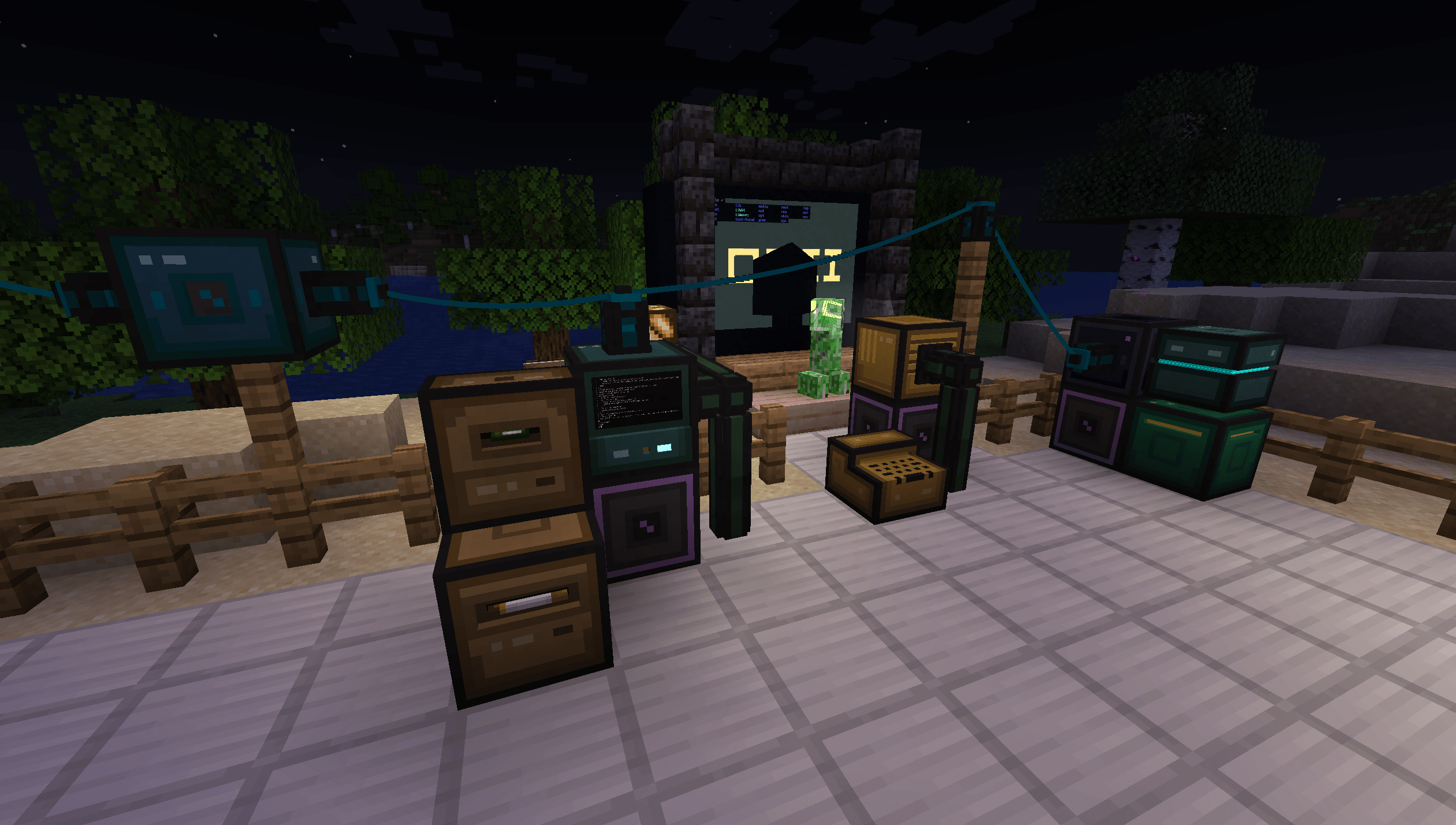
The mod provides stationary computers and mobile robots. While computers can connect to other in-world devices via bus cables and extension cards, robots can move through the world and interact with it via installed modules. Computers can communicate with each other using network cards and cables.
To get started with the mod, it is strongly recommended to craft The Computerists Handbook, an in-game manual item with information on all the blocks, how to build your first computer and so on.
By default, computers and robots consume energy (RF/Forge Energy), so it is recommended to play this mod in combination with some other mod that provides energy generation.
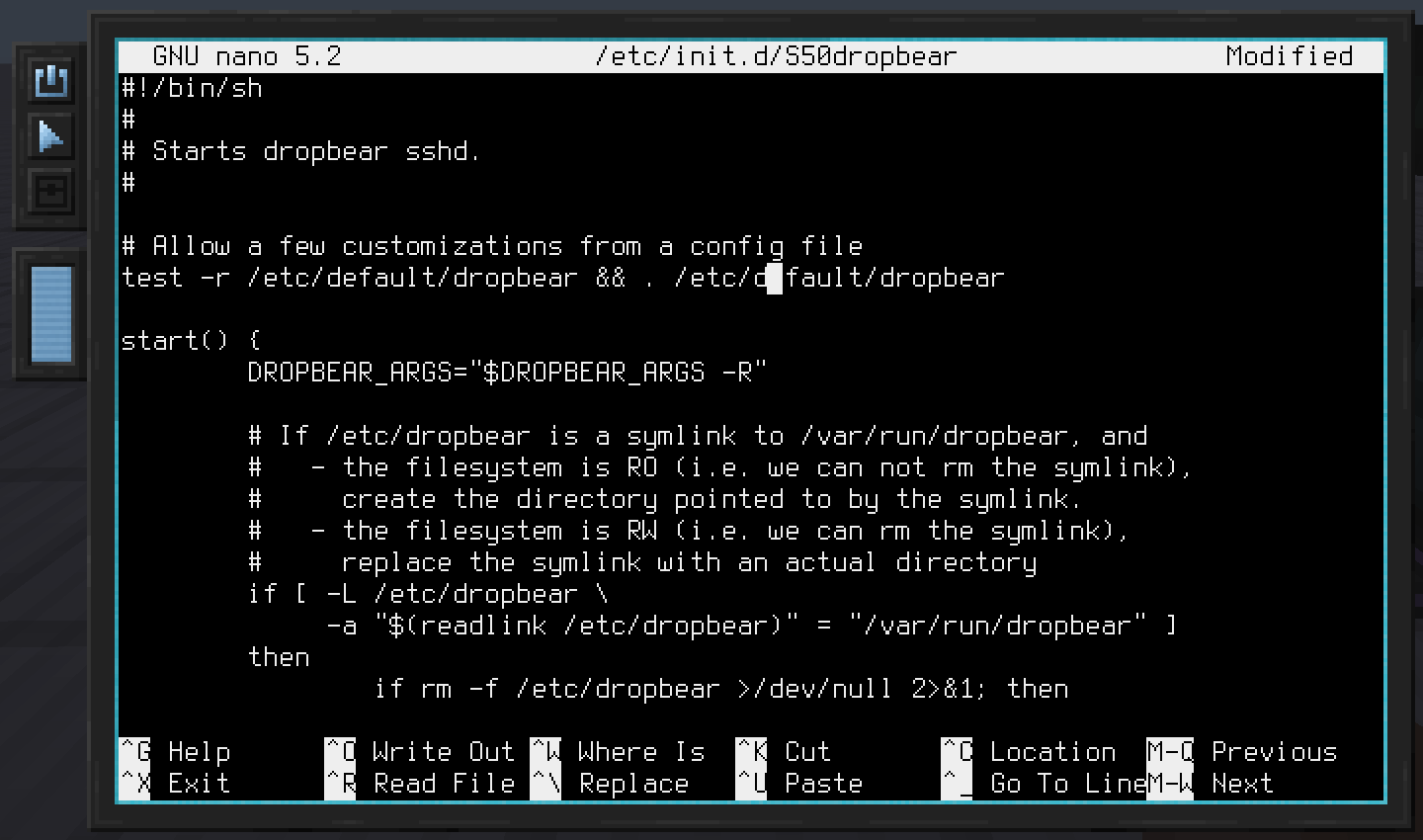
The default operating system used by the mod is Linux. It comes with a list of well-known utilities, such as the text-editors vi and nano. For those curious, buildroot is used to create the kernel and root filesystem images.
To enable easy scripting, Lua is also included. Many of the Minecraft specific devices, such as inventories, the Redstone Interface Block and general mod-interoperability use a high-level API that is intended to be used through Lua. This eases both adding integrations with other mods, as well as using these APIs when scripting in the game.
Here's an example snippet that sends a redstone signal through a Redstone Interface Device:
require("devices"):find("redstone"):setRedstoneOutput("up", 15)
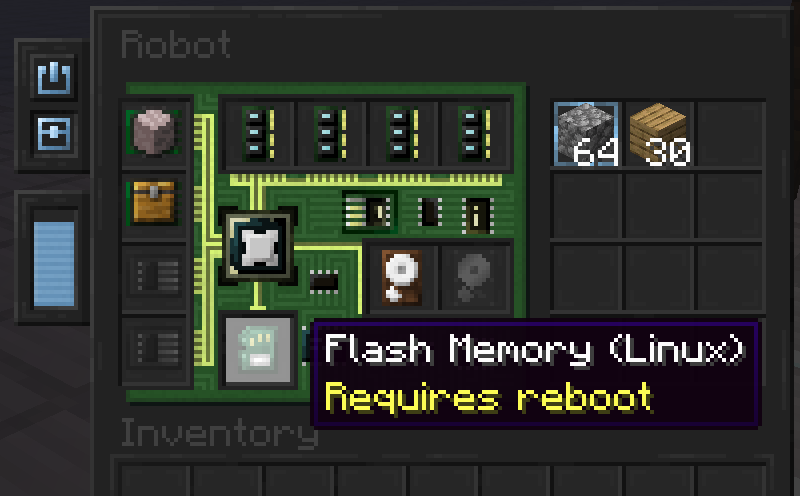
Computers and robots can be configured using various device items. Shared device types include memory (RAM), firmware and hard drives. Computers furthermore allow installation of extension cards, such as the Network Interface Card, whereas robots allow installation of modules, such as the Block Operations Module, which enables robots to break and place blocks.
Project description from CurseForge.
Pick your setup
Choose the version and loader you play, then open the matching release.
Check the dependencies, then try the file in a copied instance before changing a world you care about.
Recent files
oc2-MC1.21.1-fabric-0.6.0+e3d75d3.jar
20 Sept 2026
oc2-MC1.21.1-neoforge-0.6.0+e3d75d3.jar
20 Sept 2026
oc2-MC1.21.1-neoforge-0.5.0+c71b690.jar
15 Sept 2026
oc2-MC1.21.1-fabric-0.5.0+c71b690.jar
15 Sept 2026
oc2-MC1.21.1-fabric-0.4.1+019c507.jar
9 Sept 2026
oc2-MC1.21.1-neoforge-0.4.1+019c507.jar
9 Sept 2026
oc2-MC1.21.1-neoforge-0.4.0+0bb6580.jar
7 Sept 2026
oc2-MC1.21.1-fabric-0.4.0+0bb6580.jar
7 Sept 2026
oc2-MC1.21.1-neoforge-0.3.0+1a90015.jar
4 Sept 2026
oc2-MC1.21.1-fabric-0.3.0+1a90015.jar
4 Sept 2026
24 Jul 2022
7 Apr 2022
Looking for an older file? The official CurseForge project page is in Resources.
 mod
modAdds some new ways to craft items, as well as extra crafting items and utilities.
 mod
modStore encoded AE2 patterns on disks instead of filling a provider's slots. Adds a disk-based provider (block and cable panel), a pattern transferer, and two assemblers. Requires AE2.
 mod
modAn addon for Mystical Agriculture, adding new mechanics, seeds and essences — new resource crops, essence blocks, growth accelerators and Botany Pots support.