Minecraft version
Back to mods 
CurseForge · Minecraft mod
Villager Phrases
Adds immersive phrases to villagers and iron golems when you interact with or walk near them.
Choose a version Pick your version below, then grab the matching file.
Quick answer
Which Villager Phrases release should I use?
Latest stable file villagerphrases-neoforge-1.9.3+mc1.21.1.jar
Game version 1.21.1
Loader NeoForge
Villager Phrases villagerphrases-neoforge-1.9.3+mc1.21.1.jar targets 1.21.1 with NeoForge. The project page does not say whether this file belongs on the client, dedicated server, or both. No extra mods listed for this file.
Where it goes
Is Villager Phrases required on the client, server, or both?
The project page does not say whether this file belongs on the client, dedicated server, or both.
Client Source doesn’t say
Dedicated server Source doesn’t say
Loader for this release NeoForge
Required install it here Optional supported, not mandatory Not supported do not install here Source doesn’t say do not assume
The source does not explicitly classify this release as client-only or server-only.
What else does Villager Phrases villagerphrases-neoforge-1.9.3+mc1.21.1.jar need?
villagerphrases-neoforge-1.9.3+mc1.21.1.jar. Change the file and its required mods may change too.
This file does not list any required mods. Do not add a library just because a different file uses it.
This file does not list any required or optional mods.
Before you install it
Add Villager Phrases without breaking your instance.
Built for Villager Phrases villagerphrases-neoforge-1.9.3+mc1.21.1.jar. Pick another file and the loader, install side or required mods may change.
- 01
Stick to this file
Use villagerphrases-neoforge-1.9.3+mc1.21.1.jar. It targets 1.21.1 with NeoForge; another release may have different loader, side or dependency requirements.
- 02
Bring the mods it needs
This file does not list any required mods. Do not add a library just because a different file uses it.
- 03
Put it on the correct side
The project page does not say whether this file belongs on the client, dedicated server, or both.
- 04
Pick the file you checked
Use the “Get this file” button beside villagerphrases-neoforge-1.9.3+mc1.21.1.jar. It opens that exact file at the source.
About this project
What does Villager Phrases add?
VillagerPhrases
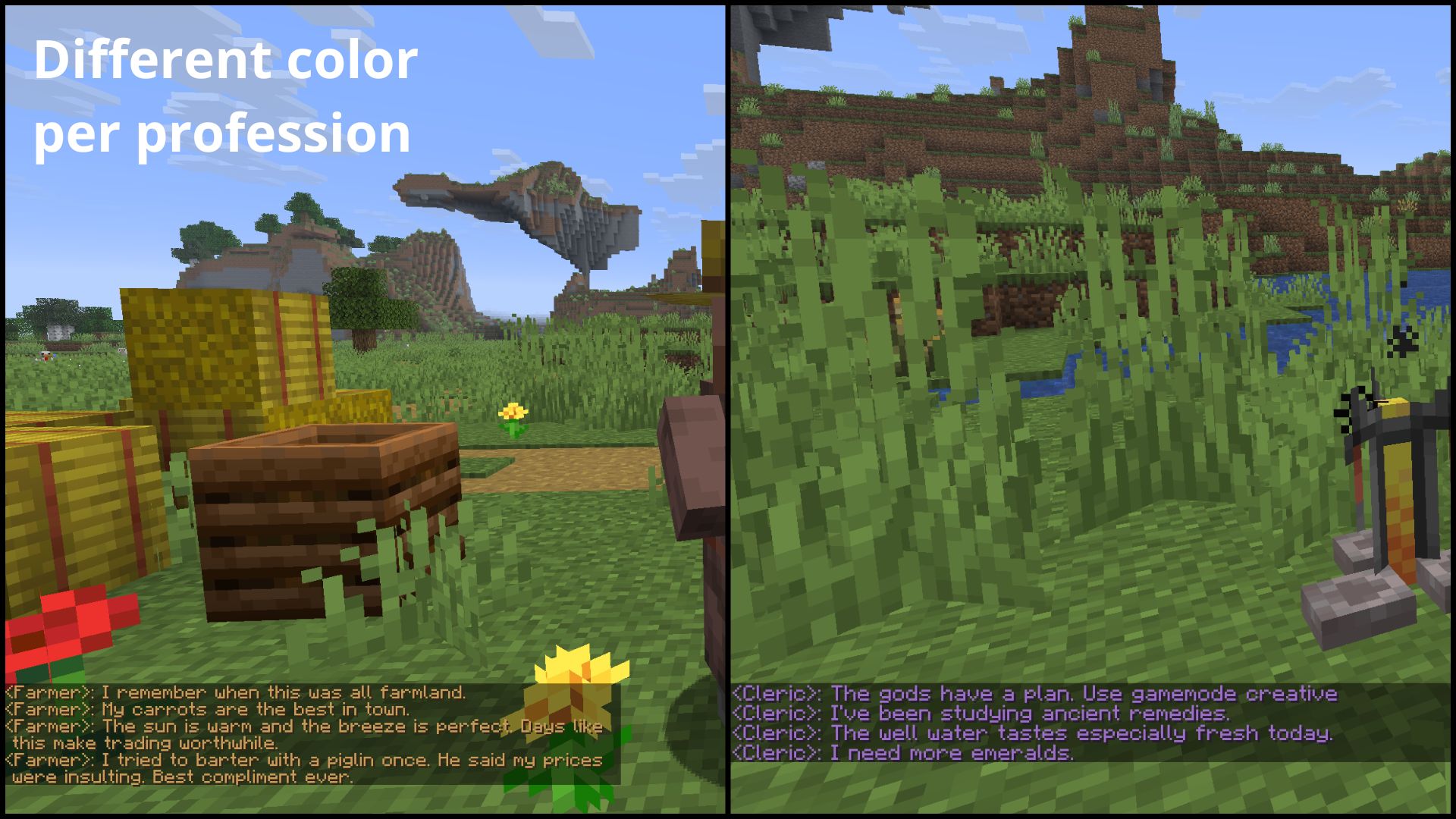
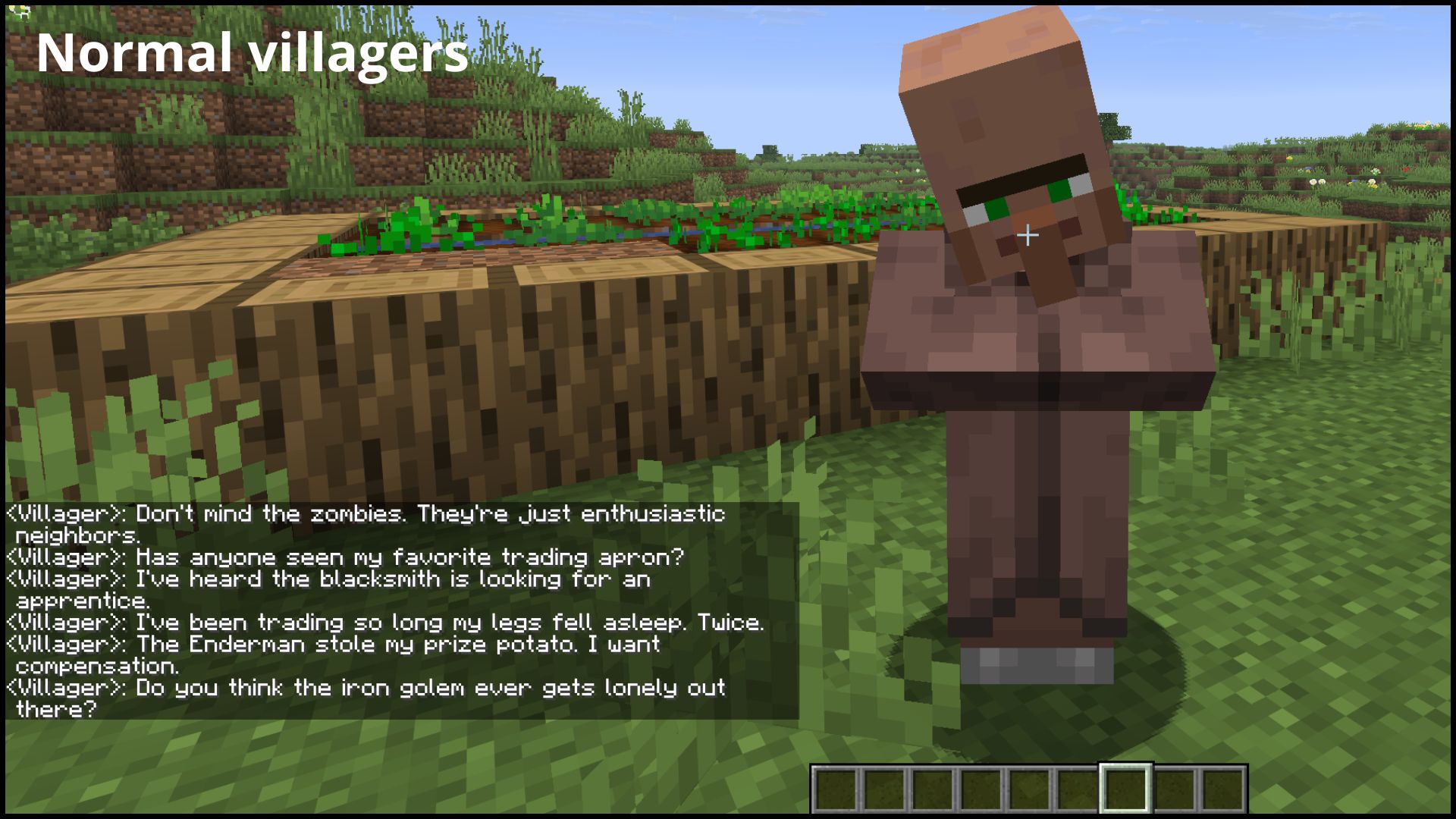
Adds personality to villagers and Iron Golems with contextual chat phrases — interact, proximity, nighttime, rain, hit & death responses. Multi-Language.
🌐 Multi-Language
| Language | Main | Variants |
|---|---|---|
| English | en_us |
— |
| Español | es_es |
es_ar, es_mx, es_cl, ... |
| Portuguese | pt_br |
pt_pt |
| Français | fr_fr |
fr_ca, fr_ch, fr_be |
| Deutsch | de_de |
de_at, de_ch |
| Русский | ru_ru |
— |
| Italiano | it_it |
— |
| हिन्दी (Hindi) | hi_in |
— |
| Bahasa Indonesia (Indonesia) | id_id |
— |
| Bahasa Melayu (Malaysia) | ms_my |
— |
| Polski | pl_pl |
— |
| Nederlands | nl_nl |
— |
| Türkçe | tr_tr |
— |
| Tiếng Việt | vi_vn |
— |
| 简体中文 | zh_cn |
— |
| 繁體中文 | zh_tw |
zh_hk |
| 日本語 | ja_jp |
— |
| 한국어 | ko_kr |
— |
| Українська | uk_ua |
— |
| Svenska | sv_se |
— |
| Čeština | cs_cz |
— |
| Magyar | hu_hu |
— |
| Suomi | fi_fi |
— |
| Dansk | da_dk |
— |
| Norsk bokmål (Norge) | no_no |
— |
| Română | ro_ro |
— |
| български | bg_bg |
— |
| ไทย | th_th |
— |
| Ελληνικά | el_gr |
— |
| Slovenčina | sk_sk |
— |
| Hrvatski | hr_hr |
— |
| Српски | sr_sp |
sr_cs |
| Lietuvių | lt_lt |
— |
| Latviešu | lv_lv |
— |
| Eesti | et_ee |
— |
⚡ Features
🗣️ Contextual Phrases
Villagers respond in different situations:
| Situation | Trigger | Toggle |
|---|---|---|
| Interact | Right-click | enableNormalPhrases |
| Proximity | Stand near | enableNormalPhrases |
| Night | Proximity | enableNightPhrases |
| Rain | Proximity | enableRainPhrases |
| Hit | Attack villager | enableHitPhrases |
| Death | Kill villager | enableDeathPhrases |
Iron Golems guarding a village also have their own phrases:
| Situation | Trigger | Toggle |
|---|---|---|
| Proximity | Stand near | enableIronGolemPhrases |
| Hit | Attack Iron Golem | enableIronGolemPhrases |
| Death | Kill Iron Golem | enableIronGolemPhrases |
🔗 Compatibility
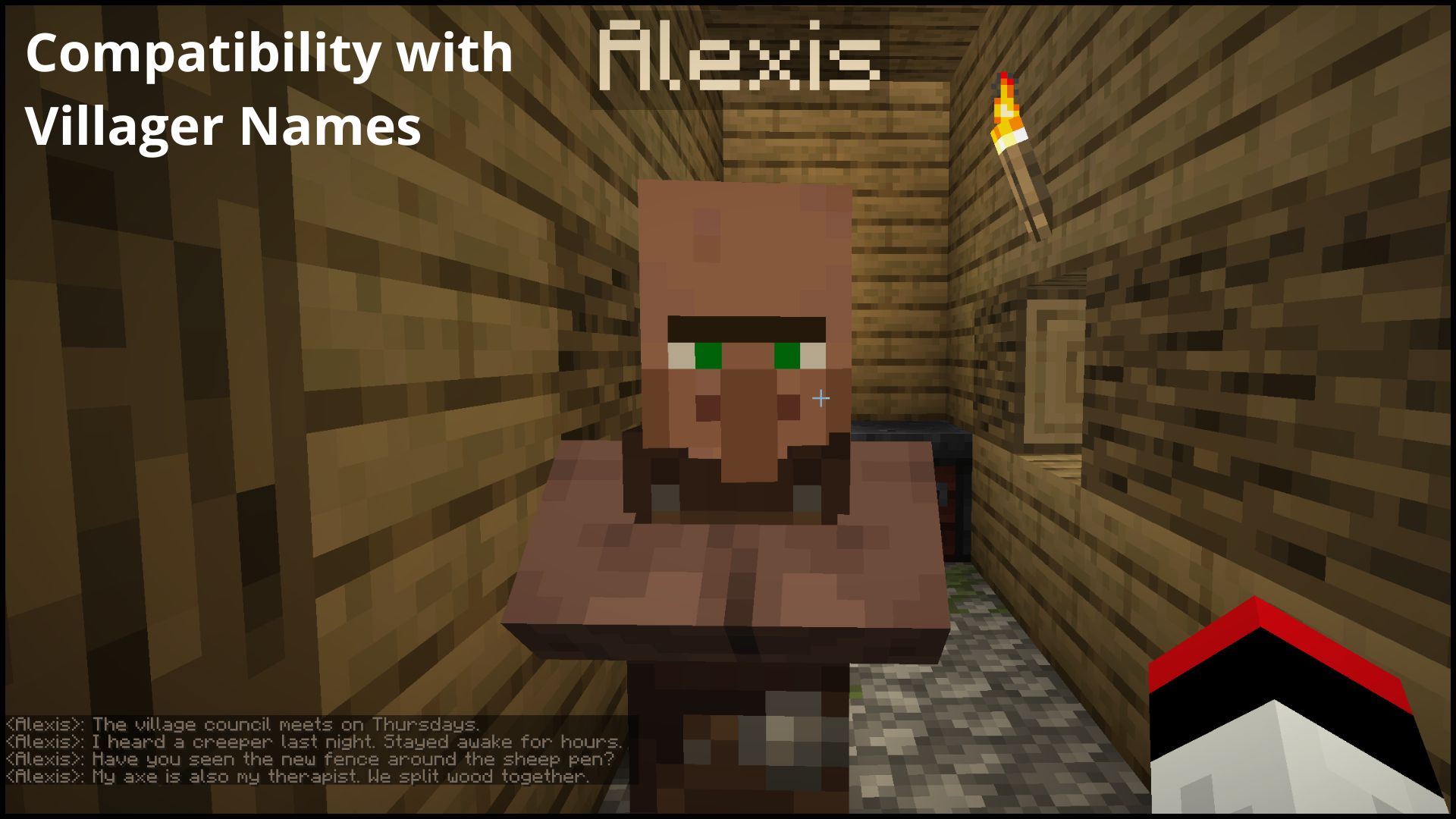
- VillagerNames: fully compatible — custom names appear as the message prefix automatically
⚙️ Configuration
The easiest way to configure VillagerPhrases is in-game: open Mod Menu (Fabric) or the Config button in the mods list (NeoForge) to toggle phrase categories and adjust cooldowns without touching any files.
If you prefer editing manually, or don't have Mod Menu installed:
config/villagerphrases.json
Available options:
{
  "enableNormalPhrases": true,
  "enableHumorPhrases": true,
  "enableNightPhrases": true,
  "enableRainPhrases": true,
  "enableHitPhrases": true,
  "enableDeathPhrases": true,
  "globalMessageCooldownTicks": 160
}
Each toggle independently controls its corresponding phrase category.
globalMessageCooldownTicks sets the minimum gap between messages (20 ticks = 1 second, so 160 = 8s by default; 0 disables the cooldown). Death phrases always fire regardless of the cooldown.
Iron Golem phrases have their own switch and cooldown:
{
  "enableIronGolemPhrases": true,
  "ironGolemMessageCooldownTicks": 160
}
ironGolemMessageCooldownTicks is independent of the villager cooldown, and Iron Golem death phrases always fire regardless of it.
📦 Requirements
Fabric
- Fabric API
- Mod Menu (optional)
- (+26.X) Java 25 or newer
NeoForge
- (+26.X) Java 25 or newer
💬 Suggestions & Issues
If you have an idea, a suggestion, or found a bug, feel free to leave a comment on the CurseForge page or open an issue on the GitHub repository.
❓ FAQ
Can I use this mod in a public modpack?
Yes! You're free to include it in any public or private modpack, no permission needed.
📜 License
This project is licensed under the MIT License.
Project description from CurseForge.
Pick your setup
Villager Phrases by Minecraft version and loader
Choose the version and loader you play, then open the matching release.
Minecraft version
26.2
2 loader buildsMinecraft version
26.1.2
2 loader buildsMinecraft version
1.21.11
2 loader buildsMinecraft version
1.21.8
2 loader buildsMinecraft version
1.21.1
2 loader buildsCheck the dependencies, then try the file in a copied instance before changing a world you care about.
Recent files
Villager Phrases versions and loaders
villagerphrases-neoforge-1.9.3+mc1.21.1.jar
27 Sept 2026
Client Source doesn’t say Server Source doesn’t say Dependencies No extras listed Listed on Release listing
Check the 1.21.1 · NeoForge setup 1.21.1NeoForge release
villagerphrases-neoforge-1.9.2+mc1.21.11.jar
27 Sept 2026
Client Source doesn’t say Server Source doesn’t say Dependencies No extras listed Listed on Release listing
Check the 1.21.11 · NeoForge setup NeoForge1.21.11 release
villagerphrases-fabric-1.9.3+mc1.21.1.jar
27 Sept 2026
Client Source doesn’t say Server Source doesn’t say Dependencies 2 required · 2 unchecked Listed on Release listing
Check the 1.21.1 · Fabric setup Fabric1.21.1 release
villagerphrases-fabric-1.9.2+mc1.21.11.jar
27 Sept 2026
Client Source doesn’t say Server Source doesn’t say Dependencies 2 required · 2 unchecked Listed on Release listing
Check the 1.21.11 · Fabric setup Fabric1.21.11 release
villagerphrases-neoforge-1.9.4+mc26.3.jar
27 Sept 2026
Client Source doesn’t say Server Source doesn’t say Dependencies No extras listed Listed on Release listing
Check the 26.3 · NeoForge setup NeoForge26.3 release
villagerphrases-neoforge-1.9.1+mc26.2.jar
27 Sept 2026
Client Source doesn’t say Server Source doesn’t say Dependencies No extras listed Listed on Release listing
Check the 26.2 · NeoForge setup NeoForge26.2 release
villagerphrases-neoforge-1.9.0+mc26.1.2.jar
27 Sept 2026
Client Source doesn’t say Server Source doesn’t say Dependencies No extras listed Listed on Release listing
Check the 26.1.2 · NeoForge setup NeoForge26.1.2 release
villagerphrases-fabric-1.9.4+mc26.3.jar
27 Sept 2026
Client Source doesn’t say Server Source doesn’t say Dependencies 2 required · 2 unchecked Listed on Release listing
Check the 26.3 · Fabric setup Fabric26.3 release
villagerphrases-fabric-1.9.1+mc26.2.jar
27 Sept 2026
Client Source doesn’t say Server Source doesn’t say Dependencies 2 required · 2 unchecked Listed on Release listing
Check the 26.2 · Fabric setup Fabric26.2 release
villagerphrases-fabric-1.9.0+mc26.1.2.jar
27 Sept 2026
Client Source doesn’t say Server Source doesn’t say Dependencies 2 required · 2 unchecked Listed on Release listing
Check the 26.1.2 · Fabric setup Fabric26.1.2 release
villagerphrases-neoforge-1.8.5+mc1.21.8.jar
24 Sept 2026
Client Source doesn’t say Server Source doesn’t say Dependencies No extras listed Listed on Release listing
Check the 1.21.8 · NeoForge setup 1.21.8NeoForge release
villagerphrases-neoforge-1.8.3+mc1.21.1.jar
24 Sept 2026
Client Source doesn’t say Server Source doesn’t say Dependencies No extras listed Listed on Release listing
Check the 1.21.1 · NeoForge setup 1.21.1NeoForge release
Looking for an older file? The official CurseForge project page is in Resources.
 mod
mod CurseForge · Minecraft
Signal Lost
An ARG horror mod where something on your world reads the chat, stages events around you, and pulls you into four nightmare dimensions.
 mod
mod CurseForge · Minecraft
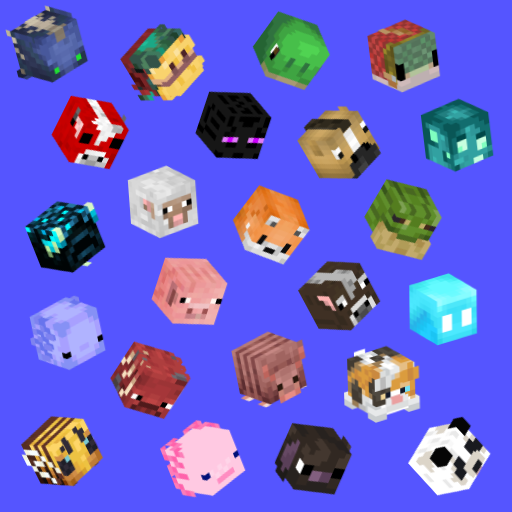
Jodek's Mob Heads
Mobs can drop their head when killed by a player, easy drop rate config, drop messages, advancement collection and more
 mod
mod CurseForge · Minecraft
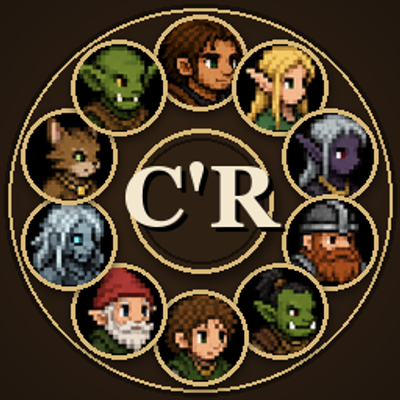
C'Races Médiéval
Pick a Medieval Fantasy race - Human, Elf, Dark Elf, Dwarf, Orc, Halfling, Gnome, Revenant, Alfiq, or Goblin - each with unique bonuses, drawbacks, and an active ability, Origins-style.