Create Needed by 🔍 Create: Storage Terminal create_storage_terminal-neoforge-1.21.1-0.1.3.jar
requiredMatching file found Matched file: Create 6.0.10 for mc1.21.1
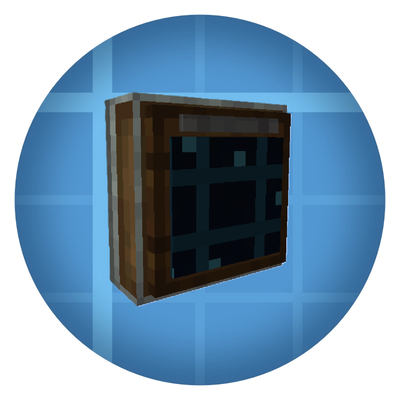
CurseForge · Minecraft mod
Create: Storage Terminal makes large storage systems easier to search, manage, and access—without opening every container individually.
Quick answer
🔍 Create: Storage Terminal create_storage_terminal-neoforge-1.21.1-0.1.3.jar targets 1.21.1 with NeoForge. The project page does not say whether this file belongs on the client, dedicated server, or both. All 1 required mods have matching files.
Where it goes
The project page does not say whether this file belongs on the client, dedicated server, or both.
The source does not explicitly classify this release as client-only or server-only.
create_storage_terminal-neoforge-1.21.1-0.1.3.jar. Change the file and its required mods may change too.
Install Create first. We found matching files for this game-version and loader setup.
We only count dependency files that match this setup. A file for another loader does not fill the gap.
Before you install it
Built for 🔍 Create: Storage Terminal create_storage_terminal-neoforge-1.21.1-0.1.3.jar. Pick another file and the loader, install side or required mods may change.
Use create_storage_terminal-neoforge-1.21.1-0.1.3.jar. It targets 1.21.1 with NeoForge; another release may have different loader, side or dependency requirements.
Install Create first. We found matching files for this game-version and loader setup.
The project page does not say whether this file belongs on the client, dedicated server, or both.
Use the “Get this file” button beside create_storage_terminal-neoforge-1.21.1-0.1.3.jar. It opens that exact file at the source.
About this project
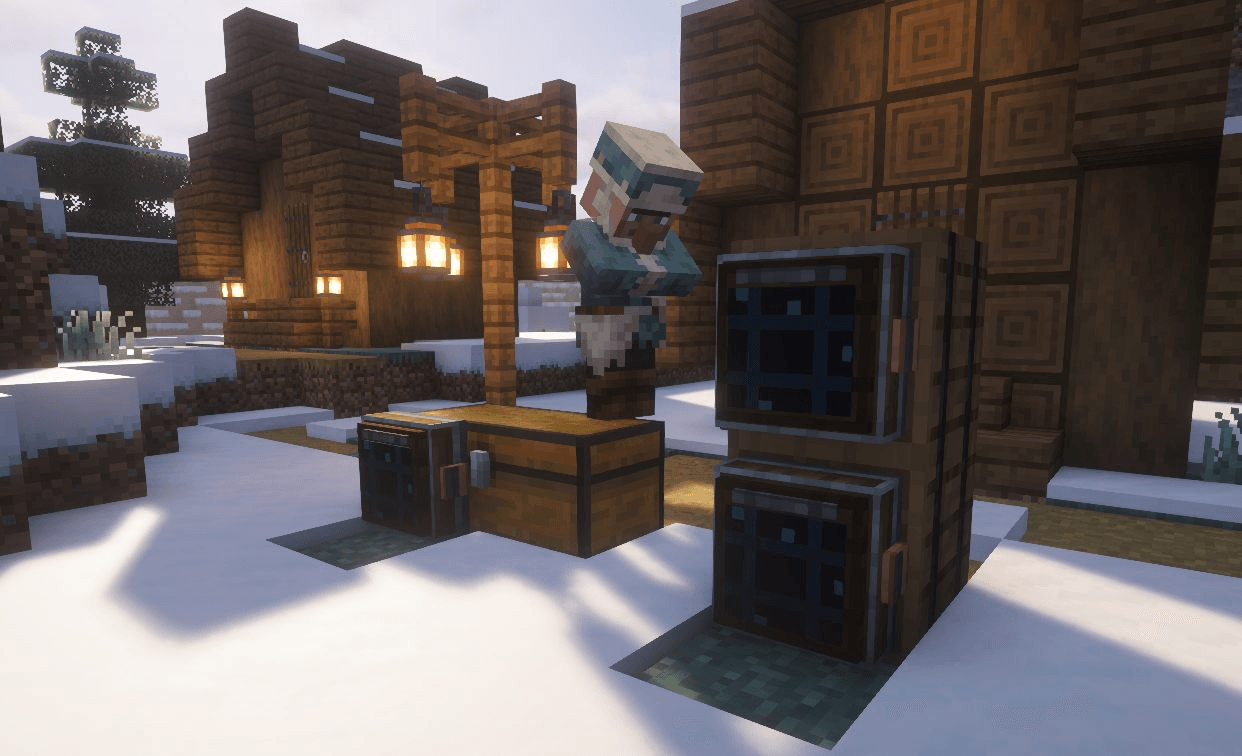
Create: Storage Terminal adds a convenient, Create-inspired storage interface to Minecraft!
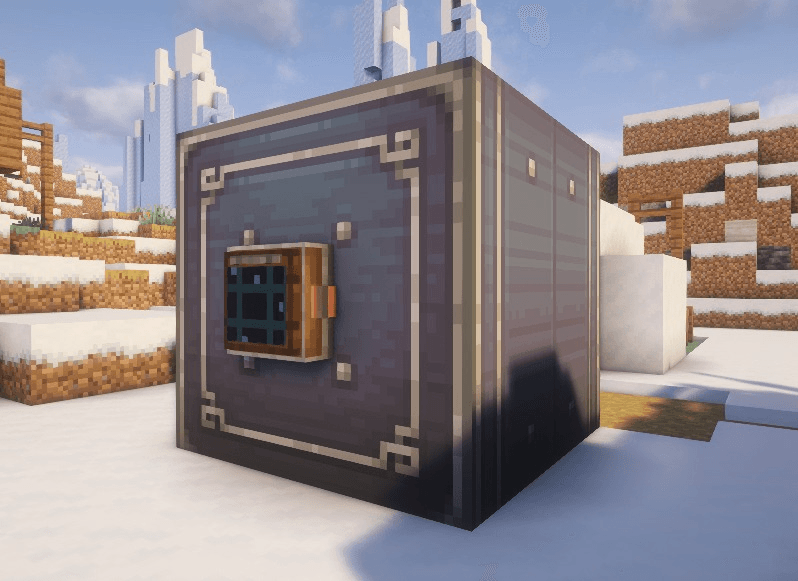
Place the Storage Terminal next to compatible storage—especially Create Item Vaults—to view, search, deposit, and retrieve stored items from one clean terminal screen.
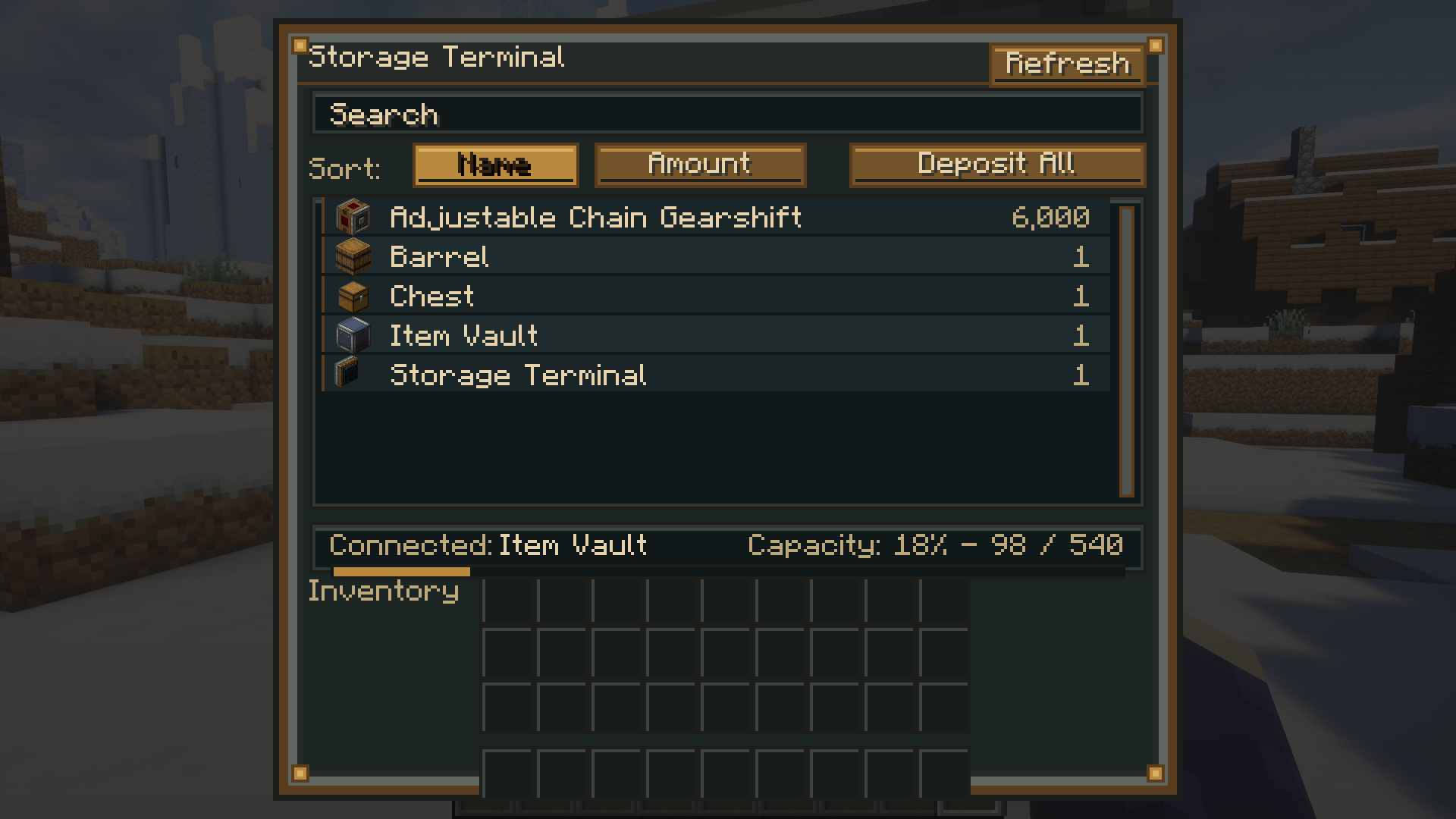
🔍 Search your storage
Quickly find specific items by typing their name into the search bar.
📊 Sort stored items
Sort the item list by:
📥 Deposit items
Move items directly from your player inventory into the connected storage.
📦 Deposit All
Automatically deposits as many compatible items from your inventory as possible.
📤 Retrieve items
Take items out of the connected storage directly through the terminal interface.
🔄 Refresh button
Instantly refresh the displayed contents of the connected storage.
📈 Storage information
See which storage is connected, how many items are stored, and how much capacity remains.
The terminal will only transfer as many items as the connected storage or your inventory can hold, preventing items from being lost.
The terminal is designed especially for Create Item Vaults, while also supporting compatible inventories that expose item storage.

⚠️ This is an unofficial create addon. Do not report addon bugs to the original create developers.
Disclaimer about product: NOT AN OFFICIAL MINECRAFT PRODUCT. NOT APPROVED BY OR ASSOCIATED WITH MOJANG OR MICROSOFT
Project description from CurseForge.
Pick your setup
Choose the version and loader you play, then open the matching release.
Check the dependencies, then try the file in a copied instance before changing a world you care about.
Recent files
17 Aug 2026
17 Aug 2026
7 Aug 2026
7 Aug 2026
10 Jul 2026
10 Jul 2026
Looking for an older file? The official CurseForge project page is in Resources.
 mod
modBrings the classic Furnace Engine back to Create 6.0.1, generating configurable rotational power from active furnaces with warm-up and heat sink support.
 mod
modA client-side Poké Snack calculator that reads your Cobblemon instance and finds useful recipes, locations, forms, and spawn conditions
 mod
modBeacon effects in an inventory item. Four tiers, augments you slot in, and a fuel cost — all defined in datapacks.