GeckoLib Needed by Normal NPC Player: Community Mod. forge-normalnpcplayer-mod-1.1.5 (special_guest).jar
requiredMatching file found Matched file: geckolib-forge-1.20.1-4.8.5.jar
CurseForge · Minecraft mod
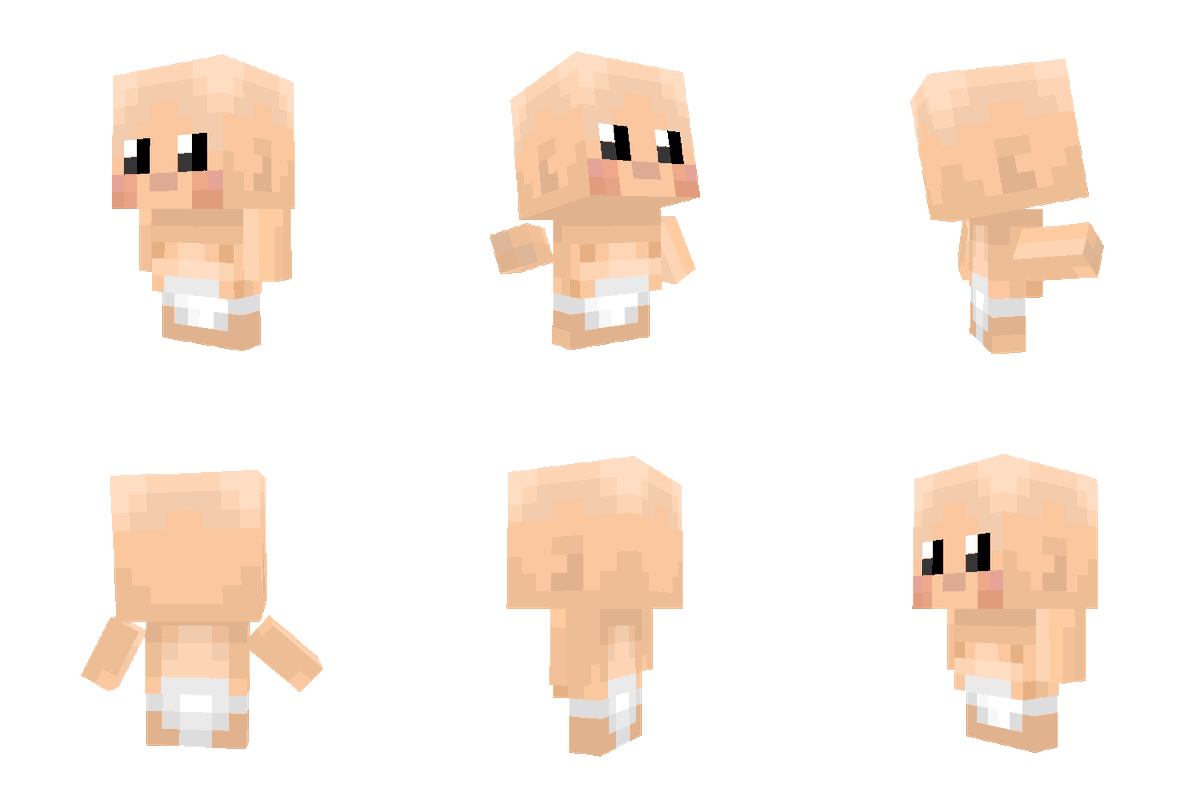
A mod that add player's baby to hardcore world!
Quick answer
Normal NPC Player: Community Mod. forge-normalnpcplayer-mod-1.1.5 (special_guest).jar targets 1.20.1 with Forge. The project page does not say whether this file belongs on the client, dedicated server, or both. All 1 required mods have matching files.
Where it goes
The project page does not say whether this file belongs on the client, dedicated server, or both.
The source does not explicitly classify this release as client-only or server-only.
forge-normalnpcplayer-mod-1.1.5 (special_guest).jar. Change the file and its required mods may change too.
Install GeckoLib first. We found matching files for this game-version and loader setup.
We only count dependency files that match this setup. A file for another loader does not fill the gap.
Before you install it
Built for Normal NPC Player: Community Mod. forge-normalnpcplayer-mod-1.1.5 (special_guest).jar. Pick another file and the loader, install side or required mods may change.
Use forge-normalnpcplayer-mod-1.1.5 (special_guest).jar. It targets 1.20.1 with Forge; another release may have different loader, side or dependency requirements.
Install GeckoLib first. We found matching files for this game-version and loader setup.
The project page does not say whether this file belongs on the client, dedicated server, or both.
Use the “Get this file” button beside forge-normalnpcplayer-mod-1.1.5 (special_guest).jar. It opens that exact file at the source.
About this project
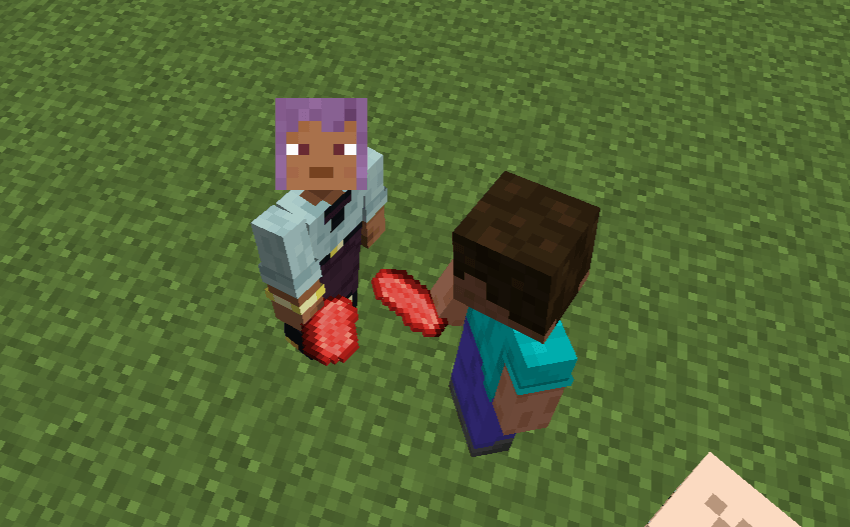
 MORE AND MORE HARDCORE!!!
(NNP) Normal Non-Player-Character Player have fun Alpha features. You can also feedback to me when found some errors or something strange you can leave it as a comments.
Don't tell them.. shhhsss...



| หมวด | คีย์ลัด / การกระทำ | เงื่อนไขและผลลัพธ์ |
|---|---|---|
| Baby Item — กระเป๋าและอุปกรณ์ | ||
| เปิด Baby Inventory | Shift + คลิกขวา ที่ Baby Item | ใช้ได้ในกระเป๋าผู้เล่นหรือ Creative Inventory เพื่อเปิดหน้า Baby Inventory |
| ใส่เกราะ | คลิกซ้ายที่ Baby Item ขณะถือเกราะหรือ Elytra บนเคอร์เซอร์ | ติดตั้งอุปกรณ์ลงช่องเกราะที่ตรงประเภท |
| ใส่มือหลัก | Ctrl + คลิกซ้าย ที่ Baby Item ขณะถือไอเทมบนเคอร์เซอร์ | ย้ายไอเทมไปมือหลักของ Baby |
| ใส่มือรอง | Ctrl + คลิกขวา ที่ Baby Item ขณะถือไอเทมบนเคอร์เซอร์ | ย้ายไอเทมไปมือรองของ Baby |
| Baby Item — Tooltip | ||
| แสดงรายละเอียด | กด Shift ค้างขณะชี้ Baby Item | แสดง Tooltip แบบรายละเอียดเต็ม |
| เลื่อน Tooltip | Shift + ล้อเมาส์, Shift + ↑/↓ หรือ Shift + PgUp/PgDn | เลื่อน Tooltip รายละเอียดเมื่อเนื้อหายาวเกินกรอบ |
| Baby Item — การสลับมือและ Hotbar | ||
| สลับไปมือรอง | ปุ่ม Swap Item With Offhand — ค่าเริ่มต้น F | เมื่อ Baby อยู่มือหลัก จะสลับ Baby ไปมือรองตามปกติ |
| ย้ายจากมือรอง | ใน Player/Creative Inventory: ชี้ช่องมือรองแล้วกด F | สลับ Baby ในมือรองกลับไปมือหลัก |
| ย้ายไป Hotbar | ใน Player/Creative Inventory ขณะที่ Baby อยู่มือรอง: กด 1–9 | ย้าย Baby ไปช่อง Hotbar ที่ระบุ และย้ายไอเทมเดิมในช่องนั้นไปมือรอง |
| ข้อจำกัดขณะถือ | เลือก Hotbar 1–9, ล้อเมาส์, ปุ่มกลางเมาส์ หรือ Q | เมื่อ Baby อยู่มือหลักระหว่างเล่นปกติ ระบบจะป้องกันการเปลี่ยนช่องหรือทิ้ง Baby |
| Growth Child — คำสั่งควบคุม | ||
| เปลี่ยนพฤติกรรม | มือเปล่า + คลิกขวา | วนพฤติกรรม: Follow → Hold Position → Wander Home → Work → Idle |
| ตั้งบ้าน | กด Sneak ค้าง (ปกติ Shift) + มือเปล่า + คลิกขวา | ตั้งตำแหน่งปัจจุบันของ Growth Child เป็น Home |
| Guard | กด Guard Modifier ค้าง + คลิกขวา | เปิด/ปิด Guard หรือ Hold Position; ค่าเริ่มต้นคือ Left Alt และเปลี่ยนได้ใน Controls → Normal NPC Player |
| โยน Baby | ||
| เริ่มชาร์จ | กดค้างพร้อมกันทั้ง 3 ปุ่ม: ปุ่มวิ่งที่ตั้งไว้ + R + ปุ่มใช้/คลิกขวา | ต้องถือ Baby และมืออีกข้างต้องว่าง; ทั้งสามปุ่มต้องถูกกดพร้อมกันเพื่อเริ่มฟังก์ชันชาร์จพลังโยน |
| โยน | ปล่อยเฉพาะปุ่มใช้/คลิกขวา | โยน Baby ตามพลังที่ชาร์จไว้ โดยไม่ต้องปล่อยปุ่มวิ่งหรือ R |
| ยกเลิก | คลิกซ้าย | ยกเลิกการชาร์จการโยนทันที |
| Cutscene | ||
| ปรับความเร็ว | คลิกซ้าย | สลับความเร็ว Cutscene ระหว่าง 1× และ 2× |
| ข้าม Cutscene | Esc | ข้าม Cutscene |
| หน้าจอ Baby Inventory และ Config | ||
| ควบคุมหน้าจอ | ไม่มีคีย์ลัดเฉพาะของม็อด | ใช้การคลิกและปุ่มมาตรฐานของ Minecraft; Esc ปิดหน้าจอ และในหน้า Config จะบันทึกค่าก่อนกลับ |
| Category | Shortcut / Action | Conditions and Result |
|---|---|---|
| Baby Item — Inventory and Equipment | ||
| Open Baby Inventory | Shift + Right-click a Baby Item | In the Player Inventory or Creative Inventory, opens the Baby Inventory screen. |
| Equip Armor | Left-click a Baby Item while holding armor or Elytra on the cursor | Equips the item in the matching Baby armor slot. |
| Equip Main Hand | Ctrl + Left-click a Baby Item while holding an item on the cursor | Moves the cursor item to the Baby’s main hand. |
| Equip Offhand | Ctrl + Right-click a Baby Item while holding an item on the cursor | Moves the cursor item to the Baby’s offhand. |
| Baby Item — Tooltip | ||
| Show Details | Hold Shift while hovering over a Baby Item | Shows the full-detail Tooltip. |
| Scroll Tooltip | Shift + Mouse Wheel, Shift + ↑/↓, or Shift + PgUp/PgDn | Scrolls the detailed Tooltip when its content exceeds the visible frame. |
| Baby Item — Hand and Hotbar Management | ||
| Move to Offhand | Swap Item With Offhand binding — default F | When the Baby is in the main hand, swaps it to the offhand normally. |
| Move from Offhand | In Player/Creative Inventory: hover over the offhand slot and press F | Swaps the Baby from the offhand back to the main hand. |
| Move to Hotbar | In Player/Creative Inventory, while the Baby is in the offhand: press 1–9 | Moves the Baby to the selected Hotbar slot and moves that slot’s former item to the offhand. |
| Carry Restrictions | Hotbar 1–9, mouse wheel, middle-click, or Q | While the Baby is in the main hand during normal gameplay, the mod prevents changing slots or dropping the Baby. |
| Growth Child — Control Commands | ||
| Change Behavior | Empty hand + Right-click | Cycles behavior: Follow → Hold Position → Wander Home → Work → Idle. |
| Set Home | Hold Sneak (default Shift) + empty hand + Right-click | Sets the Growth Child’s current position as Home. |
| Guard | Hold Guard Modifier + Right-click | Toggles Guard or Hold Position. Default: Left Alt; configurable in Controls → Normal NPC Player. |
| Throw Baby | ||
| Start Charging | Hold all three inputs simultaneously: configured Sprint key + R + Use/Right-click | The Baby must be carried and the other hand must be empty. All three inputs must be held together to activate charging. |
| Throw | Release only the Use/Right-click input | Throws the Baby with the charged power. The Sprint key and R do not need to be released. |
| Cancel | Left-click | Cancels the throw charge immediately. |
| Cutscene | ||
| Adjust Playback Speed | Left-click | Toggles Cutscene playback speed between 1× and 2×. |
| Skip Cutscene | Esc | Skips the Cutscene. |
| Baby Inventory and Config Screens | ||
| Screen Controls | No mod-specific shortcut | Use standard Minecraft mouse and screen controls; Esc closes the screen, and the Config screen saves before returning. |
Companion Mod
Want even more interactions?
If you'd like to pat your Baby NPCs, check out https://www.curseforge.com/minecraft/mc-mods/patpat It lets you pat living entities with fun animations and works great alongside Normal NPC Player.
Normal NPC Player
Normal NPC Player adds human-like NPCs to Minecraft that behave like real players instead of villagers. It is designed for map creators, survival worlds, roleplay, and future expansion.
Features
Human-style NPC entities
Baby NPC Player
Random walking AI
Idle animations
Looking at nearby players
Spawn Egg support
GeckoLib animations
Forge 1.20.1 support
Planned Features
Adult NPCs
Custom skins
Follow player
Sit and sleep
Trading
Fighting and defending
Better pathfinding
Commands for managing NPCs
Family and relationship system
Requirements
Minecraft Forge 1.20.1
GeckoLib
Why download this mod?
Unlike villagers, Normal NPC Player focuses on creating realistic human NPCs that can make your Minecraft world feel alive. The project is actively developed and more behaviors and interactions will be added in future updates.
Project description from CurseForge.
Pick your setup
Choose the version and loader you play, then open the matching release.
Check the dependencies, then try the file in a copied instance before changing a world you care about.
Recent files
9 Sept 2026
8 Sept 2026
4 Sept 2026
3 Sept 2026
2 Sept 2026
1 Sept 2026
1 Sept 2026
31 Aug 2026
31 Aug 2026
12 Jul 2026
Looking for an older file? The official CurseForge project page is in Resources.
 mod
Add dimensional wines to Kaleidoscope.
 mod
RDPL - Resource and Datapack loading to a new level. Run the same packs on any supported version of Minecraft. Restoring JOY back to Modpack building! The API that should have been. By MCT.
 mod
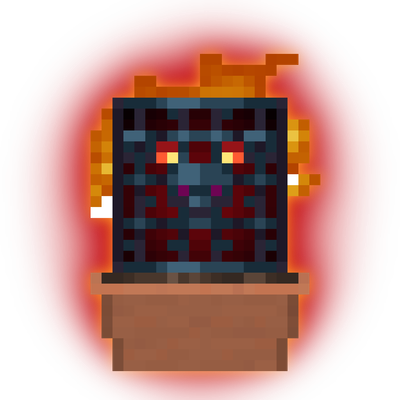
Place an Apothic Spawners spawner in a Botany Pot and it grows that mob's loot. Spawner stats apply and mob kills are simulated.