Minecraft version
Back to mods 
CurseForge · Minecraft mod
ObjToSchematic
Convert 3D models into Minecraft blocks directly in your world!
Choose a version Pick your version below, then grab the matching file.
Quick answer
Which ObjToSchematic release should I use?
Latest stable file ots-neoforge-26.2-0.2.0.jar
Game version 26.2
Loader NeoForge
ObjToSchematic ots-neoforge-26.2-0.2.0.jar targets 26.2 with NeoForge. The project page does not say whether this file belongs on the client, dedicated server, or both. No extra mods listed for this file.
Where it goes
Is ObjToSchematic required on the client, server, or both?
The project page does not say whether this file belongs on the client, dedicated server, or both.
Client Source doesn’t say
Dedicated server Source doesn’t say
Loader for this release NeoForge
Required install it here Optional supported, not mandatory Not supported do not install here Source doesn’t say do not assume
The source does not explicitly classify this release as client-only or server-only.
What else does ObjToSchematic ots-neoforge-26.2-0.2.0.jar need?
ots-neoforge-26.2-0.2.0.jar. Change the file and its required mods may change too.
This file does not list any required mods. Do not add a library just because a different file uses it.
This file does not list any required or optional mods.
Before you install it
Add ObjToSchematic without breaking your instance.
Built for ObjToSchematic ots-neoforge-26.2-0.2.0.jar. Pick another file and the loader, install side or required mods may change.
- 01
Stick to this file
Use ots-neoforge-26.2-0.2.0.jar. It targets 26.2 with NeoForge; another release may have different loader, side or dependency requirements.
- 02
Bring the mods it needs
This file does not list any required mods. Do not add a library just because a different file uses it.
- 03
Put it on the correct side
The project page does not say whether this file belongs on the client, dedicated server, or both.
- 04
Pick the file you checked
Use the “Get this file” button beside ots-neoforge-26.2-0.2.0.jar. It opens that exact file at the source.
About this project
What does ObjToSchematic add?
ObjToSchematic is a mod that lets you import 3D models into your world and turn them into blocks. It has a super simple GUI to tweak the generated build exactly how you want it.
Tutorial at: https://www.youtube.com/watch?v=fKgi80qbUEM
There's also a web-based editor you can use instead that lets you save to formats like .litematic/.schematic/etc. Visit https://objtoschematic.com.
Project description from CurseForge.
Pick your setup
ObjToSchematic by Minecraft version and loader
Choose the version and loader you play, then open the matching release.
Minecraft version
26.1.2
2 loader buildsCheck the dependencies, then try the file in a copied instance before changing a world you care about.
Recent files
ObjToSchematic versions and loaders
ots-neoforge-26.2-0.2.0.jar
ots-neoforge-0.2.0.jar
11 Aug 2026
Client Source doesn’t say Server Source doesn’t say Dependencies No extras listed Listed on Release listing
Check the 26.2 · NeoForge setup NeoForge26.2 release
ots-fabric-26.2-0.2.0.jar
ots-fabric-0.2.0.jar
11 Aug 2026
Client Source doesn’t say Server Source doesn’t say Dependencies No extras listed Listed on Release listing
Check the 26.2 · Fabric setup Fabric26.2 release
ots-neoforge-26.1.2-0.2.0.jar
ots-neoforge-0.2.0.jar
10 Aug 2026
Client Source doesn’t say Server Source doesn’t say Dependencies No extras listed Listed on Release listing
Check the 26.1.2 · NeoForge setup NeoForge26.1.2 release
ots-fabric-26.1.2-0.2.0.jar
ots-fabric-0.2.0.jar
10 Aug 2026
Client Source doesn’t say Server Source doesn’t say Dependencies No extras listed Listed on Release listing
Check the 26.1.2 · Fabric setup Fabric26.1.2 release
ots-neoforge-0.1.1.jar
13 Jul 2026
Client Source doesn’t say Server Source doesn’t say Dependencies No extras listed Listed on Release listing
Check the 26.1.2 · NeoForge setup NeoForge26.1.2 release
ots-fabric-0.1.1.jar
13 Jul 2026
Client Source doesn’t say Server Source doesn’t say Dependencies No extras listed Listed on Release listing
Check the 26.1.2 · Fabric setup Fabric26.1.2 release
Looking for an older file? The official CurseForge project page is in Resources.
 mod
mod CurseForge + Modrinth · Minecraft
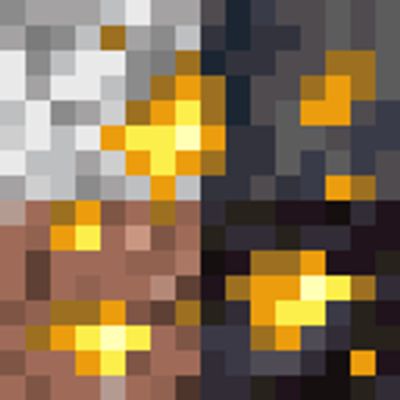
Seamless Ores
Ore that finally matches the rock around it. Granite, diorite, andesite, tuff, basalt and blackstone all get their own veins, with universal ore support across vanilla and modded ores. Terralith, datapacks and resource packs keep working.
 mod
mod CurseForge · Minecraft
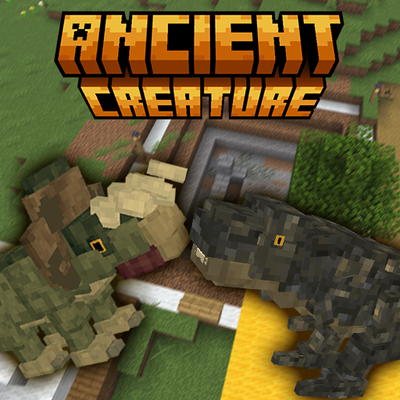
Ancient Creature
Ancient Creature adds prehistoric discoveries to Minecraft. Explore dig sites, uncover fossil fragments and ancient eggs, identify remains, and piece together creatures from the distant past.
 mod
mod CurseForge · Minecraft
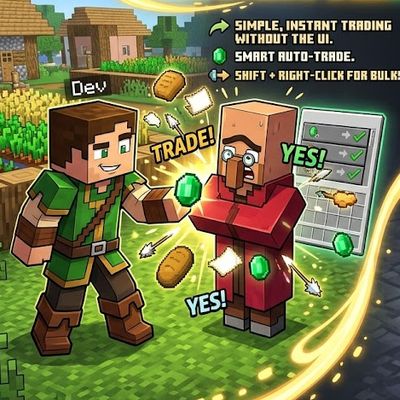
Fast Trades Villager : auto , instant and easy
Shift + Right-Click: Empty your backpack of all affordable resources and complete bulk trades automatically with one click