FTB Quests (NeoForge) Needed by FTB Quest Enhance quest_enhance-1.20.1-forge-3.7.jar
requiredMatching file found Matched file: ftb-quests-forge-2001.4.22.jar
CurseForge · Minecraft mod
Enhances FTB Quests editing with clipboard image pasting, chapter canvas text, and entity model previews for quests and kill tasks.
Quick answer
FTB Quest Enhance quest_enhance-1.20.1-forge-3.7.jar targets 1.20.1 with Forge. The project page does not say whether this file belongs on the client, dedicated server, or both. All 4 required mods have matching files.
Where it goes
The project page does not say whether this file belongs on the client, dedicated server, or both.
The source does not explicitly classify this release as client-only or server-only.
quest_enhance-1.20.1-forge-3.7.jar. Change the file and its required mods may change too.
Install FTB Quests (NeoForge), FTB Teams (NeoForge), Architectury API, FTB Library (NeoForge) first. We found matching files for this game-version and loader setup. 16 come through another mod in the chain.
16 extra mods were pulled in by other dependencies. Indented rows show who needs each one. We only count dependency files that match this setup. A file for another loader does not fill the gap.
Before you install it
Built for FTB Quest Enhance quest_enhance-1.20.1-forge-3.7.jar. Pick another file and the loader, install side or required mods may change.
Use quest_enhance-1.20.1-forge-3.7.jar. It targets 1.20.1 with Forge; another release may have different loader, side or dependency requirements.
Install FTB Quests (NeoForge), FTB Teams (NeoForge), Architectury API, FTB Library (NeoForge) first. We found matching files for this game-version and loader setup. 16 come through another mod in the chain.
The project page does not say whether this file belongs on the client, dedicated server, or both.
Use the “Get this file” button beside quest_enhance-1.20.1-forge-3.7.jar. It opens that exact file at the source.
About this project
Quest Enhance is a client-side enhancement mod for FTB Quests, designed for modpack authors and quest book creators.
It adds clipboard image pasting, automatic image sizing, chapter canvas text, entity model icons, animated GIFs, guide points, decorative lines, multi-node copying, canvas undo/redo, optional KubeJS click events, and bundled video support to FTB Quests, making quest book creation more intuitive, flexible, and visually expressive.
Quest Enhance adds several powerful enhancements to FTB Quests:
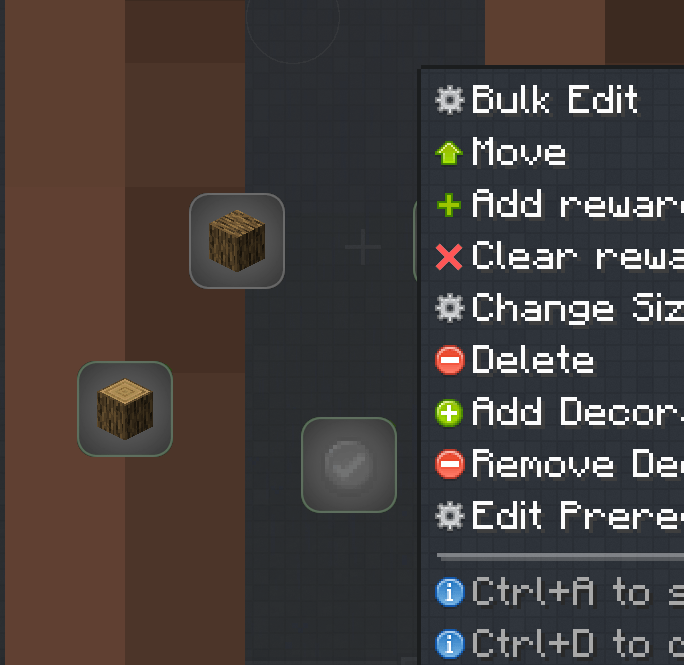
Select multiple quest nodes and edit their shared properties at once, making large-scale quest management faster and more convenient.
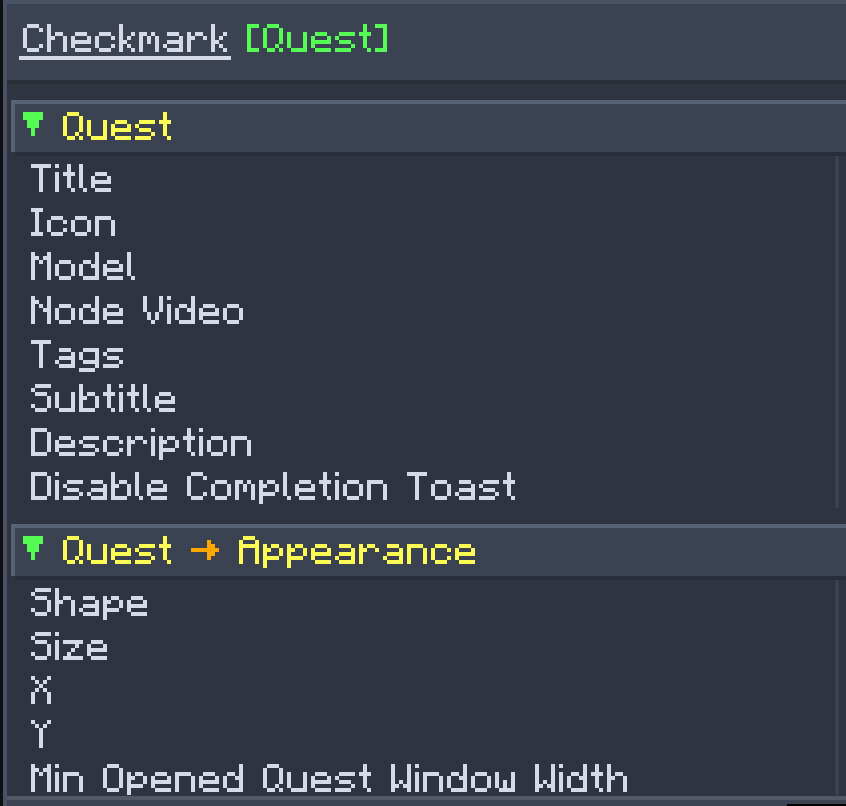
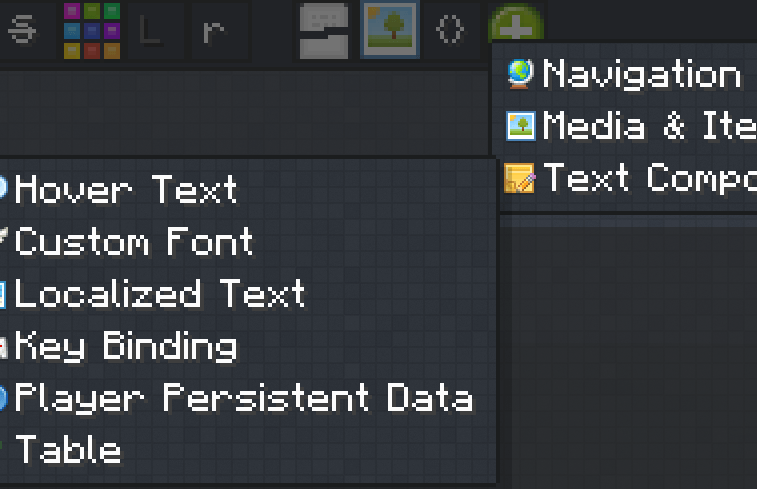
Display values from player persistent data directly in FTB Quest descriptions, with support for localized translations and optional KubeJS persistent data integration.
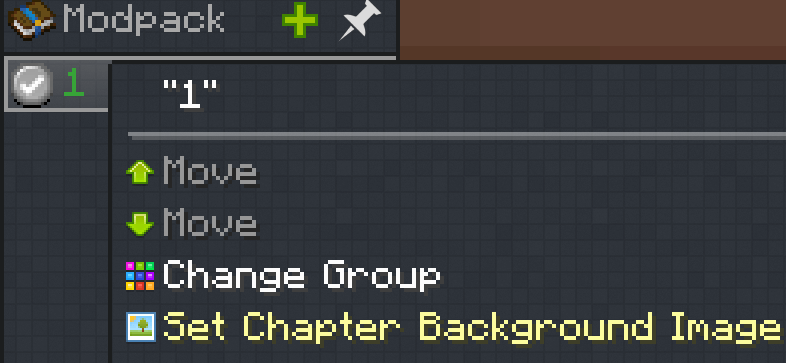
Edit and assign background images to any quest chapter, allowing each chapter to have its own visual style.
Support dynamically creating and modifying quest nodes through KubeJS, making it easier to build flexible and interactive quest systems.
WIKI:https://github.com/hp3081925122/Quest-Enhance/wiki
In Quest Book edit mode, right-click a quest node and select “Edit Prerequisite Lines.” This feature lists all prerequisite relationships connected to the current quest, making it easy to manage the display state of each line individually.
←: The current quest depends on this quest.
→: This quest depends on the current quest.
You can hide selected prerequisite lines to keep the quest book canvas clear.
You can also enable “Show Prerequisite Lines When Hovering a Node Outside Edit Mode.” This keeps the canvas clean during normal use while still allowing you to quickly view related lines when inspecting a quest.
Add GIFs from assets/quest_enhance/textures/*_/_.gif. GIFs support looping playback, original aspect ratio, rotation, tint, opacity, and layer settings.
Ctrl+Z and Ctrl+Y with up to 64 history steps per chapter. Supports node movement, property edits, images, guide points, and decorative lines.
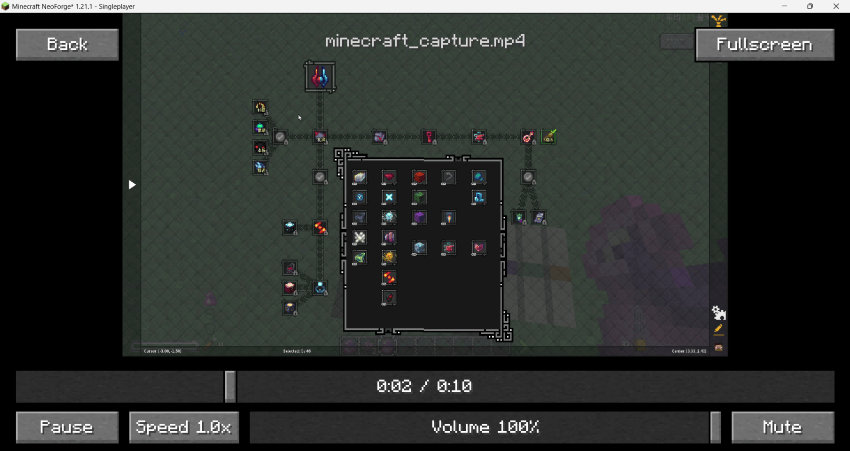
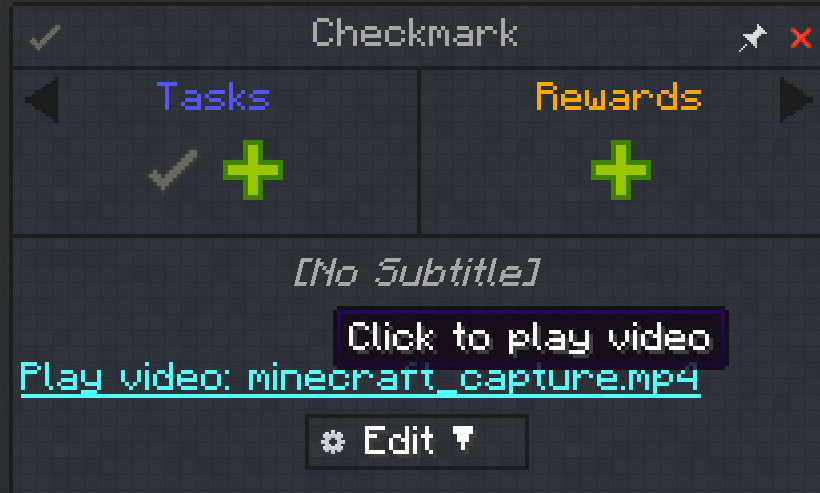
Local videos can now be inserted directly into quest descriptions.
Requires the WATERMeDIA: Multimedia API mod as a prerequisite
The built-in video player supports:
Place video files in:
config/quest_enhance/assets/quest_enhance/videos/ftb/
Videos also can be packaged inside the mod resource pack under assets/quest_enhance/videos
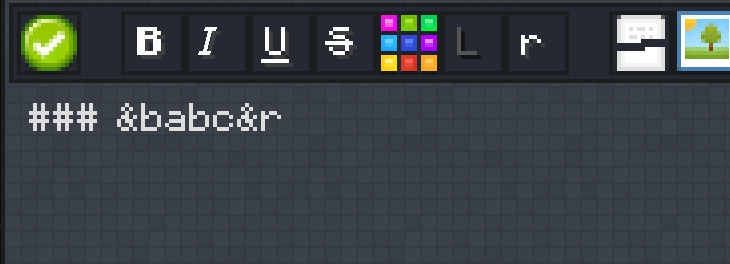
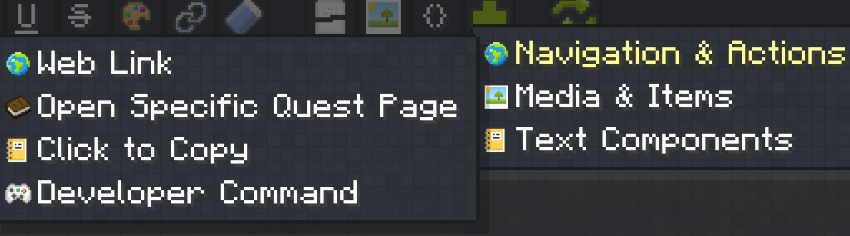
The quest description editor now includes a visual component menu for quickly inserting and configuring the following components:
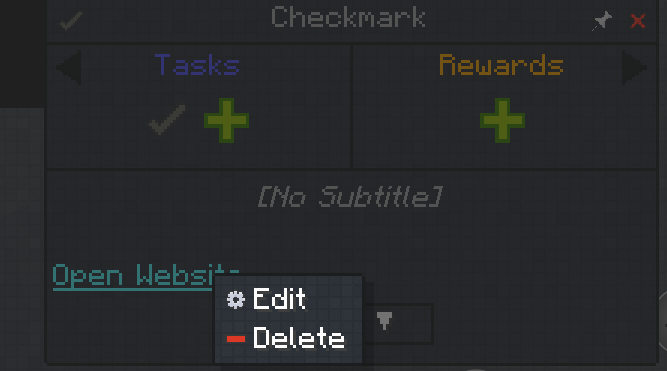
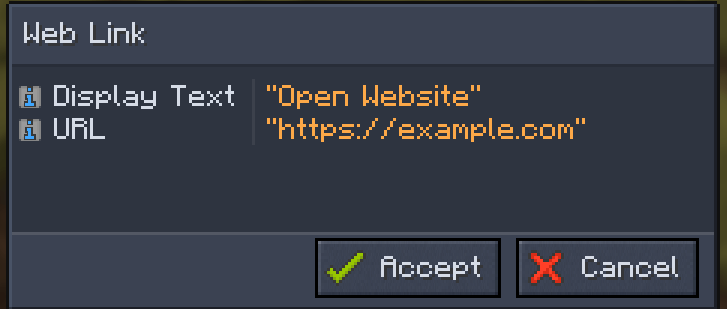
Components created with Quest Enhance will automatically reopen in their corresponding visual configuration screen when edited.
You no longer need to edit the component JSON manually.
Connect selected task nodes and guide points with customizable decorative lines.
Used to display the relationships between nodes, without affecting players' unlocking of these nodes.
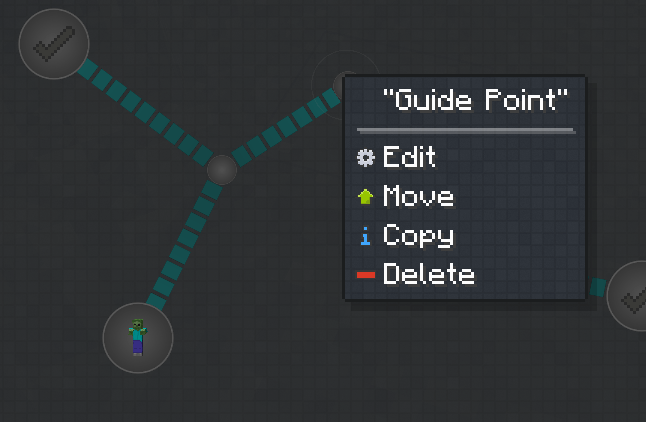
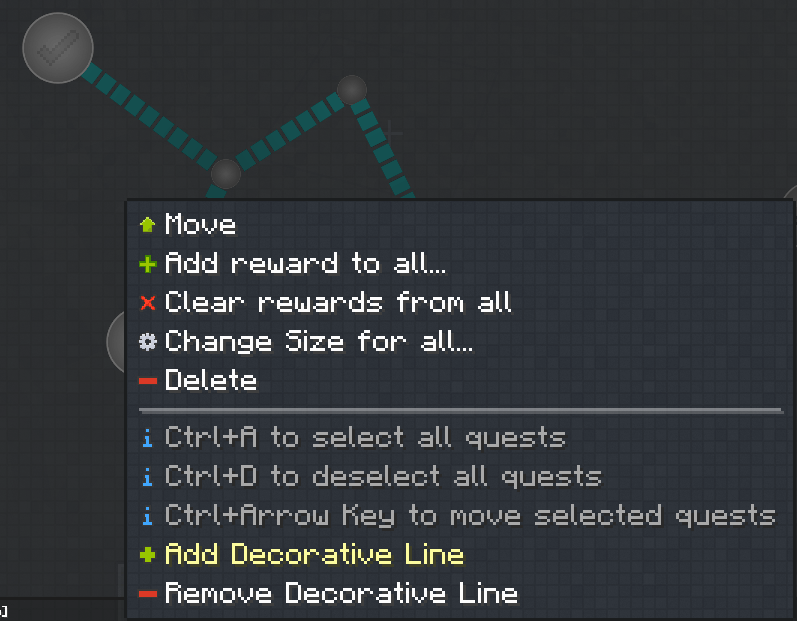
You can copy multiple task nodes and images at once. (This may cause an error when only the FTB Quests mod is installed.)
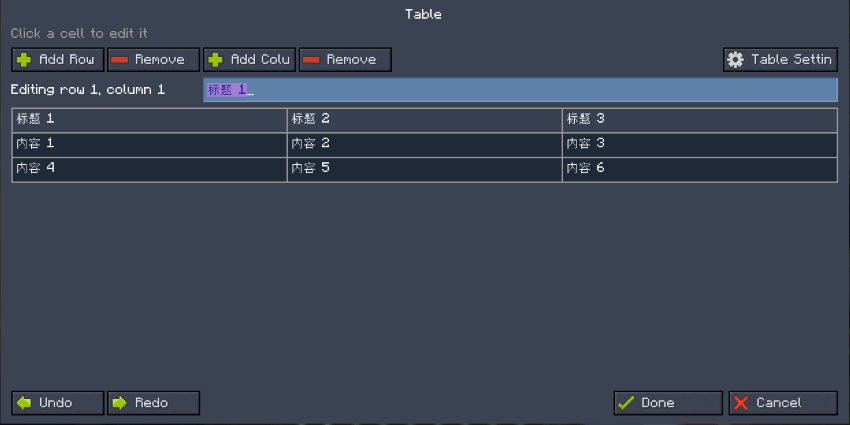
Quest descriptions now support visual tables.
The table editor is still a little rough around the edges, but it provides a visual way to create and edit table content directly inside quest descriptions.
Press Ctrl+V in the quest description editor to paste an image directly from your clipboard.
There is no need to manually place the image in an assets folder or press F3+T to reload resources. The pasted image appears immediately.
When adding an image through the native FTB Quests image selector, Quest Enhance reads its original dimensions and automatically calculates the appropriate height based on the available width of the quest description.
This reduces manual resizing and prevents images from being stretched or distorted.
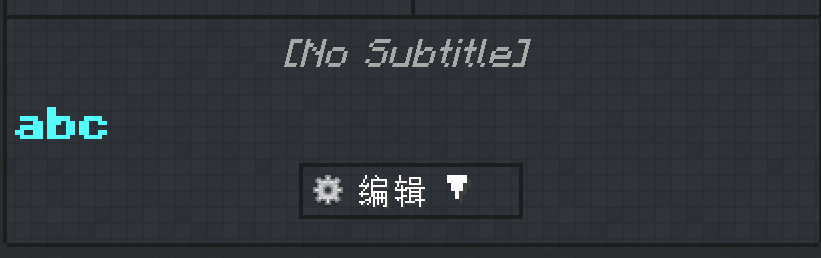
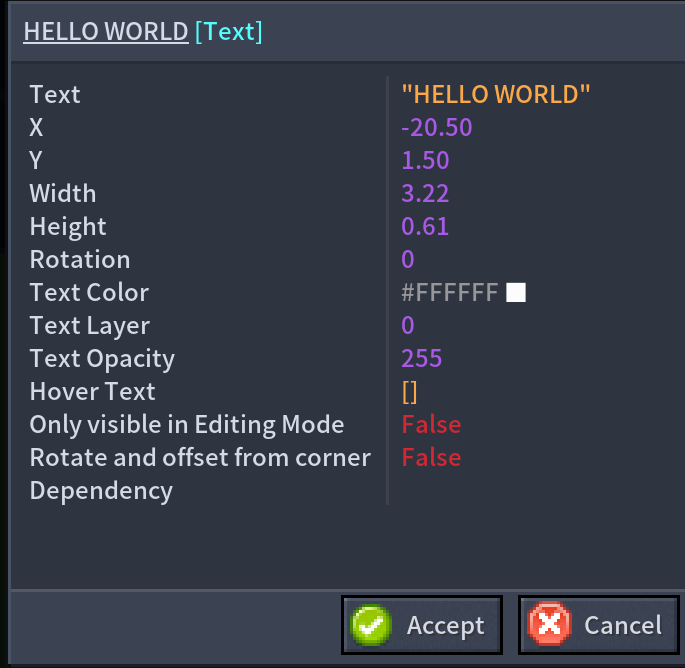
Open the context menu on the chapter editing canvas to add an independent text element.
Text elements support:
Text elements can be positioned and edited like other chapter canvas elements, making them useful for chapter titles, area descriptions, category labels, and decorative text.
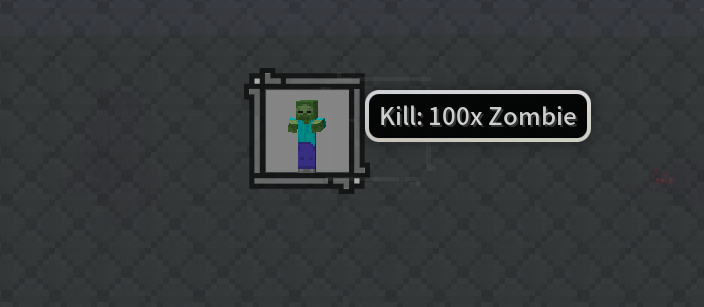
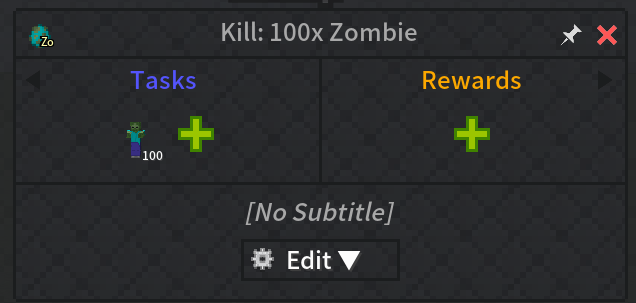
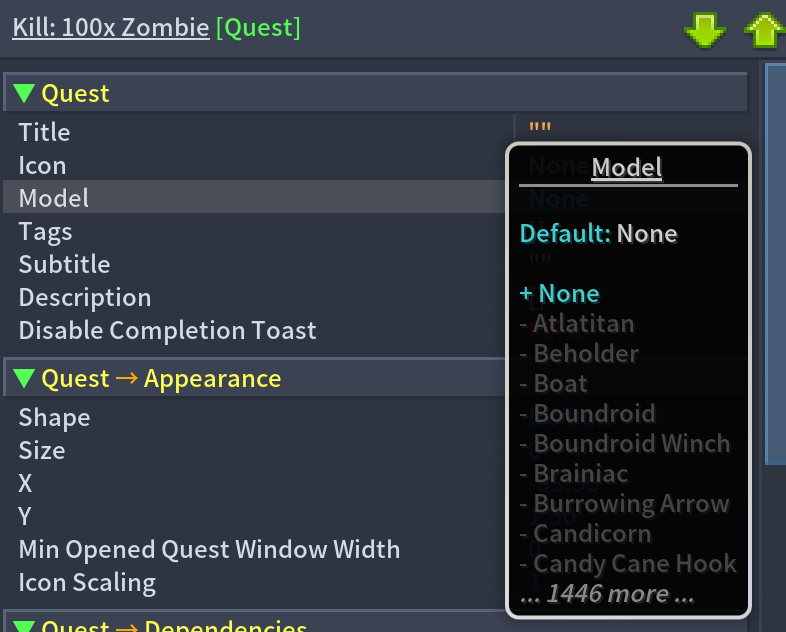
Quest Enhance can replace regular item or spawn egg icons with three-dimensional entity models, making quest targets easier to recognize.
Images pasted from the clipboard are saved in:
config/quest_enhance/assets/quest_enhance/textures/ftb/
Use the following command to remove clipboard images that are no longer referenced by any FTB Quests files:
/questenhance cleanup
Project description from CurseForge.
Pick your setup
Choose the version and loader you play, then open the matching release.
Check the dependencies, then try the file in a copied instance before changing a world you care about.
Recent files
21 Aug 2026
21 Aug 2026
17 Aug 2026
15 Aug 2026
14 Aug 2026
14 Aug 2026
12 Aug 2026
12 Aug 2026
11 Aug 2026
11 Aug 2026
10 Aug 2026
10 Aug 2026
Looking for an older file? The official CurseForge project page is in Resources.
 mod
modConverts recipes and item groups into nice looking images
 mod
modThis Mod aims to add alot more Zombie And other Undead Variants and other Undead Themed Things like Armor.
 mod
modAdd the combat system from kingdomcome deliverance 2 to Minecraft