Architectury API Needed by Expanded Inventory expandedinventory-neoforge-1.21.1-2.3.jar
requiredMatching file found Matched file: [NeoForge 1.21] v13.0.11
CurseForge · Minecraft mod
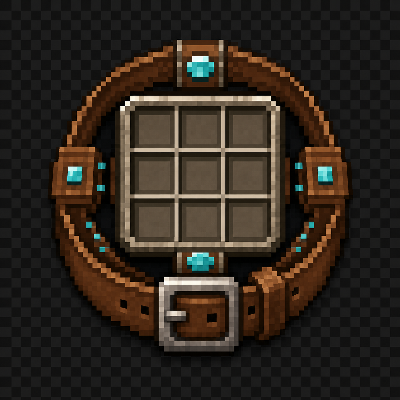
Expand your vanilla inventory with customizable, persistent 3x3 storage modules and upgradeable belts.
Quick answer
Expanded Inventory expandedinventory-neoforge-1.21.1-2.3.jar targets 1.21.1 with NeoForge. The project page does not say whether this file belongs on the client, dedicated server, or both. All 1 required mods have matching files.
Where it goes
The project page does not say whether this file belongs on the client, dedicated server, or both.
The source does not explicitly classify this release as client-only or server-only.
expandedinventory-neoforge-1.21.1-2.3.jar. Change the file and its required mods may change too.
Install Architectury API first. We found matching files for this game-version and loader setup.
We only count dependency files that match this setup. A file for another loader does not fill the gap.
Before you install it
Built for Expanded Inventory expandedinventory-neoforge-1.21.1-2.3.jar. Pick another file and the loader, install side or required mods may change.
Use expandedinventory-neoforge-1.21.1-2.3.jar. It targets 1.21.1 with NeoForge; another release may have different loader, side or dependency requirements.
Install Architectury API first. We found matching files for this game-version and loader setup.
The project page does not say whether this file belongs on the client, dedicated server, or both.
Use the “Get this file” button beside expandedinventory-neoforge-1.21.1-2.3.jar. It opens that exact file at the source.
About this project


A wearable belt that gives you real, modular extra inventory space — attached directly to your vanilla inventory screen, not hidden behind a separate menu.
Craft and wear a belt (Leather through Netherite) in a Curios or Trinkets accessory slot. Each tier unlocks a fixed number of real, server-synced 3x3 storage modules that render right next to your vanilla inventory:
| Belt | Modules | Upgrade slots |
|---|---|---|
| Leather | 1 | — |
| Copper | 2 | — |
| Iron | 3 | — |
| Gold | 4 | — |
| Diamond | 5 | 1 |
| Netherite | 6 | 2 |
These aren't a fake preview — every module is a genuine, authoritative slot group, synced the same way your normal inventory is.
Diamond and Netherite belts have dedicated upgrade slots:
A collapsible Menu control opens a drawer for arranging everything:
With the Crafting Upgrade equipped, the 3x3 grid works outside your own inventory too — open a chest, furnace, anvil, enchanting table, or another mod's storage screen, and the crafting grid is right there with you. No separate crafting table trip required.
Project description from CurseForge.
Pick your setup
Choose the version and loader you play, then open the matching release.
Check the dependencies, then try the file in a copied instance before changing a world you care about.
Recent files
8 Sept 2026
8 Sept 2026
8 Sept 2026
8 Sept 2026
8 Sept 2026
30 Aug 2026
30 Aug 2026
26 Aug 2026
26 Aug 2026
29 Jul 2026
29 Jul 2026
26 Jul 2026
Looking for an older file? The official CurseForge project page is in Resources.
 mod
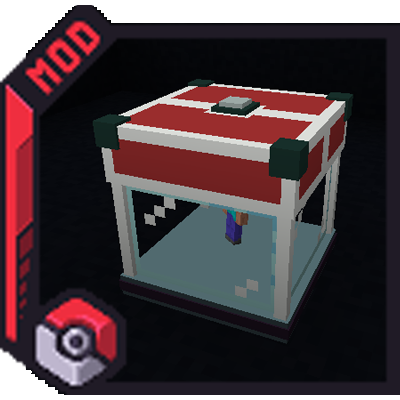
modMod that adds customizeable, Redstone-activated Trainer Spawner blocks for setting up your own Cobblemon Gyms!
 mod
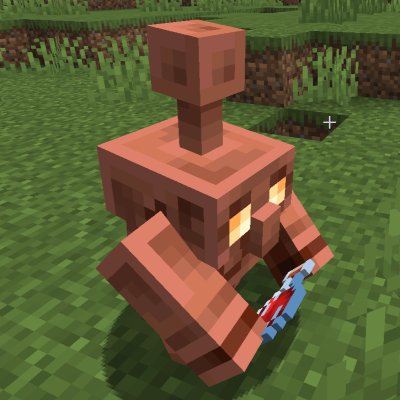
modMake Copper Golems much smarter sorters with chest content memory. Add support for barrels, shulkers and most modded storage. Fine tune potion sorting and every Copper Golem attribute.
 mod
modMake Copper Golems much smarter sorters with chest content memory. Add support for barrels, shulkers and most modded storage. Fine tune potion sorting and every Copper Golem attribute.
