Fabric API Needed by Offline Progression 1.0.0
requiredMatching file found Matched file: [1.20.1] Fabric API 0.92.12+1.20.1
CurseForge · Minecraft mod
Catches up your persistent claimed chunks after the server was offline by replaying the real server tick loop, so it works generically with any mod (furnaces, crops, fluids, Create machines, and more).
Quick answer
Offline Progression 1.0.0 targets 1.20.1 with Fabric. The project page does not say whether this file belongs on the client, dedicated server, or both. All 1 required mods have matching files.
Where it goes
The project page does not say whether this file belongs on the client, dedicated server, or both.
The source does not explicitly classify this release as client-only or server-only.
Offline Progression 1.0.0. Change the file and its required mods may change too.
Install Fabric API first. We found matching files for this game-version and loader setup.
We only count dependency files that match this setup. A file for another loader does not fill the gap.
Before you install it
Built for Offline Progression 1.0.0. Pick another file and the loader, install side or required mods may change.
Use Offline Progression 1.0.0. It targets 1.20.1 with Fabric; another release may have different loader, side or dependency requirements.
Install Fabric API first. We found matching files for this game-version and loader setup.
The project page does not say whether this file belongs on the client, dedicated server, or both.
Use the “Get this file” button beside Offline Progression 1.0.0. It opens that exact file at the source.
About this project
Catch up your persistent claimed chunks after the server was offline, by replaying the real server tick loop, so any mod's blocks and entities progress correctly, not just a hardcoded list of vanilla mechanics.
When the server restarts after being offline, this mod fast-forwards time in a small set of player-claimed chunks: furnaces keep smelting, crops keep growing, fluids keep flowing, redstone keeps ticking, animals keep growing up, and any modded machine with a block entity (including Create) keeps working. It does this by actually re-running the game's own tick code, scoped to just those chunks, no per-mechanic simulation code, no guessing.
/chunkload add claims the chunk you are standing in as persistent (works in any dimension). /chunkload remove [x z] releases a claimed chunk. /chunkload list shows your claimed chunks and their center coordinates. /chunkload stats shows the duration and throughput of the last catch-up.
/gamerule offlineCatchupSpeed <n> multiplies how much time gets caught up (default 1).
Editable in config/offlineprogression.json: maxCatchupDays (default 2, longest offline gap simulated) and maxCatchupWallClockSeconds (default 1200, real-time safety budget, the catch-up stops gracefully if it is exceeded).
2 persistent chunks per player by default. Overworld, Nether and End are all supported. Requires Fabric API.
Project description from CurseForge.
Pick your setup
Choose the version and loader you play, then open the matching release.
Check the dependencies, then try the file in a copied instance before changing a world you care about.
Recent files
offlineprogression-1.0.0.jar
2 Aug 2026
Looking for an older file? The official CurseForge project page is in Resources.
 mod
modThis mod adds a claims and raids mechanics
 mod
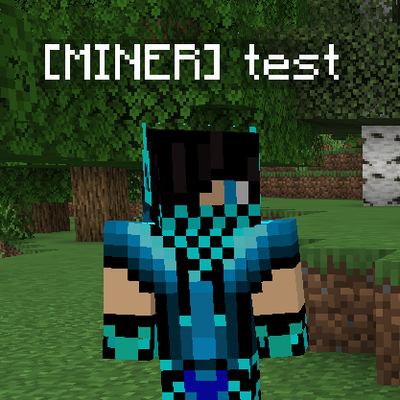
modAdd custom player tags and prefixes, and display player health in Minecraft.
 mod
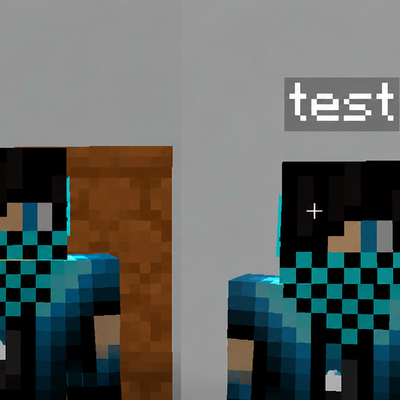
modHide player name tags and usernames with simple server commands.