Minecraft version
Back to mods 
CurseForge · Minecraft mod
GrandExchange
Runescape style marketplace mod for trading with other players
Choose a version Pick your version below, then grab the matching file.
Quick answer
Which GrandExchange release should I use?
Latest stable file grandexchange-2.4.1.jar
Game version 1.12.2
Loader Forge
grandexchange-2.4.1.jar targets 1.12.2 with Forge. The project page does not say whether this file belongs on the client, dedicated server, or both. No extra mods listed for this file.
Where it goes
Is GrandExchange required on the client, server, or both?
The project page does not say whether this file belongs on the client, dedicated server, or both.
Client Source doesn’t say
Dedicated server Source doesn’t say
Loader for this release Forge
Required install it here Optional supported, not mandatory Not supported do not install here Source doesn’t say do not assume
The source does not explicitly classify this release as client-only or server-only.
What else does grandexchange-2.4.1.jar need?
grandexchange-2.4.1.jar. Change the file and its required mods may change too.
This file does not list any required mods. Do not add a library just because a different file uses it.
This file does not list any required or optional mods.
Before you install it
Add GrandExchange without breaking your instance.
Built for grandexchange-2.4.1.jar. Pick another file and the loader, install side or required mods may change.
- 01
Stick to this file
Use grandexchange-2.4.1.jar. It targets 1.12.2 with Forge; another release may have different loader, side or dependency requirements.
- 02
Bring the mods it needs
This file does not list any required mods. Do not add a library just because a different file uses it.
- 03
Put it on the correct side
The project page does not say whether this file belongs on the client, dedicated server, or both.
- 04
Pick the file you checked
Use the “Get this file” button beside grandexchange-2.4.1.jar. It opens that exact file at the source.
About this project
What does GrandExchange add?
Grand Exchange
Bring RuneScape-style trading to Minecraft 1.12.2!
Grand Exchange provides a server-wide marketplace where players can create buy and sell offers, trade anonymously, and collect completed transactions through a clean, searchable interface.
Features
- RuneScape-inspired buy and sell offers
- Server-wide player marketplace
- Automatic price matching using price and offer age
- Partial offer completion
- Secure item and currency escrow
- Searchable and scrollable item catalogue
- Market stock browser showing combined quantities such as
591x Diamond - Listings grouped across sellers and prices
- Persistent trade history and guide prices
- Configurable seller tax and purchase limits
- Item blacklist support
- Light and dark interface themes
- Dark mode enabled by default
- No placeable exchange block required
Open the exchange anywhere using:
/ge
/grandexchange
Both commands are available to regular players.
Offer Slots and Permissions
Every player receives three offer slots by default. Additional slots can be unlocked individually using permission nodes:
grandexchange.slot.4
grandexchange.slot.5
grandexchange.slot.6
grandexchange.slot.7
grandexchange.slot.8
Existing offers remain available for collection if a player later loses access to a slot.
Currency
Without an economy mod, Grand Exchange uses an emerald-backed account system. Players can deposit emeralds, trade with their exchange balance, and withdraw their remaining funds.
Optional Grand Economy support is included. When Grand Economy is installed, Grand Exchange automatically uses its active currency and economy provider.
Grand Economy is entirely optional.
Trading System
Buy offers specify the maximum price a player is willing to pay. Sell offers specify the minimum price a player will accept.
Compatible offers are matched automatically:
- The best available price is matched first.
- Older offers take priority when prices are equal.
- The older resting offer determines the final transaction price.
- Buyers receive refunds when an item is purchased below their maximum price.
- Items and funds remain safely held until collected or cancelled.
Seller identities and individual asking prices are not exposed in the public stock browser.
Configuration
Configuration is generated at:
config/grandexchange.cfg
Server owners can configure:
- Total offer-slot capacity
- Maximum offer quantity
- Maximum unit price
- Seller tax percentage
- Grand Economy preference
- Default purchase limits
- Per-item purchase limits
- Blacklisted items
Client theme preferences are stored separately.
Requirements
- Minecraft 1.12.2
- Minecraft Forge 14.23.5.2859
- Java 8
- Grand Economy 2.1.2 or compatible version — optional
Grand Exchange is designed for multiplayer servers but also works in single-player worlds.
Project description from CurseForge.
Pick your setup
GrandExchange by Minecraft version and loader
Choose the version and loader you play, then open the matching release.
Check the dependencies, then try the file in a copied instance before changing a world you care about.
Recent files
GrandExchange versions and loaders
grandexchange-2.4.1.jar
7 Aug 2026
Client Source doesn’t say Server Source doesn’t say Dependencies No extras listed Listed on Release listing
Check the 1.12.2 · Forge setup Forge1.12.2 release
grandexchange-2.3.6.jar
6 Aug 2026
Client Source doesn’t say Server Source doesn’t say Dependencies No extras listed Listed on Release listing
Check the 1.12.2 · Forge setup Forge1.12.2 release
grandexchange-2.3.5.jar
6 Aug 2026
Client Source doesn’t say Server Source doesn’t say Dependencies No extras listed Listed on Release listing
Check the 1.12.2 · Forge setup Forge1.12.2 release
Looking for an older file? The official CurseForge project page is in Resources.
 mod
mod CurseForge + Modrinth · Minecraft
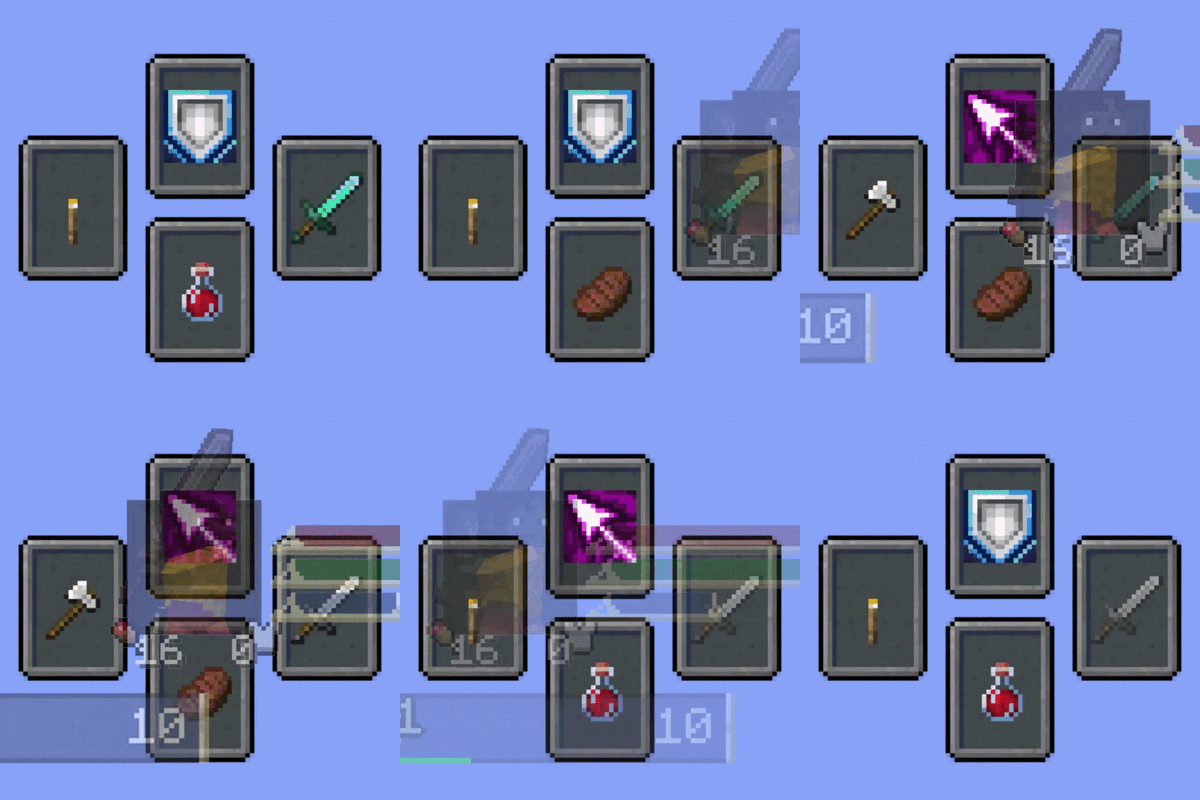
Souls Combat HUD
Adds a soulslike HUD featuring equipment slots, boss bar, status gauges and team display.
 mod
mod CurseForge + Modrinth · Minecraft
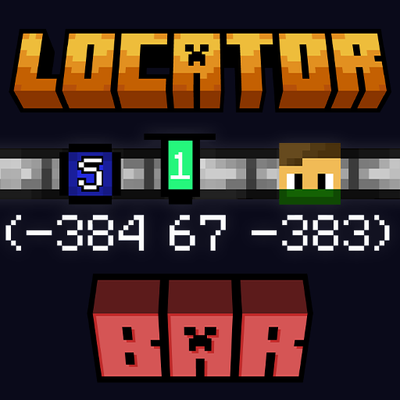
Locator Bar
Recreated concept of a player locator bar for Minecraft. Simple, clean bar at the top of your screen.
 mod
mod CurseForge + Modrinth · Minecraft
CMD + Delete
A text navigation shortcuts framework for Minecraft, allowing macOS users to have native text behavior & everyone else to define custom shortcuts.