Fabric API Needed by TotemDoll Totem Doll v1.1.1 for Minecraft 1.21.4
requiredMatching file found Matched file: [1.21.4] Fabric API 0.119.4+1.21.4
CurseForge · Minecraft mod
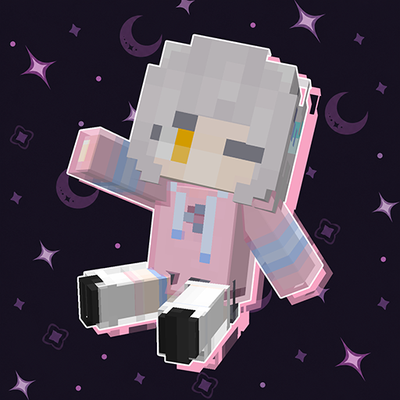
Lets you replace the appearance of the Totem of Undying with selectable Minecraft-style dolls
Quick answer
TotemDoll Totem Doll v1.1.1 for Minecraft 1.21.4 targets 1.21.4 with Fabric. The project page does not say whether this file belongs on the client, dedicated server, or both. 1 required mod needs checking.
Where it goes
The project page does not say whether this file belongs on the client, dedicated server, or both.
The source does not explicitly classify this release as client-only or server-only.
Totem Doll v1.1.1 for Minecraft 1.21.4. Change the file and its required mods may change too.
Install Fabric API, project p9oBFElY first. 1 required mod still needs checking for this exact setup.
We only count dependency files that match this setup. A file for another loader does not fill the gap.
Before you install it
Built for TotemDoll Totem Doll v1.1.1 for Minecraft 1.21.4. Pick another file and the loader, install side or required mods may change.
Use Totem Doll v1.1.1 for Minecraft 1.21.4. It targets 1.21.4 with Fabric; another release may have different loader, side or dependency requirements.
Install Fabric API, project p9oBFElY first. 1 required mod still needs checking for this exact setup.
The project page does not say whether this file belongs on the client, dedicated server, or both.
Use the “Get this file” button beside Totem Doll v1.1.1 for Minecraft 1.21.4. It opens that exact file at the source.
About this project
Totem Doll lets you replace the appearance of the Totem of Undying with selectable Minecraft-style dolls and other custom models. Built-in styles, custom skins, dynamic textures, and bone animations can all be used without changing the Totem's original survival effect.
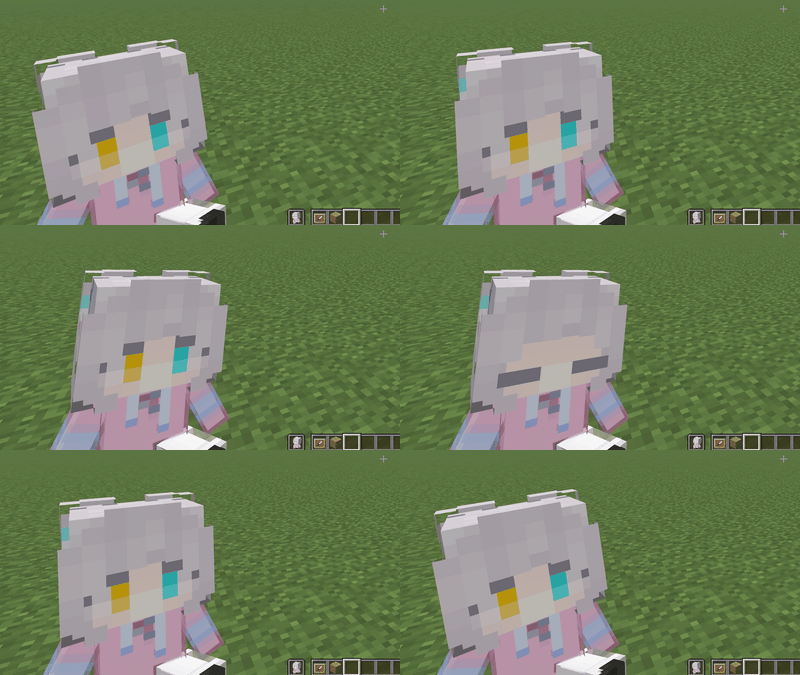
The doll can play an idle animation while held by the player.
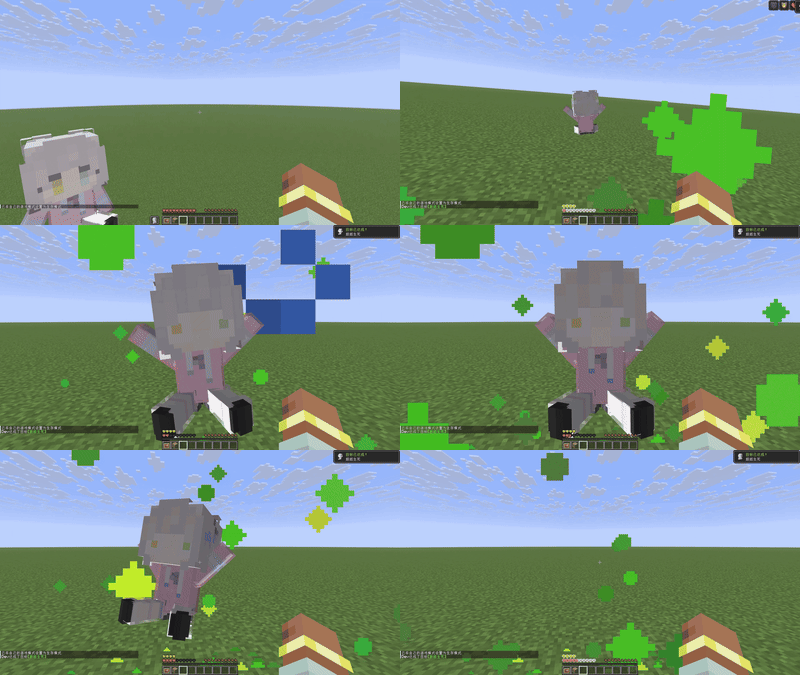
The doll can play a special animation when the Totem of Undying is activated.
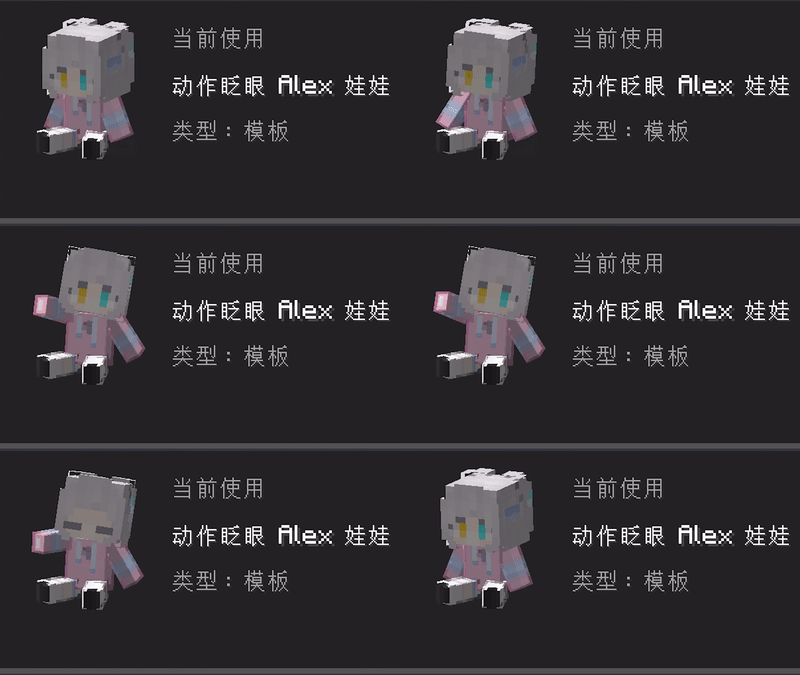
Some styles can play an animation when the F9 configuration screen is opened.
F9 to open the Totem Doll configuration screen.To create a personal style, choose a template that supports custom skins, select a standard 64×64 Minecraft skin PNG, enter a name, and save it. Personal styles are stored locally and remain available after restarting the game.
To import a style pack, use Import Style Pack in the configuration screen and select a ZIP file. Imported styles can be used directly or used as templates for personal styles.
Project description from CurseForge.
Pick your setup
Choose the version and loader you play, then open the matching release.
Showing the newest 12 of 16 game versions. Older files are in the list below.
Check the dependencies, then try the file in a copied instance before changing a world you care about.
Recent files
totemdoll-fabric-1.1.1-mc1.21.4.jar
21 Aug 2026
totemdoll-fabric-1.1.1-mc1.21.3.jar
21 Aug 2026
totemdoll-fabric-1.1.1-mc26.2.jar
21 Aug 2026
totemdoll-fabric-1.1.1-mc1.21.6.jar
21 Aug 2026
totemdoll-fabric-1.1.1-mc1.21.10.jar
21 Aug 2026
totemdoll-fabric-1.1.1-mc1.21.1.jar
21 Aug 2026
totemdoll-fabric-1.1.1-mc1.21.5.jar
21 Aug 2026
totemdoll-neoforge-1.1.1-mc1.21.1.jar
21 Aug 2026
totemdoll-neoforge-1.1.1-mc1.21.3.jar
21 Aug 2026
totemdoll-neoforge-1.1.1-mc1.21.5.jar
21 Aug 2026
totemdoll-fabric-1.1.1-mc26.1.2.jar
21 Aug 2026
totemdoll-neoforge-1.1.1-mc1.21.10.jar
21 Aug 2026
Looking for an older file? The official CurseForge project page is in Resources.
 mod
modadds automatic JEI integration for anvil repair recipes
 mod
modAutomatically sprint while moving forward — simple, lightweight, and fully configurable.
 mod
modAdds immersive phrases to villagers when you interact with or walk near them.