Minecraft version
Back to mods 
CurseForge · Minecraft mod
Entity Dialogue
A highly customizable NPC dialogue system: three dialogue modes, entity actions, portrait animations, cutscenes, and AI-powered conversations.
Choose a version Pick your version below, then grab the matching file.
Quick answer
Which Entity Dialogue release should I use?
Latest stable file entity_dialogue-1.0.0.jar
Game version 1.21.1
Loader NeoForge
Entity Dialogue entity_dialogue-1.0.0.jar targets 1.21.1 with NeoForge. The project page does not say whether this file belongs on the client, dedicated server, or both. No extra mods listed for this file.
Where it goes
Is Entity Dialogue required on the client, server, or both?
The project page does not say whether this file belongs on the client, dedicated server, or both.
Client Source doesn’t say
Dedicated server Source doesn’t say
Loader for this release NeoForge
Required install it here Optional supported, not mandatory Not supported do not install here Source doesn’t say do not assume
The source does not explicitly classify this release as client-only or server-only.
What else does Entity Dialogue entity_dialogue-1.0.0.jar need?
entity_dialogue-1.0.0.jar. Change the file and its required mods may change too.
This file does not list any required mods. Do not add a library just because a different file uses it.
This file does not list any required or optional mods.
Before you install it
Add Entity Dialogue without breaking your instance.
Built for Entity Dialogue entity_dialogue-1.0.0.jar. Pick another file and the loader, install side or required mods may change.
- 01
Stick to this file
Use entity_dialogue-1.0.0.jar. It targets 1.21.1 with NeoForge; another release may have different loader, side or dependency requirements.
- 02
Bring the mods it needs
This file does not list any required mods. Do not add a library just because a different file uses it.
- 03
Put it on the correct side
The project page does not say whether this file belongs on the client, dedicated server, or both.
- 04
Pick the file you checked
Use the “Get this file” button beside entity_dialogue-1.0.0.jar. It opens that exact file at the source.
About this project
What does Entity Dialogue add?
Entity Dialogue
A highly customizable NPC dialogue system for Minecraft that lets you genuinely *talk* to NPCs — story, interaction,
AI-powered free chat, entity actions, portrait animations, and scripted cutscenes.
Features
- **Three dialogue modes** (switch in-game via config):
- **Boxed**: visual-novel style story screen (dialogue trees / cutscenes / portraits)
- **Frameless Story**: story dialogue as speech bubbles + clickable options in the chat
- **Frameless AI**: talk to NPCs like real people — right-click to select, chat to speak, AI replies in bubbles and
controls the NPC's behavior - **In-game dialogue tree editor**: visually build branching storylines
- **Entity action commands**
[act:...]: jump, turn, walk to player, open trade, speak, particles, sounds, and more - **Portrait animations**
[pf:...]: 12 effects (fade, bounce, shake, heartbeat…) - **Cutscene blocks**
[cutscene]: run timed sequences of entity actions - **AI integration** (any OpenAI-compatible API, e.g. DeepSeek): the AI roleplays your NPC, reacts with emotions and
actions based on the conversation - **Single-player friendly**: zero network packets, all local
How to Use
- Drop the jar into your
modsfolder (requires NeoForge 21.1.244+, Minecraft 1.21.1) - In-game, press
K+Lto open config → Layout tab → pick a **Dialogue Mode** - (Optional) Enable AI in the API tab and enter your API key for AI conversations
Dialogue Modes
| Mode | Right-clicking a villager does | Best for |
|---|---|---|
| Boxed | Opens a story screen | Storytelling, cutscenes |
| Frameless Story | Shows speech bubbles + chat option buttons | Regular quests |
| Frameless AI | Selects the villager; chat to talk | Casual AI chat |
In Frameless AI
Right-click a villager to select it (a red arrow marks it) → press T to open chat → type and send → the AI replies
in a bubble while the villager acts. Right-click again or press ESC to deselect.
Commands (written in dialogue text, hidden at runtime)
**Entity actions** [act:...]:
[act:跳跃] jump
[act:看向] turn to face the player
[act:面向玩家] keep facing the player
[act:走向玩家] walk to the player
[act:离开] walk away
[act:交易] open the trade menu
[act:说话:你好] say something
[act:音效:minecraft:entity.villager.ambient] play a sound
[act:粒子:minecraft:heart] spawn hearts
**Portrait animations** [pf:...]:[pf:淡入] [pf:淡出] [pf:上滑] [pf:下滑] [pf:左滑] [pf:右滑] [pf:弹跳] [pf:下落] [pf:摇晃] [pf:放大] [pf:心跳] [pf:浮动]
**Cutscene blocks**:
[cutscene]
跳跃 0.3 ← after 0.3s, jump
看向 0.5 ← after another 0.5s, look
粒子 0.6 minecraft:heart
[cutscene_end]
Requirements
- Minecraft 1.21.1
- NeoForge 21.1.244+ (no other dependencies)
Project description from CurseForge.
Pick your setup
Entity Dialogue by Minecraft version and loader
Choose the version and loader you play, then open the matching release.
Check the dependencies, then try the file in a copied instance before changing a world you care about.
Recent files
Entity Dialogue versions and loaders
entity_dialogue-1.0.0.jar
6 Aug 2026
Client Source doesn’t say Server Source doesn’t say Dependencies No extras listed Listed on Release listing
Check the 1.21.1 · NeoForge setup 1.21.1NeoForge release
Looking for an older file? The official CurseForge project page is in Resources.
 mod
mod CurseForge · Minecraft
Sinew
A library mod with general utilities and features.
 mod
mod CurseForge + Modrinth · Minecraft
Fullscreen Tweaks
Expands Minecraft's window settings with native and borderless fullscreen modes, customizable focus-loss behavior, and independent loading-screen options — including staying minimized until the game finishes launching!
 mod
mod CurseForge + Modrinth · Minecraft
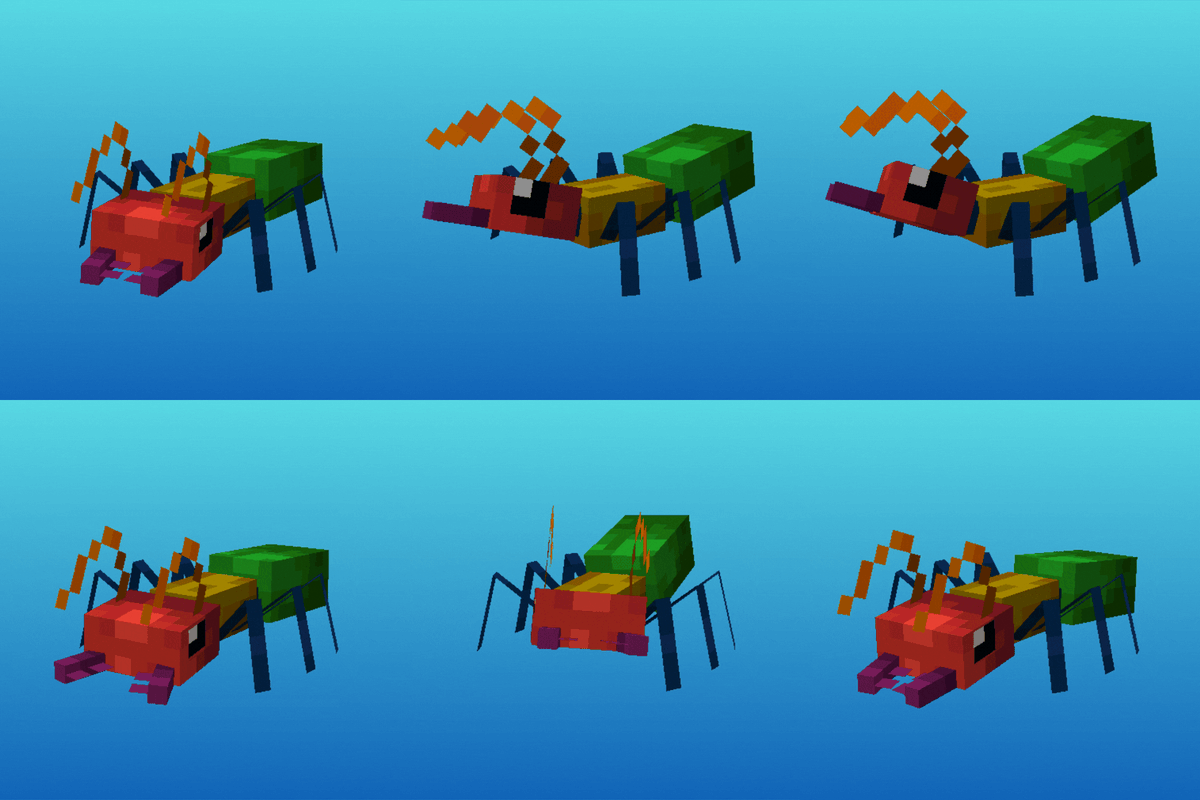
Antarchy
Adding 45+ mobs, 8+ bosses, 3 fleshed out dimensions, and more