Create: Flight Control Optional for Create:Advanced Frequency Network create_afn-1.8.6.jar
optionalMatching file found Matched file: create_flight_control-neoforge-0.8.3.jar
CurseForge · Minecraft mod
Create: AFN is a Create addon extending wireless redstone management, optimizing frequency editing, enabling wireless messaging and private ticketing, and compatible with many mods. Ideal for large factories and aeronautical machinery.
Quick answer
Create:Advanced Frequency Network create_afn-1.8.6.jar targets 1.21.1 with NeoForge. The project page does not say whether this file belongs on the client, dedicated server, or both. All 1 required mods have matching files.
Where it goes
The project page does not say whether this file belongs on the client, dedicated server, or both.
The source does not explicitly classify this release as client-only or server-only.
create_afn-1.8.6.jar on 1.21.1. Every mod below is checked against that same setup.
Install Create first. We found matching files for this game-version and loader setup. 8 come through another mod in the chain.
8 extra mods were pulled in by other dependencies. Indented rows show who needs each one. We only count dependency files that match this setup. A file for another loader does not fill the gap.
Before you install it
Built for Create:Advanced Frequency Network create_afn-1.8.6.jar on 1.21.1. Pick another file and the loader, install side or required mods may change.
Use create_afn-1.8.6.jar. It targets 1.21.1 with NeoForge; another release may have different loader, side or dependency requirements.
Install Create first. We found matching files for this game-version and loader setup. 8 come through another mod in the chain.
The project page does not say whether this file belongs on the client, dedicated server, or both.
Use the “Get this file” button beside create_afn-1.8.6.jar. It opens that exact file at the source.
About this project
Video tutorials (Bilibili) · AFN WIKI · MC百科 · CurseForge
Connect everything. Let data flow your way.
AFN expands Create's wireless redstone into a network for machine control, data visualization, logistics, and communication.
Read machine properties, change configurations while your setup is running, and build automation around the data flowing through your channels.
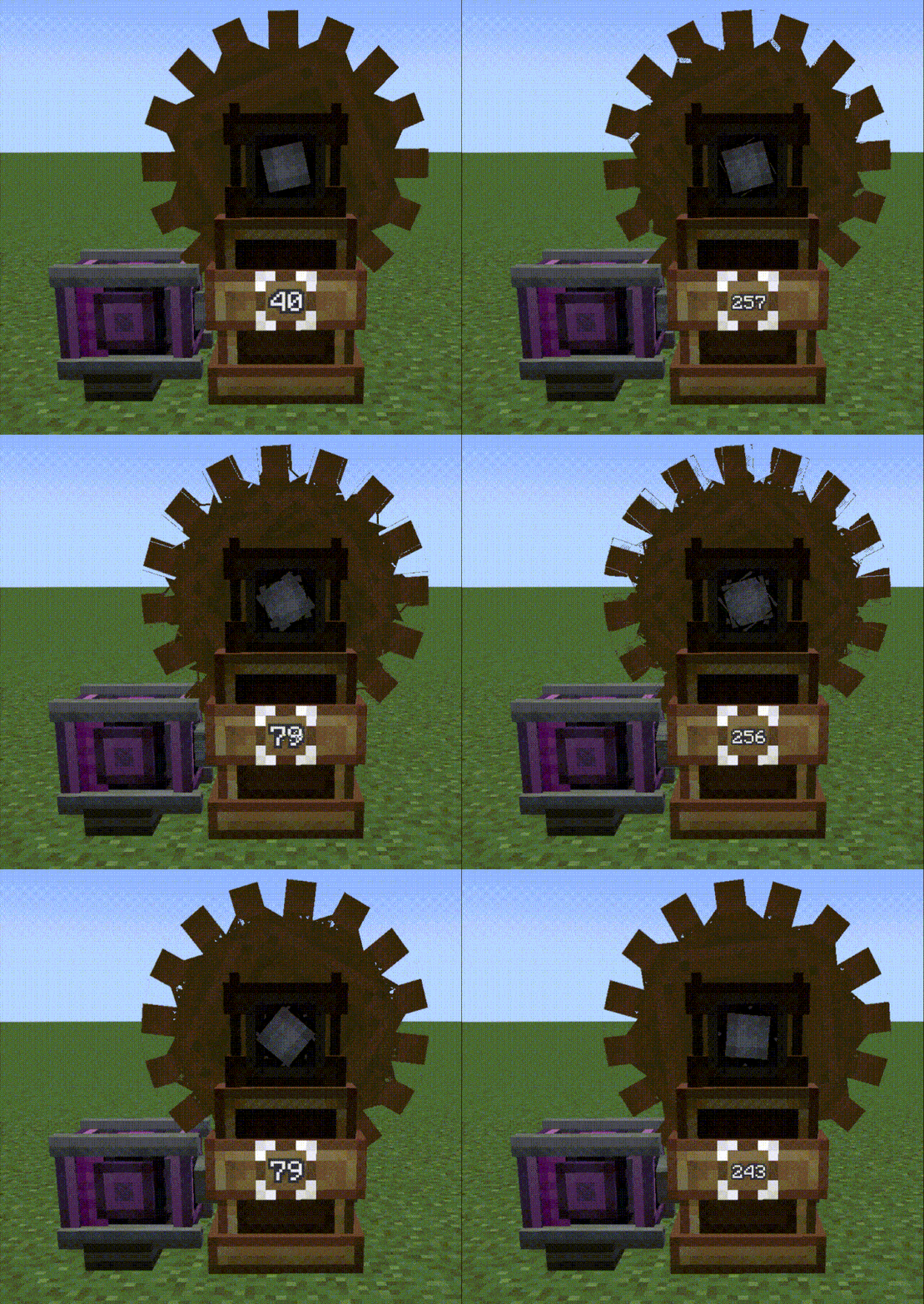 Variable-speed gears |
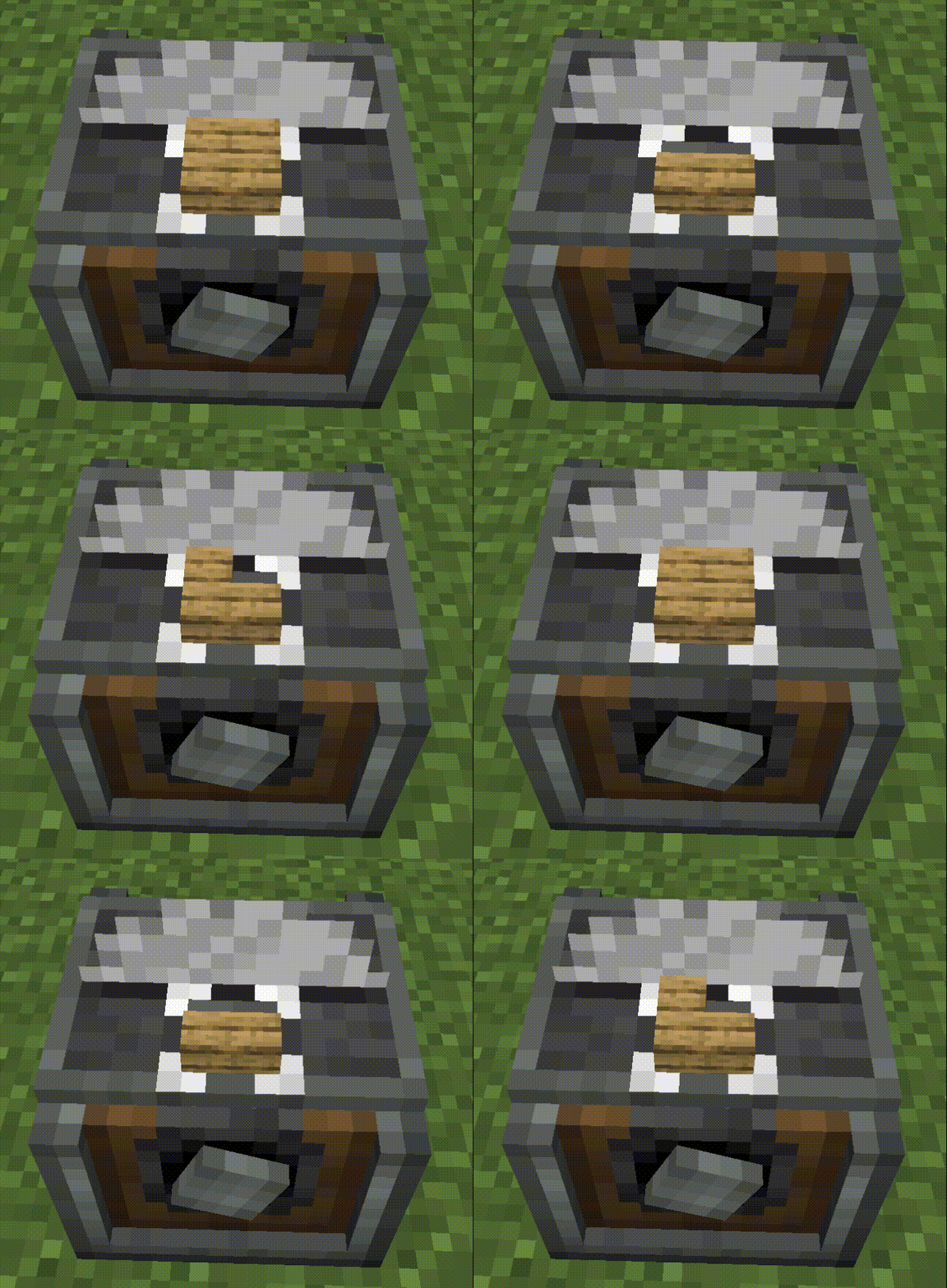 Dynamic recipe selection |
|---|
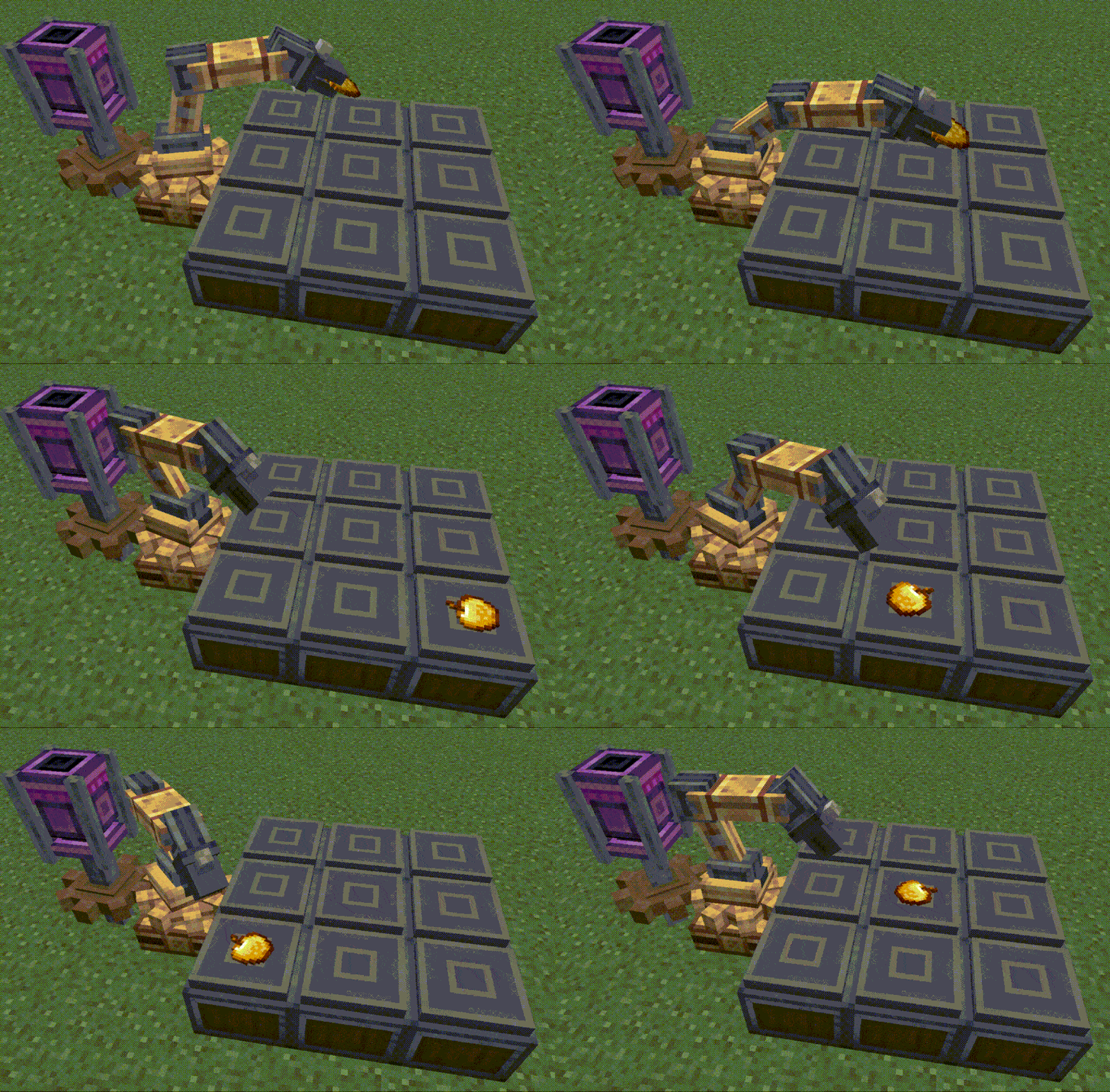 Programmable mechanical arms |
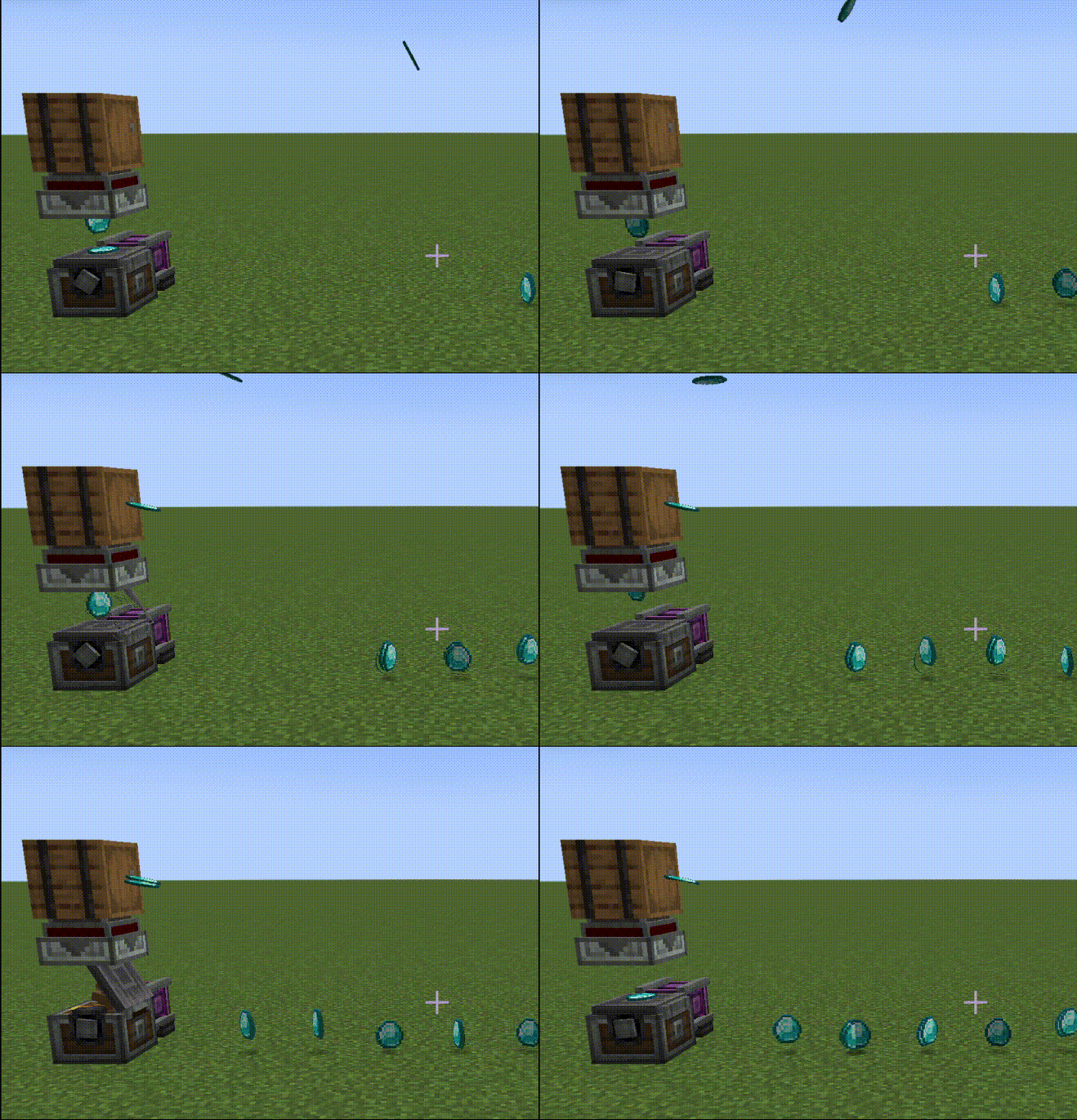 Dynamic weighted ejector targets |
|---|
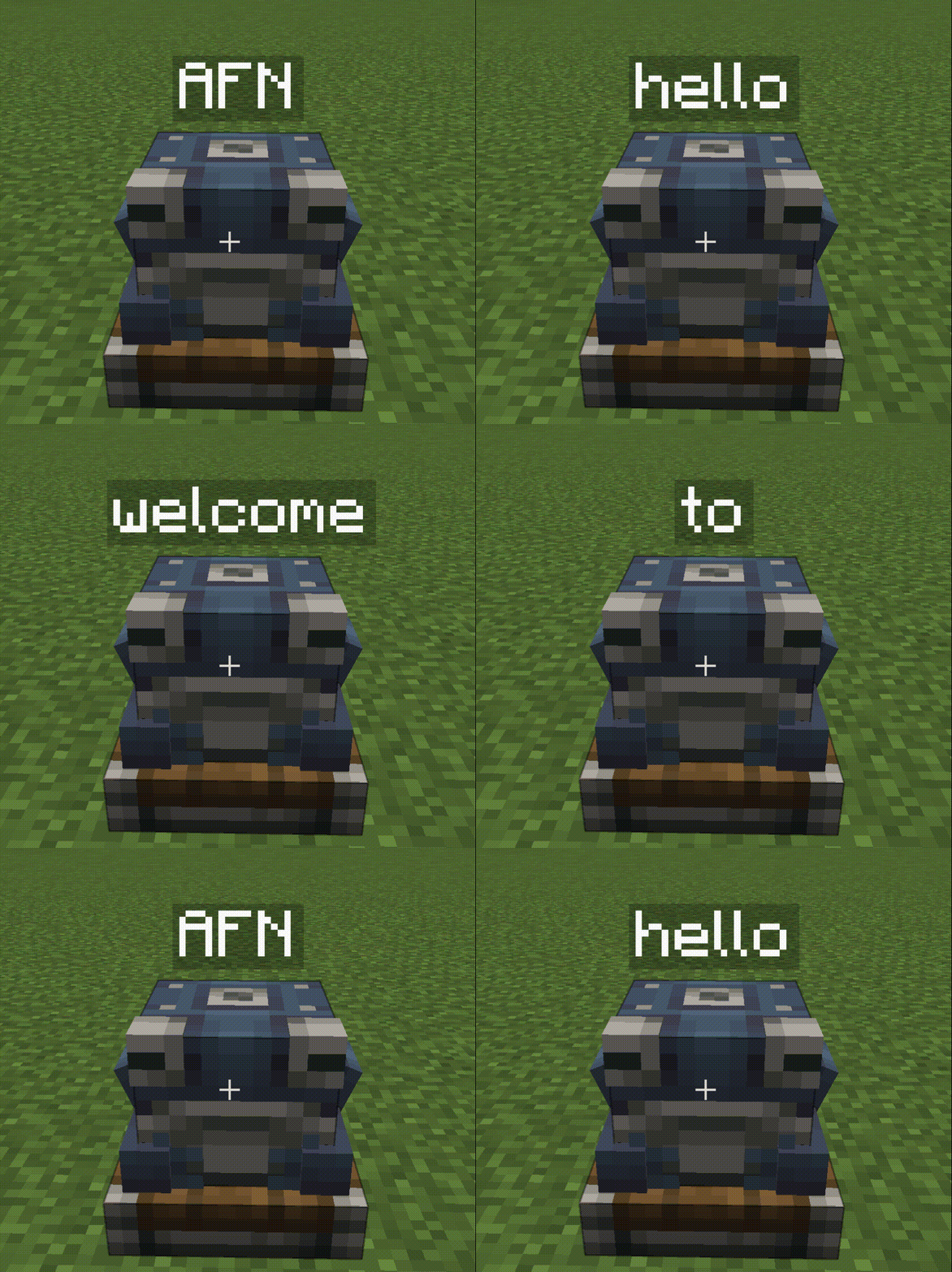 Dynamic logistics addresses |
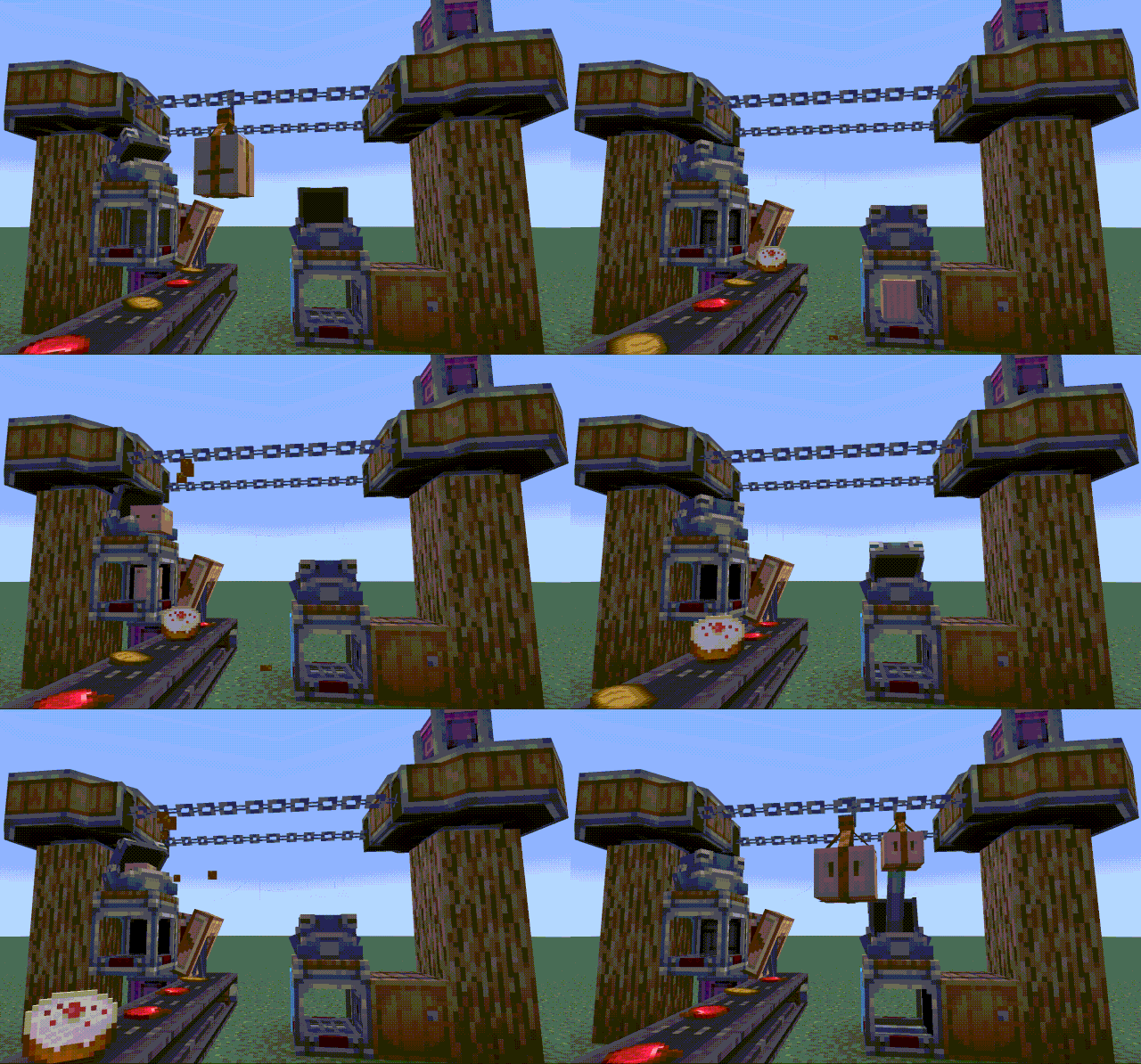
 Dynamic logistics networks |
|---|
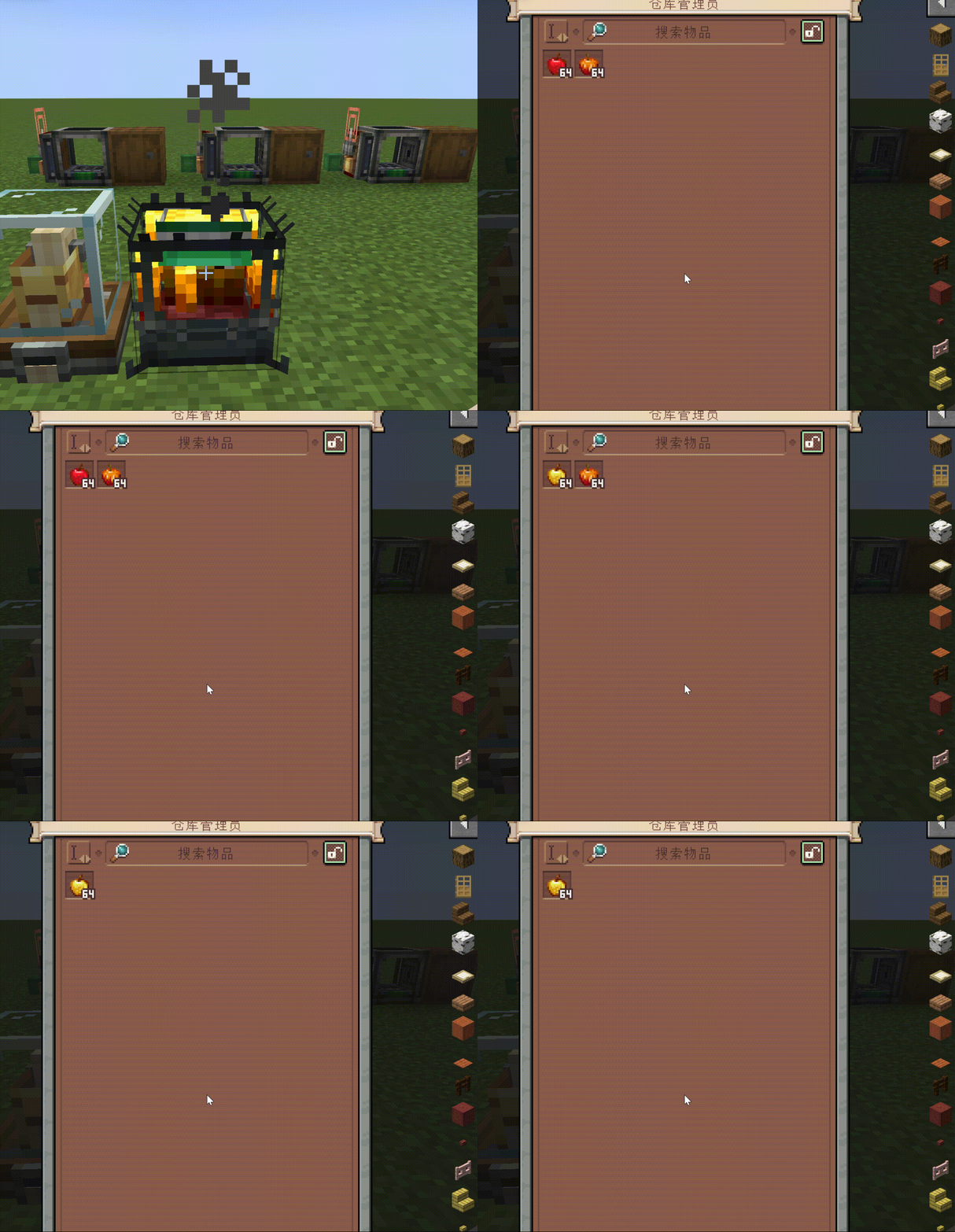
 Targeted warehouse extraction |
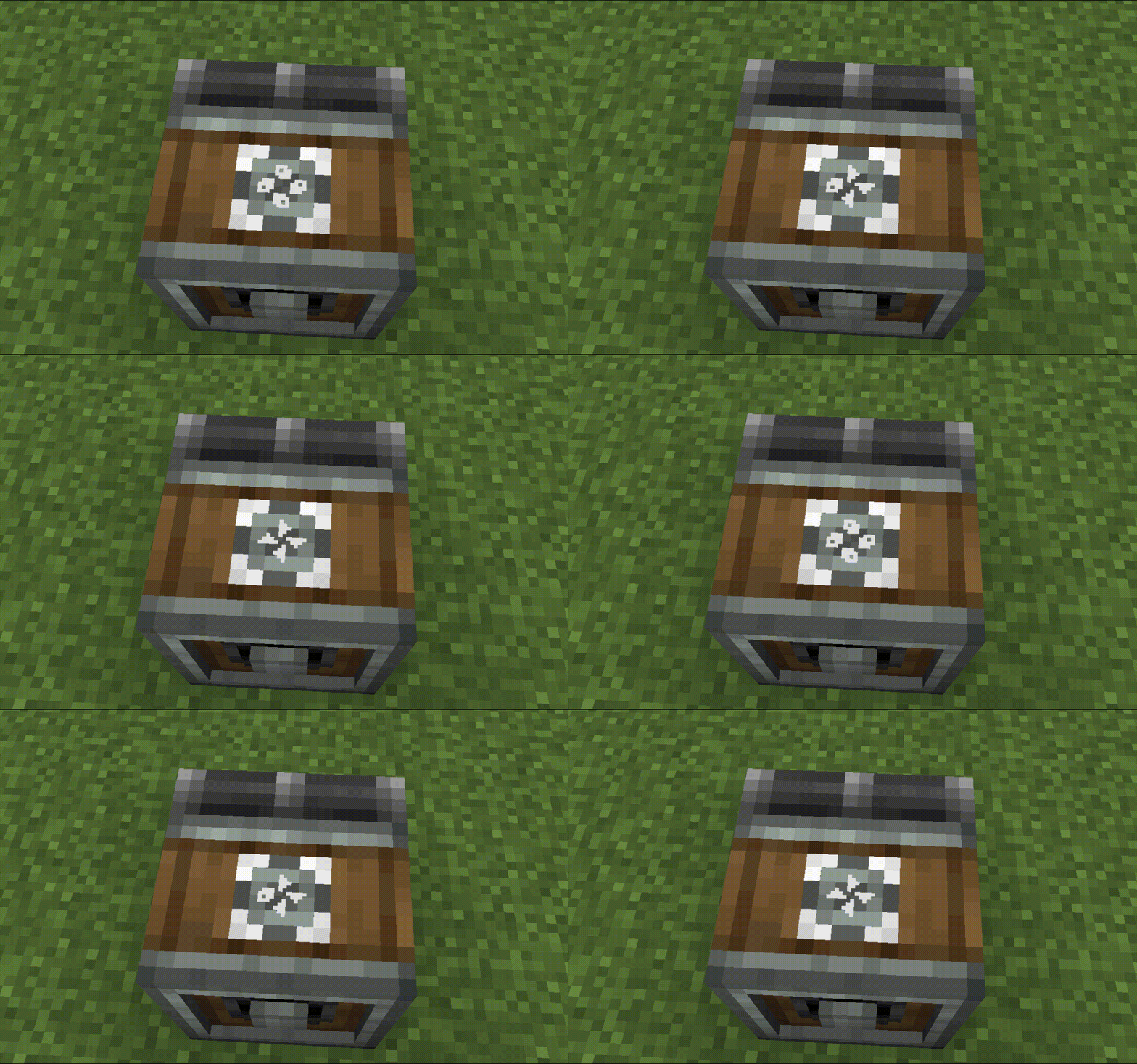 Dynamic bearing modes |
|---|
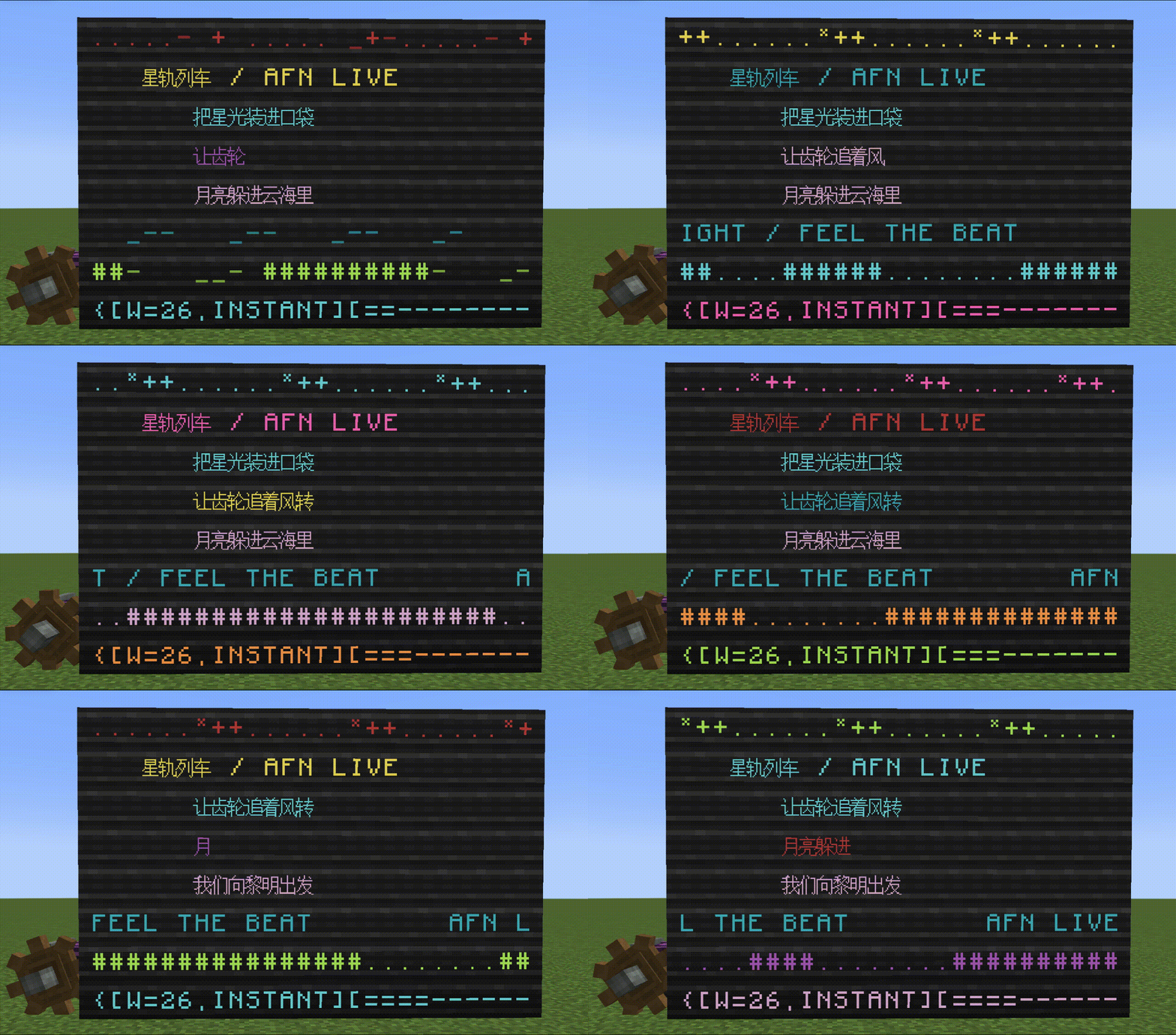
Programmable display boards
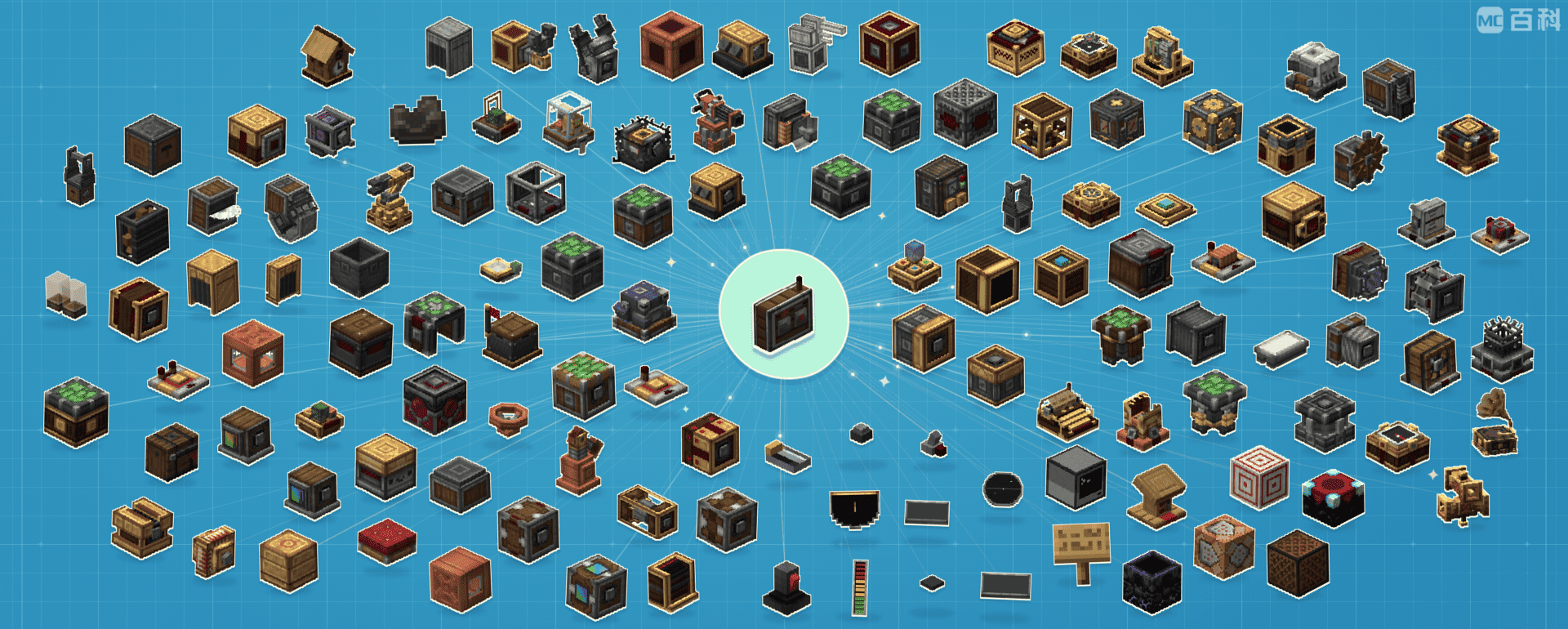
AFN's reading and configuration features extend to many popular Create addons. Bring their supported devices into the same channel system, with more integrations planned.
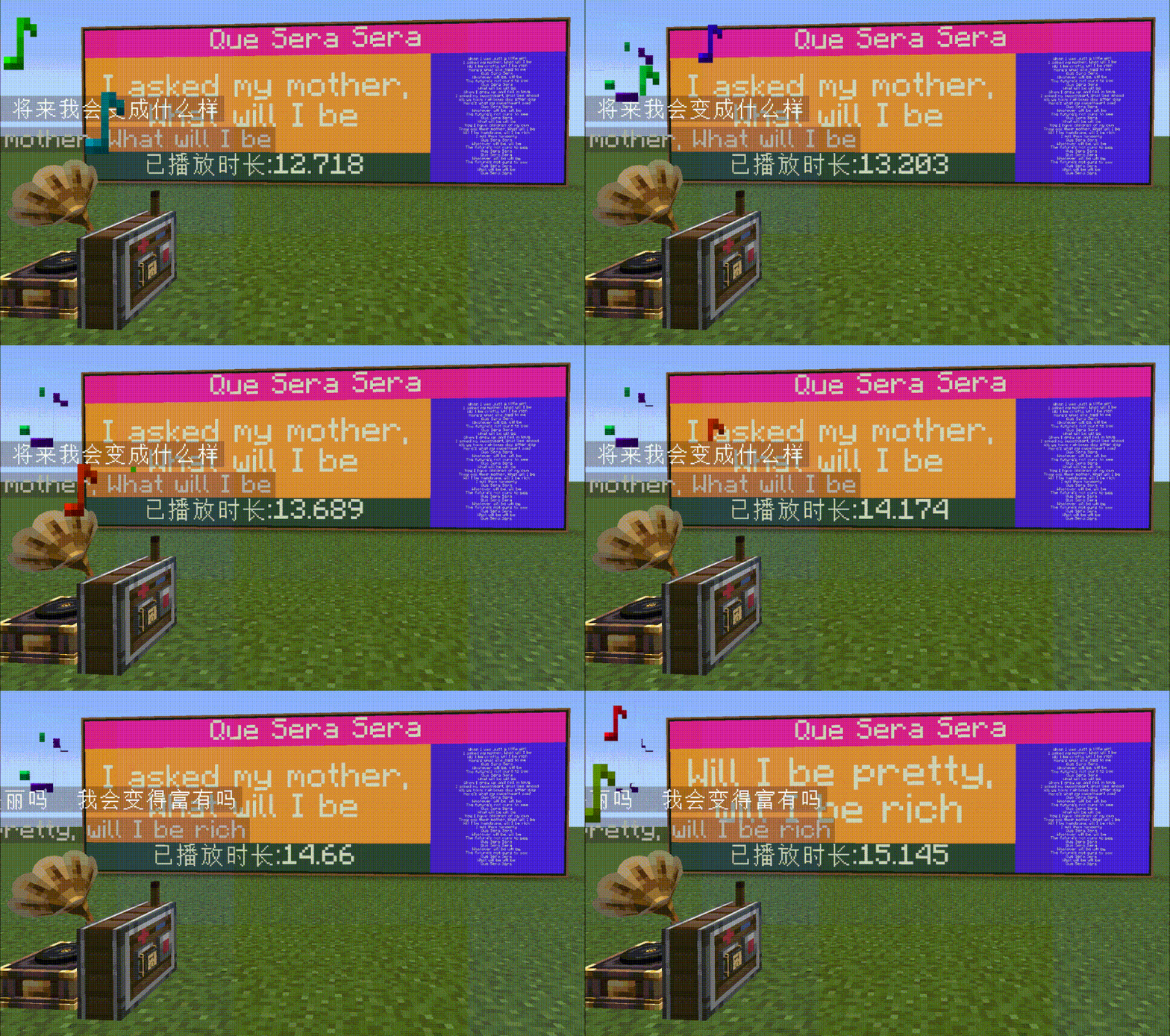 Record Player NetMusic |
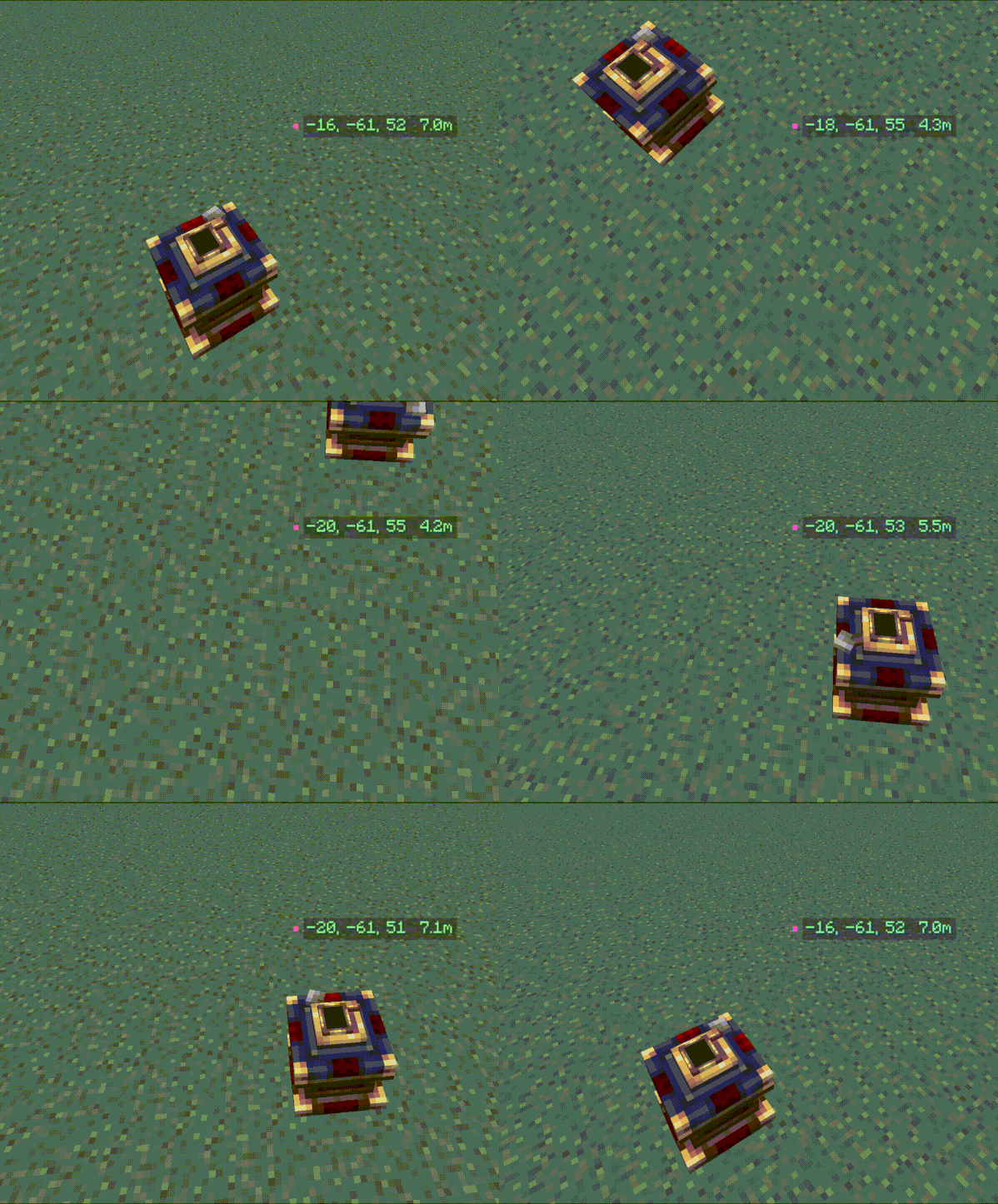 Navigation Table Create: Aeronautics |
|---|
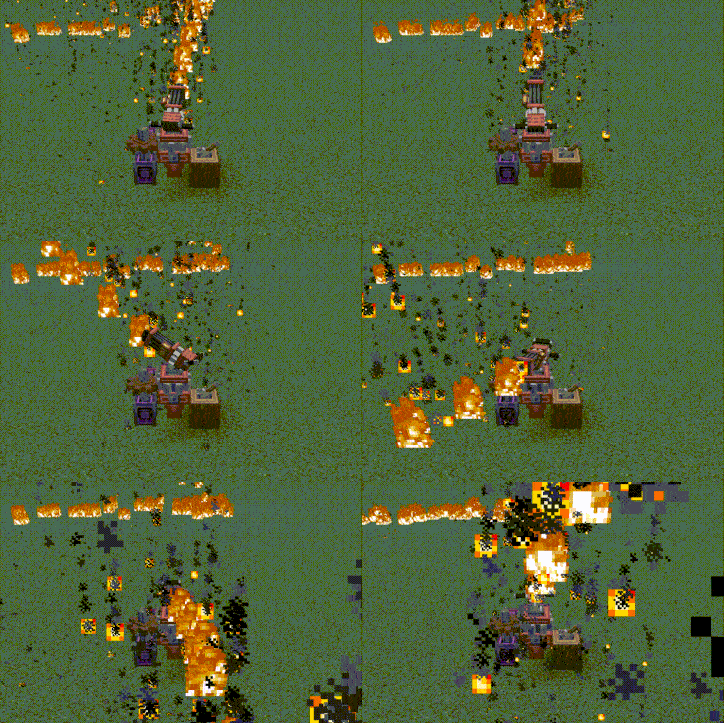 Chemical Turret Create Diesel Generators |
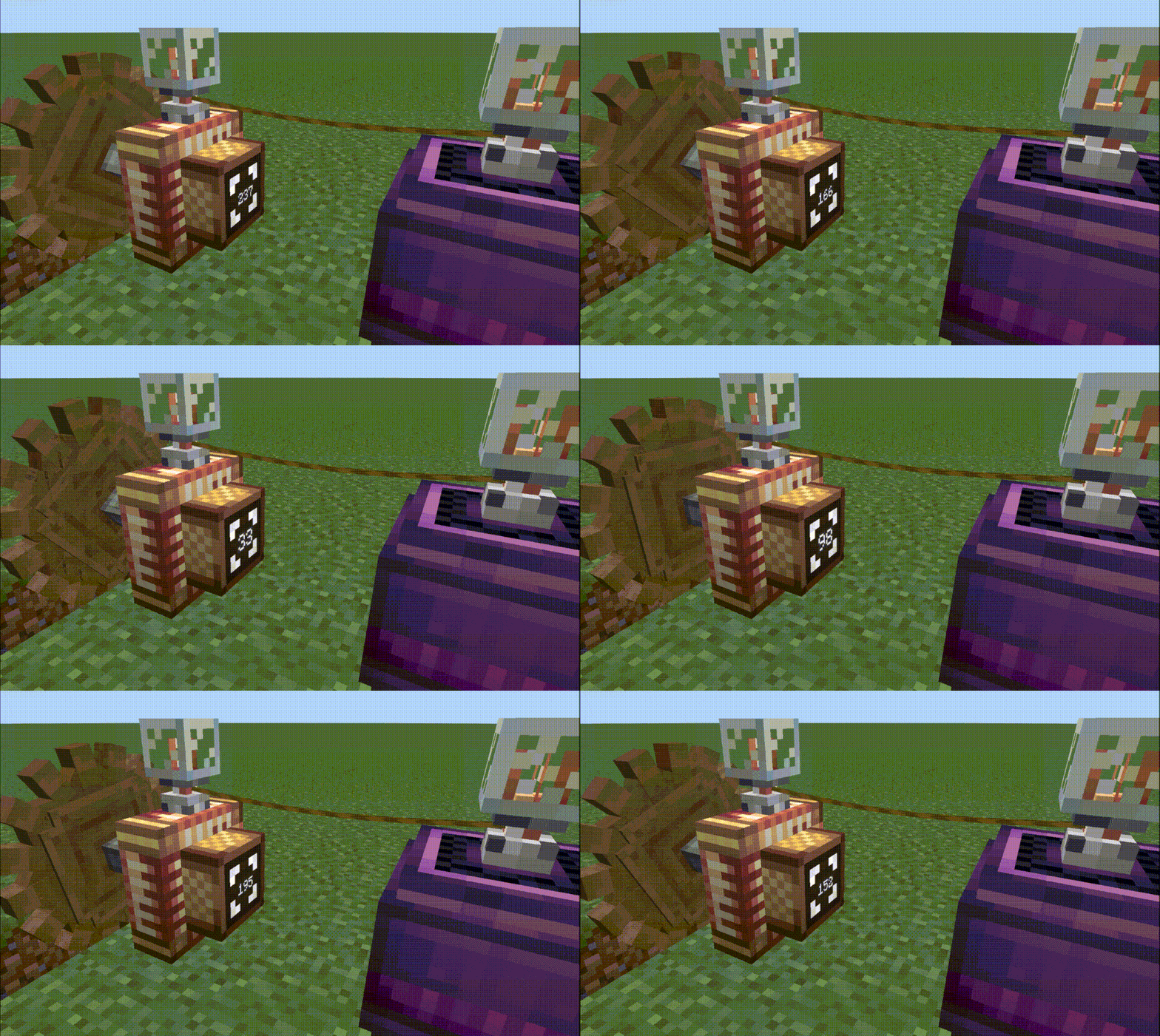 Electric Motor Create Crafts & Additions |
|---|
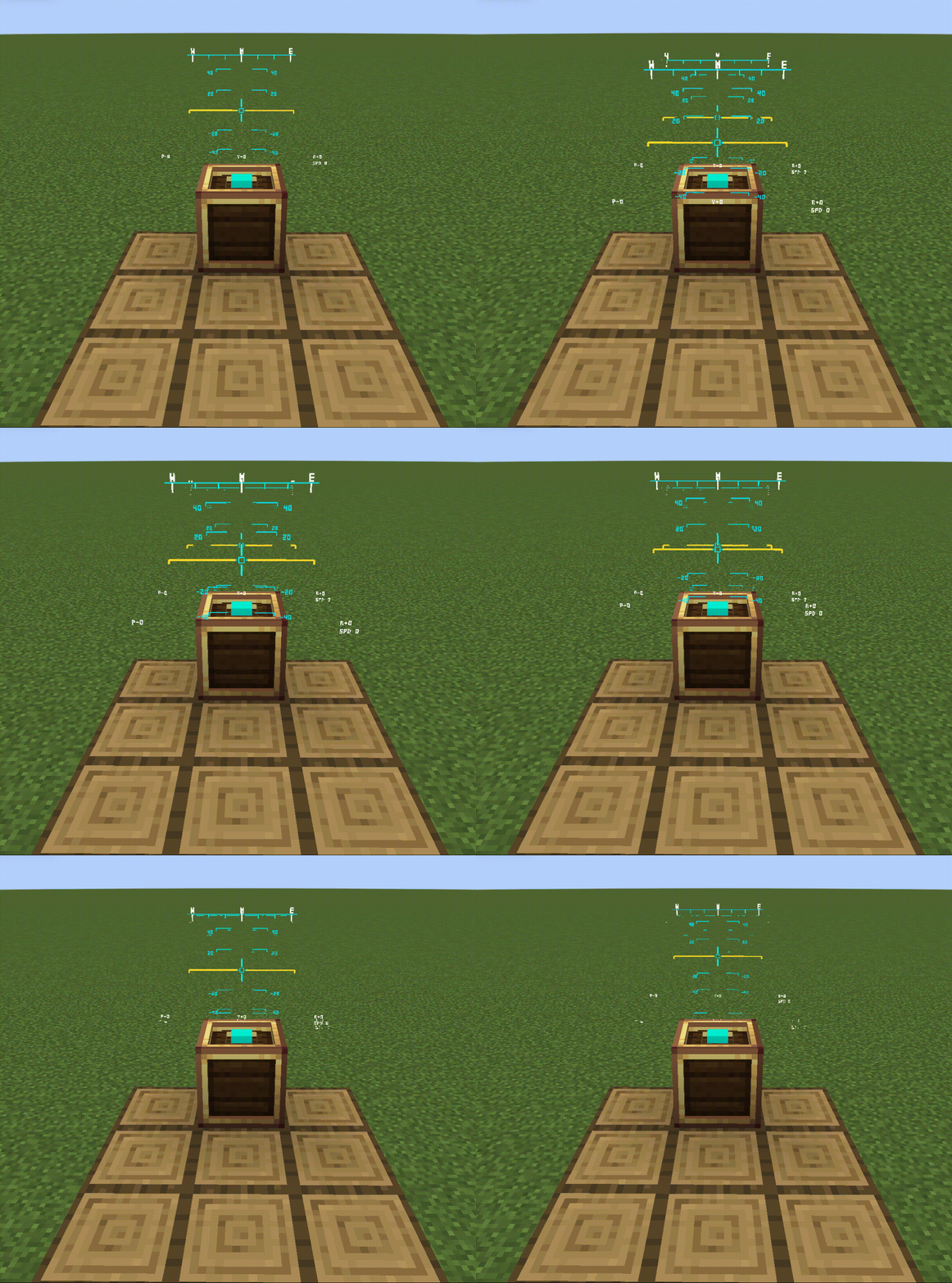 HUD Projector Create: Flight Control |
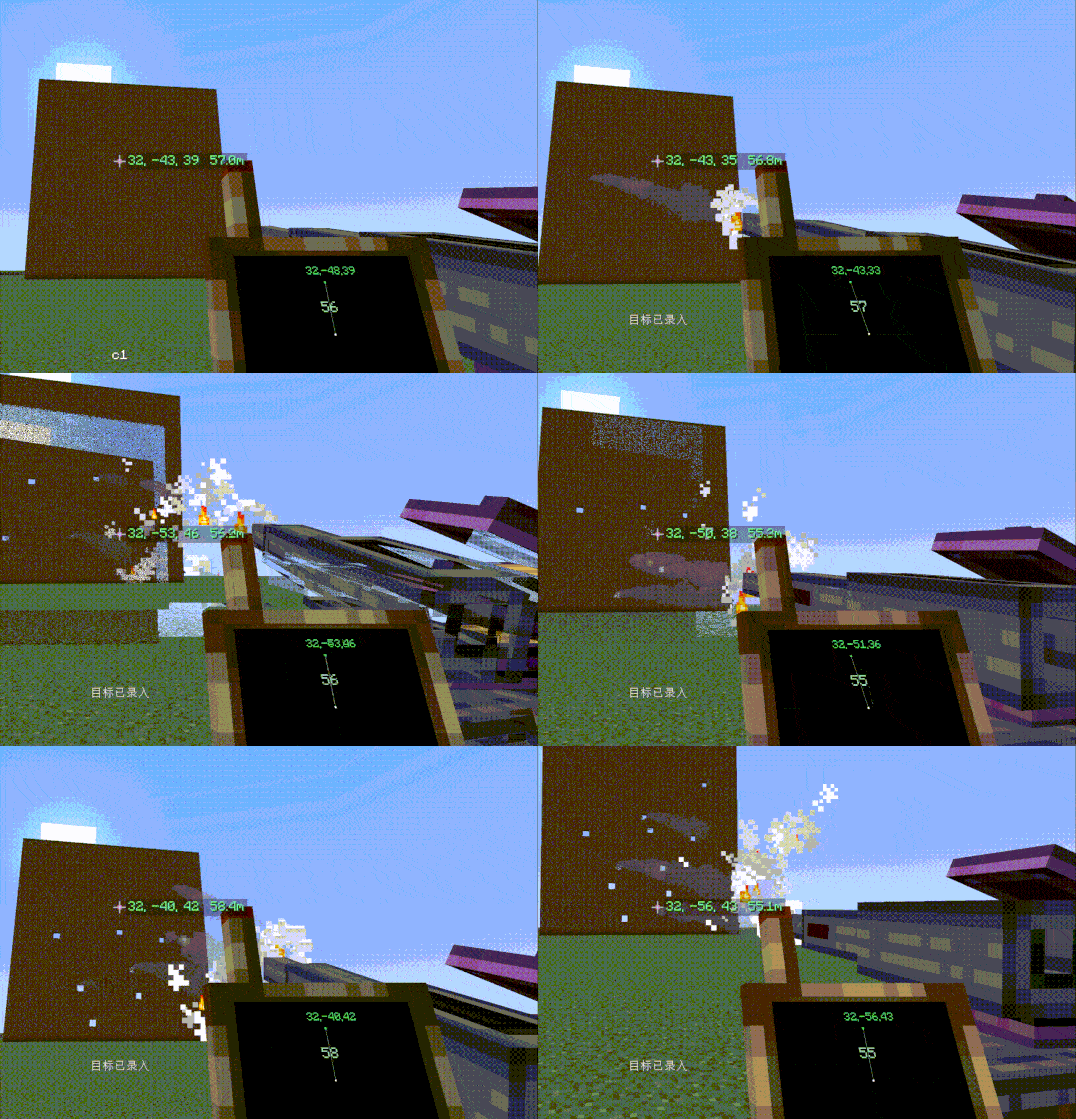 Cannon Mount Create Big Cannons |
|---|
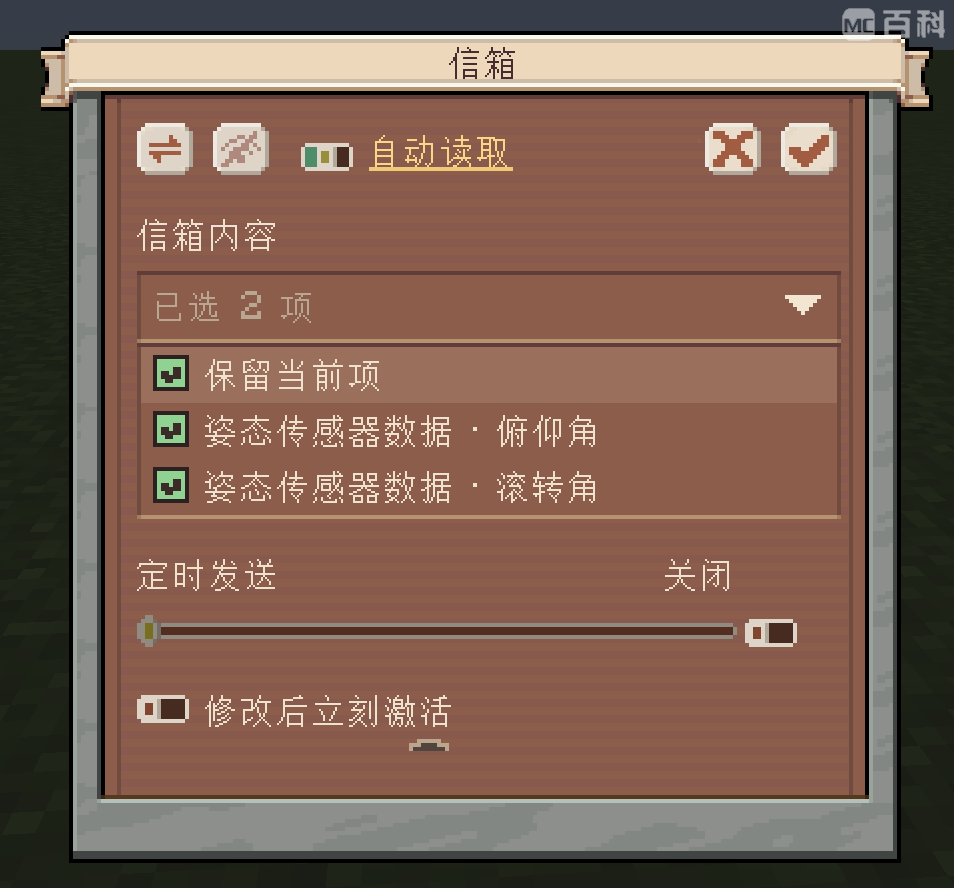
Create: Aeronautics: Attitude Sensor
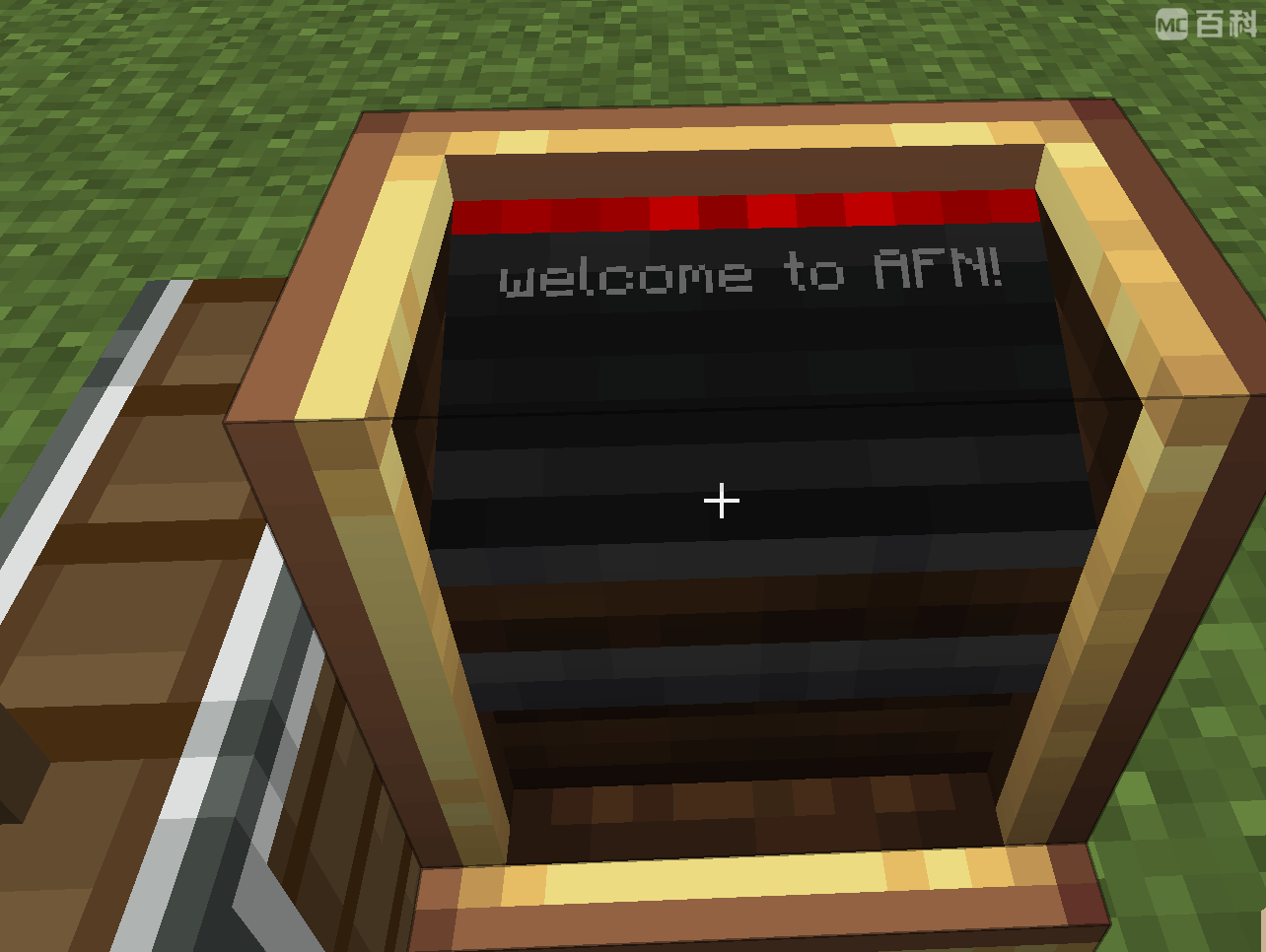
Create: Connected: Gauge Board
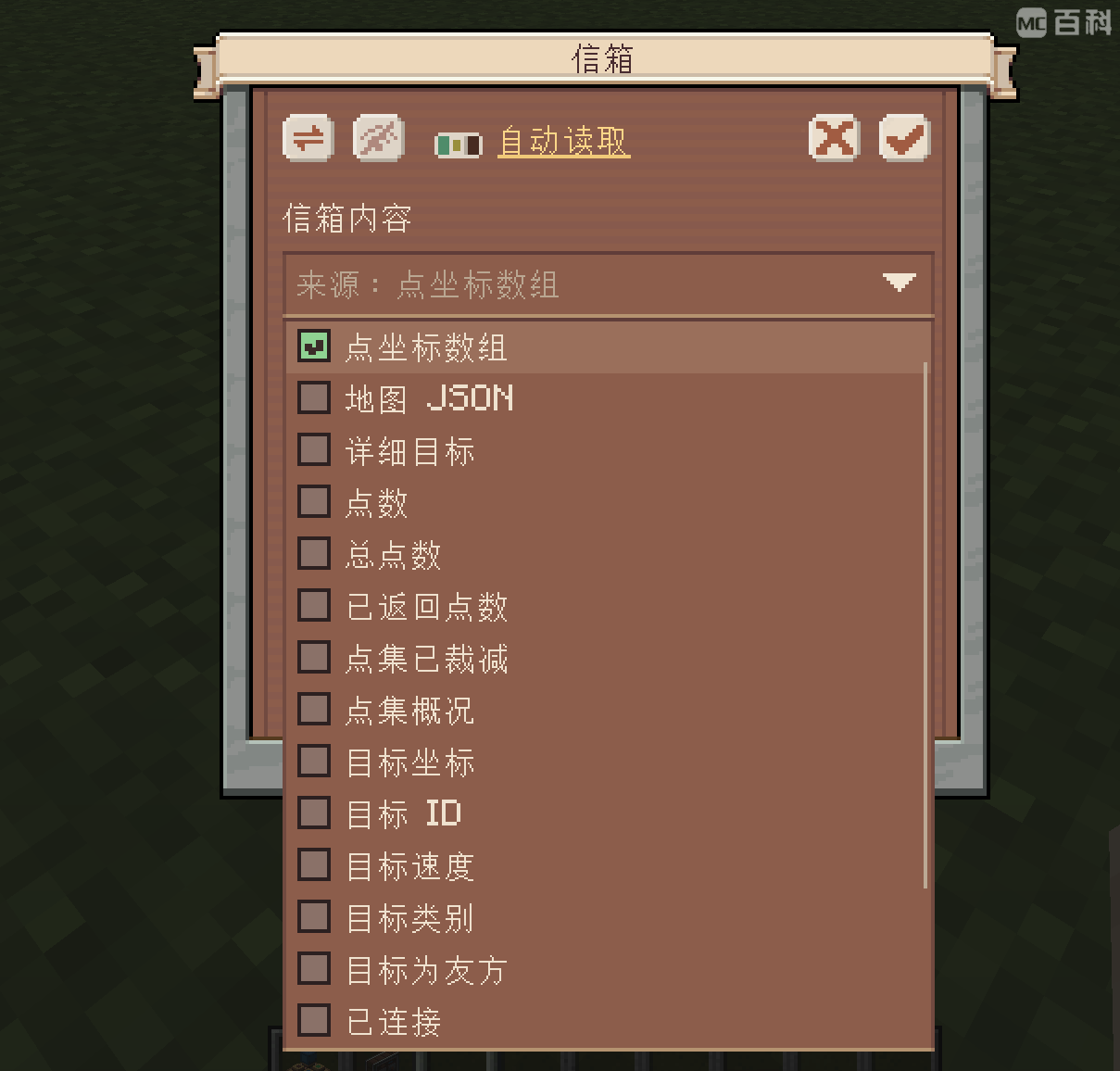
Create: Radar: Network Controller
AFN adds UTF-8 support to CC:Tweaked, including Chinese text. Its afn Lua module lets programs manage channels and wireless redstone signals, turning supported devices into parts of a programmable automation system.
See the Lua API documentation in the AFN WIKI for details.
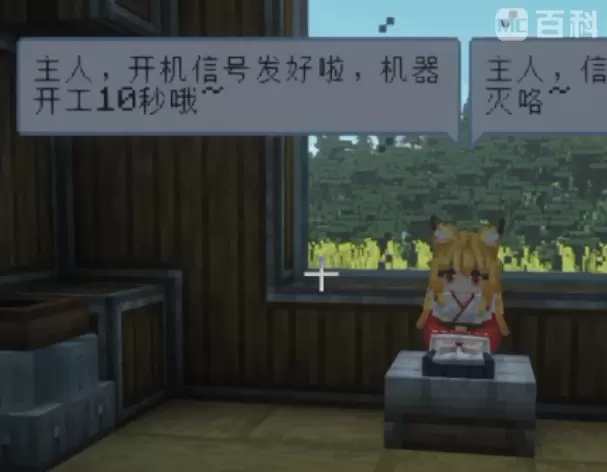
Touhou Maid: Steward gives maid agents access to AFN's signal and channel controls. Use them to execute signal sequences, manage logistics and factories, and deliver notifications.
Maid-controlled signal sequences
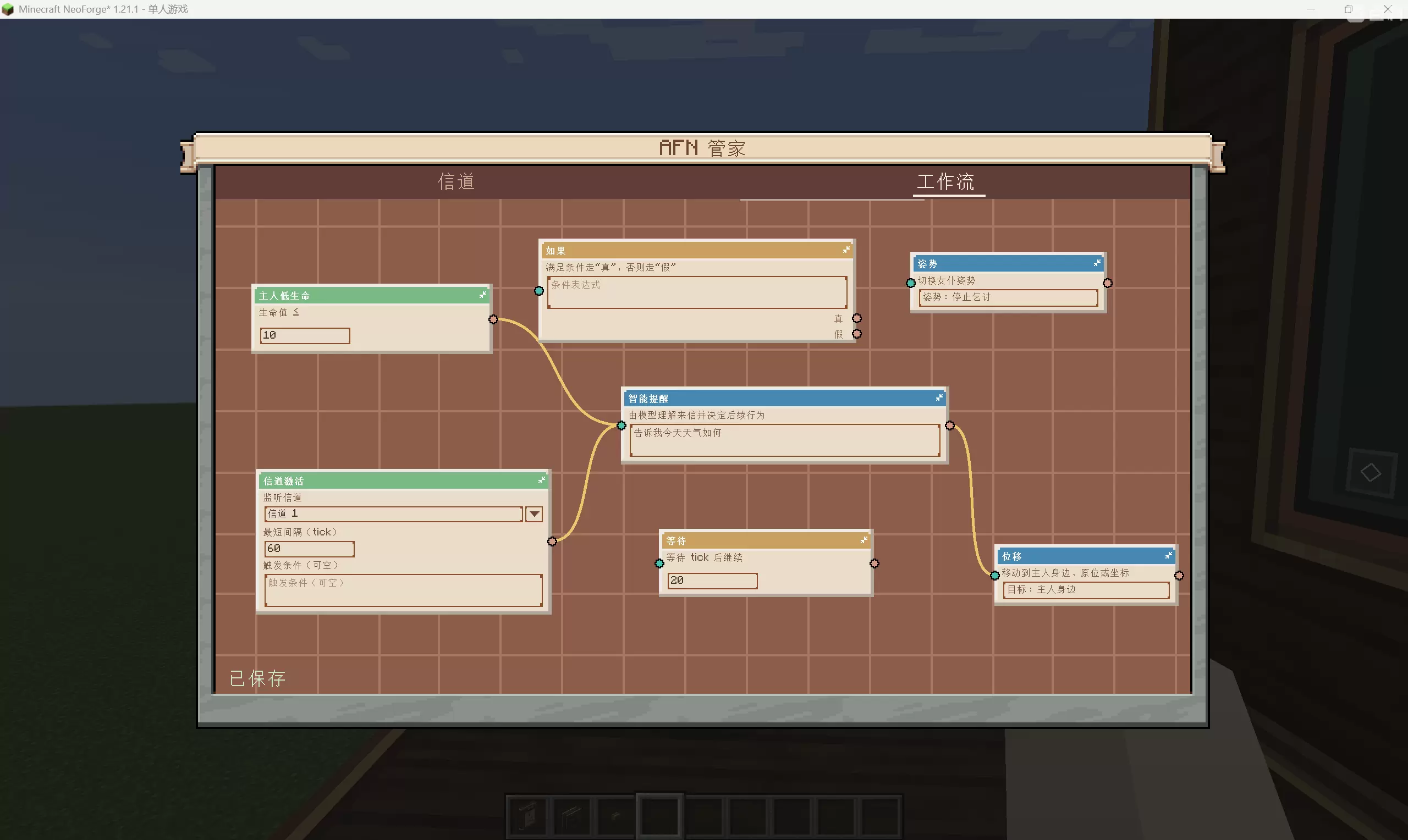
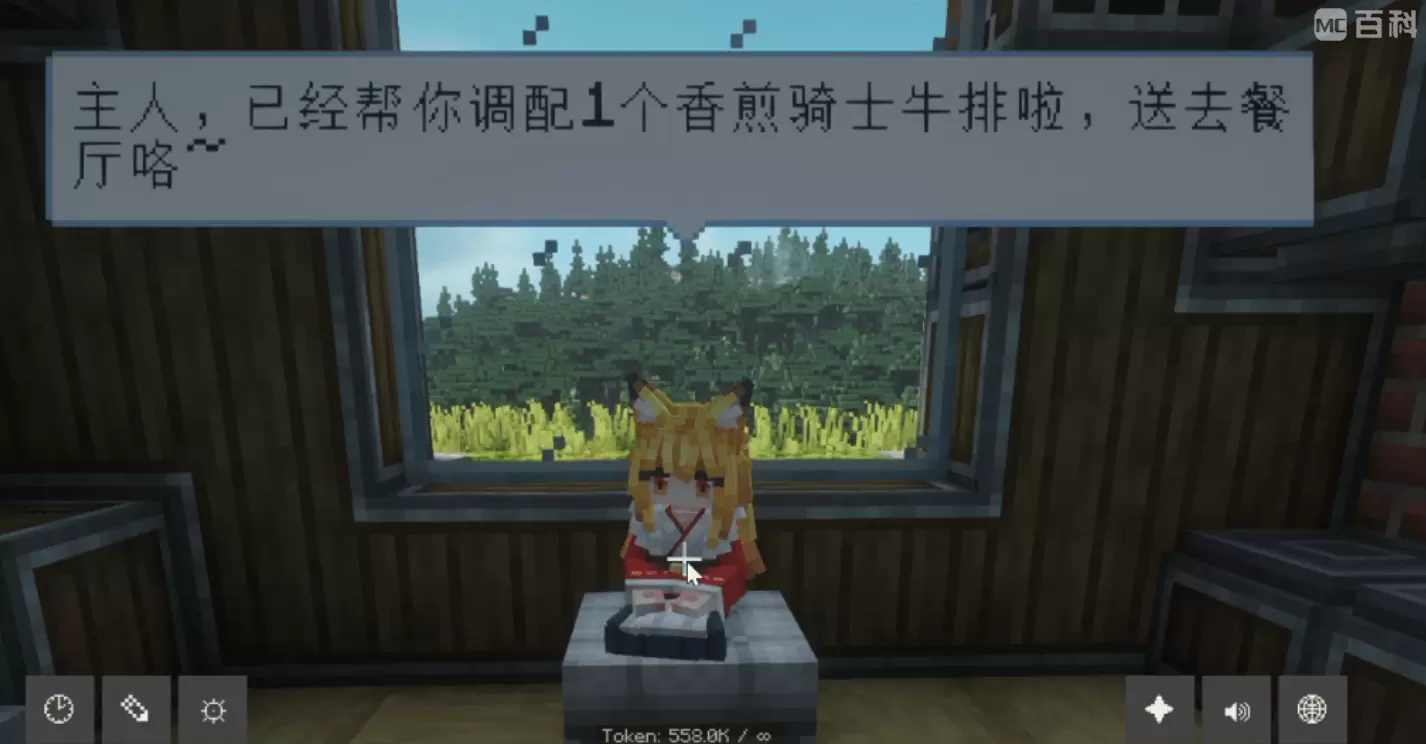 Maid-managed logistics |
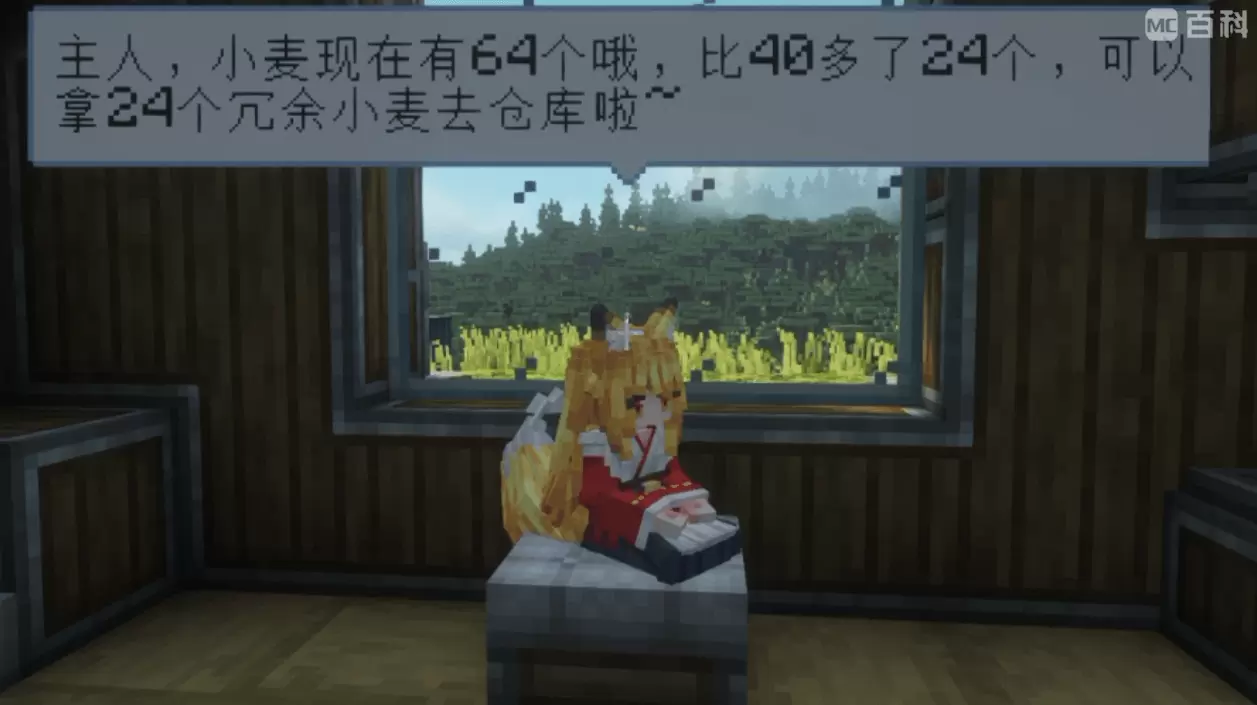 Maid notifications |
|---|
Maid-managed factories
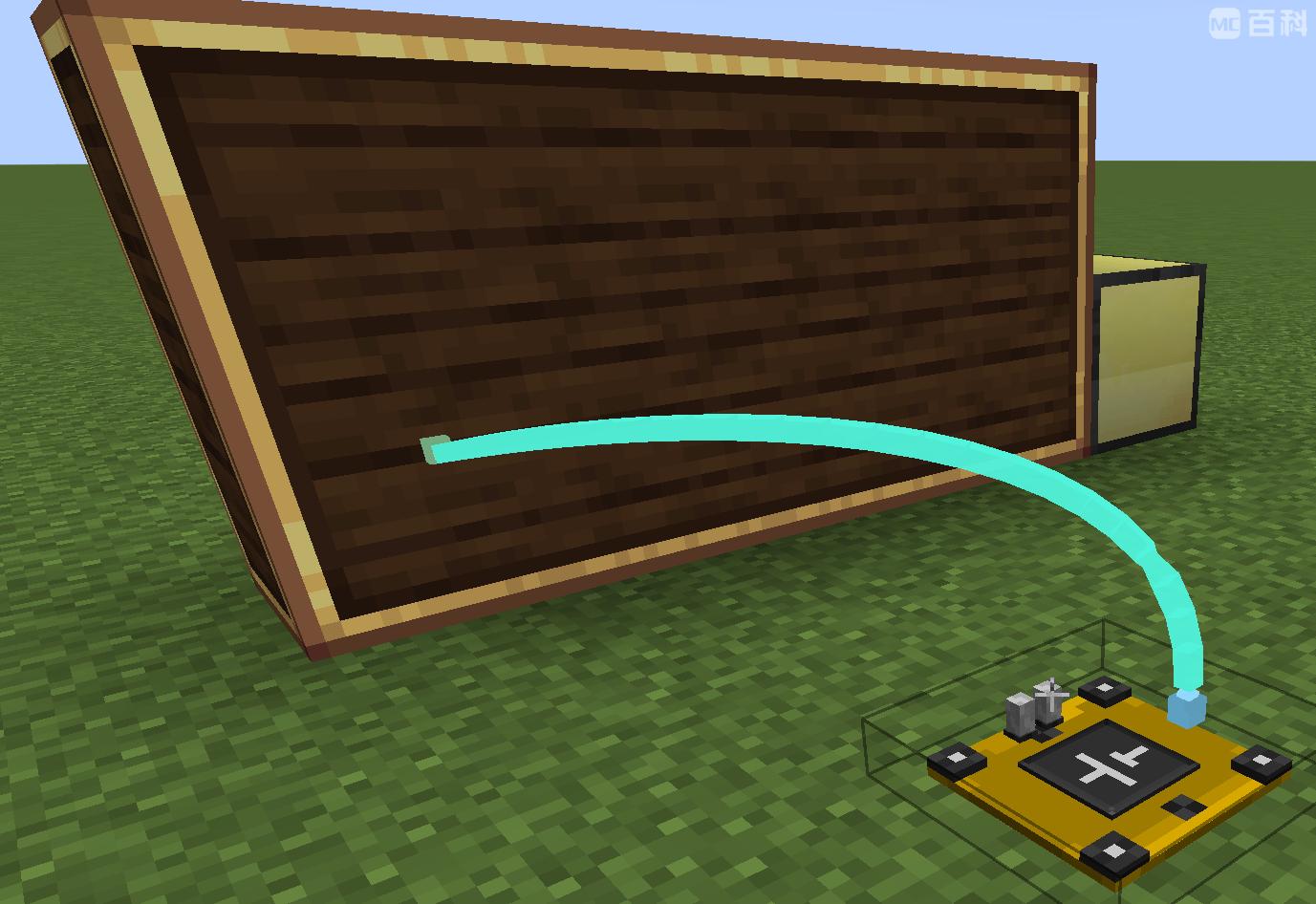
The AFN Bridge provides Synaxis with data input and output ports for all AFN-supported data types, alongside signal controls. Use Synaxis as a control hub or exchange data with devices from other mods.
Synaxis wiring with the AFN Bridge
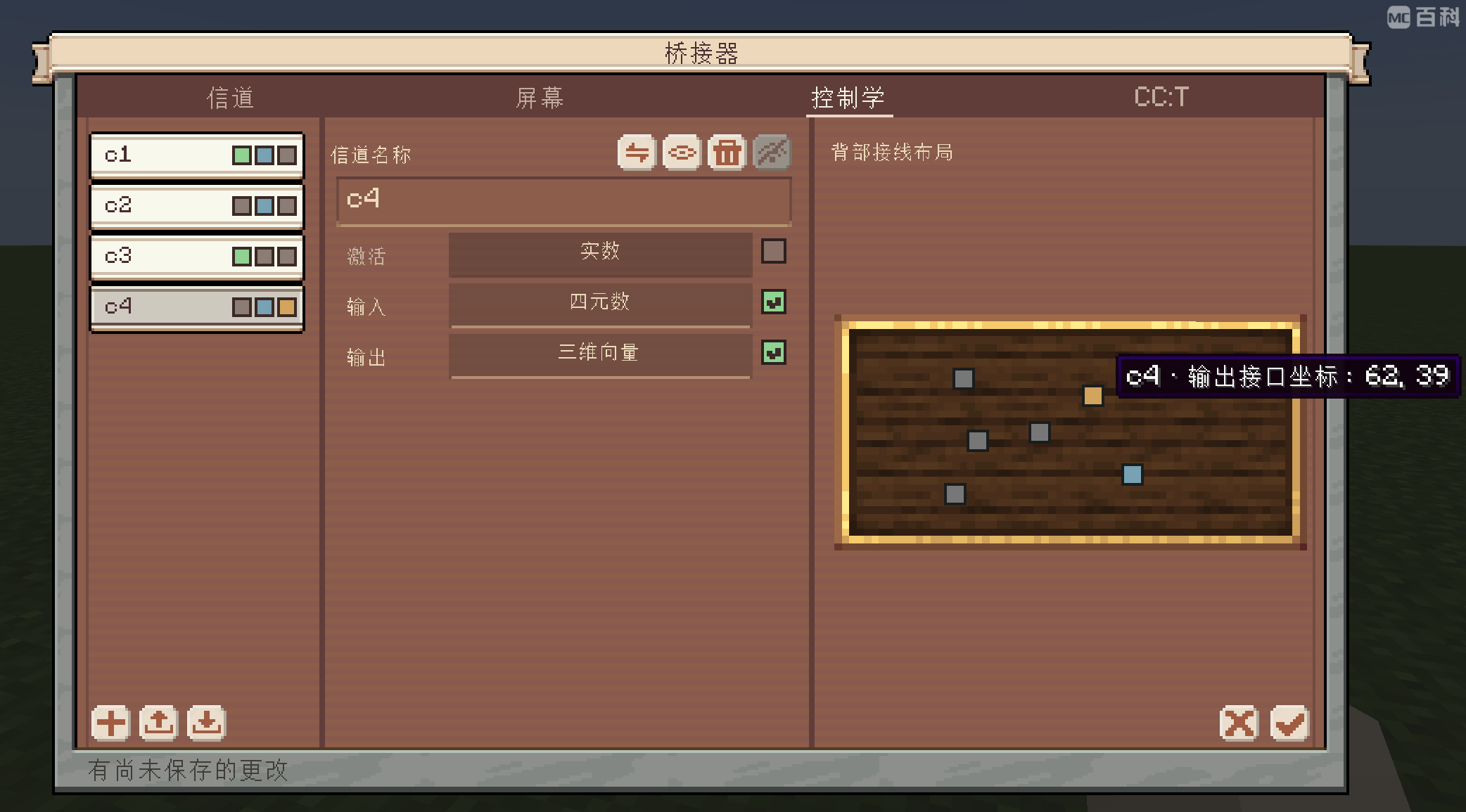
Synaxis circuit board
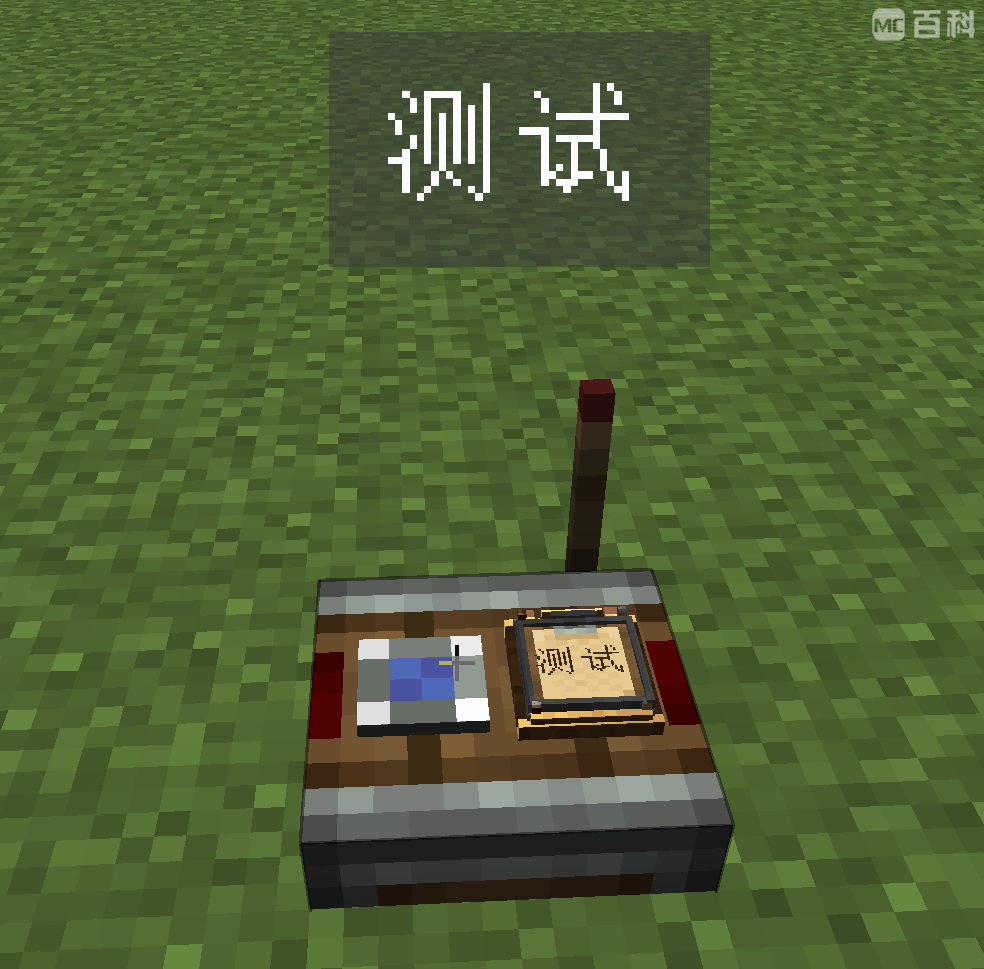
Use letters, numbers, Chinese characters, and dots to name your wireless frequencies. Readable addresses make networks easier to remember, organize, and automate.
When an AFN Frequency Board is used, the two frequency slots are order-independent. Setups using only ordinary Create items retain Create's original slot order.
Wireless frequency communication
Frequency editor
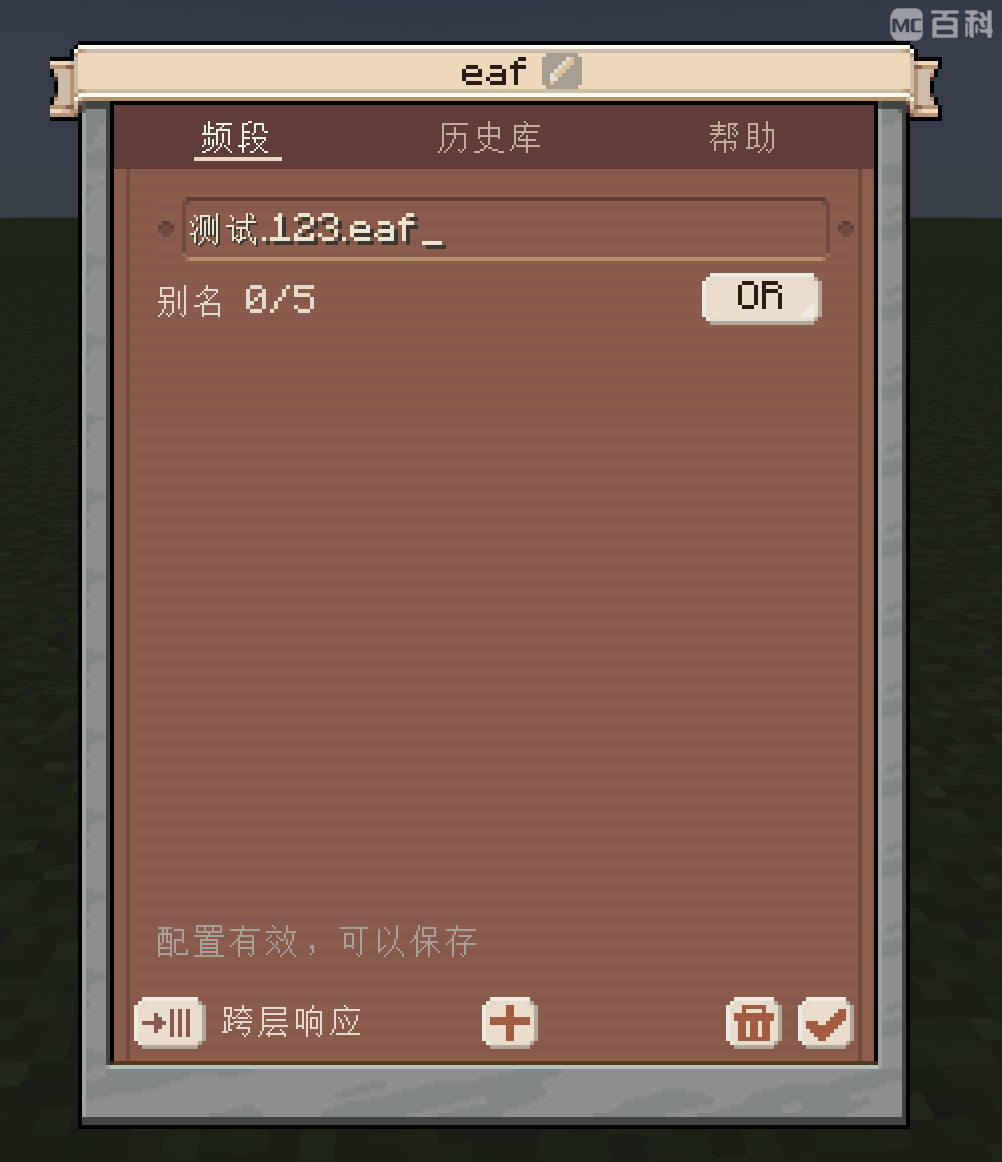
Input history
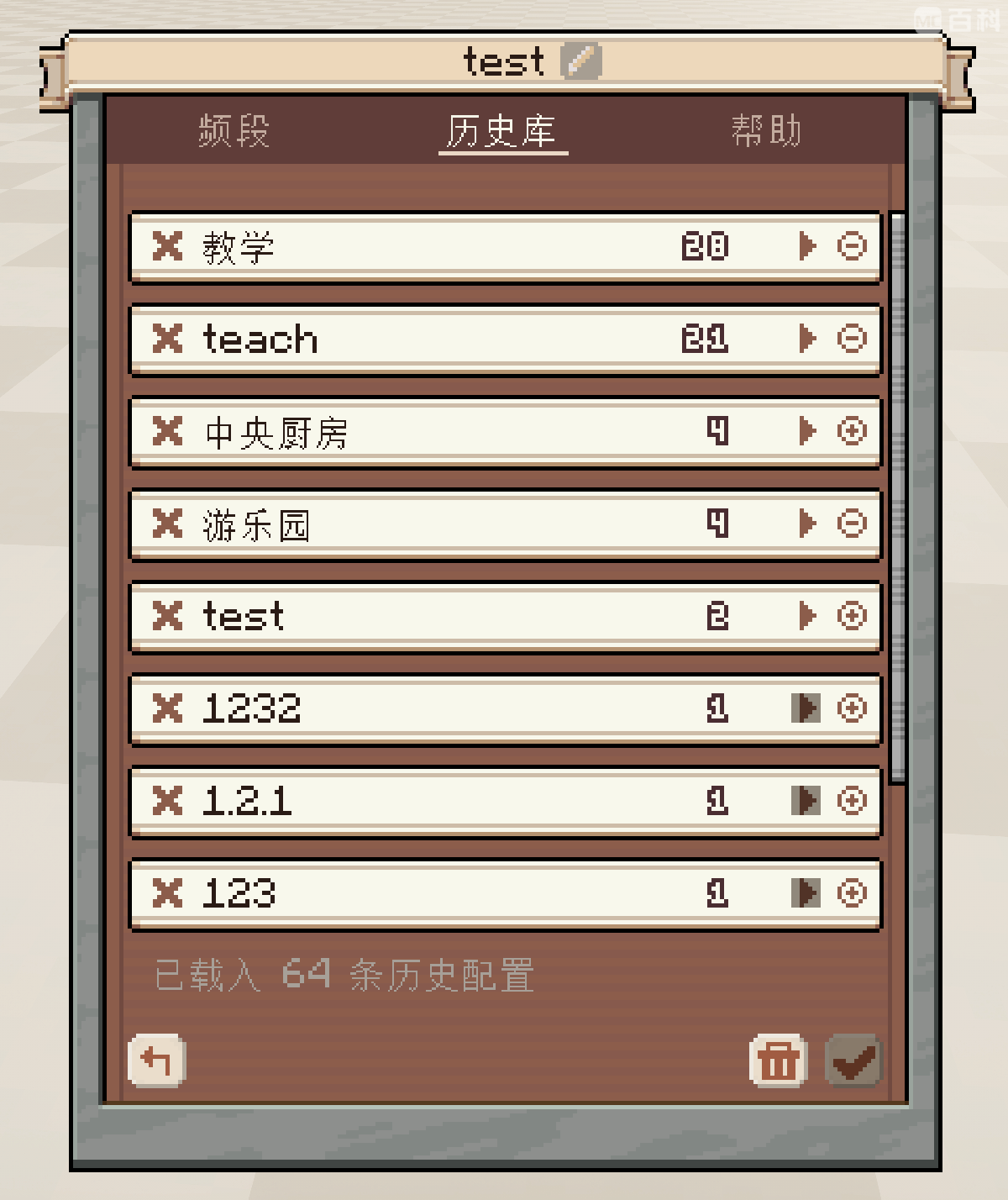
Dots separate address layers. For example, factory.line_1.motor identifies a motor within a factory production line.
| Syntax | What it matches |
|---|---|
* |
Any number of characters within the current layer. |
** |
Zero or more layers, when used as a complete layer. |
? |
One character within the current layer. |
[A-C] or [0-9] |
One character from the specified range. |
!name |
Excludes a name within the current layer; exclusions can be combined. |
For example:
factory.*.motor selects motors across the factory's production lines.factory.** selects addresses at any depth under factory.factory.*.!private!test excludes private and test in the final layer.Receivers also support OR/AND alias matching and cross-layer response. Configure concrete addresses on receivers and use selectors on senders.
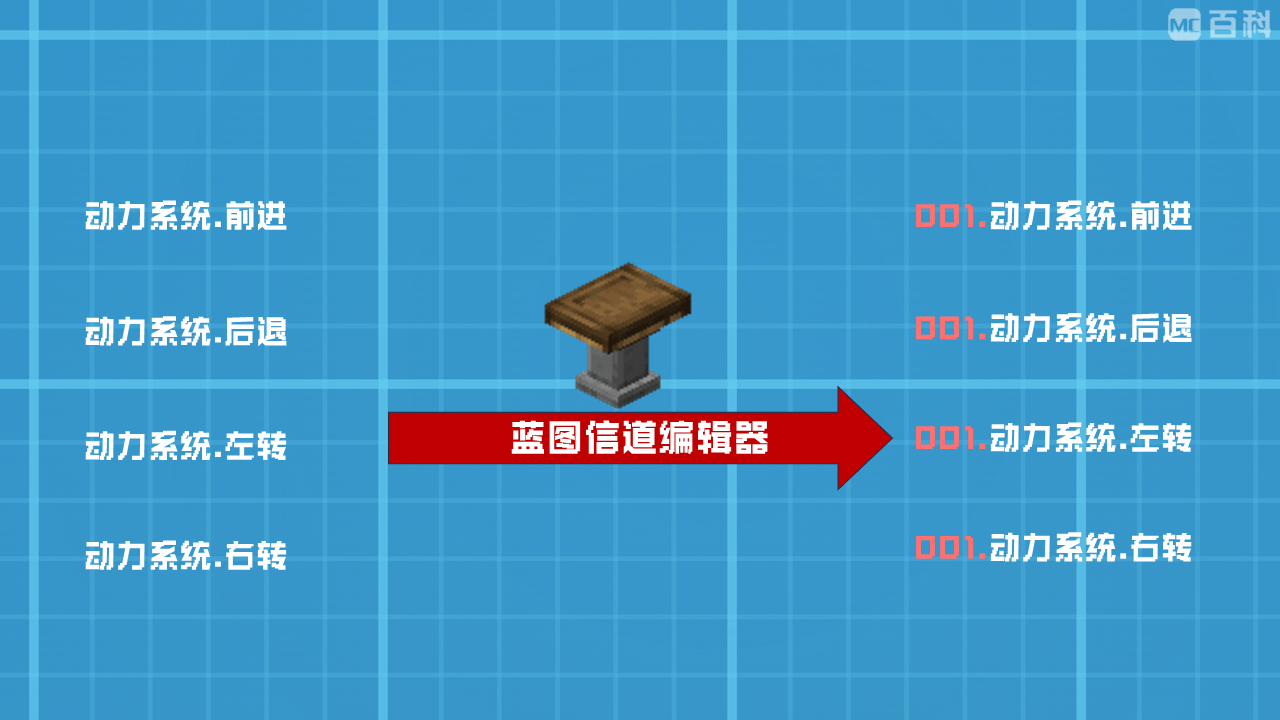
Prepare complex machines and vehicles for repeated production with the Blueprint Channel Editor. Organize and adjust their wireless frequencies before building multiple copies, making it easier to avoid interference between otherwise identical machines.
Blueprint Channel Editor
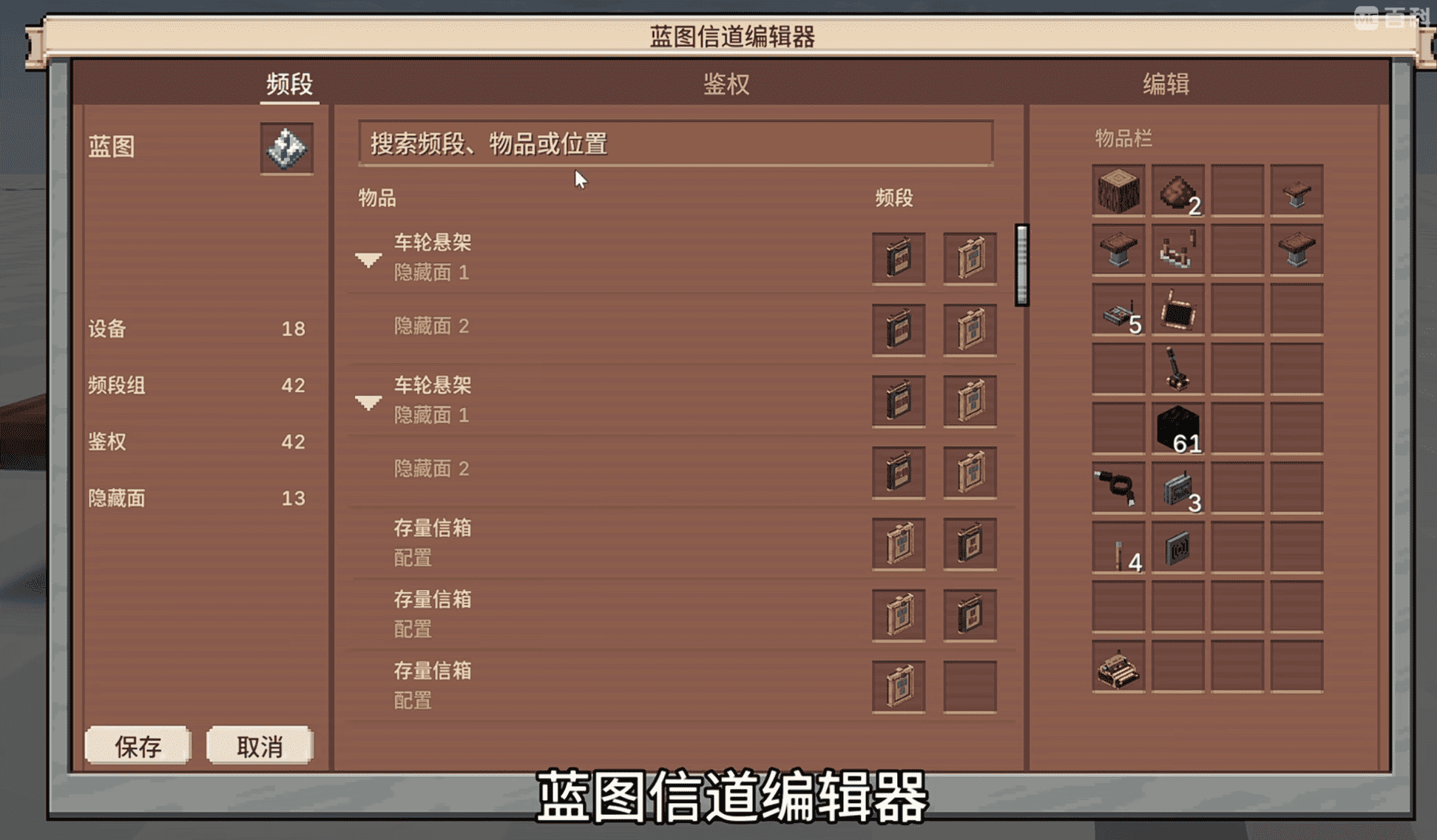
Batch production from schematics
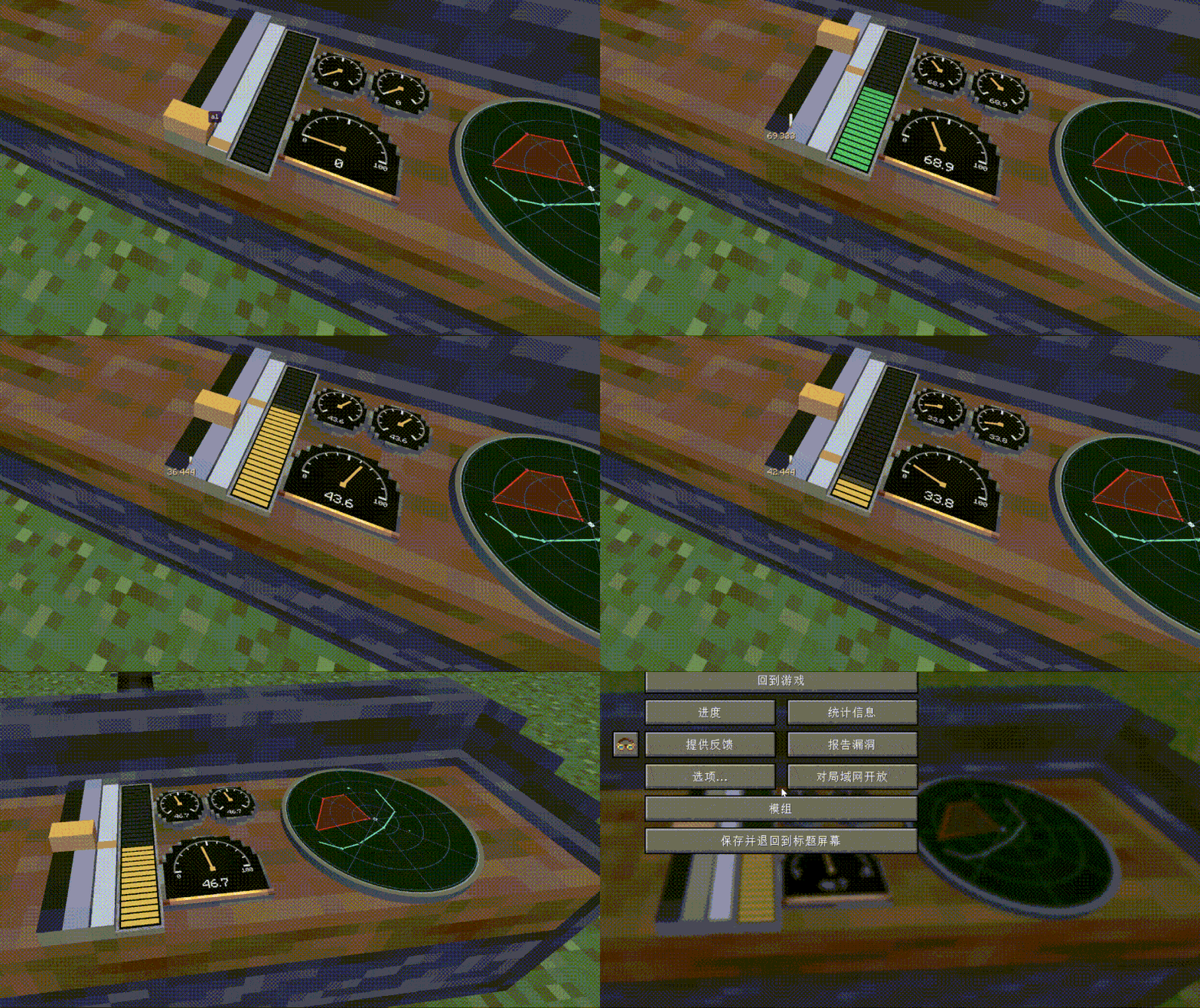
The AFN Bridge is the hub for channel management, visualization, and interaction. Its display modes include bar charts, gauges, maps, stock information, logistics, and chat.
Numbers and numeric arrays connect sensors to machines and controls. Display channel data as charts, gauges, plain text, switches, or combined instrument panels, and interact with it directly.
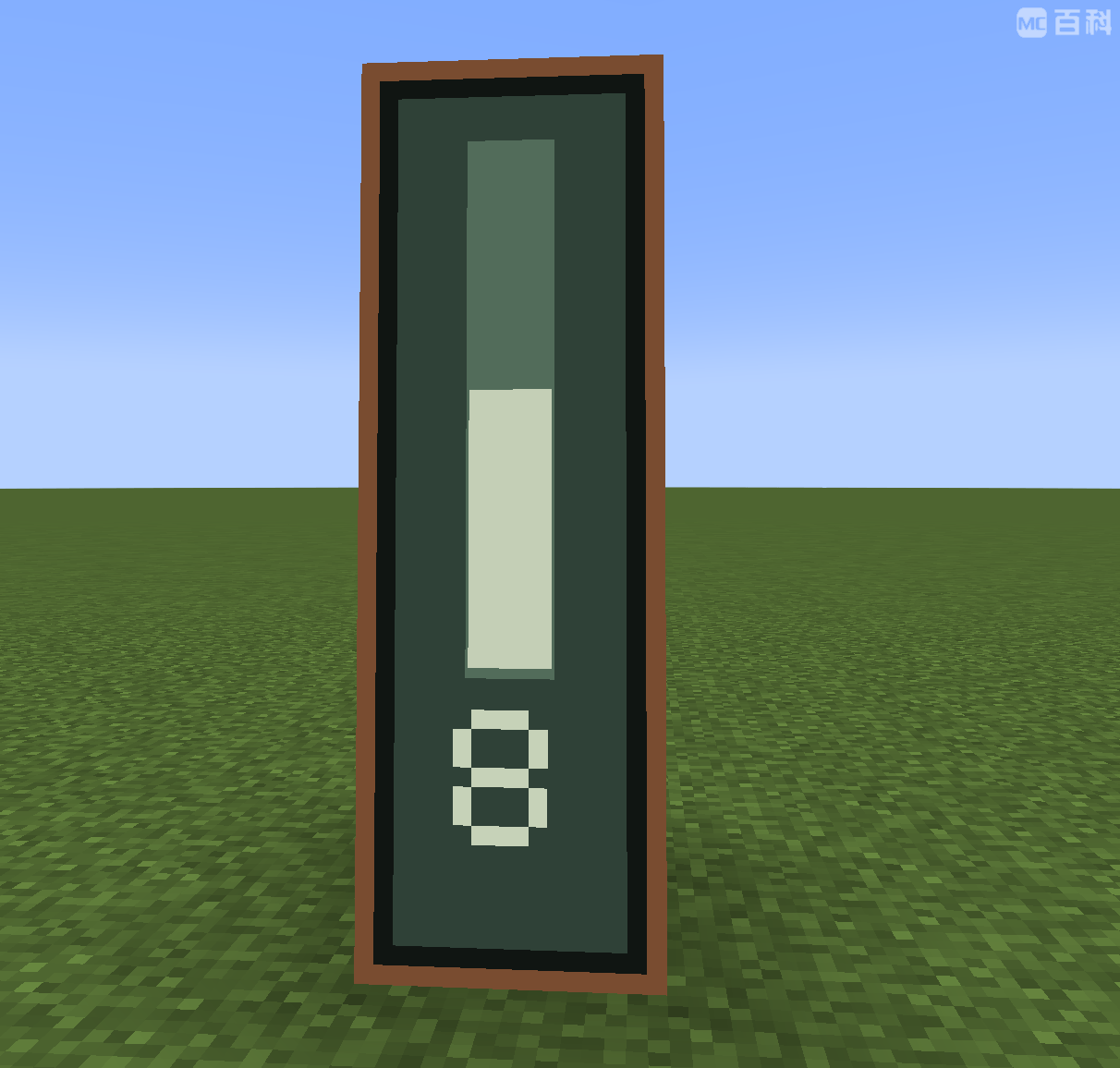 Vertical bar charts |
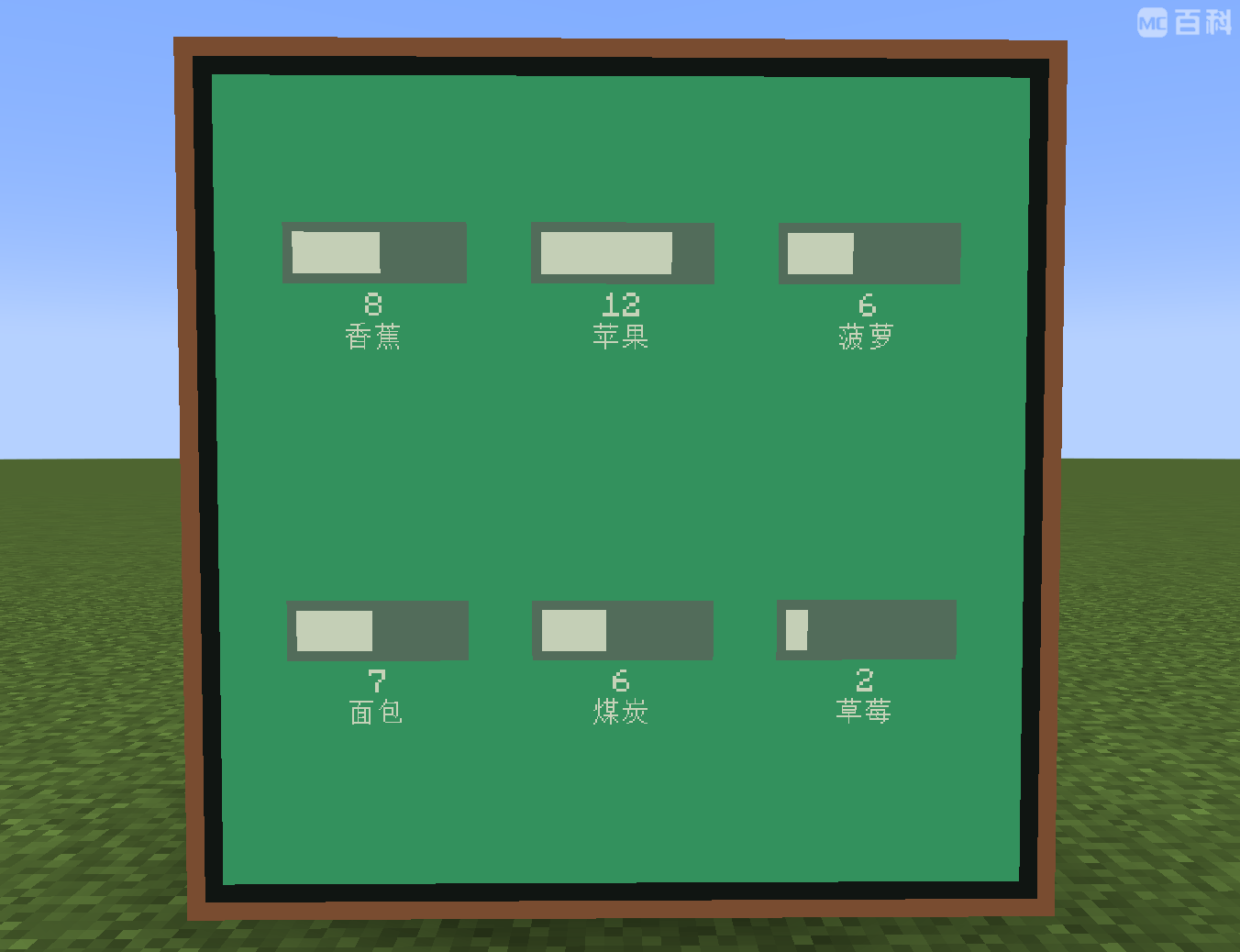 Horizontal bar charts |
|---|
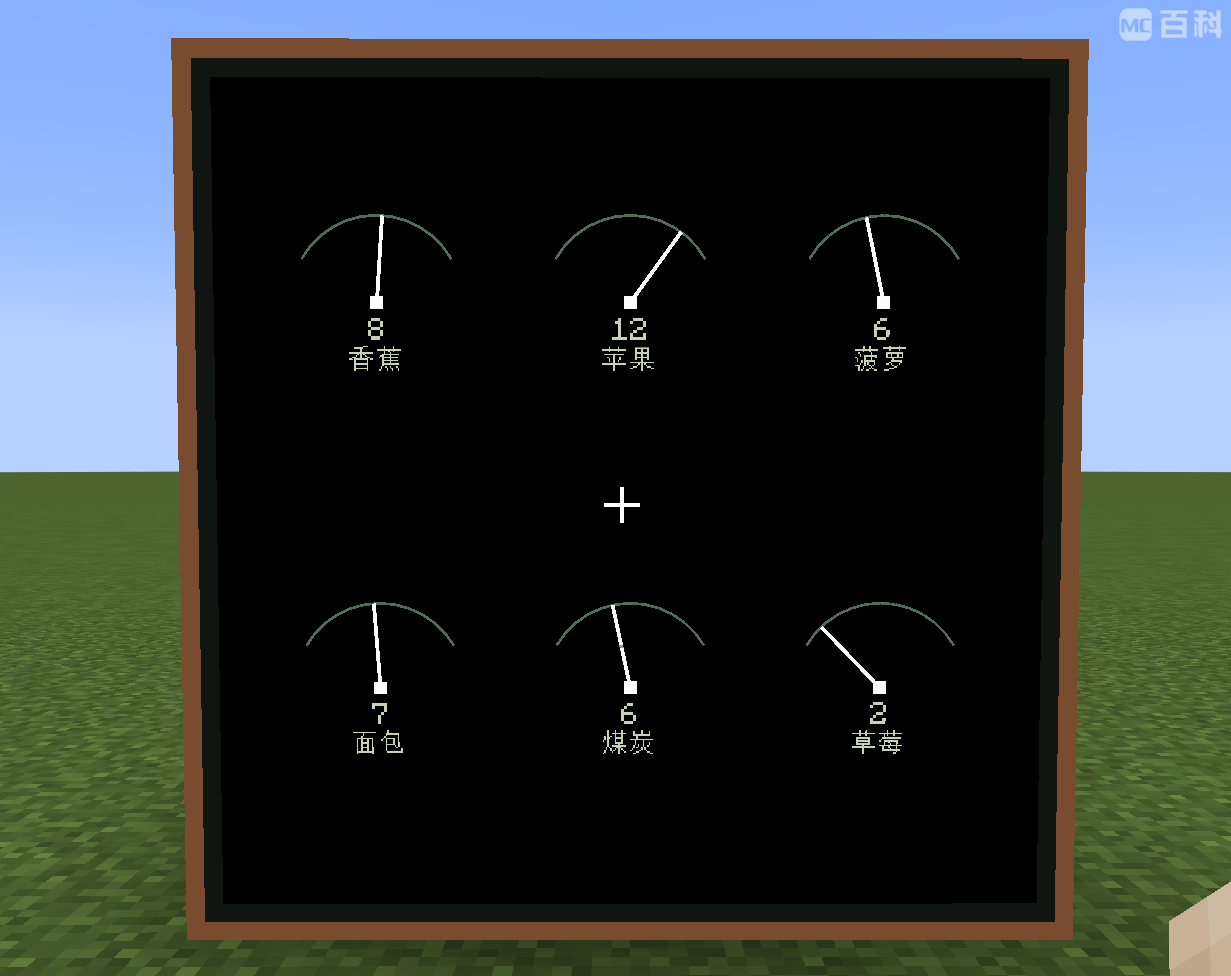 Gauges |
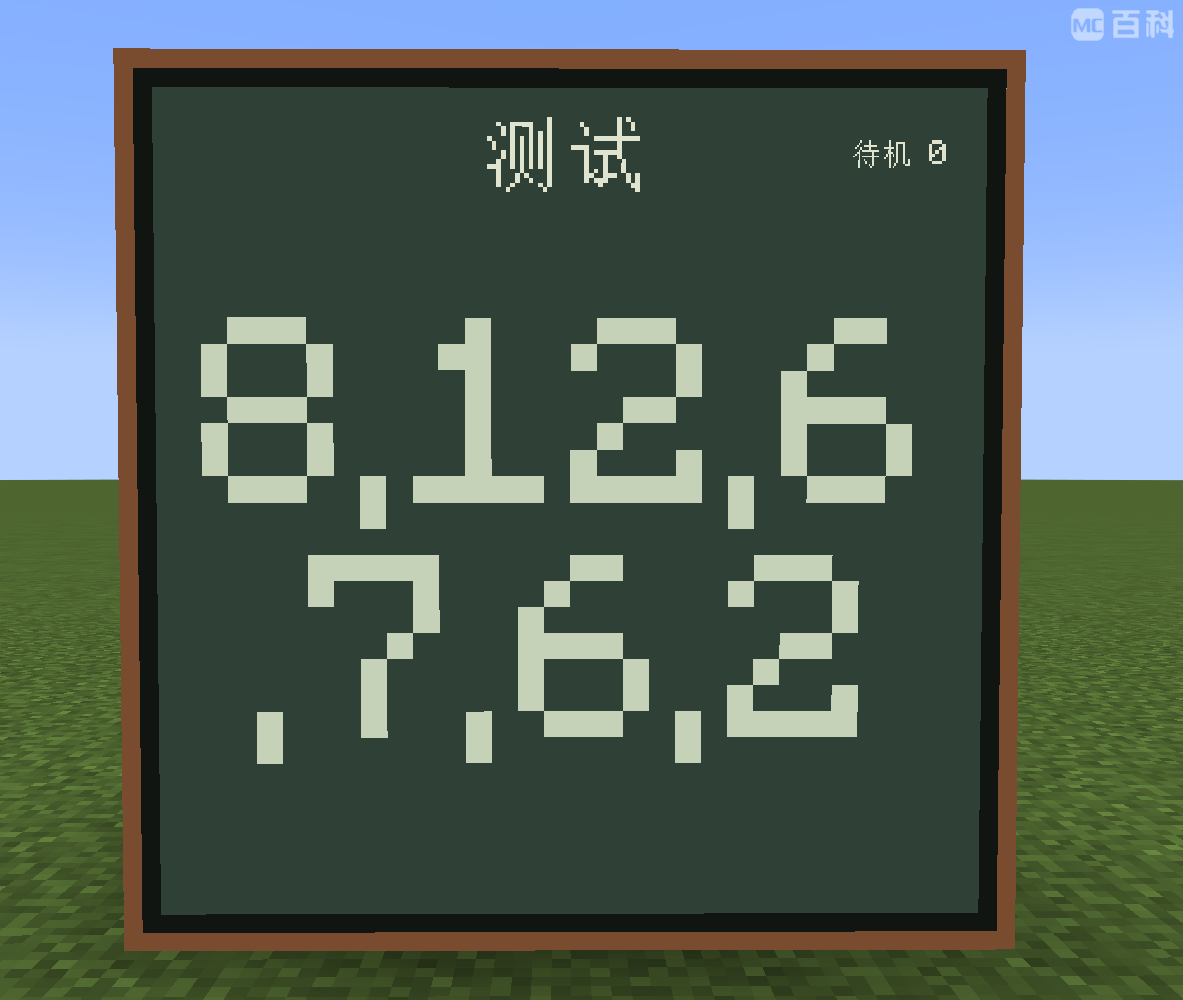 Plain text display |
|---|
Interactive switches
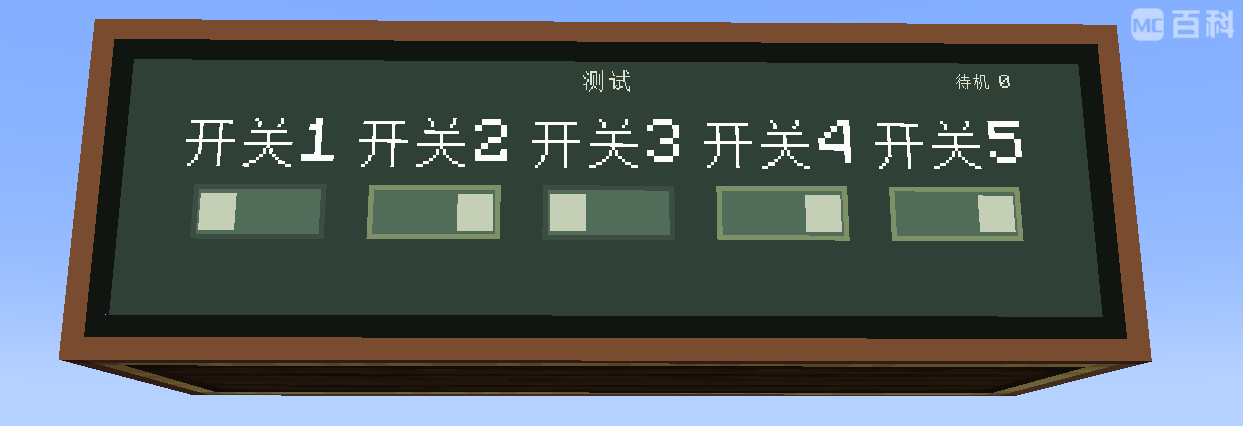
Combined switch controls
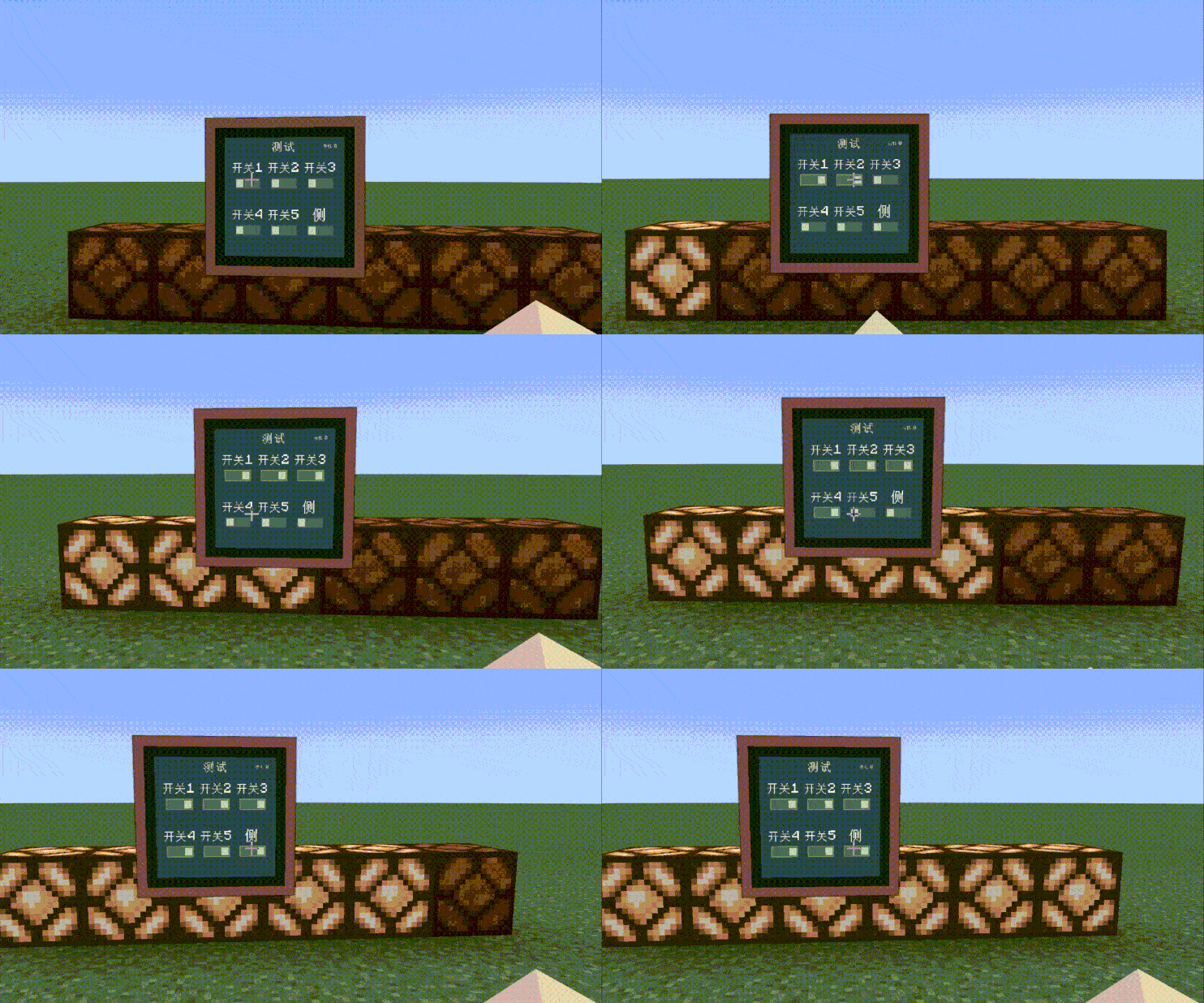
Coordinates are essential for navigation, tracking, and remote control. AFN can represent a position as a numeric triple such as 123,-32,56, an array such as [123,-32,56], or a structured JSON message.
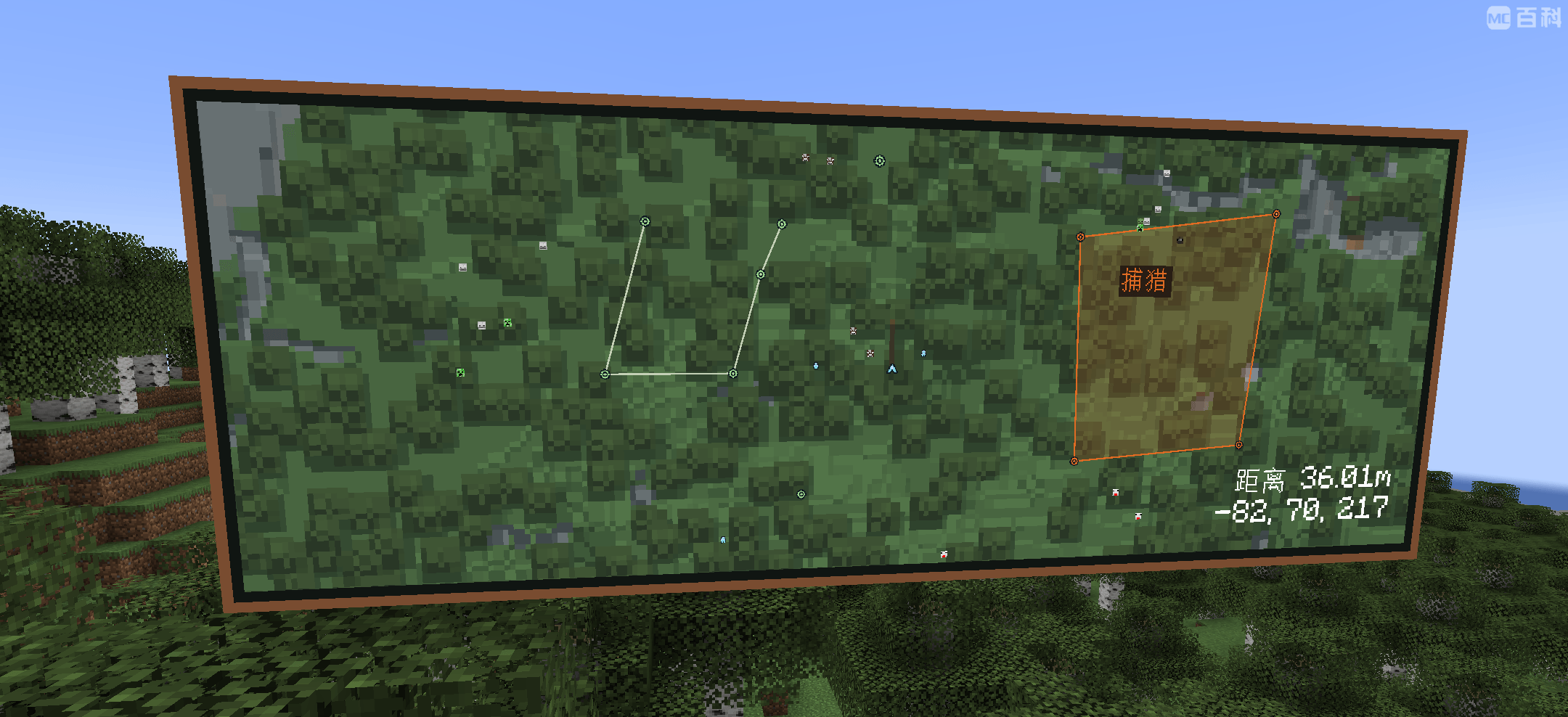
Use JSON to send multiple named points, lines, and areas together, including their colors and labels:
{
  "points": [
    {
      "name": "Warehouse",
      "color": "#FF7043",
      "text_color": "#FFE0B2",
      "position": [0, 64, 0]
    }
  ],
  "lines": [
    {
      "name": "Route",
      "color": "#66BB6A",
      "text_color": "#DCE775",
      "points": [[0, 64, 0], [32, 64, 16]]
    }
  ],
  "areas": [
    {
      "name": "Work Area",
      "color": "#42A5F5",
      "text_color": "#B3E5FC",
      "points": [[0, 64, 0], [32, 64, 0], [32, 64, 16]]
    }
  ]
}
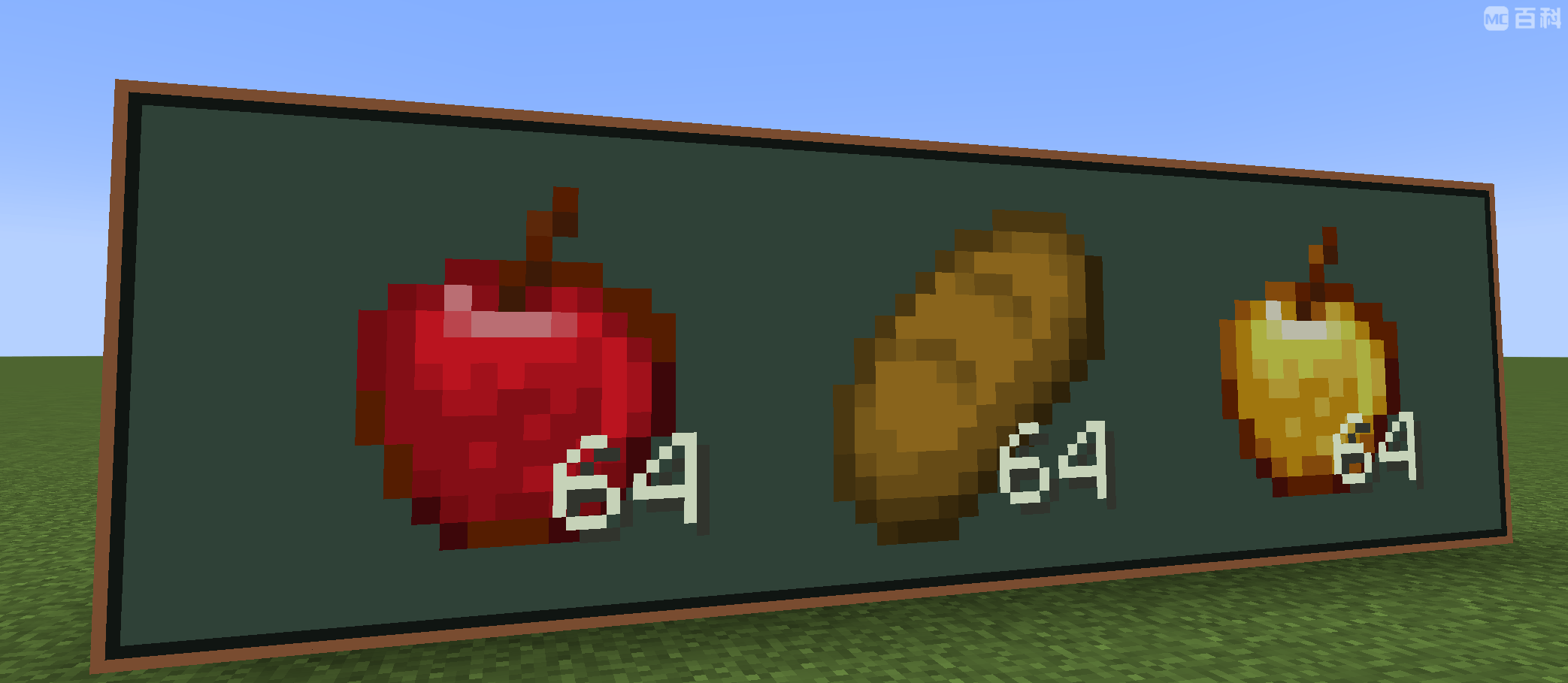
Display item quantities on the Bridge and receive stock information in supported data formats.
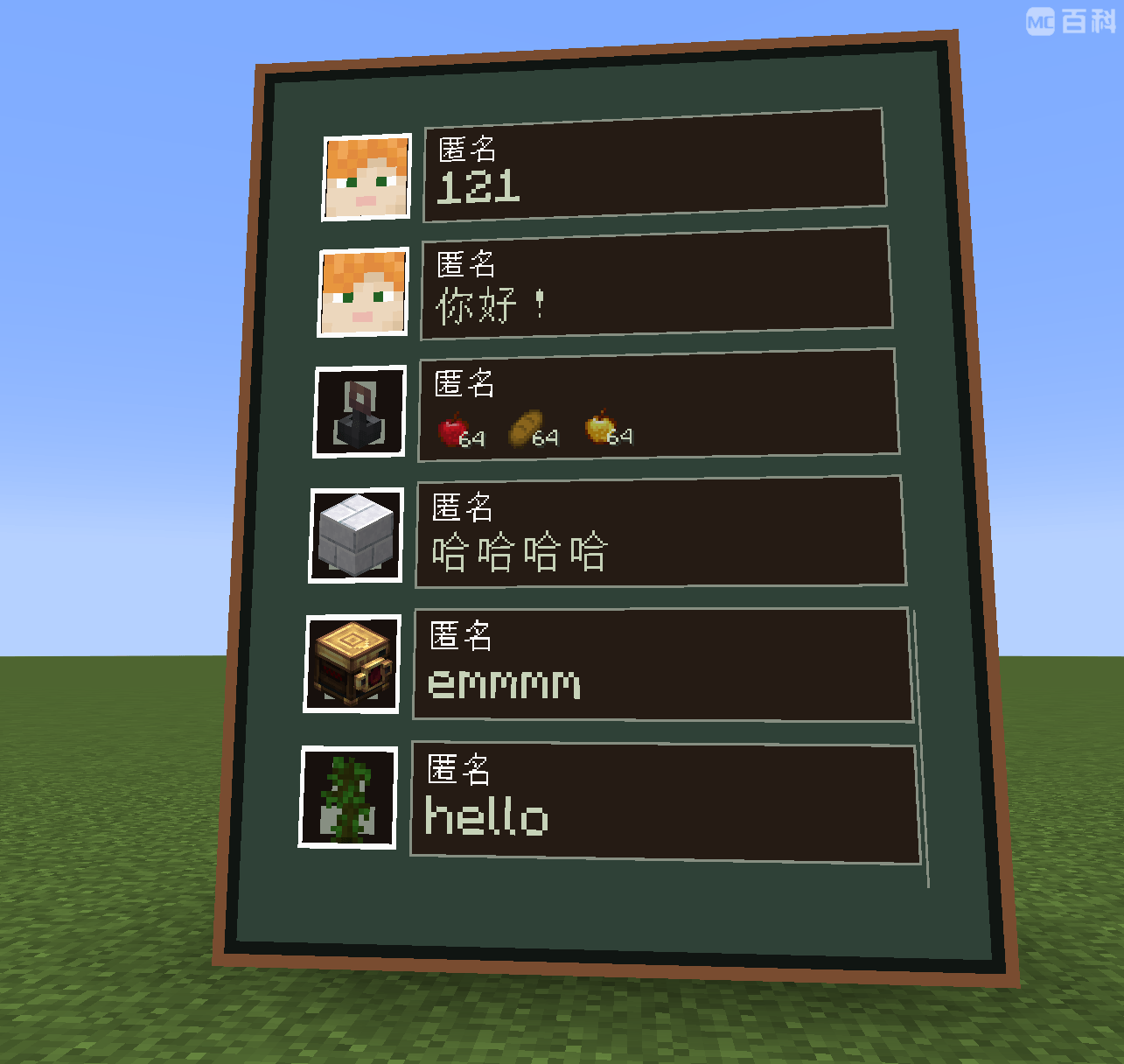
Use the Bridge as a shared message board for players, devices, and maid agents. Show incoming notifications and browse message history.
Bridge notifications
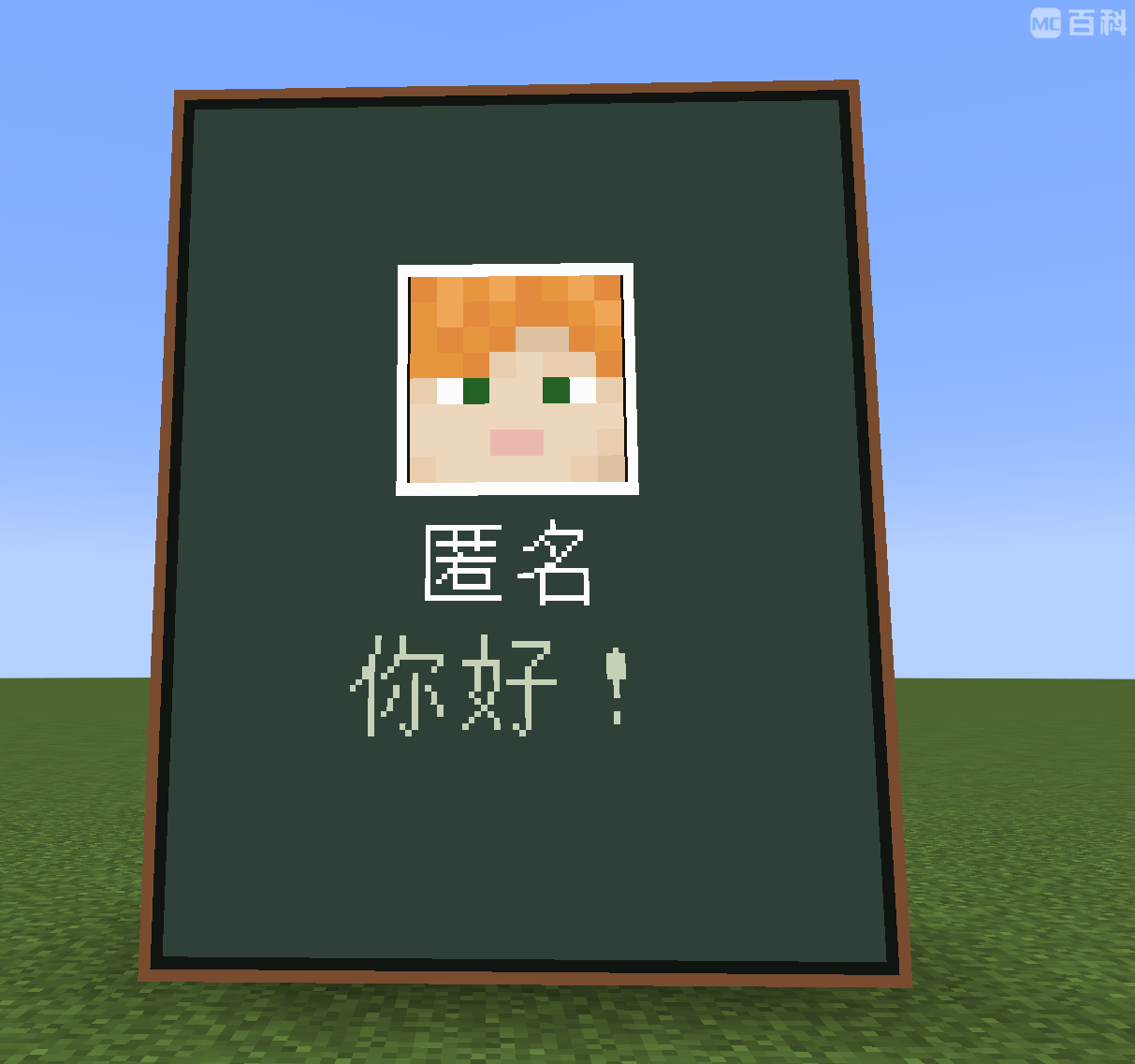
Bridge message history
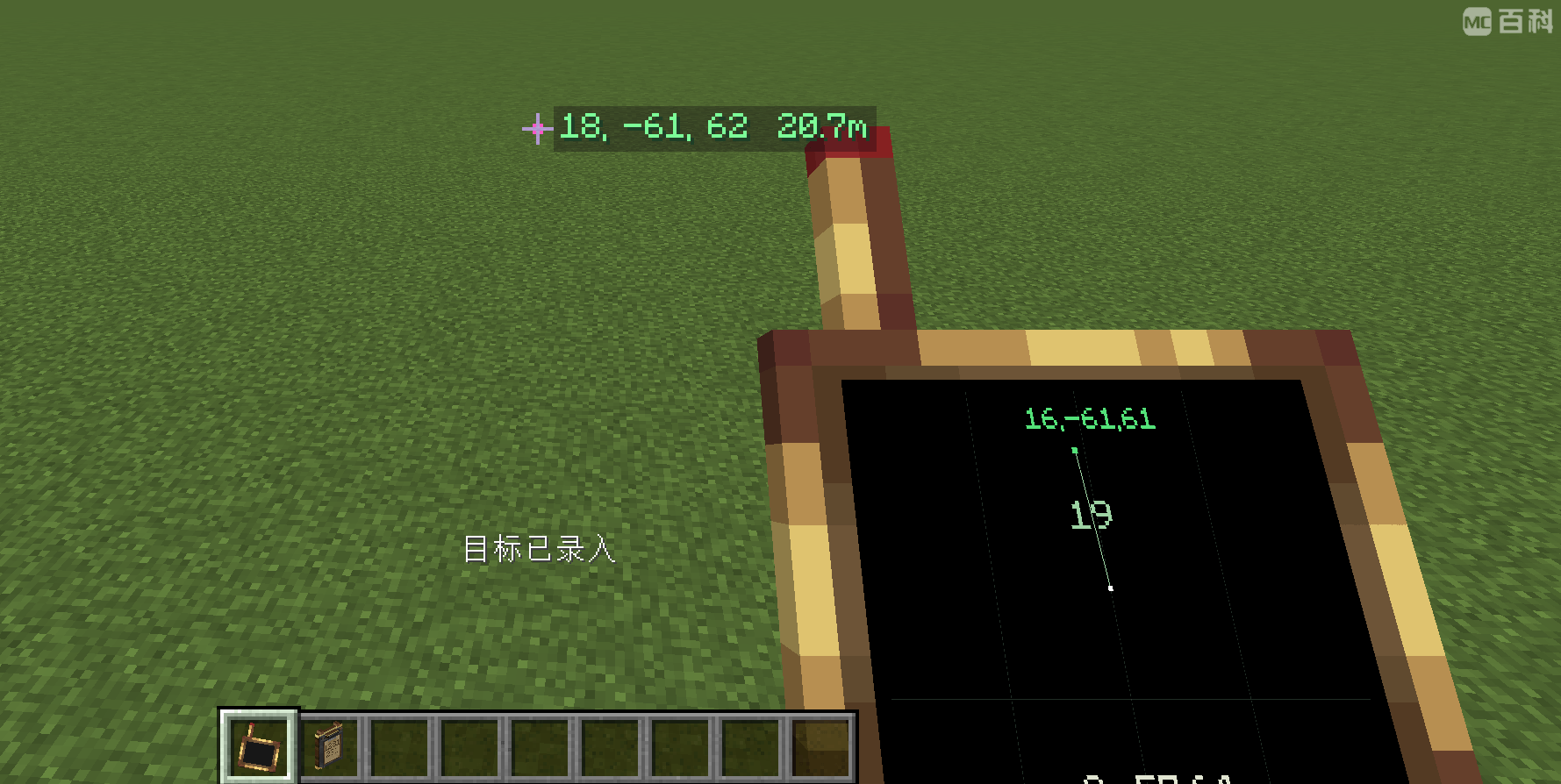
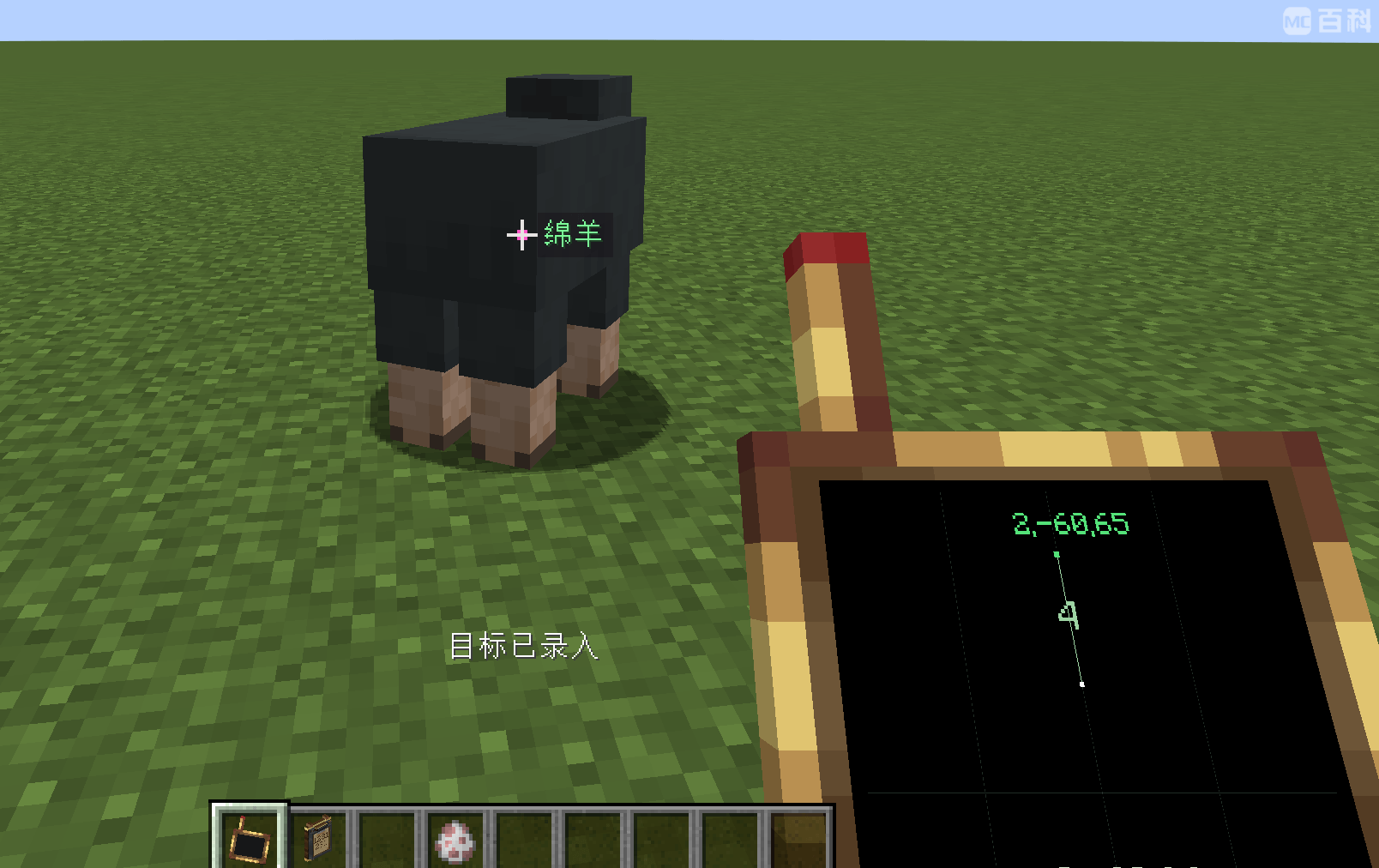
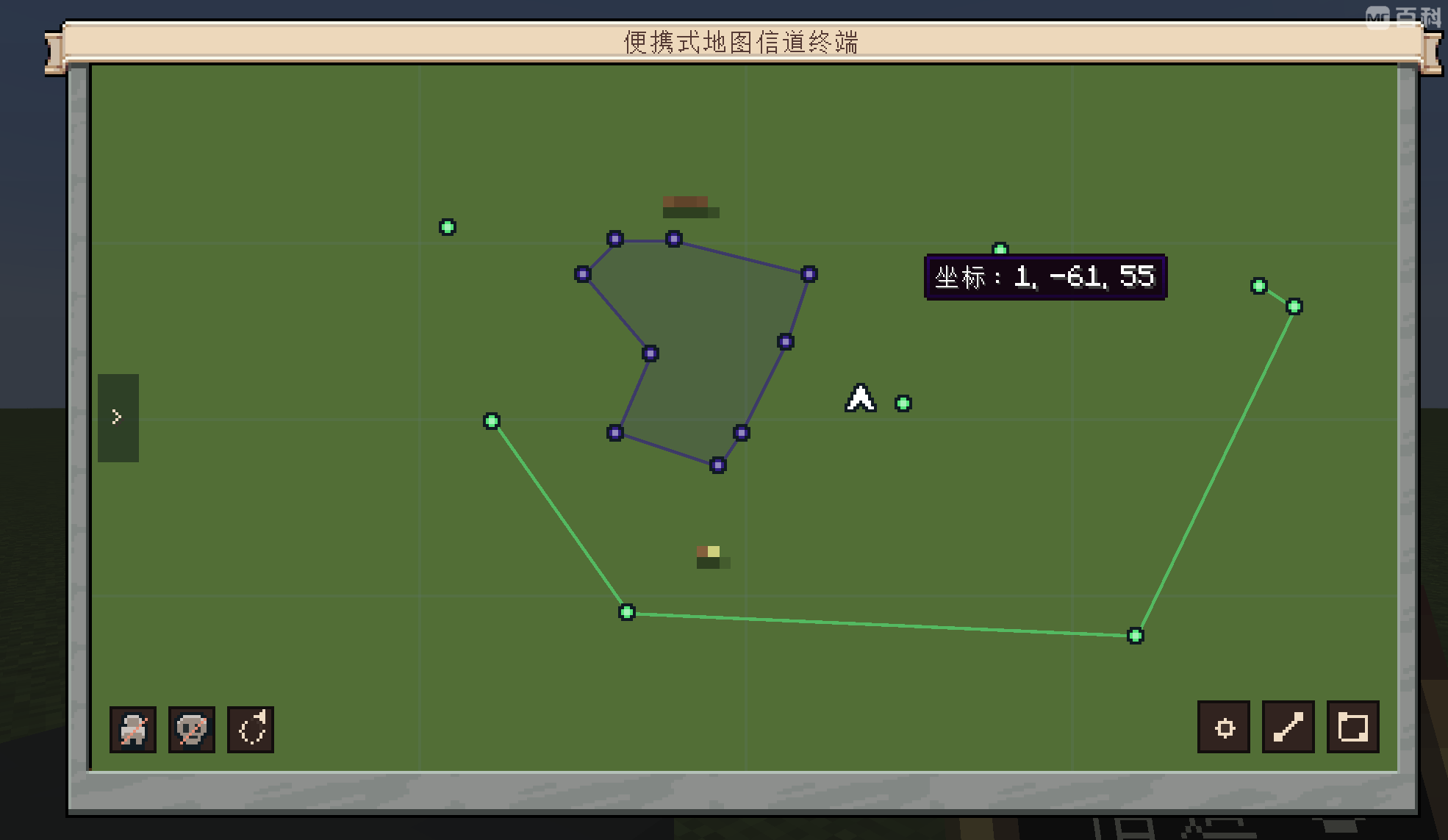
Carry your channels with you. Create and transmit points, lines, and areas; broadcast your position or the live coordinates of other players and entities; and share map edits, names, and colors with other players.
Marking coordinates
Tracking entities
Drawing points, lines, and areas
Build custom control panels with AFN modules for DashPanels, including sliders, LCD bars, joysticks, radar displays, radios, and information panels.
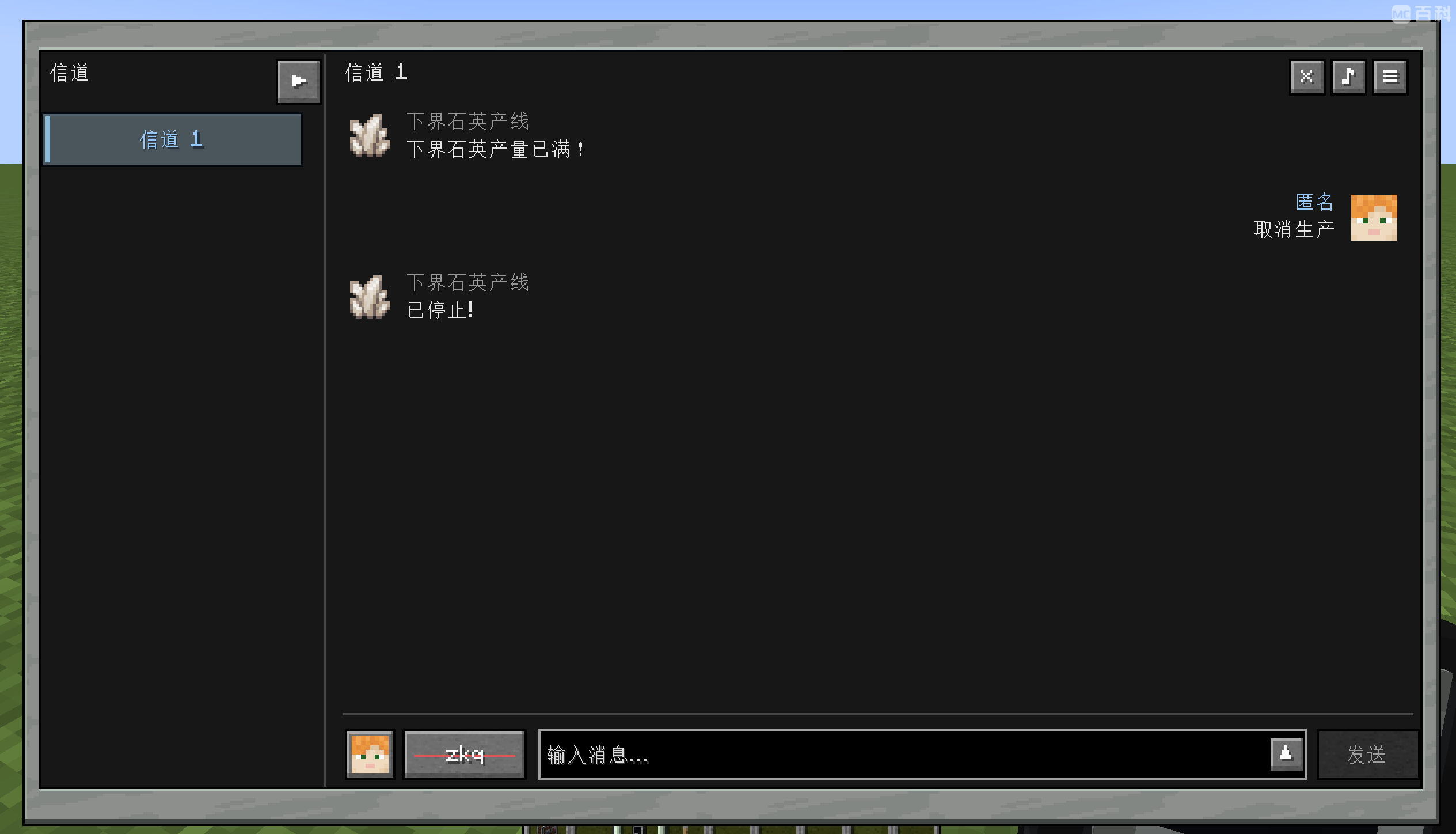
The Channel Pager brings the Bridge's messaging features to a portable device. Exchange messages and receive updates from other players or connected machines.
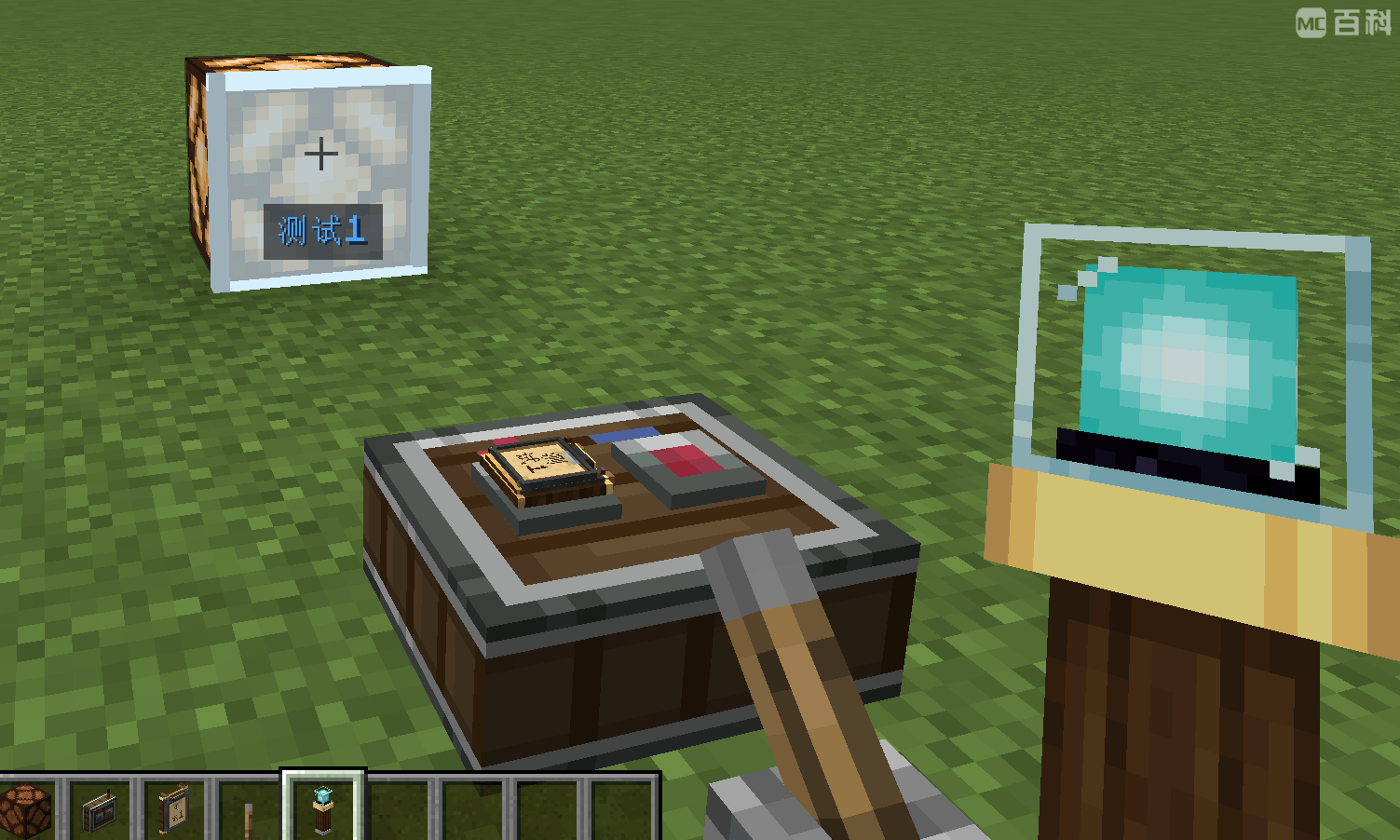
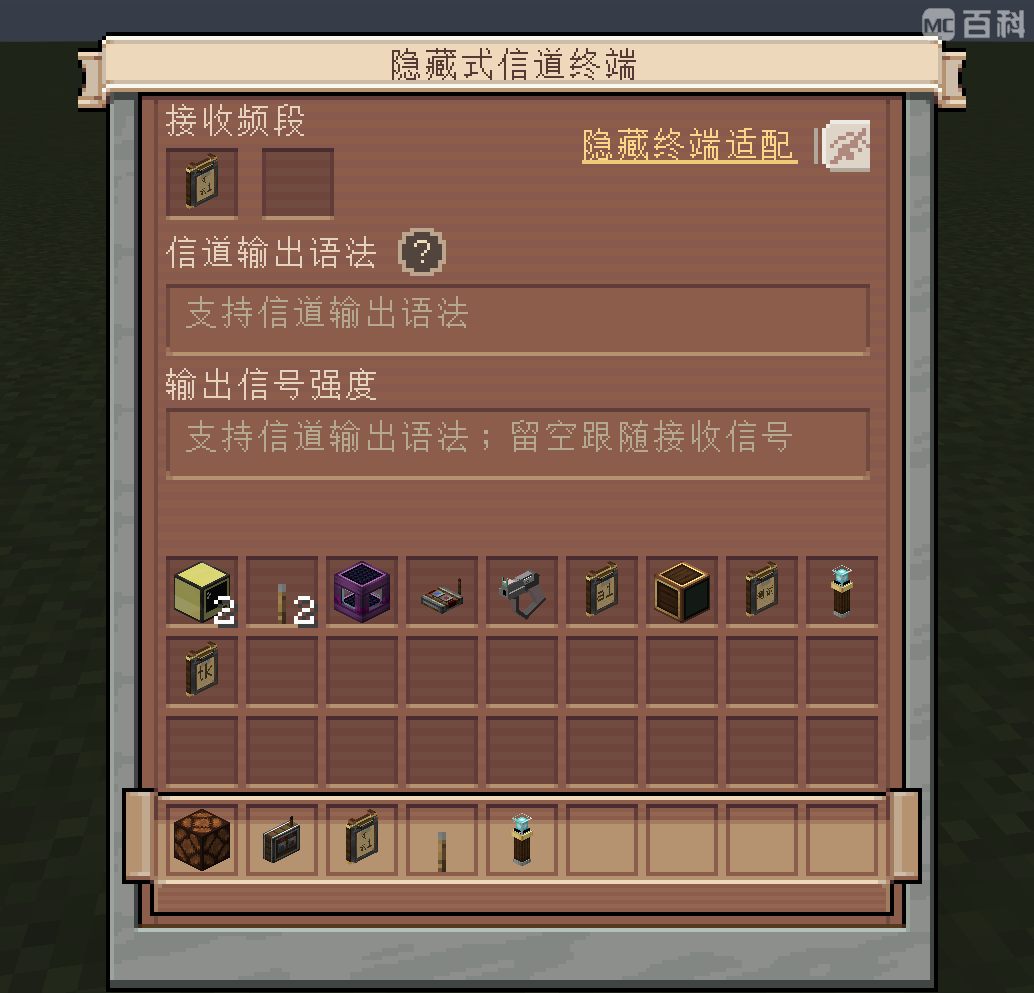
Add wireless reception and automatic output directly to a block face with a Hidden Channel Terminal. Reduce the space needed for control hardware and keep configuration tucked away inside your build.
Hidden terminals offer the receiving Mailbox's output features without requiring a separate receiver block or a dedicated wired input connection.
Compact wireless control with hidden terminals
Mailbox-style automatic output
AFN uses player UUIDs to identify network owners and enforce permissions. Authenticated frequencies keep access separate even when players use the same visible frequency names, while permissions control who can read or edit protected configurations.
The same authentication system supports tickets, ticket validation, and access control, connecting your wireless network to gates and doors.
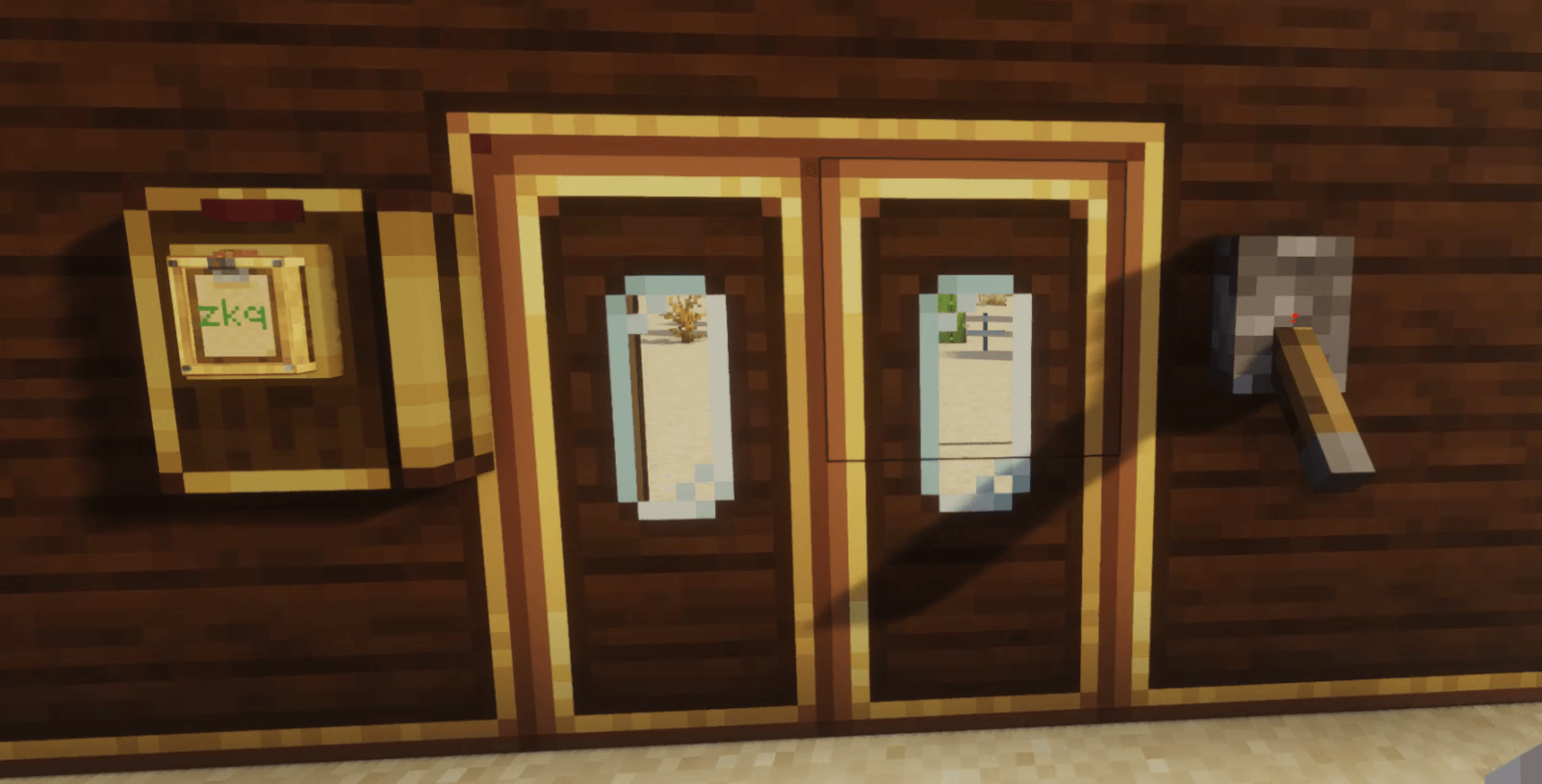
Ready to build your network? Explore the AFN WIKI or watch the video tutorials on Bilibili.
Project description from CurseForge.
Pick your setup
Choose the version and loader you play, then open the matching release.
Check the dependencies, then try the file in a copied instance before changing a world you care about.
Recent files
10 Nov 2026
6 Nov 2026
5 Nov 2026
3 Nov 2026
2 Nov 2026
1 Nov 2026
1 Nov 2026
28 Oct 2026
25 Oct 2026
24 Oct 2026
22 Oct 2026
19 Oct 2026
Looking for an older file? The official CurseForge project page is in Resources.
 mod
A soulslike RPG overhaul: earn runes, level eight attributes at Ember Shrines, wield 74 scaling armaments and hunt seven Sovereigns.
 mod
A complete RPG quest system: a quest book with branching chapters, an in-game editor, parties with shared progress, team stages, smart item filters and vein mining.
 mod
Automatic combat and animation switching for Epic Fight, Punchy, and Punchy!Moves. Supports WOM; no Epic Tweaks required.