Minecraft version
Back to mods 
CurseForge · Minecraft mod
Wallet
The Wallet mod introduces a complete in-game economy system with 7 different coin denominations. Players can discover coins while exploring the world. It also features a convenient wallet interface that allows you to view and manage your currency.
Choose a version Pick your version below, then grab the matching file.
Quick answer
Which Wallet release should I use?
Latest stable file Walletneoforge3.0.026.3.jar
Game version 26.3
Loader NeoForge
Walletneoforge3.0.026.3.jar targets 26.3 with NeoForge. The project page does not say whether this file belongs on the client, dedicated server, or both. No extra mods listed for this file.
Where it goes
Is Wallet required on the client, server, or both?
The project page does not say whether this file belongs on the client, dedicated server, or both.
Client Source doesn’t say
Dedicated server Source doesn’t say
Loader for this release NeoForge
Required install it here Optional supported, not mandatory Not supported do not install here Source doesn’t say do not assume
The source does not explicitly classify this release as client-only or server-only.
What else does Walletneoforge3.0.026.3.jar need?
Walletneoforge3.0.026.3.jar. Change the file and its required mods may change too.
This file does not list any required mods. Do not add a library just because a different file uses it.
This file does not list any required or optional mods.
Before you install it
Add Wallet without breaking your instance.
Built for Walletneoforge3.0.026.3.jar. Pick another file and the loader, install side or required mods may change.
- 01
Stick to this file
Use Walletneoforge3.0.026.3.jar. It targets 26.3 with NeoForge; another release may have different loader, side or dependency requirements.
- 02
Bring the mods it needs
This file does not list any required mods. Do not add a library just because a different file uses it.
- 03
Put it on the correct side
The project page does not say whether this file belongs on the client, dedicated server, or both.
- 04
Pick the file you checked
Use the “Get this file” button beside Walletneoforge3.0.026.3.jar. It opens that exact file at the source.
About this project
What does Wallet add?
Wallet
Immerse yourself in the world of Minecraft economics with Wallet. Currency comes to the game as seven coin denominations — 1, 5, 10, 20, 50, 100, and 500 — found in village, dungeon, and structure loot, stored in a dedicated Coin Sack, and exchanged at a crafting table.
Originally a datapack, now rebuilt from scratch as a mod for Fabric and NeoForge.
Minecraft 26.2 · requires Architectury API and, on Fabric, Fabric API
Features
Seven unique coins
Each coin has its own design and denomination, making transactions easy to read at a glance. 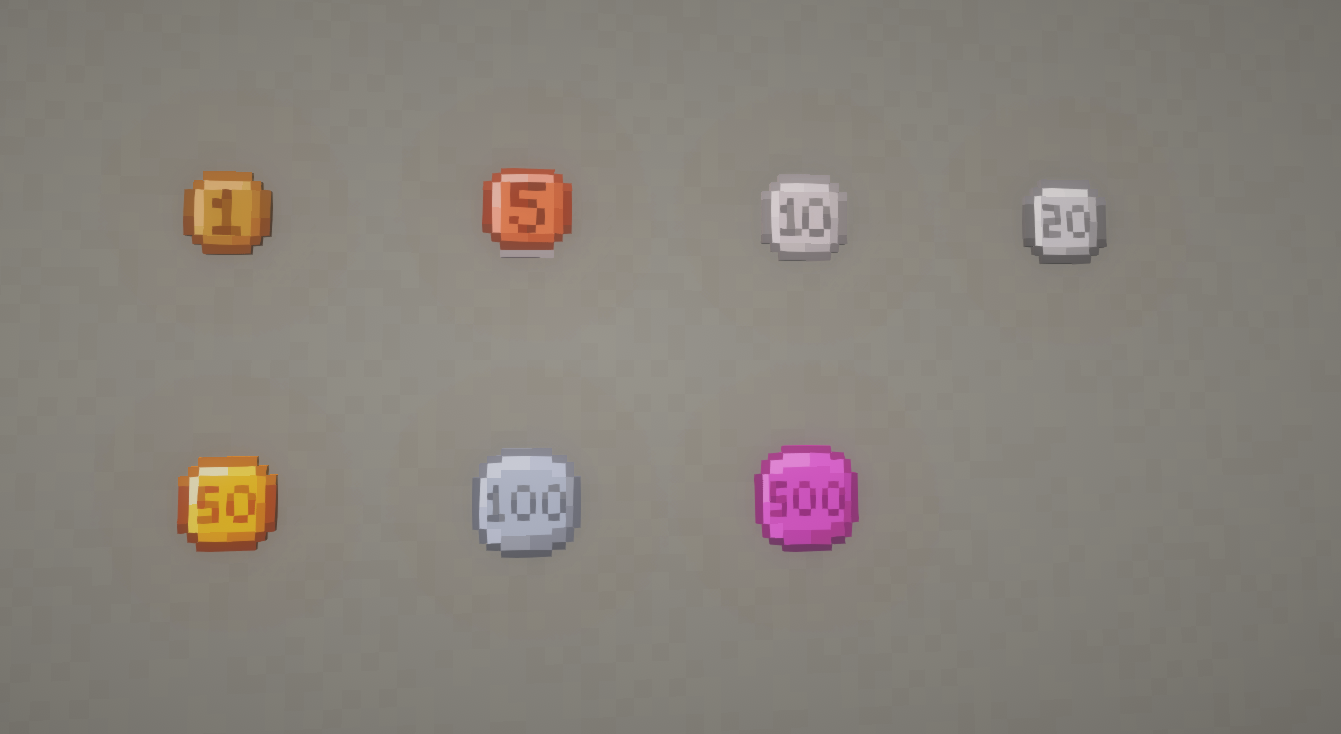
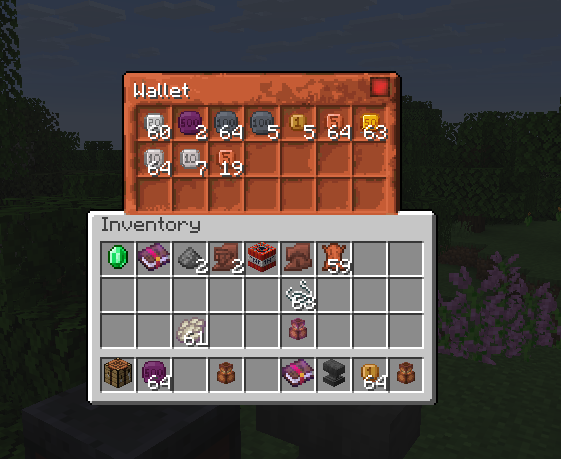
The Coin Sack
A 21-slot container that only accepts coins, shows a running total of everything inside, and can auto-pick up any coin you walk over.
Coin exchange
Coins convert in both directions at any crafting table — consolidate small change, or break a large coin down for exact payments.
| Combine | Result |
|---|---|
| 5 × 1 | 5 |
| 2 × 5 | 10 |
| 2 × 10 | 20 |
| 5 × 10 | 50 |
| 2 × 20 + 1 × 10 | 50 |
| 5 × 20 | 2 × 50 |
| 2 × 50 | 100 |
| 5 × 100 | 500 |
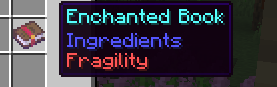
Enchantments
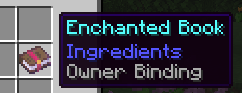
- Owner Binding — locks a sack to its owner; nobody else can open it. Loot-only, found in hostile structures.
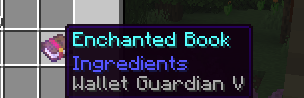
- Wallet Guardian I–V — your sack survives death, losing one level each time. The last level turns into Fragility.
- Fragility — on death the sack is destroyed and its coins spill where you fell. Removed at a smithing table with a phantom membrane and leather, keeping contents and other enchantments.
Loot
Coins generate across villages, dungeons, mineshafts, temples, strongholds, shipwrecks, bastions, ancient cities, and trial chambers — small denominations common, large ones rare.
MIT licensed — based on the original Wallet datapack.
Project description from CurseForge.
Pick your setup
Wallet by Minecraft version and loader
Choose the version and loader you play, then open the matching release.
Minecraft version
26.2
2 loader buildsCheck the dependencies, then try the file in a copied instance before changing a world you care about.
Recent files
Wallet versions and loaders
Walletneoforge3.0.026.3.jar
18 Sept 2026
Client Source doesn’t say Server Source doesn’t say Dependencies No extras listed Listed on Release listing
Check the 26.3 · NeoForge setup NeoForge26.3 release
Walletfabric3.0.026.3.jar
18 Sept 2026
Client Source doesn’t say Server Source doesn’t say Dependencies No extras listed Listed on Release listing
Check the 26.3 · Fabric setup Fabric26.3 release
Walletfabric3.0.026.2.jar
10 Aug 2026
Client Source doesn’t say Server Source doesn’t say Dependencies 2 required · 2 unchecked Listed on Release listing
Check the 26.2 · Fabric setup Fabric26.2 release
Walletneoforge3.0.026.2.jar
10 Aug 2026
Client Source doesn’t say Server Source doesn’t say Dependencies 1 required · 1 unchecked Listed on Release listing
Check the 26.2 · NeoForge setup NeoForge26.2 release
Looking for an older file? The official CurseForge project page is in Resources.
 mod
mod CurseForge · Minecraft
Auto Torch skr
[1.7.10~26.3] Automatically places torches in selected areas or near the player, with a client-side light level overlay for identifying mob-spawnable blocks. 在选定区域或玩家附近自动放置火把,并提供客户端光照等级显示,快速定位可能刷怪的位置。(AutoTorch、自动插火把、自动火把)
 mod
mod CurseForge + Modrinth · Minecraft
Command Aliases (Fabric)
Alternate short commands for complex commands (with tab completion)
 mod
mod Modrinth · Minecraft
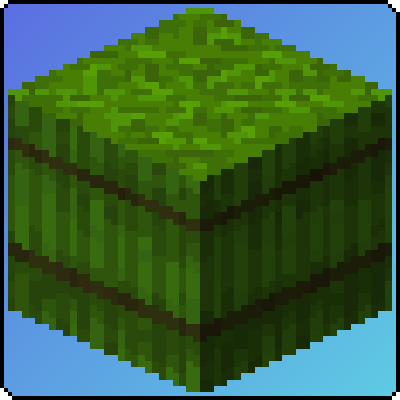
Bale of Sugar Cane
This mod adds a bale of sugar cane for better storage of sugar cane!