
Minecraft version
Back to mods 
CurseForge · Minecraft mod
Collision Effects
See every impact! HUD particle effects for impacts and environmental interactions
Choose a version Pick your version below, then grab the matching file.
Quick answer
Which Collision Effects release should I use?
beta file collision-effects-neoforge-1.21.11-1.0.jar
Game version 1.21.11
Loader NeoForge
Collision Effects collision-effects-neoforge-1.21.11-1.0.jar targets 1.21.11 with NeoForge. The project page does not say whether this file belongs on the client, dedicated server, or both. No extra mods listed for this file.
Where it goes
Is Collision Effects required on the client, server, or both?
The project page does not say whether this file belongs on the client, dedicated server, or both.
Client Source doesn’t say
Dedicated server Source doesn’t say
Loader for this release NeoForge
Required install it here Optional supported, not mandatory Not supported do not install here Source doesn’t say do not assume
The source does not explicitly classify this release as client-only or server-only.
What else does Collision Effects collision-effects-neoforge-1.21.11-1.0.jar need?
collision-effects-neoforge-1.21.11-1.0.jar. Change the file and its required mods may change too.
This file does not list any required mods. Do not add a library just because a different file uses it.
This file does not list any required or optional mods.
Before you install it
Add Collision Effects without breaking your instance.
Built for Collision Effects collision-effects-neoforge-1.21.11-1.0.jar. Pick another file and the loader, install side or required mods may change.
- 01
Stick to this file
Use collision-effects-neoforge-1.21.11-1.0.jar. It targets 1.21.11 with NeoForge; another release may have different loader, side or dependency requirements.
- 02
Bring the mods it needs
This file does not list any required mods. Do not add a library just because a different file uses it.
- 03
Put it on the correct side
The project page does not say whether this file belongs on the client, dedicated server, or both.
- 04
Pick the file you checked
Use the “Get this file” button beside collision-effects-neoforge-1.21.11-1.0.jar. It opens that exact file at the source.
About this project
What does Collision Effects add?
See every impact!
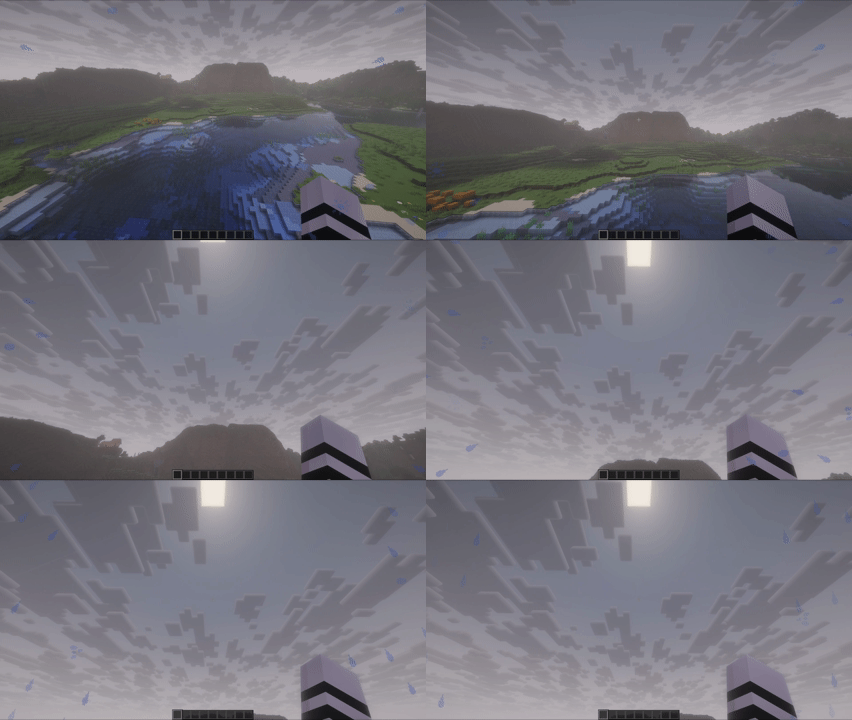
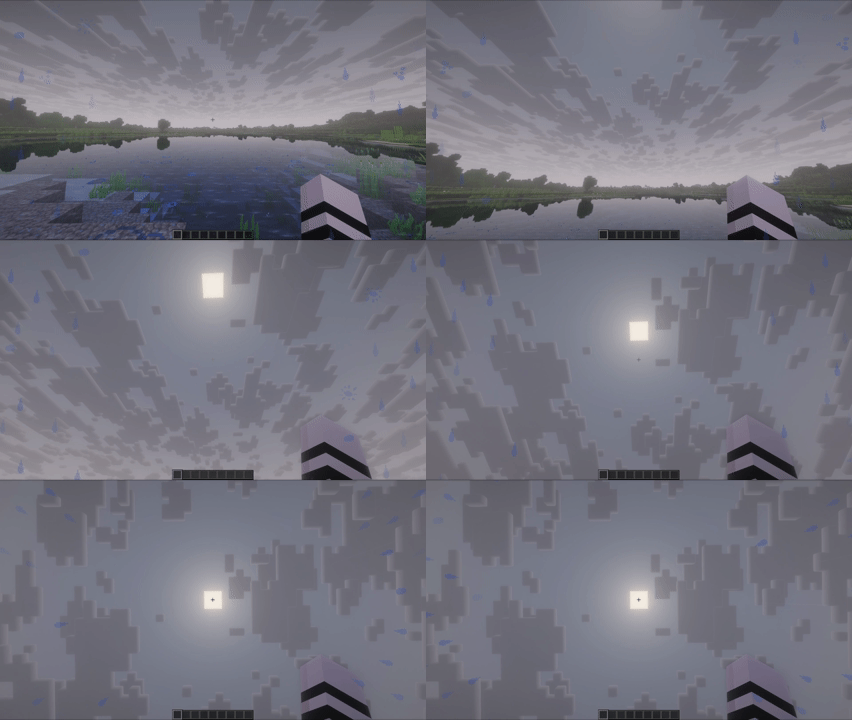
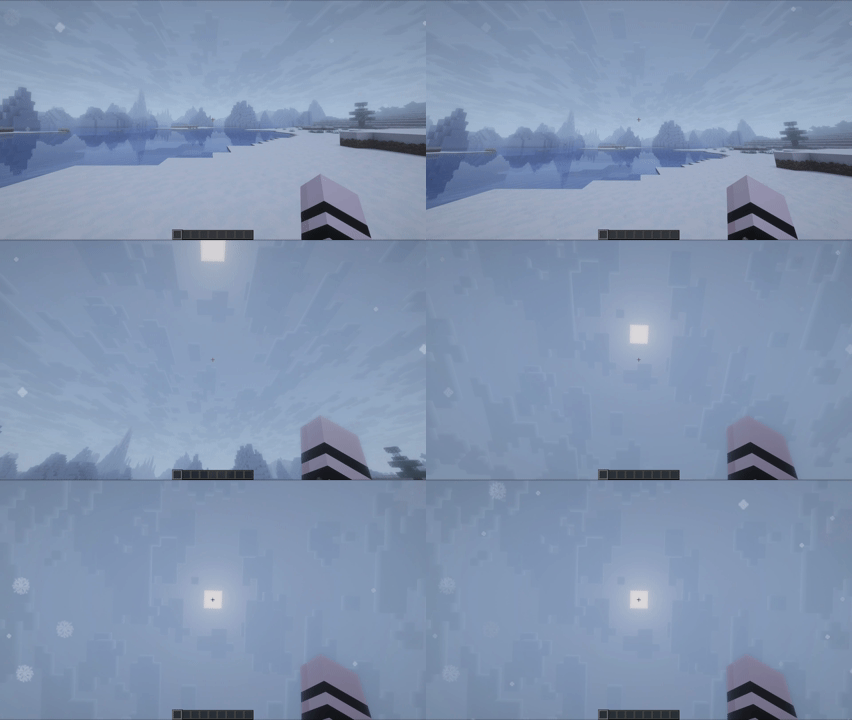
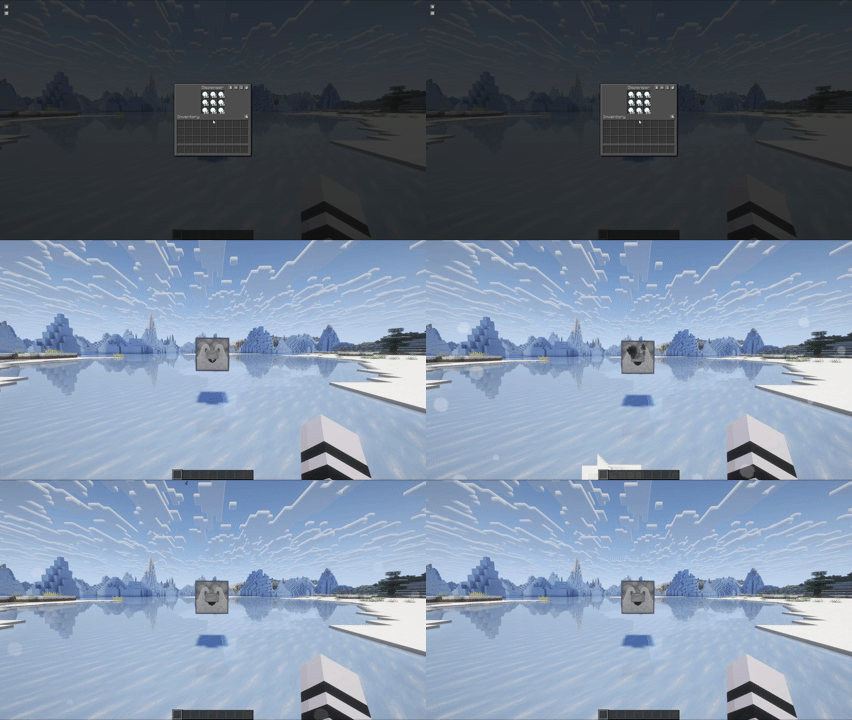
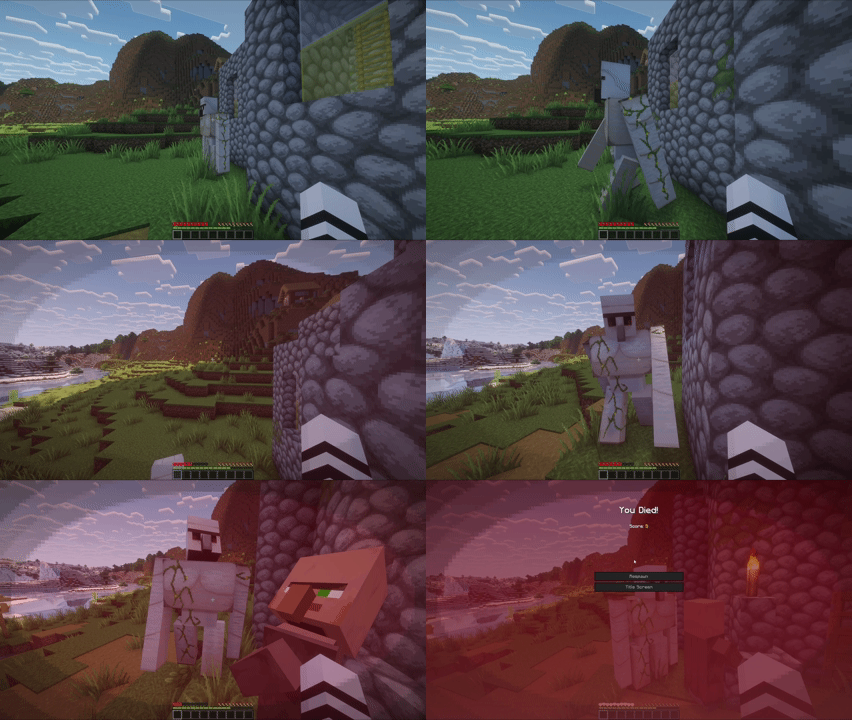
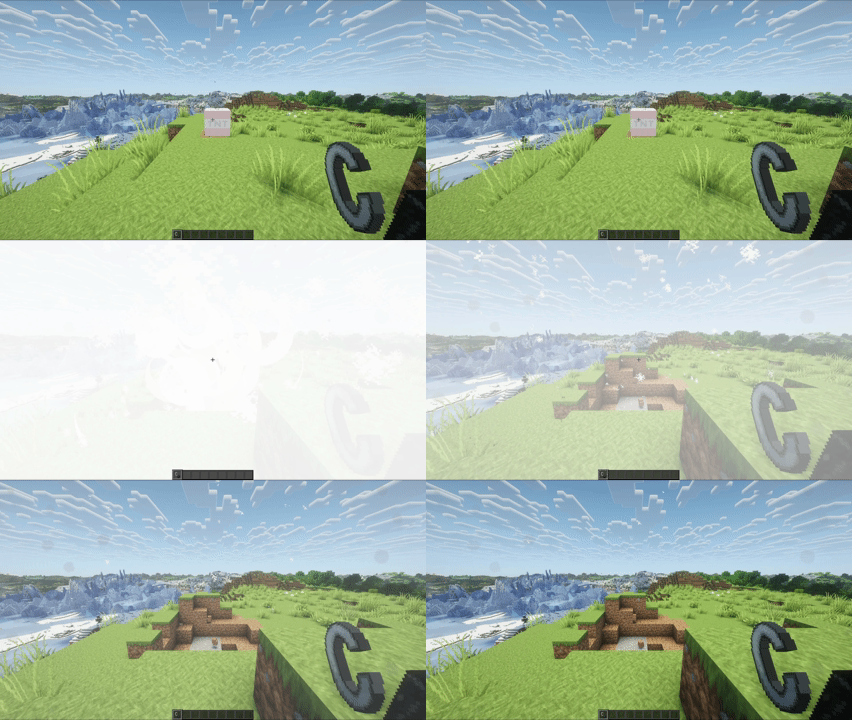
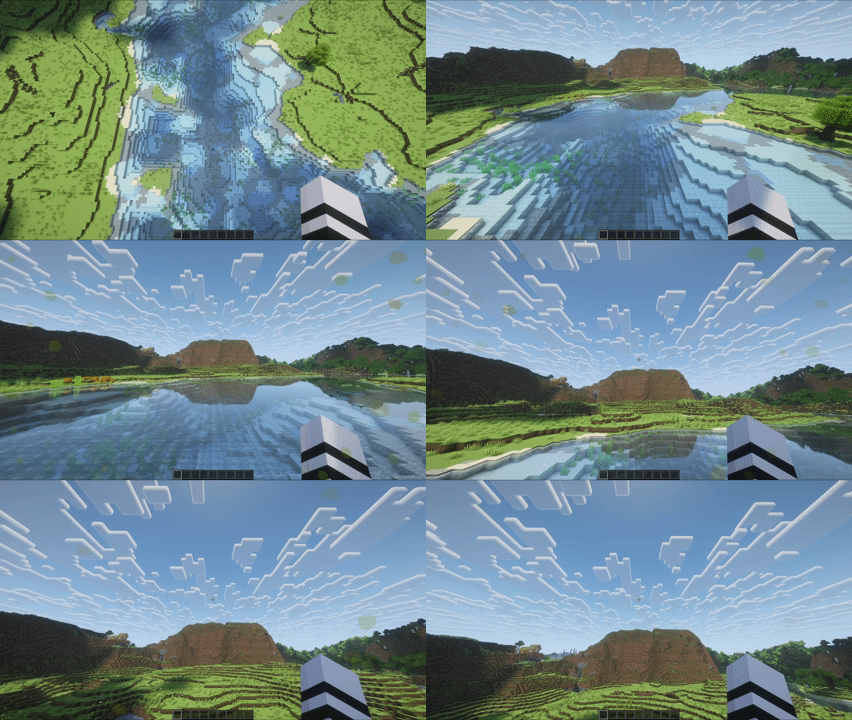
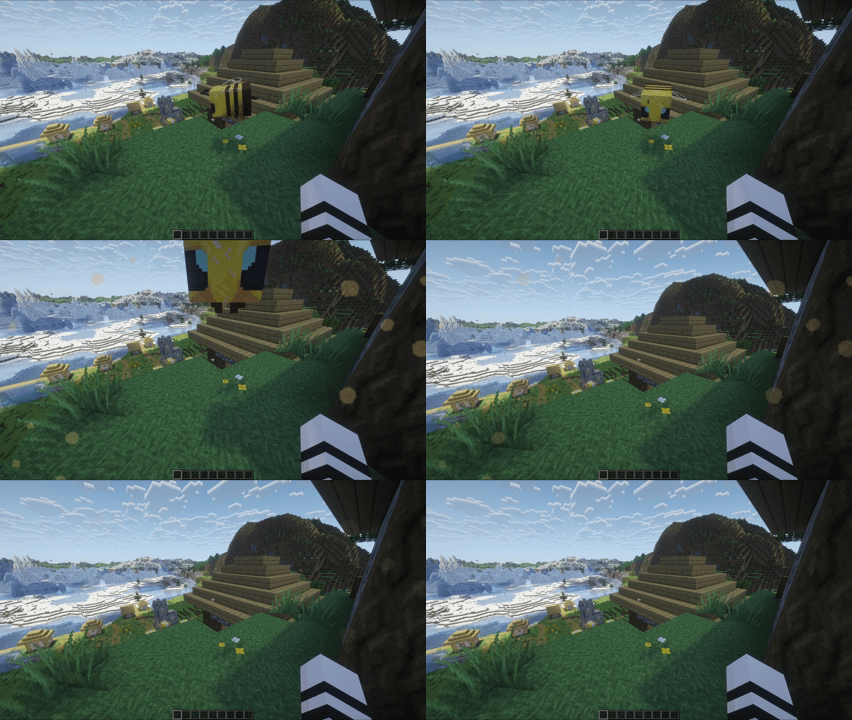
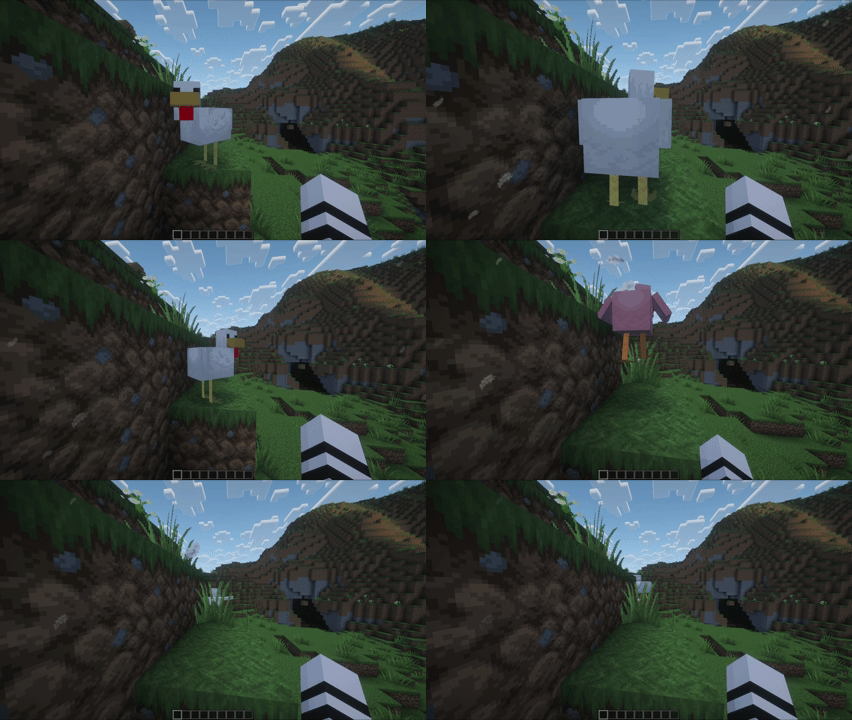
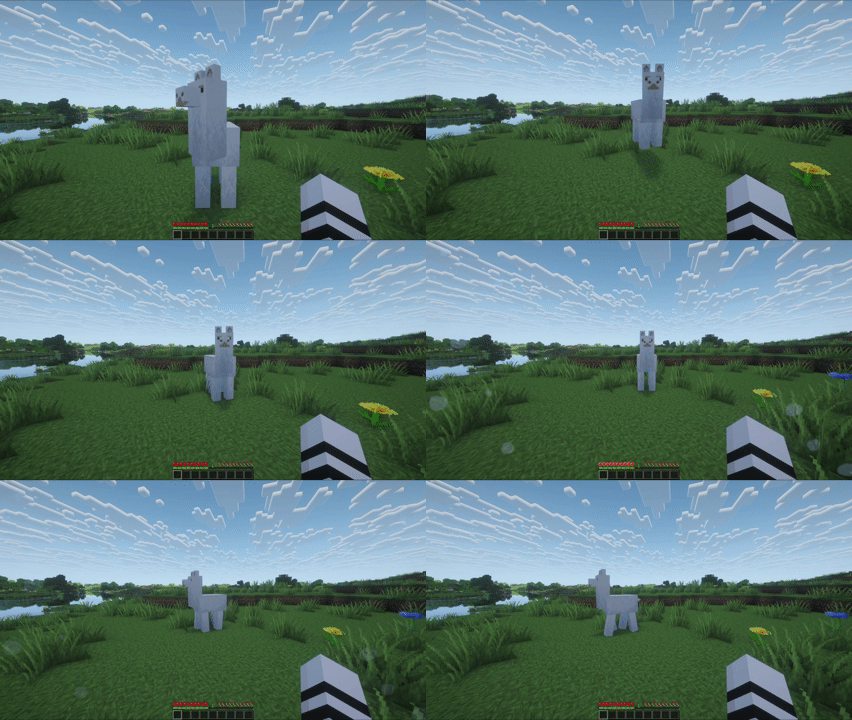
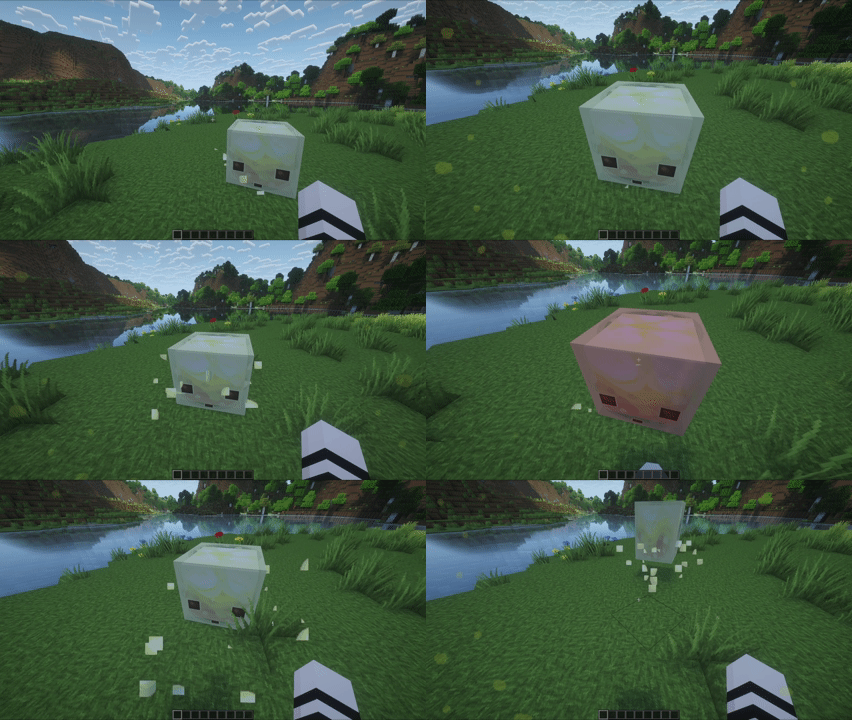
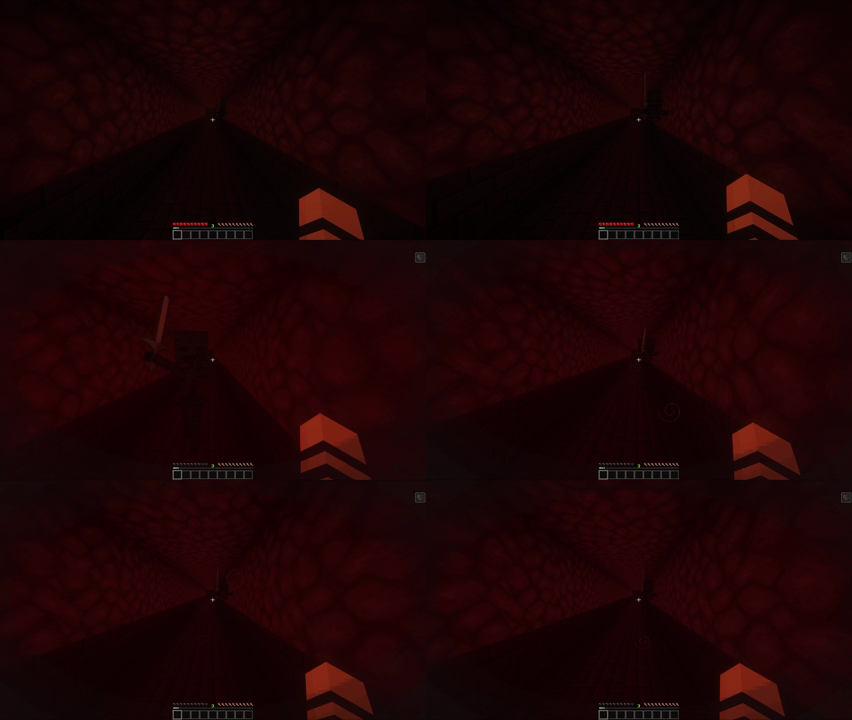
Collision Effects adds dynamic screen overlays for environment and mob interactions to make movement and impacts feel more visceral.
Showcase
 |
 |
|---|---|
 |
 |
 |
 |
 |
 |
 |
 |
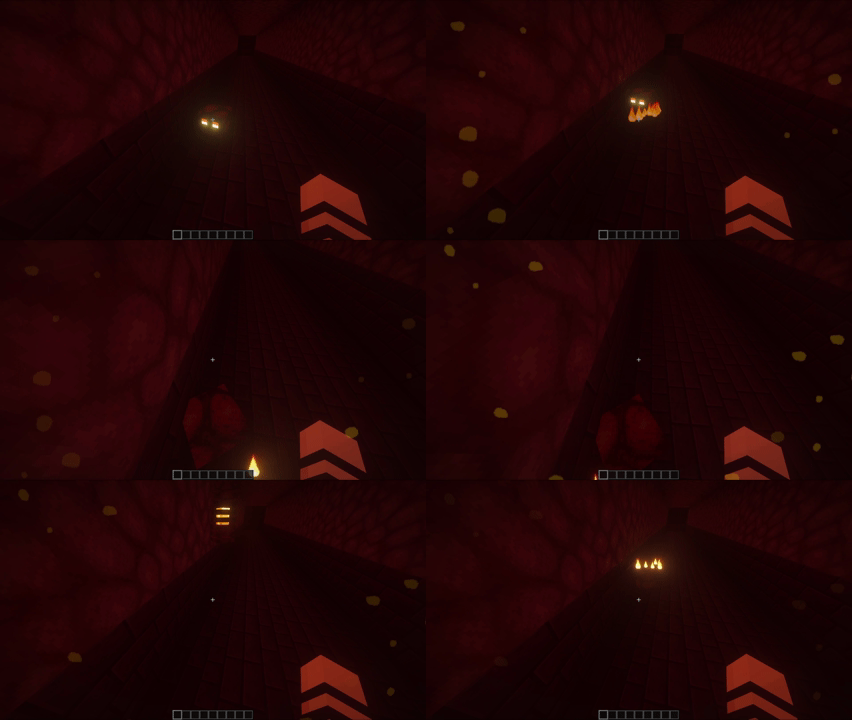 |
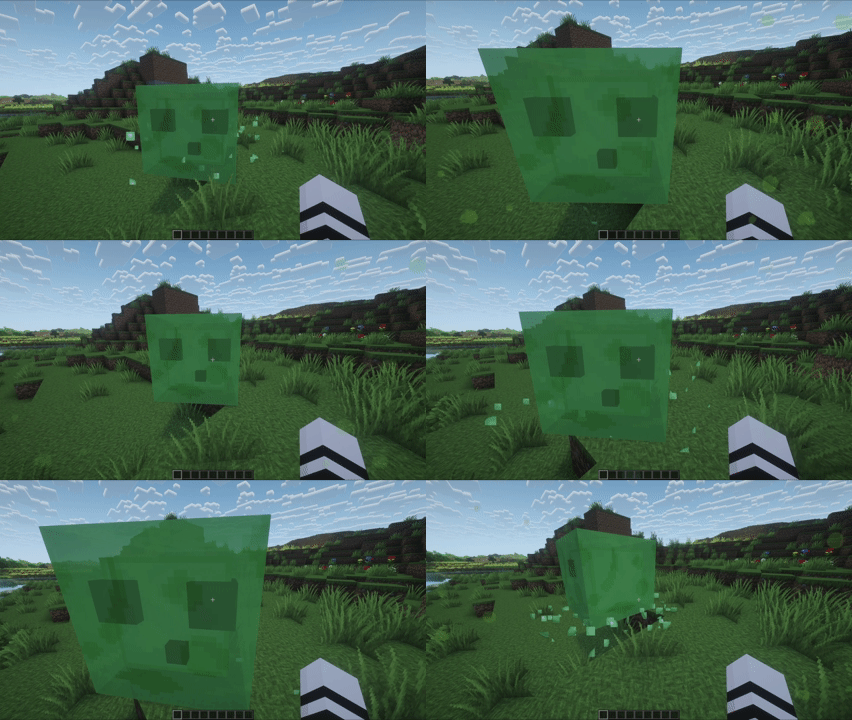 |
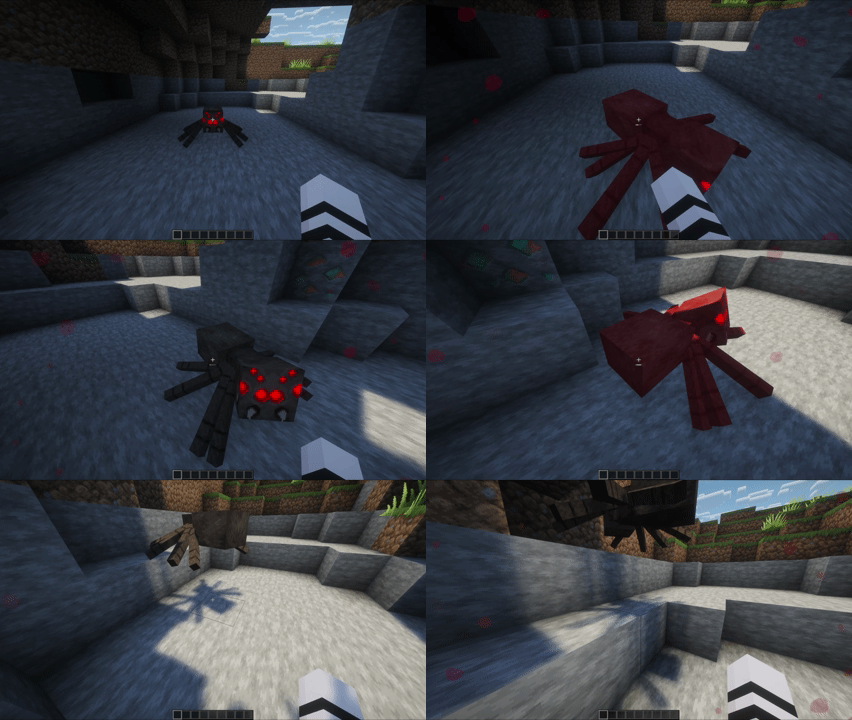 |
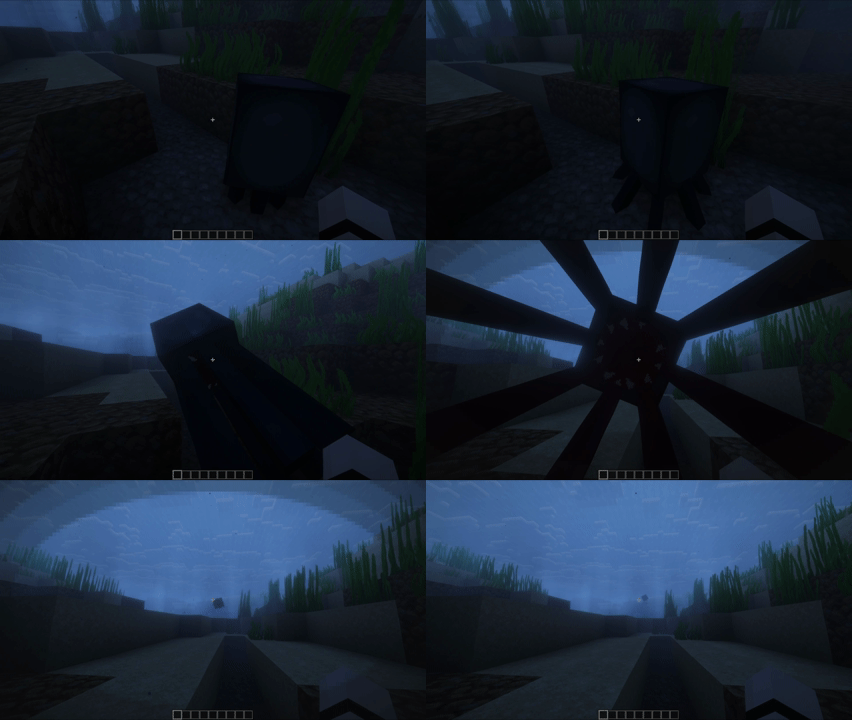 |
 |
 |
 |
 |
Features
- Bugs
- Biome-aware spawn multipliers
- Proximity-based spawn rate
- Damage and Status Overlays
- Instant damage tint
- Low-health tint and vignette
- Explosions
- Debris overlays
- Flash effects for close, forward-facing blasts
- Mob Interactions
- Bee pollen
- Chicken feathers
- Llama spit
- Magma splatters
- Slime splatters
- Snowball clumps
- Spider splatters
- Squid ink vignette
- Sulfur splatters
- Wither vignette
- Water and Lava
- Entry effects
- Exit effects
- Surface swimming effects
- Weather
- Behavior that responds to movement direction and velocity
- Rain streams and splashes
- Snowflakes that build and fade naturally
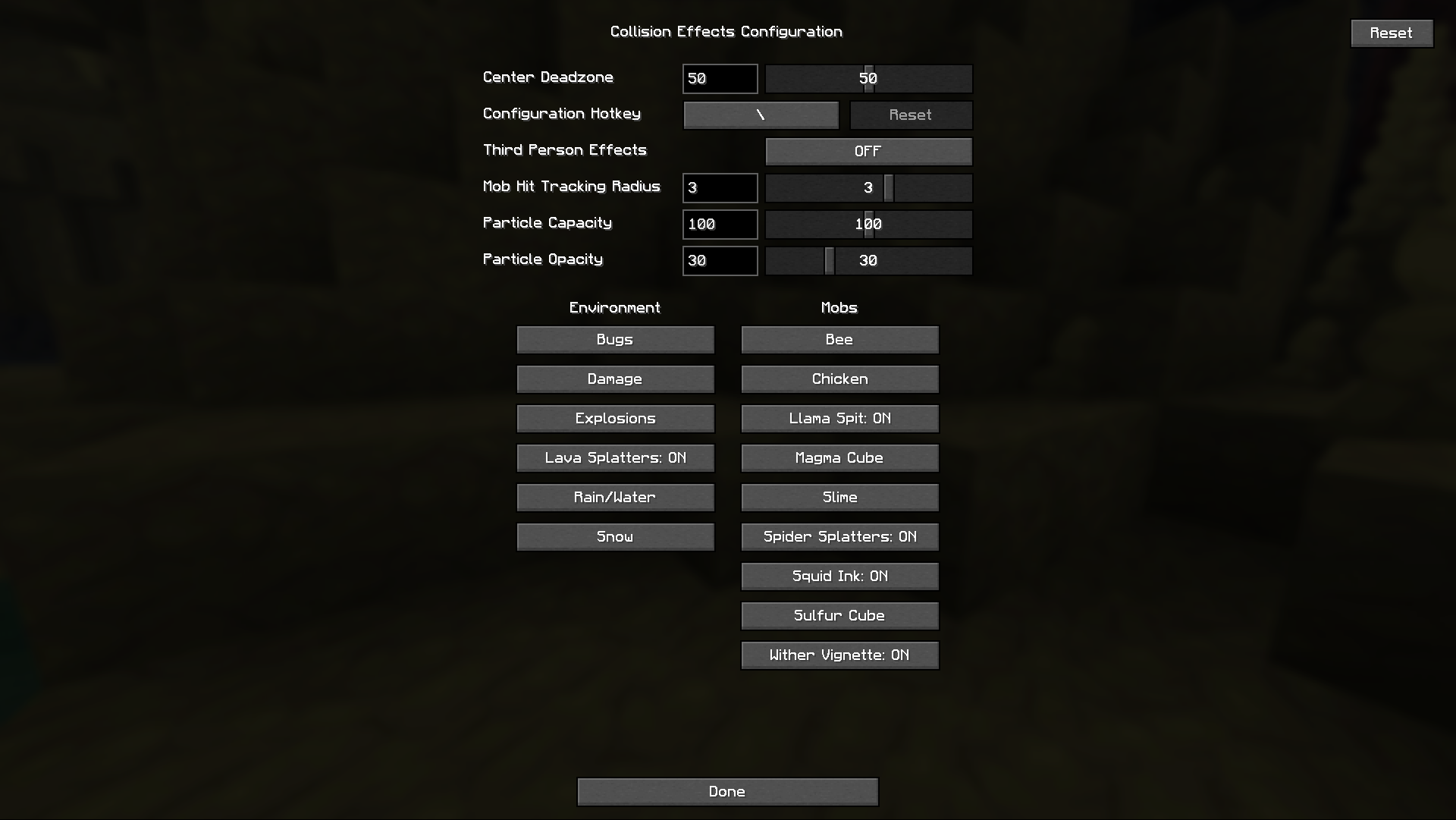
Configuration
Compatible with Mod Menu
Global controls at the top of the config screen:
- Center Deadzone (0-100, default 50)
- Configuration Hotkey (default backslash)
- Third Person Effects (default OFF)
- Mob Hit Tracking Radius (0-5, default 3)
- Particle Capacity (0-200, default 100)
- Particle Opacity (0-100, default 25)
All effects have toggles and some have effect-specific sliders.
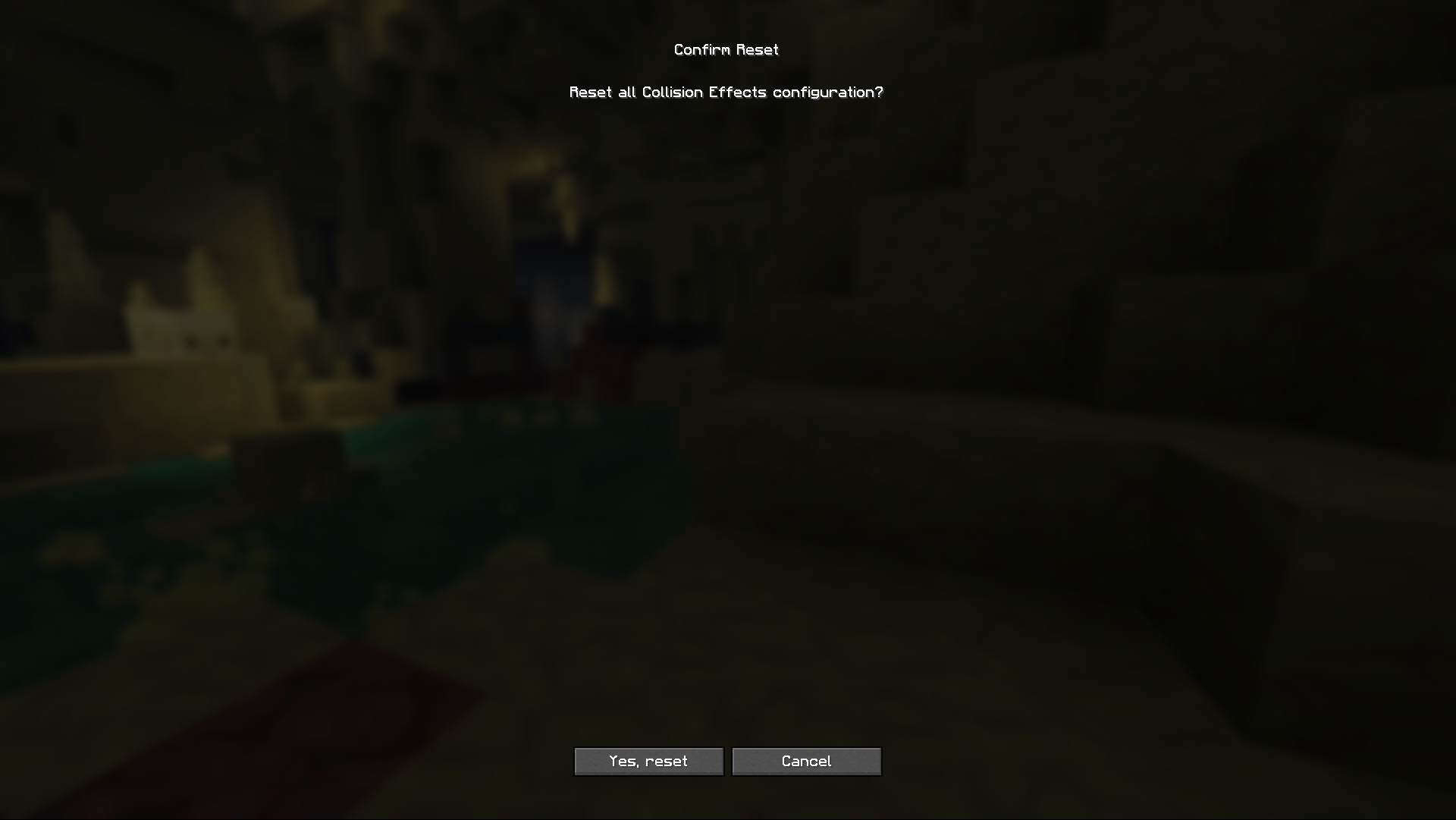
You can reset individual effects or the entire configuration.
If you like cosmetic mods like this, you should check out my modpack!
Project description from CurseForge.
Pick your setup
Collision Effects by Minecraft version and loader
Choose the version and loader you play, then open the matching release.
Minecraft version
1.21.11
3 loader buildsCheck the dependencies, then try the file in a copied instance before changing a world you care about.
Recent files
Collision Effects versions and loaders
collision-effects-neoforge-1.21.11-1.0.jar
12 Aug 2026
Client Source doesn’t say Server Source doesn’t say Dependencies No extras listed Listed on Release listing
Check the 1.21.11 · NeoForge setup NeoForge1.21.11 beta
collision-effects-fabric-1.21.11-1.0.jar
12 Aug 2026
Client Source doesn’t say Server Source doesn’t say Dependencies 2 required · 2 unchecked Listed on Release listing
Check the 1.21.11 · Fabric setup FabricQuilt1.21.11 beta
collision-effects-fabric-26.2-1.0.jar
11 Aug 2026
Client Source doesn’t say Server Source doesn’t say Dependencies 2 required · 2 unchecked Listed on Release listing
Check the 26.2 · Fabric setup FabricQuilt26.2 beta
collision-effects-neoforge-26.2-1.0.jar
11 Aug 2026
Client Source doesn’t say Server Source doesn’t say Dependencies No extras listed Listed on Release listing
Check the 26.2 · NeoForge setup NeoForge26.2 beta
Looking for an older file? The official CurseForge project page is in Resources.
 mod
mod CurseForge · Minecraft
Everything Japanese
A Mod that adds everything Japanese. Available for Forge(Original) and NeoForge
 mod
mod CurseForge + Modrinth · Minecraft
Magitech -Arcane Engineering-
Adds a captivating blend of magic and technology with a variety of features.
 mod
mod Modrinth · Minecraft
Adventure Bags (Loot Bags)
Very customizable Loot Bags for the best Loot Goblins, Server-side compatible