Mod Menu Needed by Lorian’s Arch Orbit v1.0.1_fabric+26.2
requiredMatching file found Matched file: v20.0.1 for 26.2

CurseForge · Minecraft mod
Building-assistance tools for creative builders, map makers, and modpack teams.
Quick answer
Lorian’s Arch Orbit v1.0.1_fabric+26.2 targets 26.2 with Fabric. The project page does not say whether this file belongs on the client, dedicated server, or both. All 5 required mods have matching files.
Where it goes
The project page does not say whether this file belongs on the client, dedicated server, or both.
The source does not explicitly classify this release as client-only or server-only.
v1.0.1_fabric+26.2. Change the file and its required mods may change too.
Install Mod Menu, YetAnotherConfigLib, Fabric API, Architectury API and 1 more first. We found matching files for this game-version and loader setup. 1 comes through another mod in the chain.
1 extra mod was pulled in by another dependency. Indented rows show who needs each one. We only count dependency files that match this setup. A file for another loader does not fill the gap.
Before you install it
Built for Lorian’s Arch Orbit v1.0.1_fabric+26.2. Pick another file and the loader, install side or required mods may change.
Use v1.0.1_fabric+26.2. It targets 26.2 with Fabric; another release may have different loader, side or dependency requirements.
Install Mod Menu, YetAnotherConfigLib, Fabric API, Architectury API and 1 more first. We found matching files for this game-version and loader setup. 1 comes through another mod in the chain.
The project page does not say whether this file belongs on the client, dedicated server, or both.
Use the “Get this file” button beside v1.0.1_fabric+26.2. It opens that exact file at the source.
About this project
This is a project by AI. If you mind this, please do not use this mod.

A building-assistance mod for Creative builders, map makers, and modpack teams. It supports Minecraft 26.2 on Fabric and NeoForge; each major feature can be toggled independently and hot-reloaded.
O opens the configuration screen by default. All keybindings can be changed in Minecraft's Controls settings.
Except for interaction reach modification, all features are client-side.
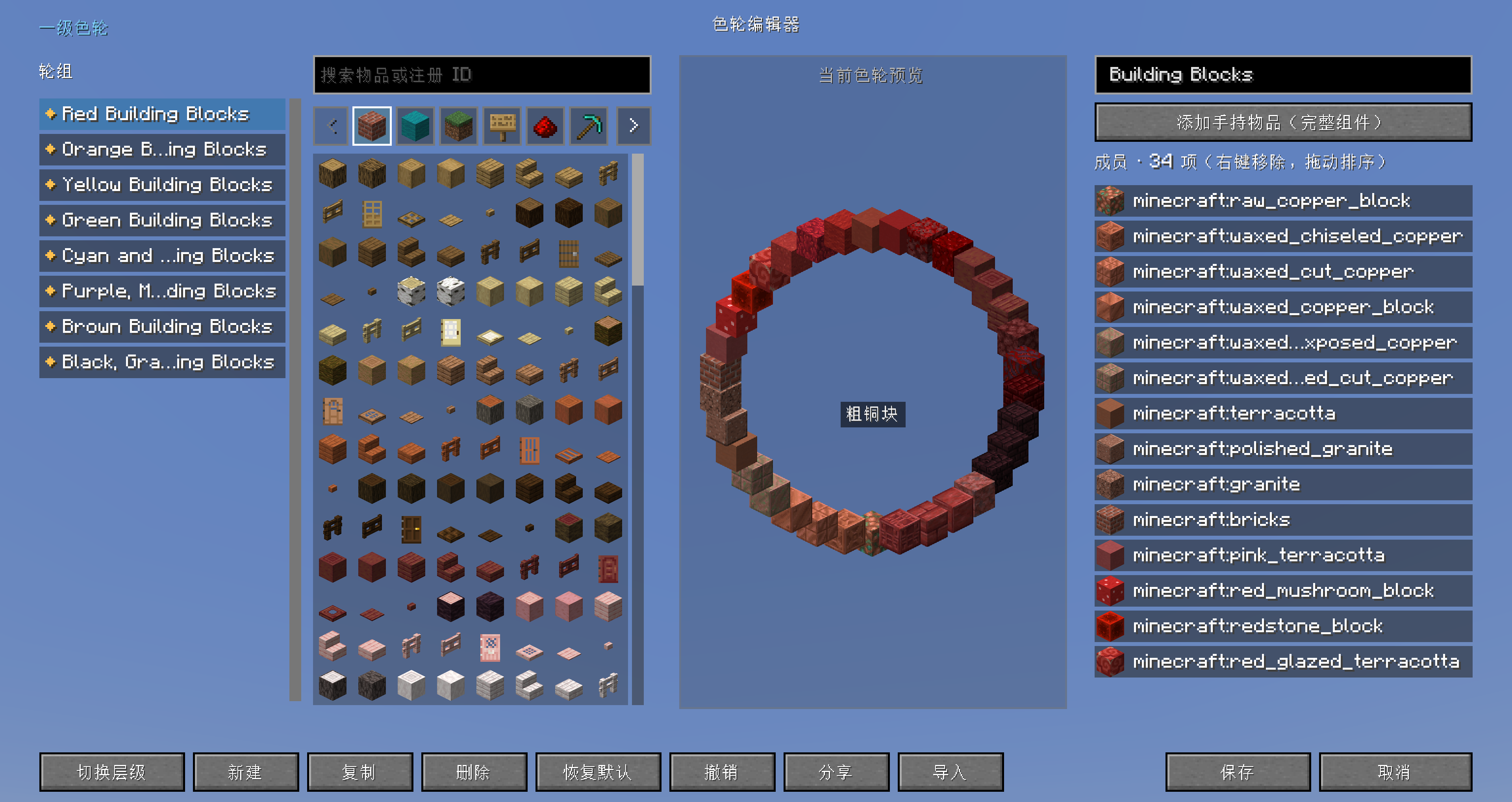
R by default to open the primary color wheel; press R twice to open the secondary color wheel; use the scroll wheel to select itemsP by default to open the visual color wheel editor, which supports JSON / share-code import and export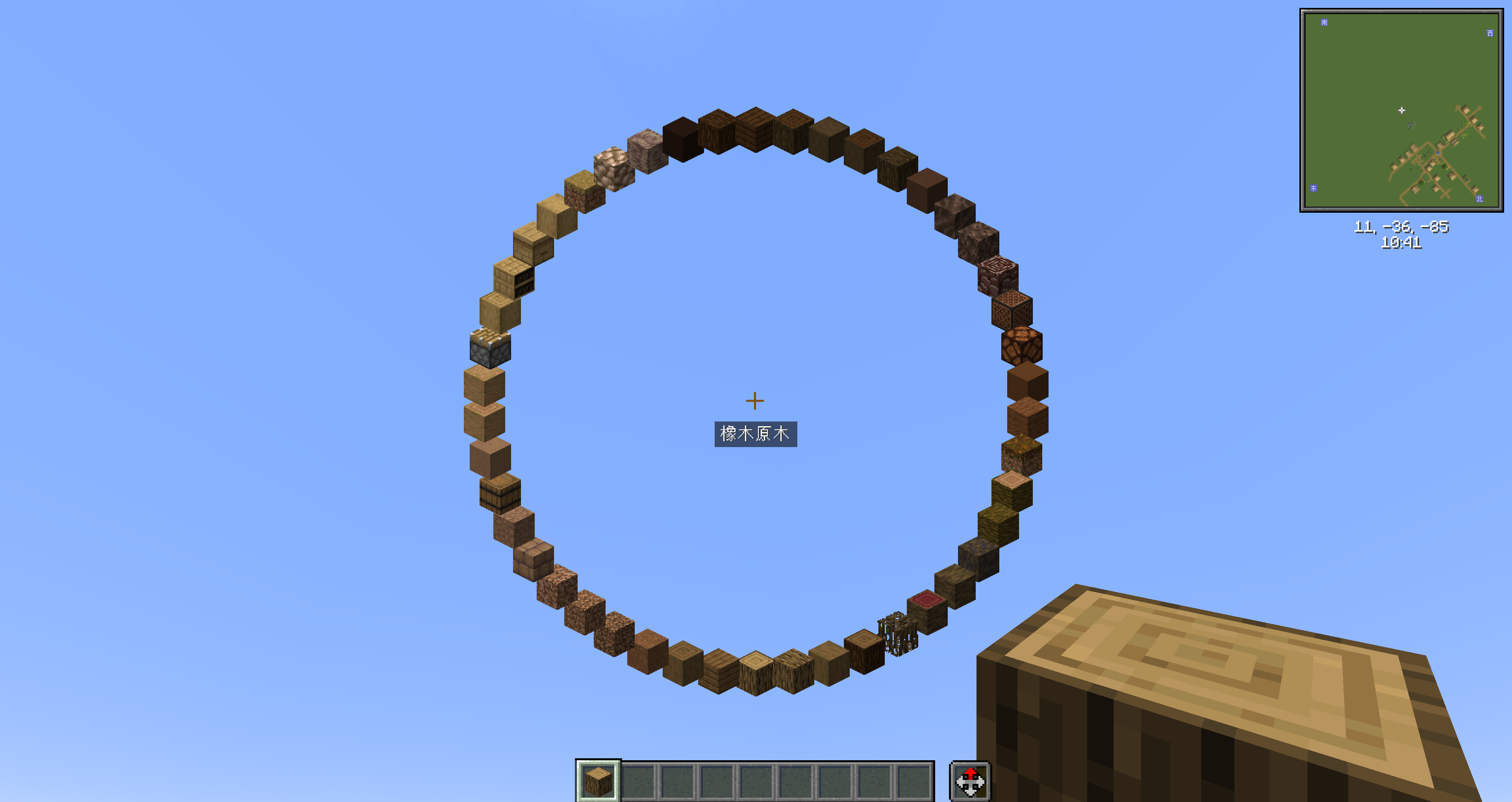
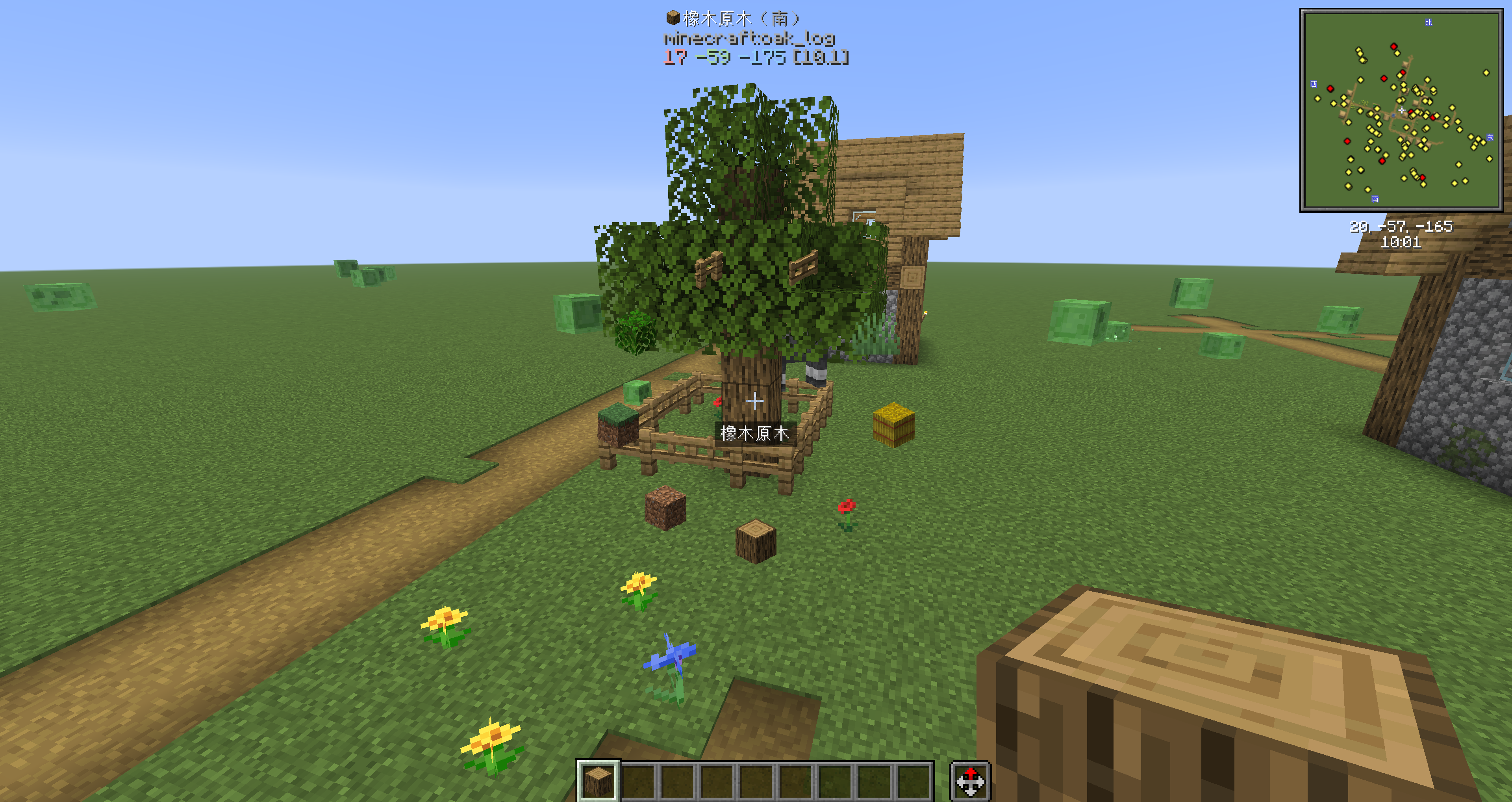
G by default and use the mouse scroll wheel to dynamically adjust the interaction reach from 5 to 128 blocksInfinite Reach can replace it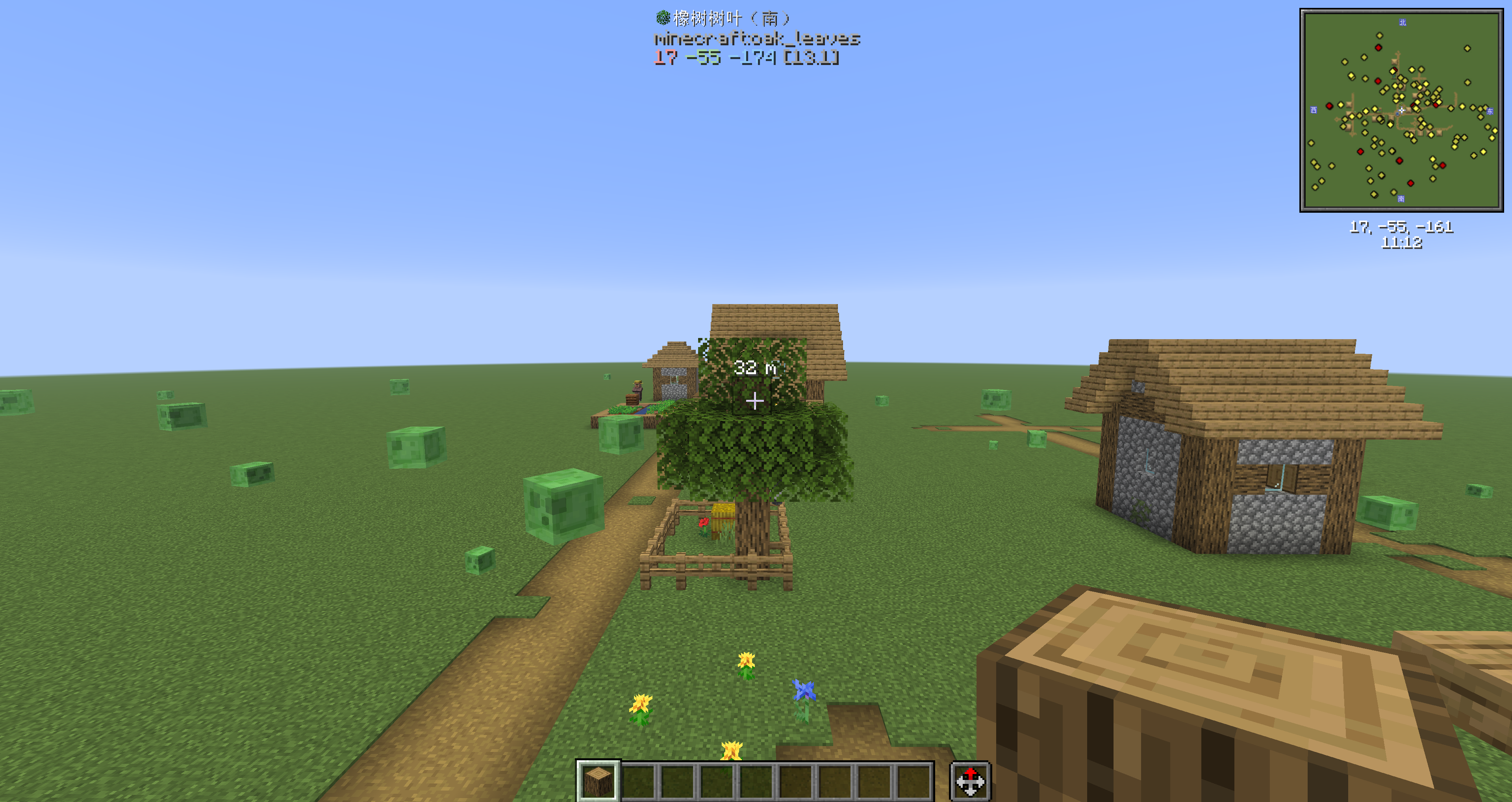
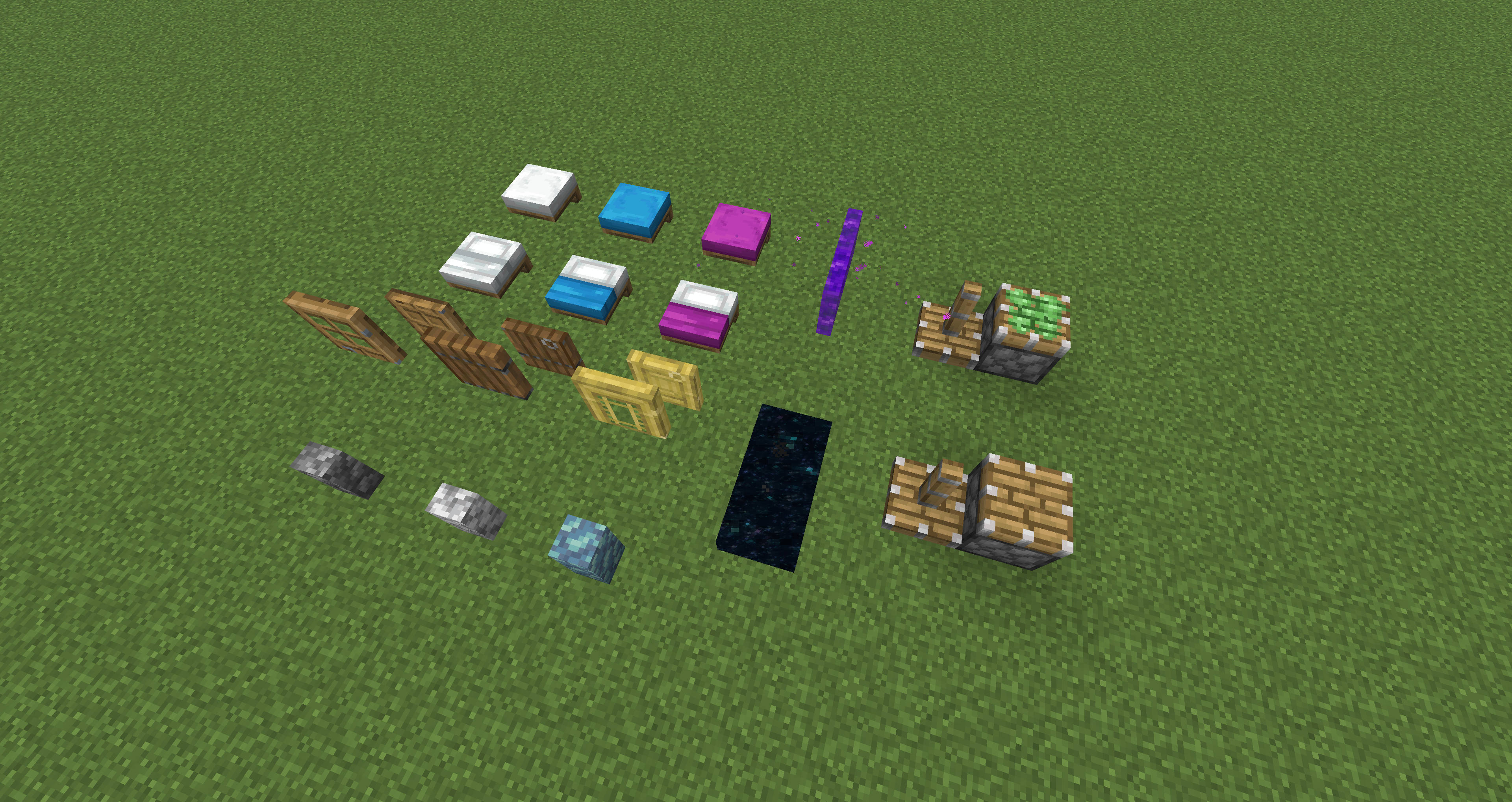
V by default to toggle barriers and light blocks at the same time; the types can be filtered in the configuration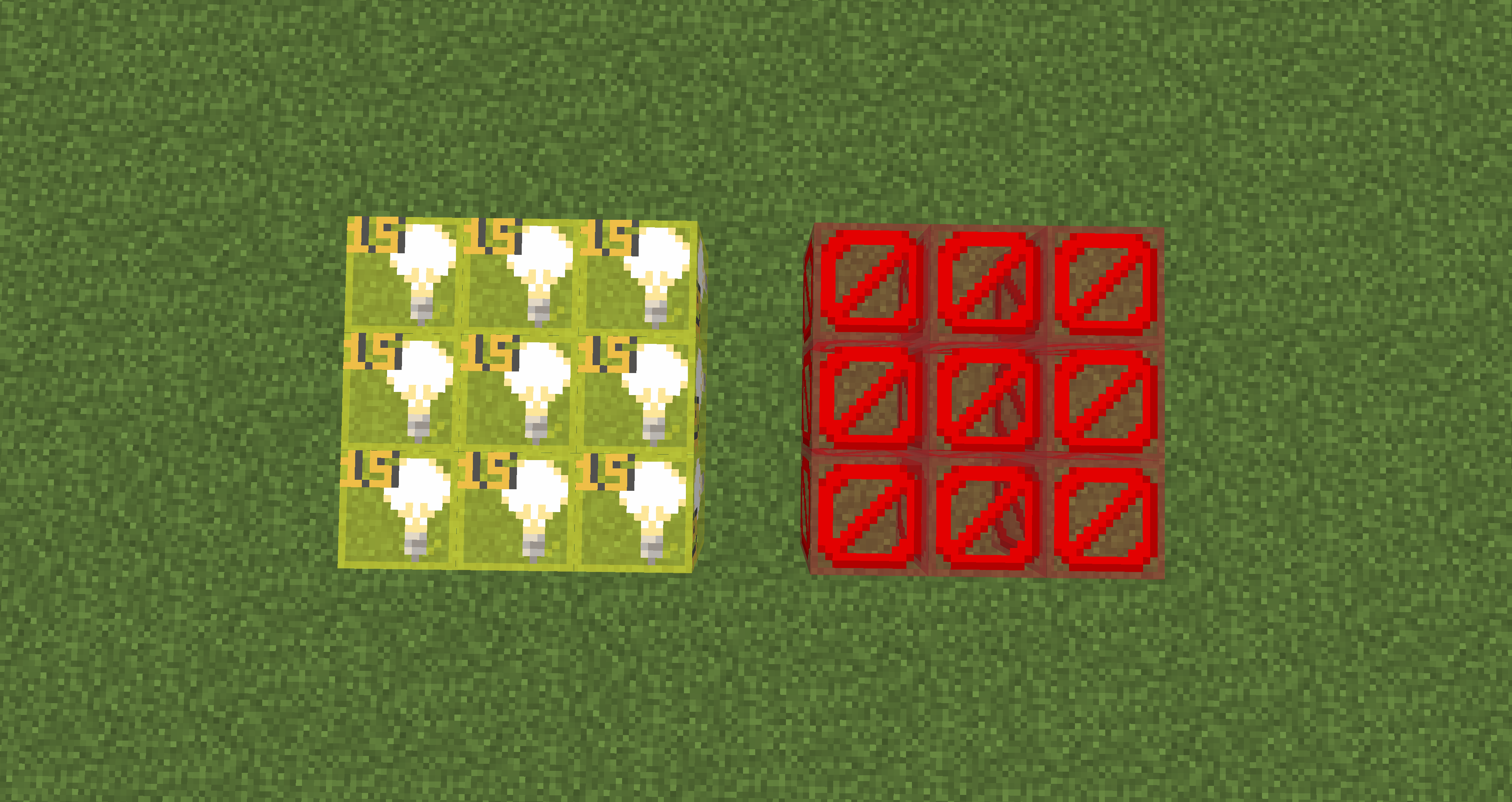
MIT License.
Project description from CurseForge.
Pick your setup
Choose the version and loader you play, then open the matching release.
Check the dependencies, then try the file in a copied instance before changing a world you care about.
Recent files
lorian-arch-orbit-fabric-1.0.1+26.2.jar
16 Aug 2026
lorian-arch-orbit-neoforge-1.0.1+26.2.jar
16 Aug 2026
lorian-arch-orbit-neoforge-1.0.0+26.2.jar
15 Aug 2026
lorian-arch-orbit-fabric-1.0.0+26.2.jar
15 Aug 2026
Looking for an older file? The official CurseForge project page is in Resources.
 mod
modAn add-on for the Touhou Little Maid mod that introduces a handheld "Maid Management Tablet" and a "Work Block," allowing maids to be centrally managed, remotely summoned, dispatched in batches, and safely stored.
 mod
modThis is a mod for tweaks used in the Arcana Quest Modpack
 mod
modA mod that provides universal tools, super alloy furnaces, and various QOL modifications.