Cloth Config API (Fabric/Forge/NeoForge) Needed by Imprint [Forge 1.20.1] v1.4
requiredMatching file found Matched file: [Forge 1.20(.1)] v11.1.136
CurseForge · Minecraft mod
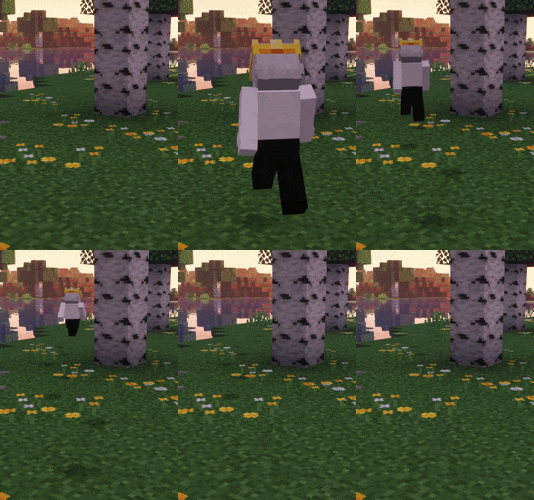
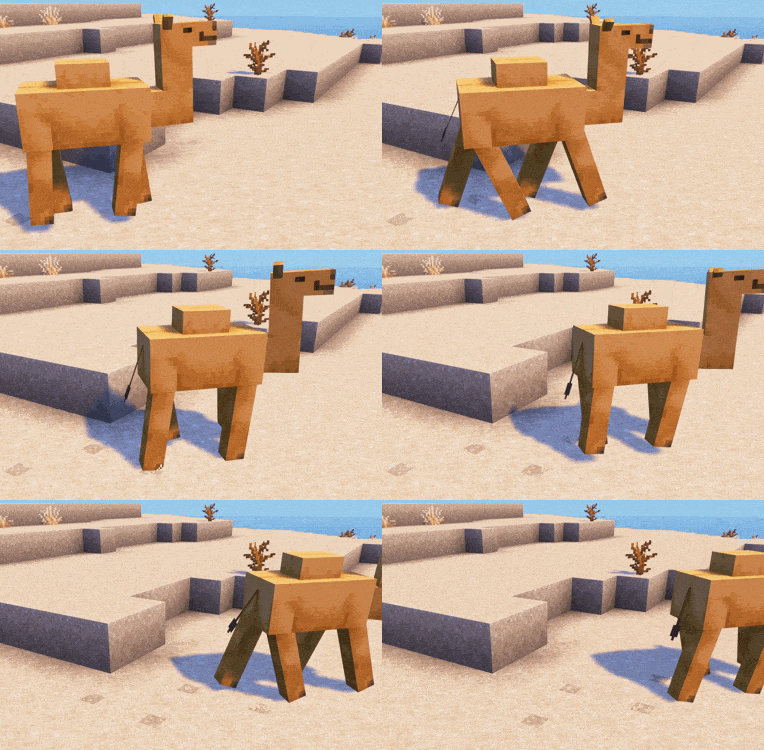
Adds vanilla-style footprint particles for players and mobs.
Quick answer
Imprint [Forge 1.20.1] v1.4 targets 1.20.1 with Forge. The project page does not say whether this file belongs on the client, dedicated server, or both. All 1 required mods have matching files.
Where it goes
The project page does not say whether this file belongs on the client, dedicated server, or both.
The source does not explicitly classify this release as client-only or server-only.
[Forge 1.20.1] v1.4. Change the file and its required mods may change too.
Install Cloth Config API (Fabric/Forge/NeoForge) first. We found matching files for this game-version and loader setup.
We only count dependency files that match this setup. A file for another loader does not fill the gap.
Before you install it
Built for Imprint [Forge 1.20.1] v1.4. Pick another file and the loader, install side or required mods may change.
Use [Forge 1.20.1] v1.4. It targets 1.20.1 with Forge; another release may have different loader, side or dependency requirements.
Install Cloth Config API (Fabric/Forge/NeoForge) first. We found matching files for this game-version and loader setup.
The project page does not say whether this file belongs on the client, dedicated server, or both.
Use the “Get this file” button beside [Forge 1.20.1] v1.4. It opens that exact file at the source.
About this project
Fabric API (when using fabric), Cloth Config
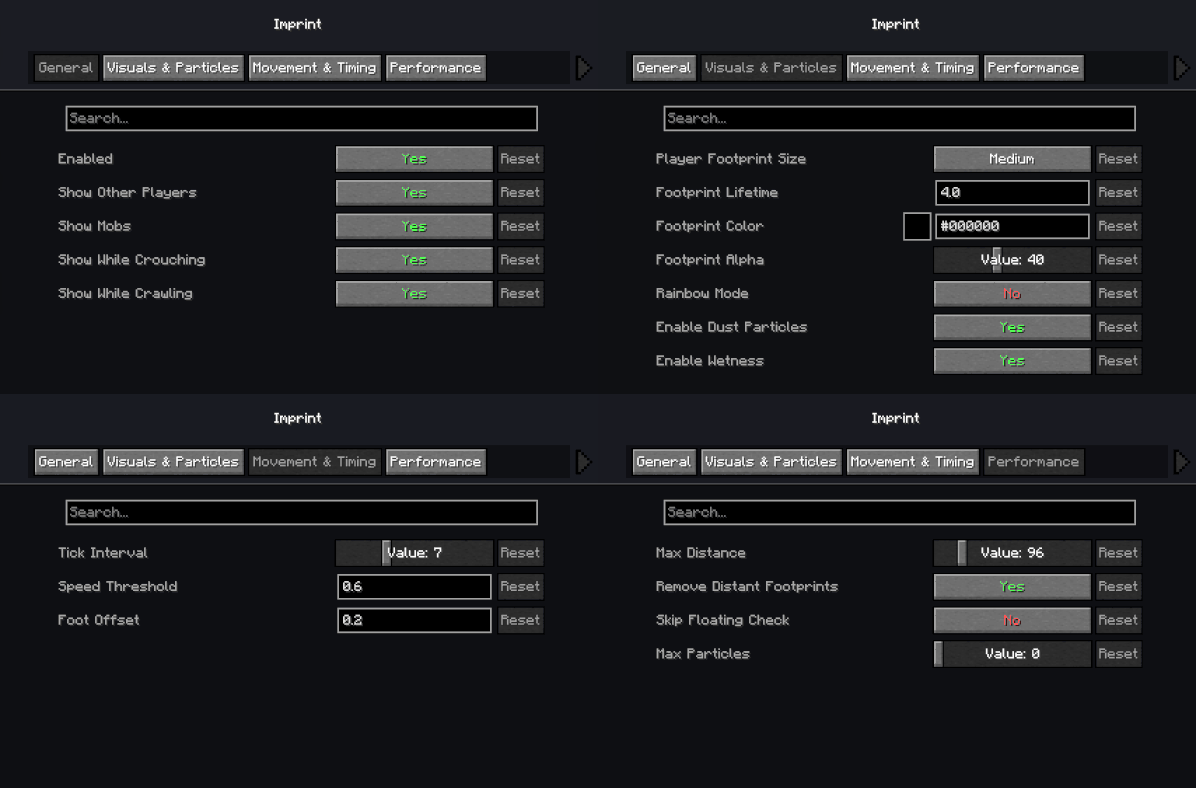
Access config via Mod Menu (for fabric) or edit the config file.
This mod uses the stonecutter-mod-template by rotgruengelb & murderspagurder.
Inspired by FootprintParticle by Rivmun.
Feel free to use this in modpacks! It was designed with that in mind. Reach out to me if there are compatibility issues or any other issues. Also let me know if there are any versions you want supported, and I can try my best, just know its not always possible.
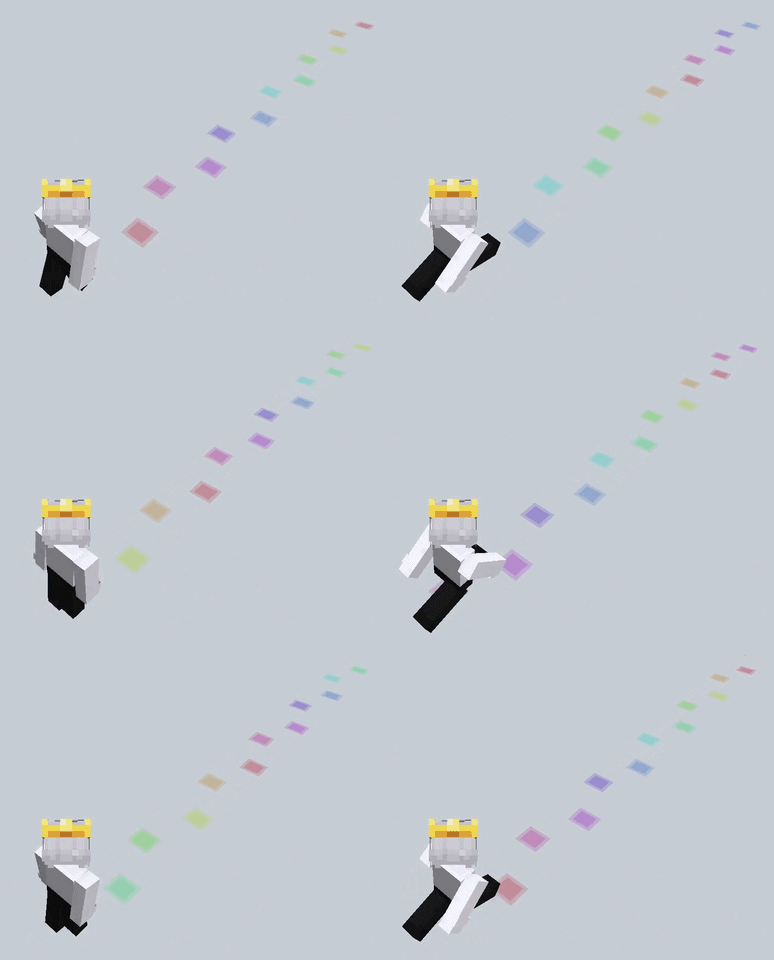
Project description from CurseForge.
Pick your setup
Choose the version and loader you play, then open the matching release.
Check the dependencies, then try the file in a copied instance before changing a world you care about.
Recent files
imprint-1.4-forge+1.20.1.jar
31 Aug 2026
imprint-1.4-neoforge+26.2.jar
27 Aug 2026
imprint-1.4-fabric+26.2.jar
27 Aug 2026
imprint-1.4-neoforge+26.1.2.jar
27 Aug 2026
imprint-1.4-fabric+26.1.2.jar
27 Aug 2026
imprint-1.4-neoforge+1.21.7.jar
27 Aug 2026
imprint-1.4-fabric+1.21.7.jar
27 Aug 2026
imprint-1.4-neoforge+1.21.1.jar
27 Aug 2026
imprint-1.4-fabric+1.21.1.jar
27 Aug 2026
imprint-1.4-fabric+1.20.1.jar
27 Aug 2026
imprint-1.3-forge+1.20.1.jar
26 Aug 2026
imprint-1.3-neoforge+26.2.jar
26 Aug 2026
Looking for an older file? The official CurseForge project page is in Resources.
 mod
modExpands Minecraft's Archaeological Excavations
 mod
modA performant rendering optimization Mod for Minecraft. Evolving from a optimized VulkanMod fork for 26.1.2 into an independent mod for 26.2.
 mod
modSpill blood for power. Altars that consume life, sigils that bend the world, custom demons in an endless dungeon, sentient armor that drinks souls, a shield that pays your damage in essentia. Datapack-driven from the ground up.