Minecraft version
Back to mods 
CurseForge · Minecraft mod
Context Music
Situational Minecraft music from your own OGG/MP3 files — day, night, cave, combat — replacing vanilla overlap when enabled.
Choose a version Pick your version below, then grab the matching file.
Quick answer
Which Context Music release should I use?
Latest stable file contextmusic-1.6.7.jar
Game version 1.21.1
Loader NeoForge
Context Music contextmusic-1.6.7.jar targets 1.21.1 with NeoForge. The project page does not say whether this file belongs on the client, dedicated server, or both. No extra mods listed for this file.
Where it goes
Is Context Music required on the client, server, or both?
The project page does not say whether this file belongs on the client, dedicated server, or both.
Client Source doesn’t say
Dedicated server Source doesn’t say
Loader for this release NeoForge
Required install it here Optional supported, not mandatory Not supported do not install here Source doesn’t say do not assume
The source does not explicitly classify this release as client-only or server-only.
What else does Context Music contextmusic-1.6.7.jar need?
contextmusic-1.6.7.jar. Change the file and its required mods may change too.
This file does not list any required mods. Do not add a library just because a different file uses it.
This file does not list any required or optional mods.
Before you install it
Add Context Music without breaking your instance.
Built for Context Music contextmusic-1.6.7.jar. Pick another file and the loader, install side or required mods may change.
- 01
Stick to this file
Use contextmusic-1.6.7.jar. It targets 1.21.1 with NeoForge; another release may have different loader, side or dependency requirements.
- 02
Bring the mods it needs
This file does not list any required mods. Do not add a library just because a different file uses it.
- 03
Put it on the correct side
The project page does not say whether this file belongs on the client, dedicated server, or both.
- 04
Pick the file you checked
Use the “Get this file” button beside contextmusic-1.6.7.jar. It opens that exact file at the source.
About this project
What does Context Music add?
CONTEXT MUSIC
Situational soundtrack from your own tracks | NeoForge 1.21.1
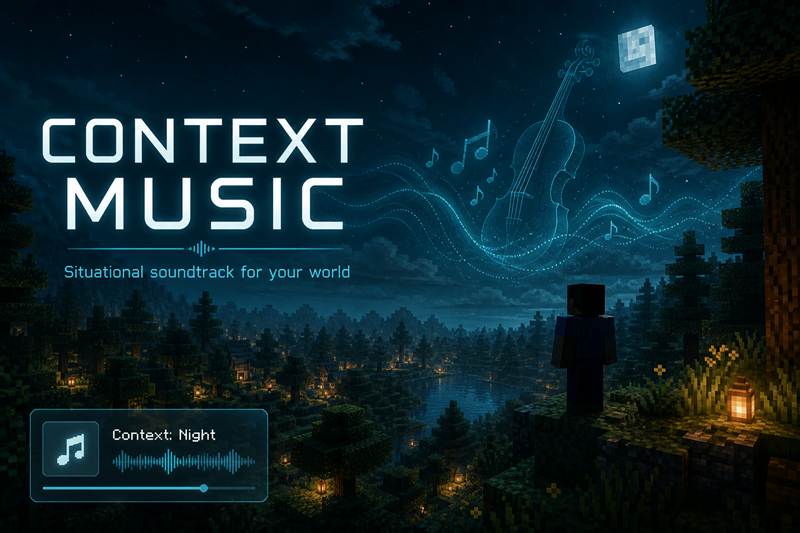
Context Music plays your own tracks based on combat, caves, day, night, or peaceful moments. Client-focused audio mod for Minecraft 1.21.1 (NeoForge).
Contexts
- combat / cave / day / night / peaceful
- If a context folder is empty, the mod falls back to tracks from the
peaceful/folder
Setup
- Launch once, then open config/contextmusic/music/
- Drop OGG/MP3 into the context folders
- Reload with F3+T or /contextmusic reload
- Keep Minecraft Music slider above 0
Options
- volume, fade, combat radius
- reduceVanillaMusic (no double music)
- optional HUD, clean mute/unmute resume
This mod is actively maintained and will keep receiving updates.
Feedback, criticism, and suggestions are very welcome - please leave a comment on this page.
Author: Beardflix | License: MIT | Build: 1.6.7
Project description from CurseForge.
Pick your setup
Context Music by Minecraft version and loader
Choose the version and loader you play, then open the matching release.
Check the dependencies, then try the file in a copied instance before changing a world you care about.
Recent files
Context Music versions and loaders
contextmusic-1.6.7.jar
24 Oct 2026
Client Source doesn’t say Server Source doesn’t say Dependencies No extras listed Listed on Release listing
Check the 1.21.1 · NeoForge setup 1.21.1NeoForge release
contextmusic-1.6.6.jar
28 Aug 2026
Client Source doesn’t say Server Source doesn’t say Dependencies No extras listed Listed on Release listing
Check the 1.21.1 · NeoForge setup 1.21.1NeoForge beta
Looking for an older file? The official CurseForge project page is in Resources.
 mod
mod CurseForge + Modrinth · Minecraft
Latitude
Latitude overhauls world generation so biomes follow realistic latitude bands—from equatorial jungles to polar tundras.
 mod
mod CurseForge + Modrinth · Minecraft
Spatial GUI
A client-side mod that renders inventory & container screens as a 3D plane.
 mod
mod CurseForge · Minecraft
Simple Pleasures: Progression
A cozy progression system with skill leveling, Mastery talents, unlockable abilities, collection bundles, and rewarding gameplay improvements.