RinLib Needed by Keep My Sword 1.1.0 — 1.21.1 NeoForge
requiredMatching file found Matched file: RinLib 1.0.2 — 1.21.1 NeoForge
CurseForge · Minecraft mod
Items remain after they break.
Quick answer
Keep My Sword 1.1.0 — 1.21.1 NeoForge targets 1.21.1 with NeoForge. The project page does not say whether this file belongs on the client, dedicated server, or both. All 1 required mods have matching files.
Where it goes
The project page does not say whether this file belongs on the client, dedicated server, or both.
The source does not explicitly classify this release as client-only or server-only.
Keep My Sword 1.1.0 — 1.21.1 NeoForge. Change the file and its required mods may change too.
Install RinLib first. We found matching files for this game-version and loader setup.
We only count dependency files that match this setup. A file for another loader does not fill the gap.
Before you install it
Built for Keep My Sword 1.1.0 — 1.21.1 NeoForge. Pick another file and the loader, install side or required mods may change.
Use Keep My Sword 1.1.0 — 1.21.1 NeoForge. It targets 1.21.1 with NeoForge; another release may have different loader, side or dependency requirements.
Install RinLib first. We found matching files for this game-version and loader setup.
The project page does not say whether this file belongs on the client, dedicated server, or both.
Use the “Get this file” button beside Keep My Sword 1.1.0 — 1.21.1 NeoForge. It opens that exact file at the source.
About this project
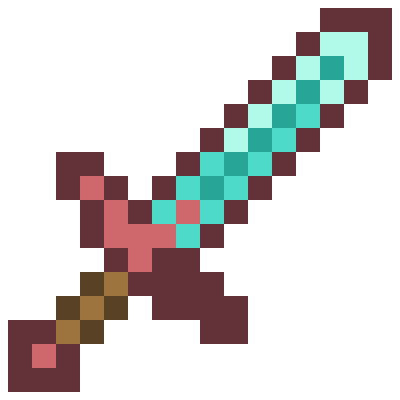
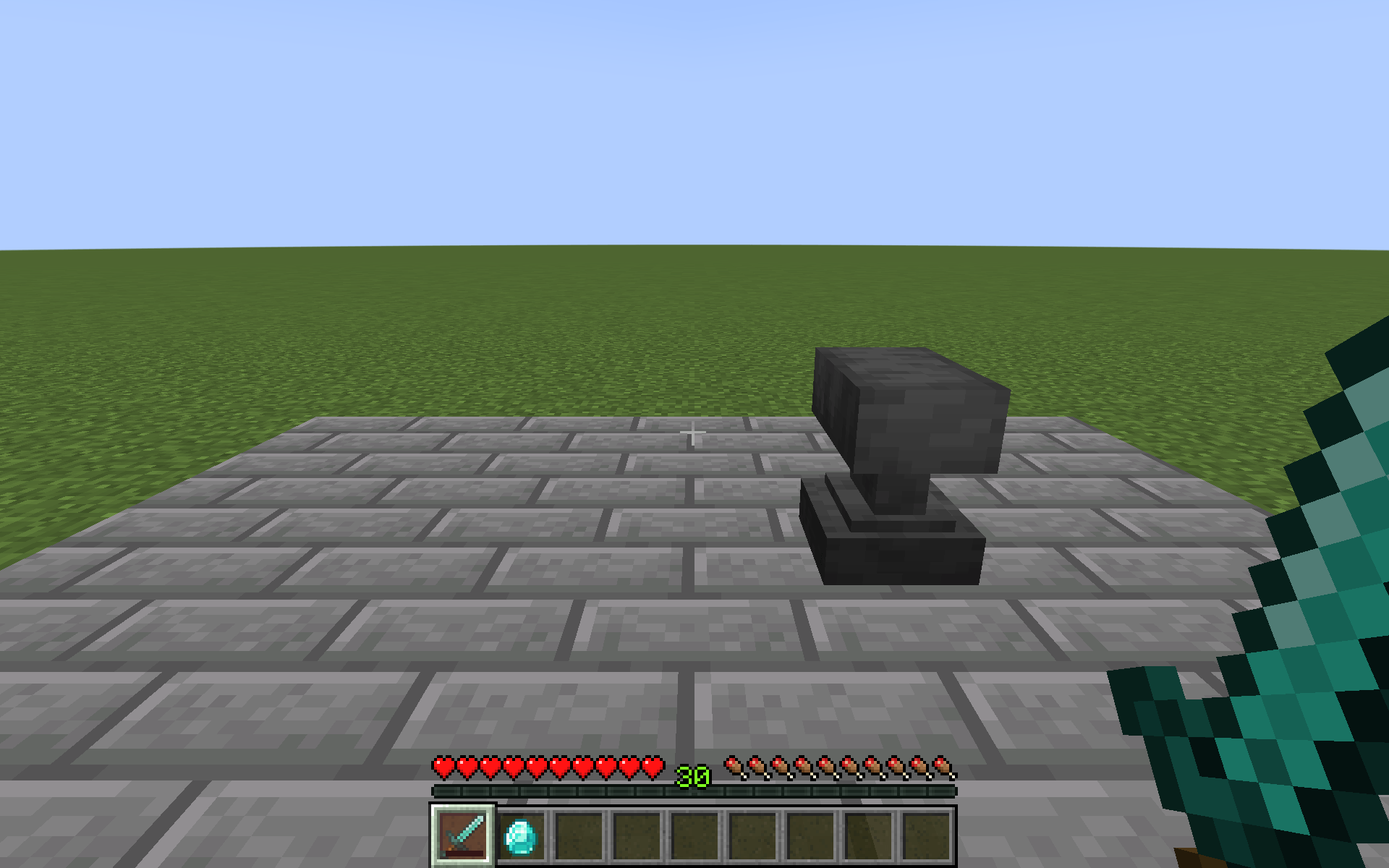
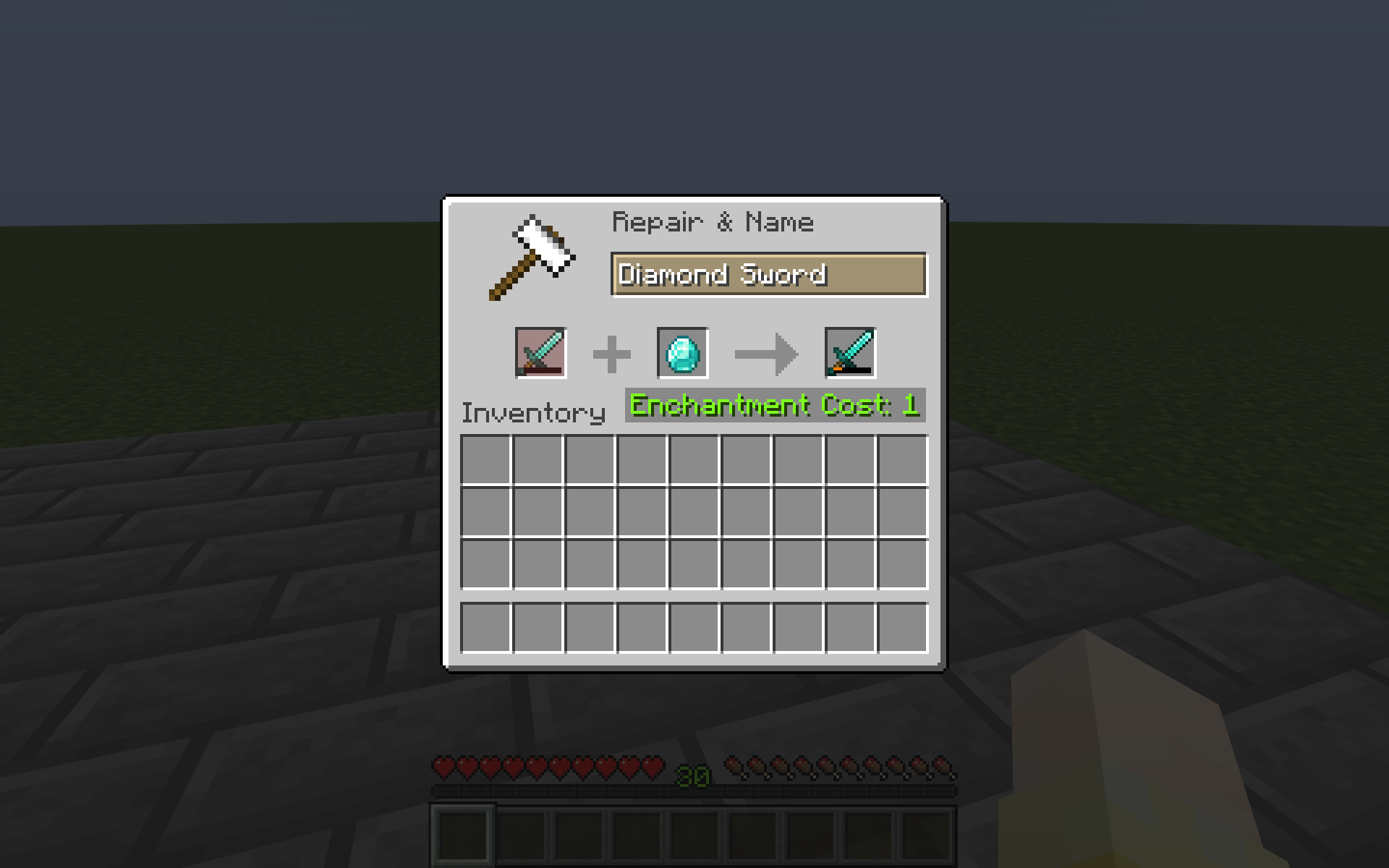
Keep My Sword prevents items from disappearing when their durability runs out. Broken items remain in your inventory in an unusable state and can still be repaired.
Items in the #keep_my_sword:excluded item tag are ignored by this mod.
Project description from CurseForge.
Pick your setup
Choose the version and loader you play, then open the matching release.
Check the dependencies, then try the file in a copied instance before changing a world you care about.
Recent files
keep-my-sword-1.1.0+1.21.1-neoforge.jar
19 Sept 2026
keep-my-sword-1.1.0+1.21.1-fabric.jar
19 Sept 2026
keep-my-sword-1.1.0+26.1.2-neoforge.jar
19 Sept 2026
keep-my-sword-1.1.0+26.1.2-fabric.jar
19 Sept 2026
keep-my-sword-1.1.0+26.2-neoforge.jar
19 Sept 2026
keep-my-sword-1.1.0+26.2-fabric.jar
19 Sept 2026
keep-my-sword-1.0.2+26.2-fabric.jar
19 Sept 2026
keep-my-sword-1.0.2+26.2-neoforge.jar
19 Sept 2026
keep-my-sword-1.0.2+26.1.2-fabric.jar
19 Sept 2026
keep-my-sword-1.0.2+26.1.2-neoforge.jar
19 Sept 2026
keep-my-sword-1.0.2+1.21.1-fabric.jar
19 Sept 2026
keep-my-sword-1.0.2+1.21.1-neoforge.jar
19 Sept 2026
Looking for an older file? The official CurseForge project page is in Resources.
 mod
modA compact client-side BedWars HUD with TNT timers, resource counters, stack overlays, potion timers and a round kill counter.
 mod
modA mod that provides universal tools, super alloy furnaces, and various QOL modifications.
 mod
modClient-side UI and quality-of-life overhaul for advancements: fullscreen tree with zoom, interactive criteria inspector, HUD tracking, and progress bars.