Epic Fight Needed by epicysm-1.20.1-1.1.3.jar
requiredMatching file found Matched file: 20.14.17-mc1.20.1-forge

CurseForge · Minecraft mod
Your Yes Steve Model character fights with Epic Fight animations. Attacks, dodges and skills play on your own model, weapon in hand. Client side, no decryption of .ysm files.
Quick answer
epicysm-1.20.1-1.1.3.jar targets 1.20.1 with Forge. The project page does not say whether this file belongs on the client, dedicated server, or both. All 1 required mods have matching files.
Where it goes
The project page does not say whether this file belongs on the client, dedicated server, or both.
The source does not explicitly classify this release as client-only or server-only.
epicysm-1.20.1-1.1.3.jar. Change the file and its required mods may change too.
Install Epic Fight first. We found matching files for this game-version and loader setup.
We only count dependency files that match this setup. A file for another loader does not fill the gap.
Before you install it
Built for epicysm-1.20.1-1.1.3.jar. Pick another file and the loader, install side or required mods may change.
Use epicysm-1.20.1-1.1.3.jar. It targets 1.20.1 with Forge; another release may have different loader, side or dependency requirements.
Install Epic Fight first. We found matching files for this game-version and loader setup.
The project page does not say whether this file belongs on the client, dedicated server, or both.
Use the “Get this file” button beside epicysm-1.20.1-1.1.3.jar. It opens that exact file at the source.
About this project
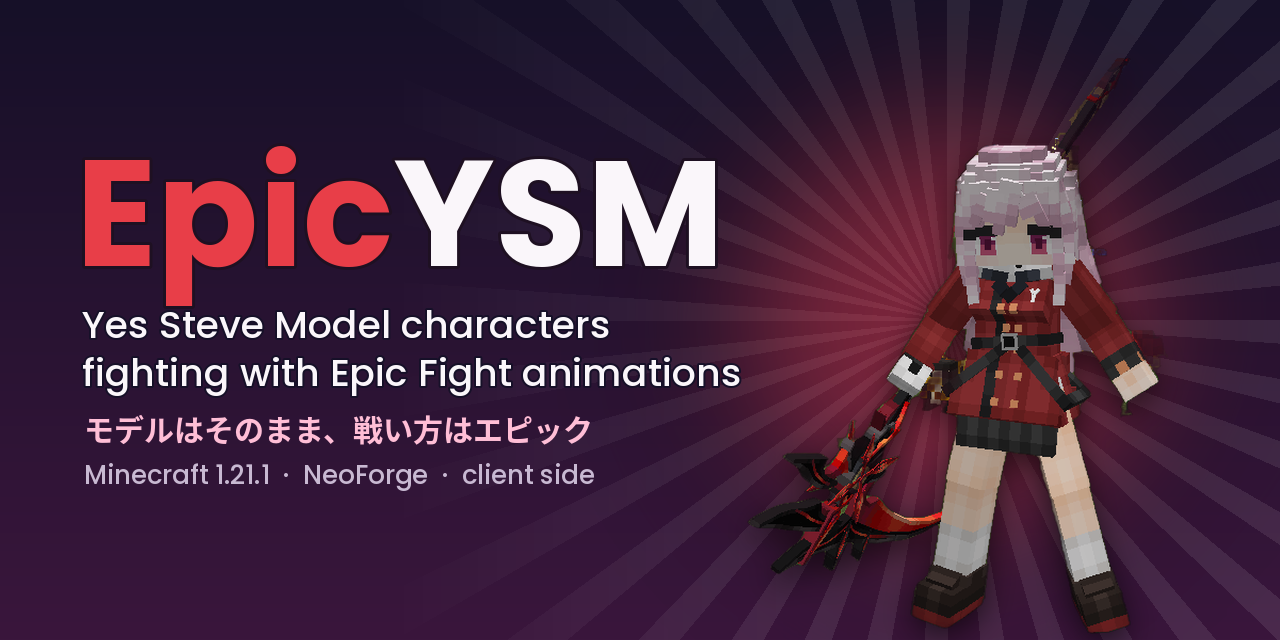
Your Yes Steve Model character fights with Epic Fight animations.
Attacks, dodges, guards, skills, weapon combos - all of Epic Fight's combat plays on the model you chose in YSM, with the weapon in its hand, instead of on the default Epic Fight body. Outside of battle mode nothing changes: emotes, idle and walk animations stay with YSM.
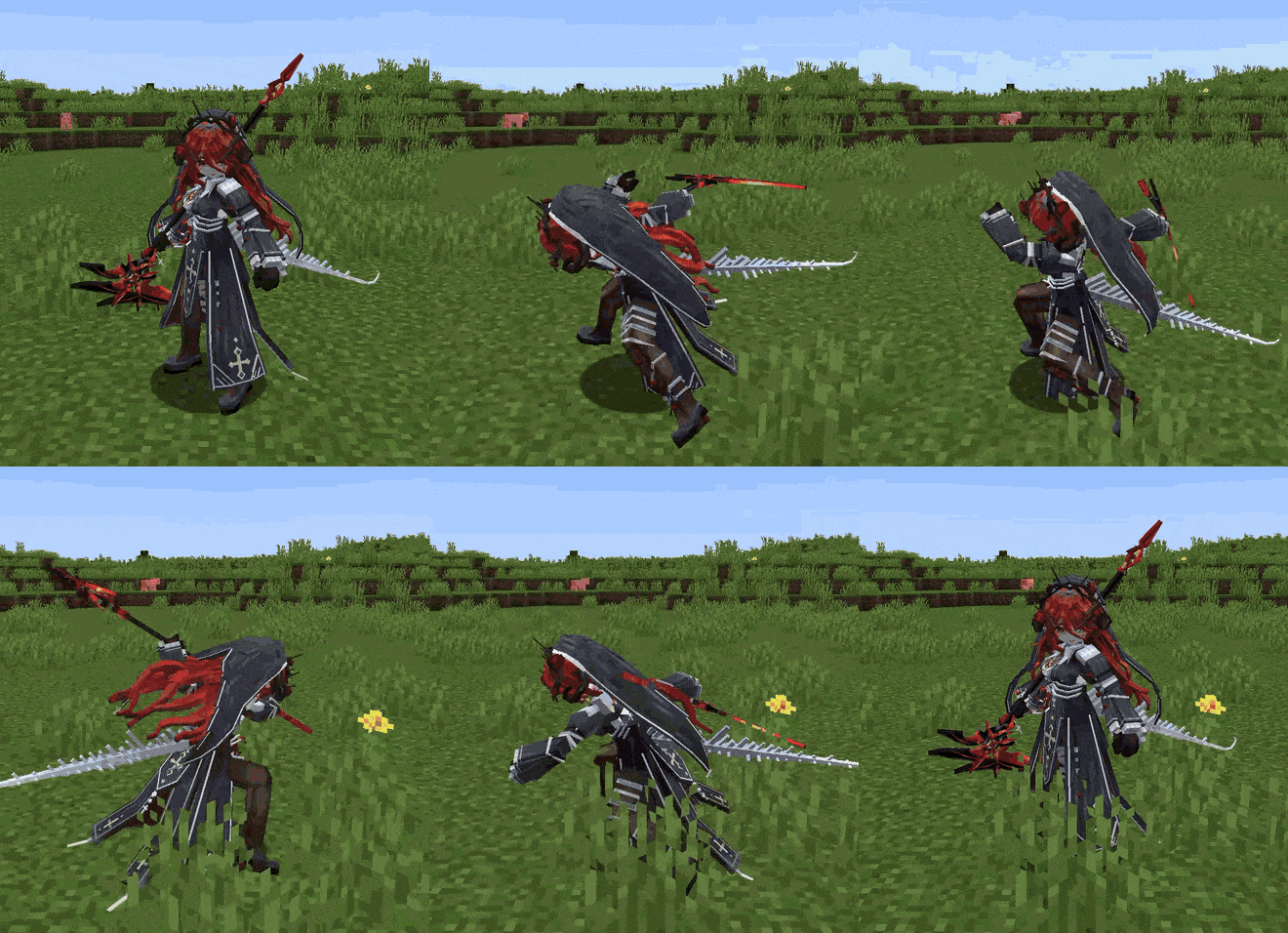
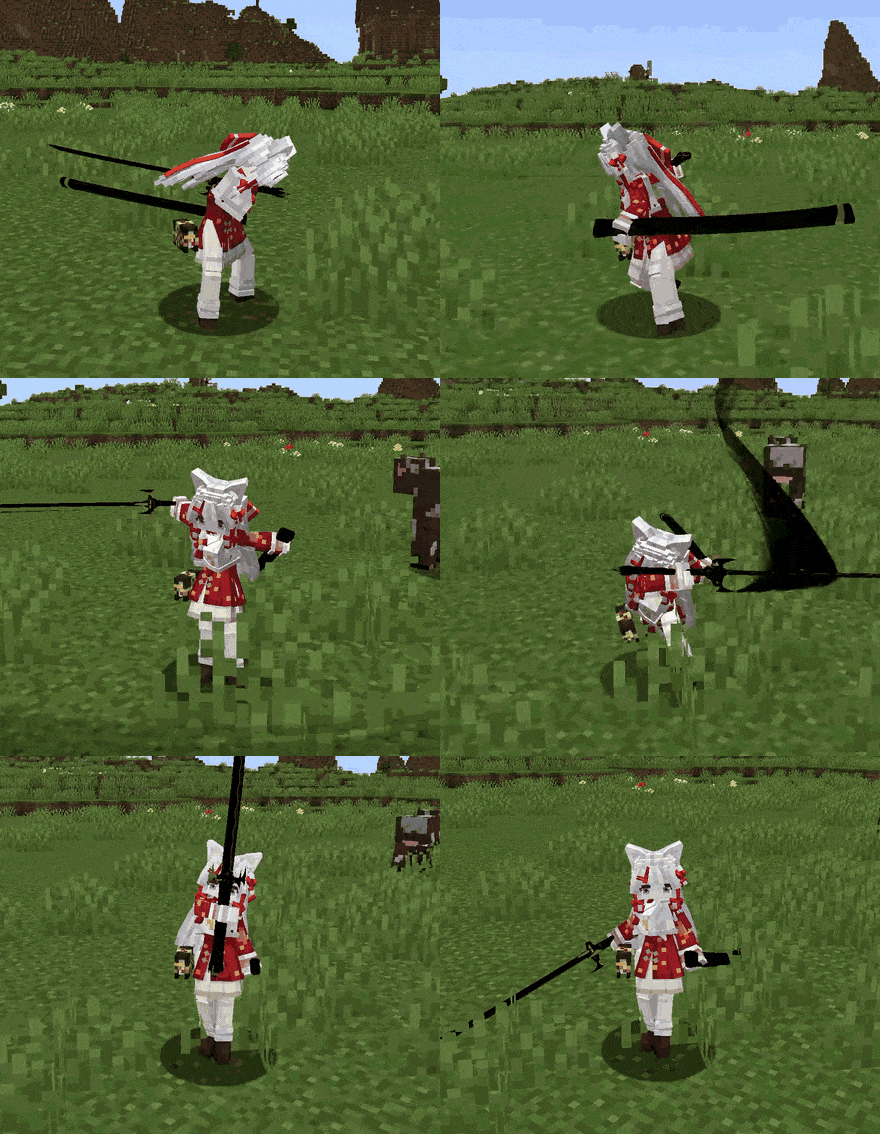
Two Yes Steve Model characters in Epic Fight's battle mode, exactly as they look in game.
Client side only. Nothing to install on the server; it works on any server where YSM and Epic Fight already work. Every player you see is posed with their own model, not only you.
Readable models (a folder or a zip with main.json inside) are converted into Epic Fight's own format on the fly. Epic Fight draws them itself, so weapons, armor, add-on effects and trails all work.
Encrypted models (.ysm files) are never decrypted. YSM keeps drawing them; the mod takes Epic Fight's pose and writes it into the skeleton YSM has in memory a moment before it draws. The weapon is drawn by Epic Fight on the same joints, so weapon add-ons (Nightfall, Weapons of Miracles and others) work on encrypted models too.
Small things that happen on their own:
Mod list → EpicYSM → Config, Alt + O, or /epicysm config. You can pick who draws held items, whether armor is drawn over readable models (off by default), whether to hide the model's own weapons, how much of YSM's animation keeps playing under Epic Fight's, hair and cloth physics for readable models, and diagnostics for bug reports.
Turn on Diagnostics in the log in the settings, reproduce the problem, and attach logs/latest.log and the file for your model from config/epicysm/bones/ to an issue on GitHub. Please do not attach the model itself unless it is yours.
EpicYSM is a bridge; the two mods do all the heavy lifting.
Model files belong to their authors. Source code under MIT on GitHub.
Project description from CurseForge.
Pick your setup
Choose the version and loader you play, then open the matching release.
Check the dependencies, then try the file in a copied instance before changing a world you care about.
Recent files
6 Sept 2026
6 Sept 2026
6 Sept 2026
6 Sept 2026
5 Sept 2026
5 Sept 2026
5 Sept 2026
5 Sept 2026
4 Sept 2026
4 Sept 2026
3 Sept 2026
3 Sept 2026
Looking for an older file? The official CurseForge project page is in Resources.