Minecraft version
Back to mods 
CurseForge · Minecraft mod
Per Player Height
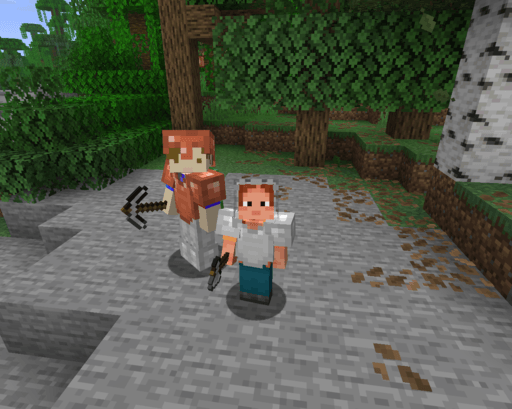
Each player is assigned a random configurable persistent height upon joining.
Choose a version Pick your version below, then grab the matching file.
Quick answer
Which Per Player Height release should I use?
Latest stable file perplayerheight-1.0.0.jar
Game version 26.2
Loader NeoForge
Per Player Height perplayerheight-1.0.0.jar targets 26.2 with NeoForge. The project page does not say whether this file belongs on the client, dedicated server, or both. No extra mods listed for this file.
Where it goes
Is Per Player Height required on the client, server, or both?
The project page does not say whether this file belongs on the client, dedicated server, or both.
Client Source doesn’t say
Dedicated server Source doesn’t say
Loader for this release NeoForge
Required install it here Optional supported, not mandatory Not supported do not install here Source doesn’t say do not assume
The source does not explicitly classify this release as client-only or server-only.
What else does Per Player Height perplayerheight-1.0.0.jar need?
perplayerheight-1.0.0.jar. Change the file and its required mods may change too.
This file does not list any required mods. Do not add a library just because a different file uses it.
This file does not list any required or optional mods.
Before you install it
Add Per Player Height without breaking your instance.
Built for Per Player Height perplayerheight-1.0.0.jar. Pick another file and the loader, install side or required mods may change.
- 01
Stick to this file
Use perplayerheight-1.0.0.jar. It targets 26.2 with NeoForge; another release may have different loader, side or dependency requirements.
- 02
Bring the mods it needs
This file does not list any required mods. Do not add a library just because a different file uses it.
- 03
Put it on the correct side
The project page does not say whether this file belongs on the client, dedicated server, or both.
- 04
Pick the file you checked
Use the “Get this file” button beside perplayerheight-1.0.0.jar. It opens that exact file at the source.
About this project
What does Per Player Height add?
Assigns a random presistant hight to each player in the server.
This height can be configured in the mods list with a minimum and maximum.
Supports a total of 24 languages.
Languages:
- English
- British English
- German
- French
- Spanish
- Italian
- Portuguese (Brazil)
- Russian
- Japanese
- Korean
- Simplified Chinese
- Traditional Chinese
- Dutch
- Polish
- Turkish
- Ukrainian
- Swedish
- Danish
- Norwegian
- Finnish
- Czech
- Hungarian
- Greek
- Indonesian
Commands:
/height set <value>
Sets your own height to any given value without limits.
Requires cheats enabled
/height get
Sends a chat message displaying your height in minecraft blocks (The default Minecraft player is 1.8 blocks tall)
Project description from CurseForge.
Pick your setup
Per Player Height by Minecraft version and loader
Choose the version and loader you play, then open the matching release.
Check the dependencies, then try the file in a copied instance before changing a world you care about.
Recent files
Per Player Height versions and loaders
perplayerheight-1.0.0.jar
3 Sept 2026
Client Source doesn’t say Server Source doesn’t say Dependencies No extras listed Listed on Release listing
Check the 26.2 · NeoForge setup NeoForge26.2 release
Looking for an older file? The official CurseForge project page is in Resources.
 mod
mod CurseForge + Modrinth · Minecraft
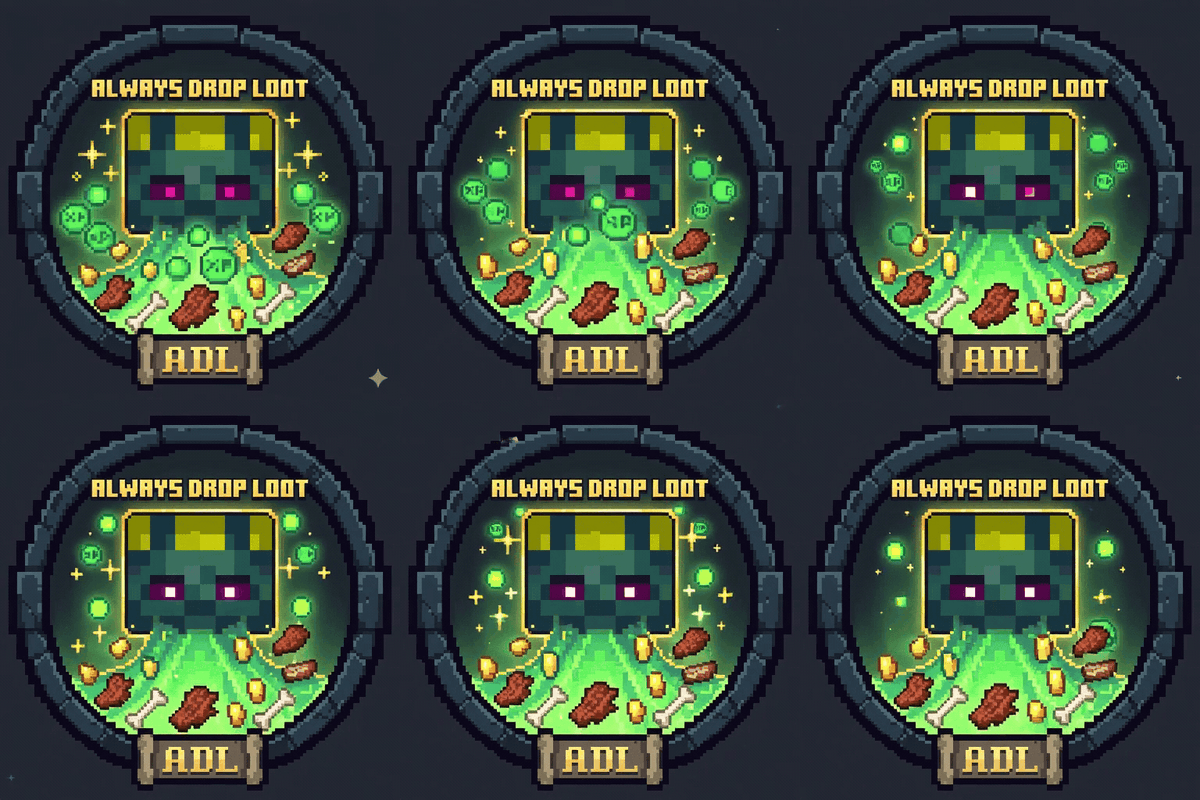
Always Drop Loot (update)
Make mobs always drop exp and loot, regardless of cause of death.
 mod
mod CurseForge + Modrinth · Minecraft
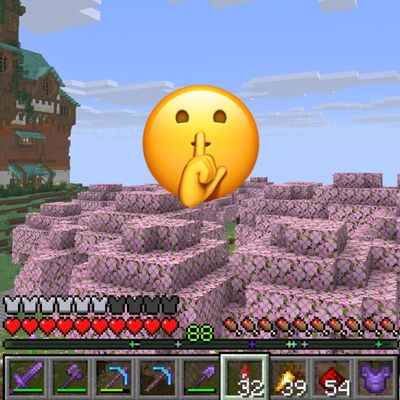
Don't Locate Me
This mod adds the option for individual players to turn off being shown on the Locator Bar. That can be useful for PvP events or similar.
 mod
mod CurseForge + Modrinth · Minecraft
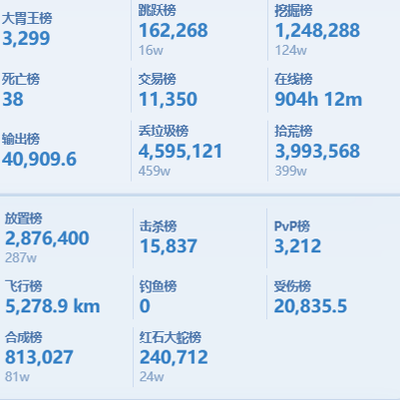
rankboard
Scoreboard ranking mod: web dashboard access, historical data query, point lookup for arbitrary post-install dates.