Architectury API Needed by Spawn Conditions spawnconditions-fabric-1.1-1.21.1.jar
requiredMatching file found Matched file: [Fabric 1.21] v13.0.11
CurseForge · Minecraft mod
Customizable player spawn conditions.
Quick answer
Spawn Conditions spawnconditions-fabric-1.1-1.21.1.jar targets 1.21.1 with Fabric. The project page does not say whether this file belongs on the client, dedicated server, or both. All 2 required mods have matching files.
Where it goes
The project page does not say whether this file belongs on the client, dedicated server, or both.
The source does not explicitly classify this release as client-only or server-only.
spawnconditions-fabric-1.1-1.21.1.jar. Change the file and its required mods may change too.
Install Architectury API, Fabric API first. We found matching files for this game-version and loader setup. 1 comes through another mod in the chain.
1 extra mod was pulled in by another dependency. Indented rows show who needs each one. We only count dependency files that match this setup. A file for another loader does not fill the gap.
Before you install it
Built for Spawn Conditions spawnconditions-fabric-1.1-1.21.1.jar. Pick another file and the loader, install side or required mods may change.
Use spawnconditions-fabric-1.1-1.21.1.jar. It targets 1.21.1 with Fabric; another release may have different loader, side or dependency requirements.
Install Architectury API, Fabric API first. We found matching files for this game-version and loader setup. 1 comes through another mod in the chain.
The project page does not say whether this file belongs on the client, dedicated server, or both.
Use the “Get this file” button beside spawnconditions-fabric-1.1-1.21.1.jar. It opens that exact file at the source.
About this project
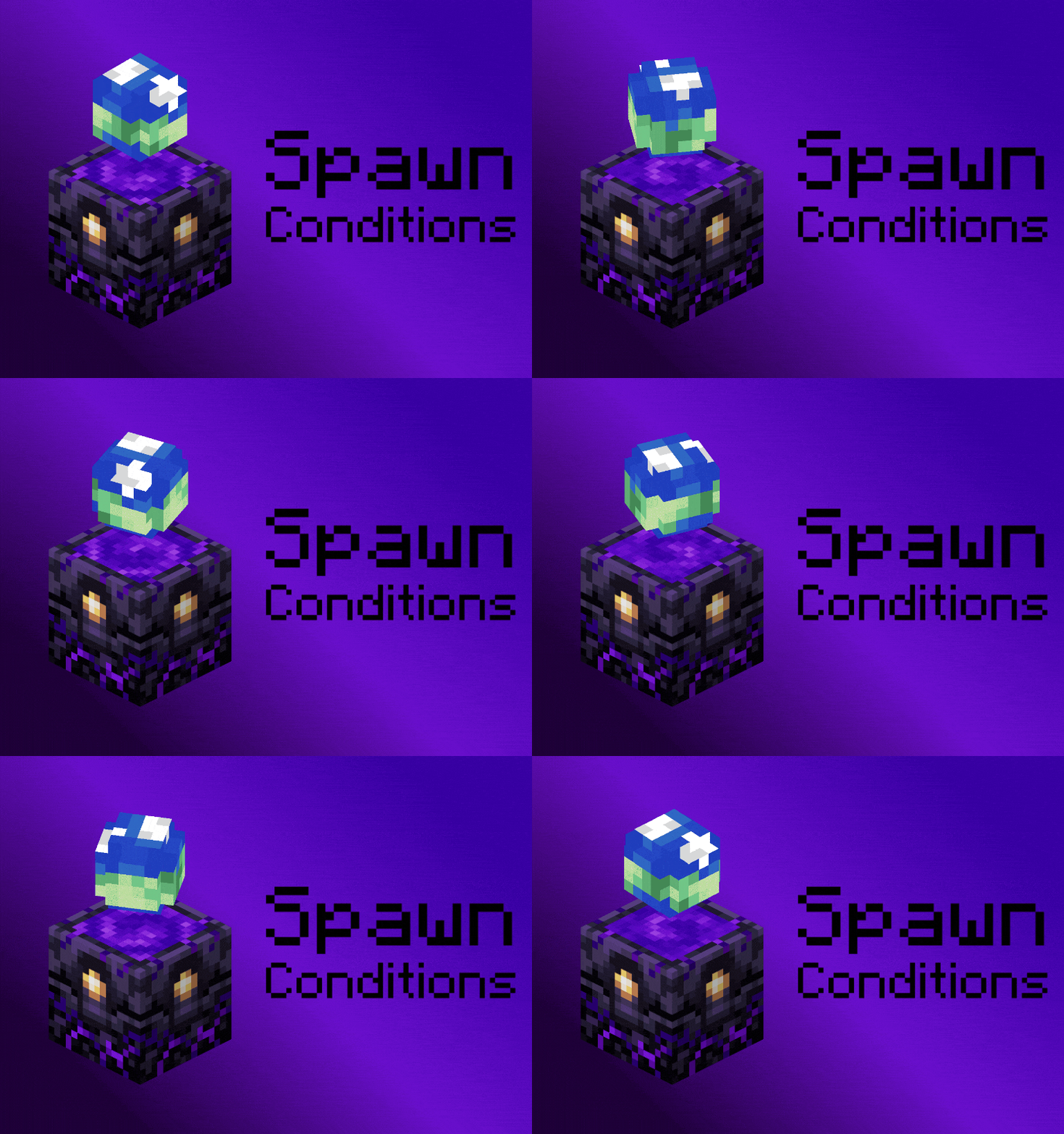
Customizable player spawn conditions.
| Loader | File |
|---|---|
| Forge, NeoForge | config/spawnconditions-common.toml |
| Fabric | config/spawnconditions.json |
| Option | Default | Meaning |
|---|---|---|
enabled |
true |
Master switch. |
worldSpawn.randomize |
false |
Randomize the world spawn instead of using 0,0. |
worldSpawn.area |
RING |
Shape to pick the spawn from. |
worldSpawn.centerX / centerZ |
0 |
RING: the x and z coordinates to start from. |
worldSpawn.minRadius / maxRadius |
0 / 10000 |
RING: minimum and maximum for how far out to spawn. |
worldSpawn.minX / maxX / minZ / maxZ |
-10000 / 10000 |
BOX: lowest and highest x and z coordinates a spawn can use. |
worldSpawn.attempts |
32 |
How many attempts before giving up. Each attempt loads a chunk. |
placement.fluidBlocksColumn |
true |
Skip the whole spot when a fluid is not allowed. Off keeps looking below it. |
placement.liquidLanding |
SURFACE |
Land on top of a liquid or on the ground under it. |
placement.groundRequirement |
FULL_FACE |
What counts as ground to stand on. |
placement.requiredHeadroom |
0 |
Empty space needed above the player. 0 is vanilla. |
placement.headroomAllowsFluid |
true |
Count liquid as empty space above the player. |
placement.maxSearchDepth |
0 |
Blocks the search may descend before giving up. 0 is unlimited. |
placement.minY / maxY |
-2048 / 2048 |
Lowest and highest y coordinate that a spawn can use. |
placement.limitHorizontally |
false |
Turn on the x and z limits below. |
placement.minX / maxX / minZ / maxZ |
-30000000 / 30000000 |
Lowest and highest x and z coordinates a spawn can use. |
placement.biomeAllowList |
[] |
Only spawn in these biomes. Leave empty for any. |
placement.biomeDenyList |
[] |
Never spawn in these biomes. |
placement.blockAllowList |
[] |
Only spawn on these blocks. Leave empty for any. |
placement.blockDenyList |
[] |
Never spawn on these blocks. |
placement.fluidAllowList |
[] |
Only spawn in these fluids. Leave empty to never spawn in fluids. |
placement.fluidDenyList |
[] |
Never spawn in these fluids. |
respawn.preventSpawnSetting |
false |
Player cannot set their spawn. Beds and respawn anchors will not save a spawn point. |
respawn.spawnBlockedMessage |
&cYou cannot set your spawn. |
Message shown when a player cannot set their spawn. Leave empty for no message. |
Entries are ids like modid:name, or tags with a # in front like #modid:name. Anything a mod adds works the same as a vanilla entry. The deny list is checked first, so an entry in both lists is denied.
Fluid lists work the other way round from the biome and block lists. An empty fluidAllowList means no fluid spawning, which is what vanilla does. Use tags for fluids because a fluid has a state for still and flowing, so #minecraft:water will do both while minecraft:water will only touch the still state.
The block lists check whatever the player ends up standing on.
| Value | Ground is |
|---|---|
FULL_FACE |
A block with a full top face. This is vanilla, so slabs, stairs, fences and walls are skipped. |
ANY_COLLISION |
Any block with a collision box, so slabs, stairs, fences and walls all count. |
ANY_BLOCK |
Any block that is not air, including ones you fall through like grass, flowers and torches. |
Leaves have a full collision box, so they already count as ground under FULL_FACE.
maxY is what makes cave spawns possible. The search always runs down from maxY, so setting it below the surface starts the search underground and takes the first floor it finds:
"placement": {
  "maxY": -10,
  "minY": -60,
  "requiredHeadroom": 2
}
requiredHeadroom is needed here. Without it the search stops on the first full block at maxY, which is usually stone, and spawns the player inside it. With 2 the search skips solid rock and keeps going down until it finds a floor with air above it. Add "biomeAllowList": ["minecraft:lush_caves"] to pick a cave biome. Biomes are 3D, so the check runs at the spawn spot, not at the surface.
stayInDimensions keeps players in a dimension when they die there, like how RLCraft does the Lost Cities.
A player who dies in the Lost Cities respawns somewhere else in the Lost Cities. spawnRadius gamerule also applies. Every death there keeps them there until they get back to the overworld.
A spawn point set inside a listed dimension is used as normal. Put the same dimension in preventSpawnSettingDimensions to prevent someone setting their spawn.
The spread only works in dimensions with a sky, like the overworld or the Lost Cities. In a dimension without one, like the Nether or the End, the player is put at the world spawn x and z.
worldSpawn sets the point everything else is measured from. It only runs for the overworld of a new world. A world that already exists has saved its spawn.
The vanilla spawnRadius gamerule can be used to specify spawn radius in blocks around 0,0. /gamerule spawnRadius 2000. If you want this to occur on every world, use the Global GameRules mod.
preventSpawnSetting stops beds and respawn anchors saving a spawn point, so every death goes back through the rules you set. /spawnpoint still works.
spawnBlockedMessage This is what the player sees above their hotbar when they cannot set their spawn. Put & in front of a color or format code, like &c for red, &l for bold or &r to reset. Leave the option empty for no message.
Every default is vanilla, so a new config with enabled on changes nothing until you turn something on.
For those who specifically want RLCraft style spawning, put #minecraft:water in placement.fluidAllowList, set placement.liquidLanding to FLOOR so players can spawn on the sea bed, and then add /gamerule spawnRadius 20000 using the GlobalGameRules mod.
Found a bug?
Submit a issue request on the Github issues page with:
Project description from CurseForge.
Pick your setup
Choose the version and loader you play, then open the matching release.
Check the dependencies, then try the file in a copied instance before changing a world you care about.
Recent files
18 Sept 2026
18 Sept 2026
18 Sept 2026
18 Sept 2026
8 Sept 2026
8 Sept 2026
8 Sept 2026
8 Sept 2026
Looking for an older file? The official CurseForge project page is in Resources.
 mod
modHigh-performance rendering optimizations and shader shadow culling
 mod
modAdds various turrets that can be customized with a simple targeting system and upgrade chips.
 mod
modRedstone lights and lamps in style of Project Red