Create Aeronautics Needed by Create: Docking Connectors+ 2.1.1 NeoForge 1.21.1
requiredMatching file found Matched file: Create Aeronautics 1.3.2 for mc1.21.1
CurseForge · Minecraft mod
Adds additional docking ports to Create: Simulated, allowing kinetic and improved fluid transfer between sublevels.
Quick answer
Create: Docking Connectors+ 2.1.1 NeoForge 1.21.1 targets 1.21.1 with NeoForge. The project page does not say whether this file belongs on the client, dedicated server, or both. All 3 required mods have matching files.
Where it goes
The project page does not say whether this file belongs on the client, dedicated server, or both.
The source does not explicitly classify this release as client-only or server-only.
Create: Docking Connectors+ 2.1.1 NeoForge 1.21.1. Change the file and its required mods may change too.
Install Create Aeronautics, Sable, Create first. We found matching files for this game-version and loader setup. 1 comes through another mod in the chain.
1 extra mod was pulled in by another dependency. Indented rows show who needs each one. We only count dependency files that match this setup. A file for another loader does not fill the gap.
Before you install it
Built for Create: Docking Connectors+ 2.1.1 NeoForge 1.21.1. Pick another file and the loader, install side or required mods may change.
Use Create: Docking Connectors+ 2.1.1 NeoForge 1.21.1. It targets 1.21.1 with NeoForge; another release may have different loader, side or dependency requirements.
Install Create Aeronautics, Sable, Create first. We found matching files for this game-version and loader setup. 1 comes through another mod in the chain.
The project page does not say whether this file belongs on the client, dedicated server, or both.
Use the “Get this file” button beside Create: Docking Connectors+ 2.1.1 NeoForge 1.21.1. It opens that exact file at the source.
About this project
If you enjoy this mod, consider supporting the developer on Ko-Fi!
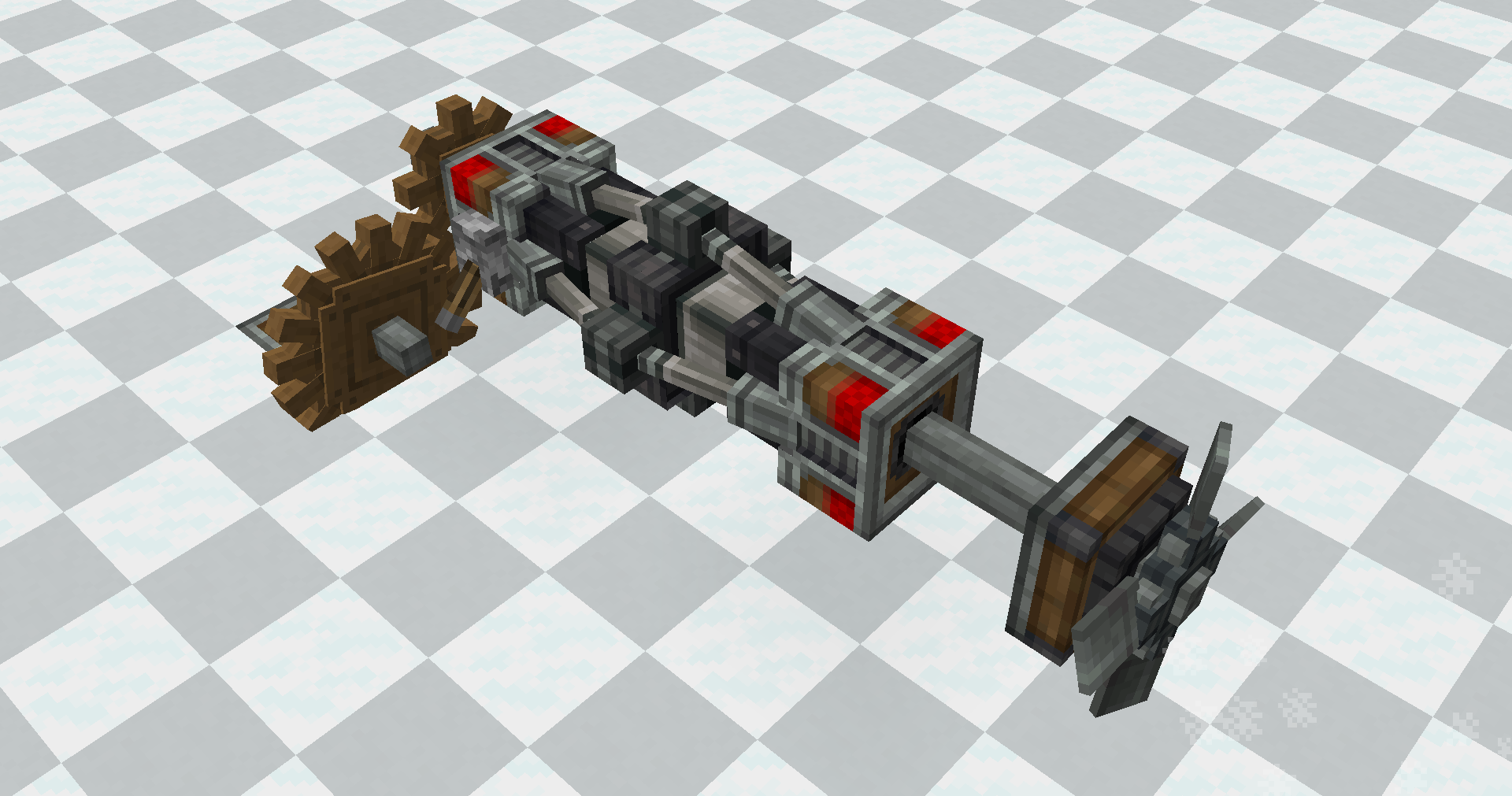
Adds a type of docking connector that is able to transfer rotational power between sub-levels.
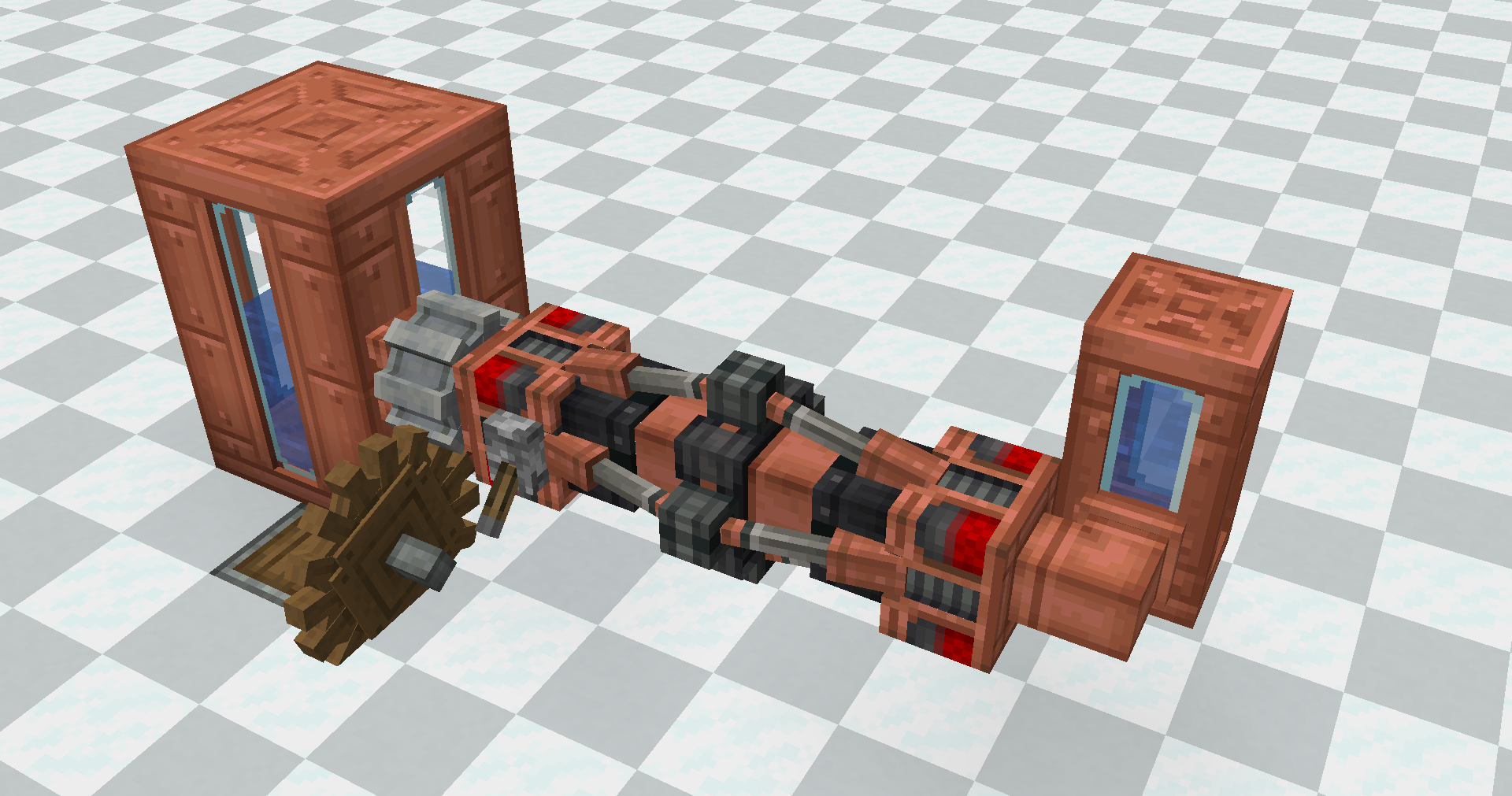
Adds another type of docking connector that is able to transfer fluids between sub-levels. Specifically, this acts like a fluid pipe, meaning a pump is only required on one side of the connector. Useful for creating a way to interface with a fluid tank that exists as its own sublevel, without adding pumps on either side:
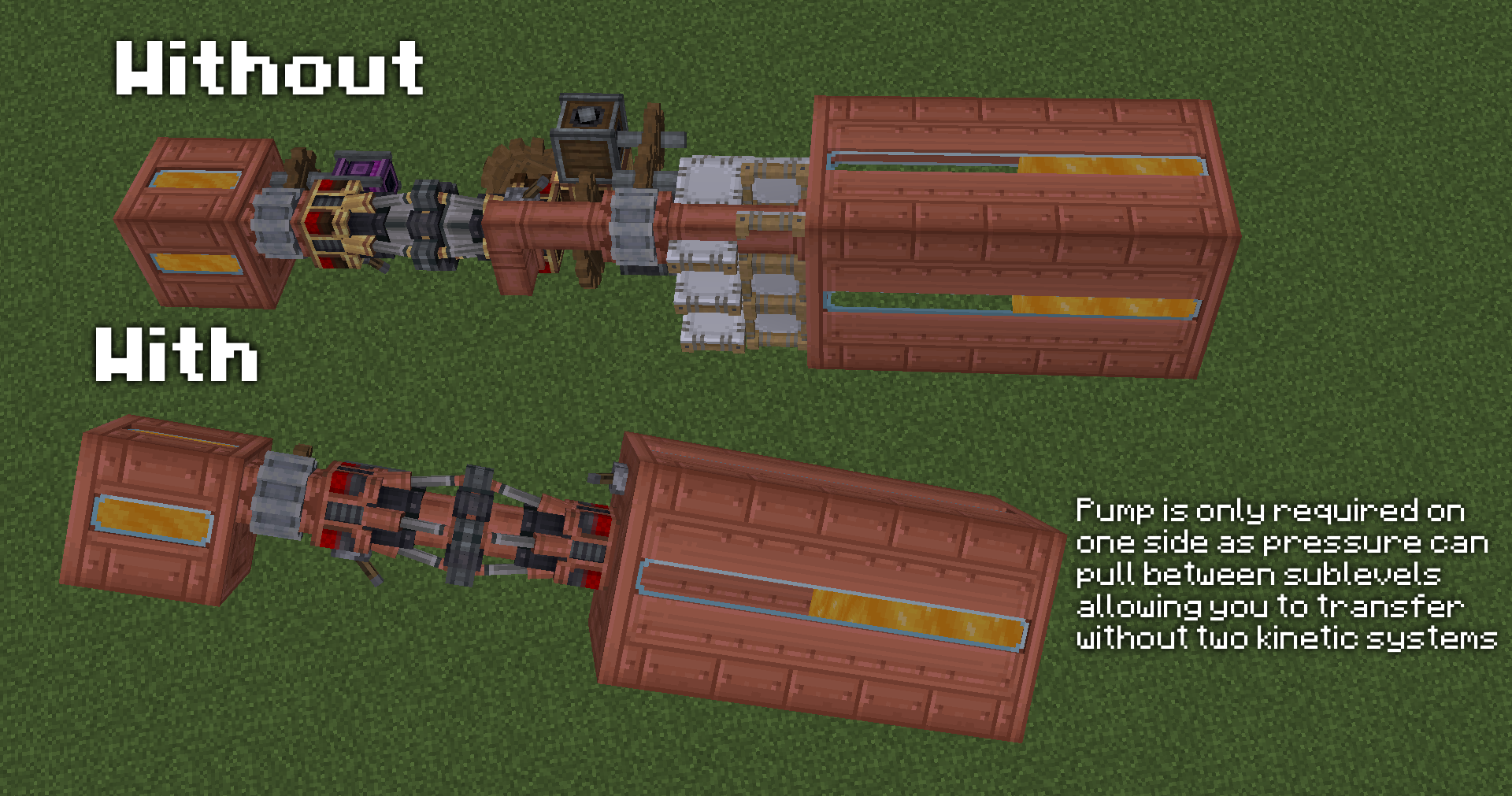
Both of these connectors can only be used for their specific purpose, and you will still want to use normal docking ports for the transfer of items, power or ComputerCraft signals.
Project description from CurseForge.
Pick your setup
Choose the version and loader you play, then open the matching release.
Check the dependencies, then try the file in a copied instance before changing a world you care about.
Recent files
docking_connectors_plus-2.1.1.jar
13 Sept 2026
docking_connectors_plus-2.1.0.jar
12 Sept 2026
docking_connectors_plus-2.0.2.jar
11 Sept 2026
docking_connectors_plus-2.0.1.jar
11 Sept 2026
Looking for an older file? The official CurseForge project page is in Resources.
 mod
modA Minecraft mod inspired by classic slingshot-based bird games, featuring flying bird characters, destructible builds, and creative physics-driven gameplay. Requires Sable, Create and Create Aeronautics.
 mod
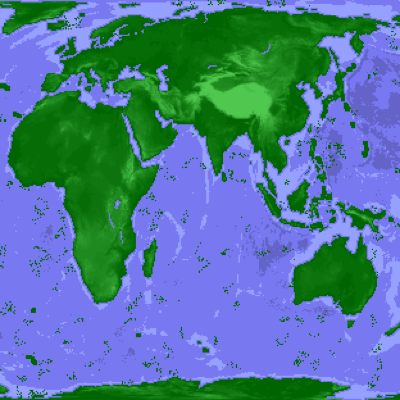
modEarth-like world generator using real-world maps for terrain and climate, fully integrated with TerraFirmaCraft’s original content and progression
 mod
modBuild real Waterparks with fully customizable slides!