Minecraft version
Back to mods 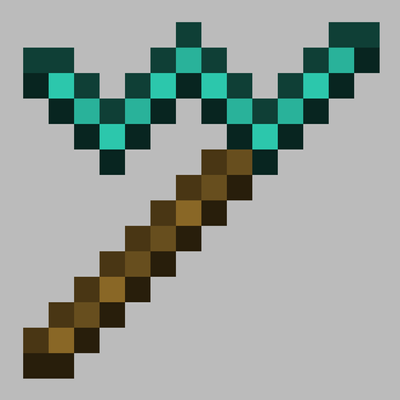
CurseForge · Minecraft mod
StairCarver
A tool to carve blocks directly into their stair (or slab) counterparts while in the world
Choose a version Pick your version below, then grab the matching file.
Quick answer
Which StairCarver release should I use?
beta file stair_carver-0.1.0.jar
Game version 1.18.2
Loader Forge
StairCarver stair_carver-0.1.0.jar targets 1.18.2 with Forge. The project page does not say whether this file belongs on the client, dedicated server, or both. No extra mods listed for this file.
Where it goes
Is StairCarver required on the client, server, or both?
The project page does not say whether this file belongs on the client, dedicated server, or both.
Client Source doesn’t say
Dedicated server Source doesn’t say
Loader for this release Forge
Required install it here Optional supported, not mandatory Not supported do not install here Source doesn’t say do not assume
The source does not explicitly classify this release as client-only or server-only.
What else does StairCarver stair_carver-0.1.0.jar need?
stair_carver-0.1.0.jar. Change the file and its required mods may change too.
This file does not list any required mods. Do not add a library just because a different file uses it.
This file does not list any required or optional mods.
Before you install it
Add StairCarver without breaking your instance.
Built for StairCarver stair_carver-0.1.0.jar. Pick another file and the loader, install side or required mods may change.
- 01
Stick to this file
Use stair_carver-0.1.0.jar. It targets 1.18.2 with Forge; another release may have different loader, side or dependency requirements.
- 02
Bring the mods it needs
This file does not list any required mods. Do not add a library just because a different file uses it.
- 03
Put it on the correct side
The project page does not say whether this file belongs on the client, dedicated server, or both.
- 04
Pick the file you checked
Use the “Get this file” button beside stair_carver-0.1.0.jar. It opens that exact file at the source.
About this project
What does StairCarver add?
Story time:
When I mine, I make it 2x2, because it’s easy and simple. But then coming back up the mine, I feel like I’m smacking my head with every step. So then I make it a block taller. But then going up and down feels like it takes forever. So I need to add stairs. Which means crafting stairs. And placing stairs. And ugh that one went in upside down. And guess what, placing these stairs makes the mine 2x2 again! So mine out the ceiling again…
None of this sounds conducive to actually finding those diamonds…
So enter: this mod!
Introducing a stair carver tool that mines blocks in the world directly into stairs!
The tool also allows you to rotate stairs with a right click, or flip stairs with a crouch click.
(Also featuring a slab carver that’s…the same thing, but slabs.)
But wait! Deepslate doesn’t have stairs!
It does now. :) As well as dripstone, tuff, and calcite.
Datapack Friendly
Even better, this mod is datapack friendly for support for other mods that add stairs!
Support for Celestial Exploration planet resources and Oh The Biomes You'll Go world gen blocks is already included, no extra steps necessary!
If you want to add more yourself, however, say for BYG bricks or any other mod, simply add a json file at data/yourmodid/stair_carver/carver. Your file should look like:
{ "mod": "yourmodid" "block": "yourblockhere" "stair": "yourstairblockhere" "slab": "yourslabblockhere" }
Ta-da!
Project description from CurseForge.
Pick your setup
StairCarver by Minecraft version and loader
Choose the version and loader you play, then open the matching release.
Check the dependencies, then try the file in a copied instance before changing a world you care about.
Recent files
StairCarver versions and loaders
stair_carver-0.1.0.jar
18 Sept 2026
Client Source doesn’t say Server Source doesn’t say Dependencies No extras listed Listed on Release listing
Check the 1.18.2 · Forge setup Forge1.18.2 beta
stair_carver-0.0.1.jar
15 Sept 2026
Client Source doesn’t say Server Source doesn’t say Dependencies No extras listed Listed on Release listing
Check the 1.18.2 · Forge setup Forge1.18.2 beta
Looking for an older file? The official CurseForge project page is in Resources.
 mod
mod CurseForge + Modrinth · Minecraft
Mace Port
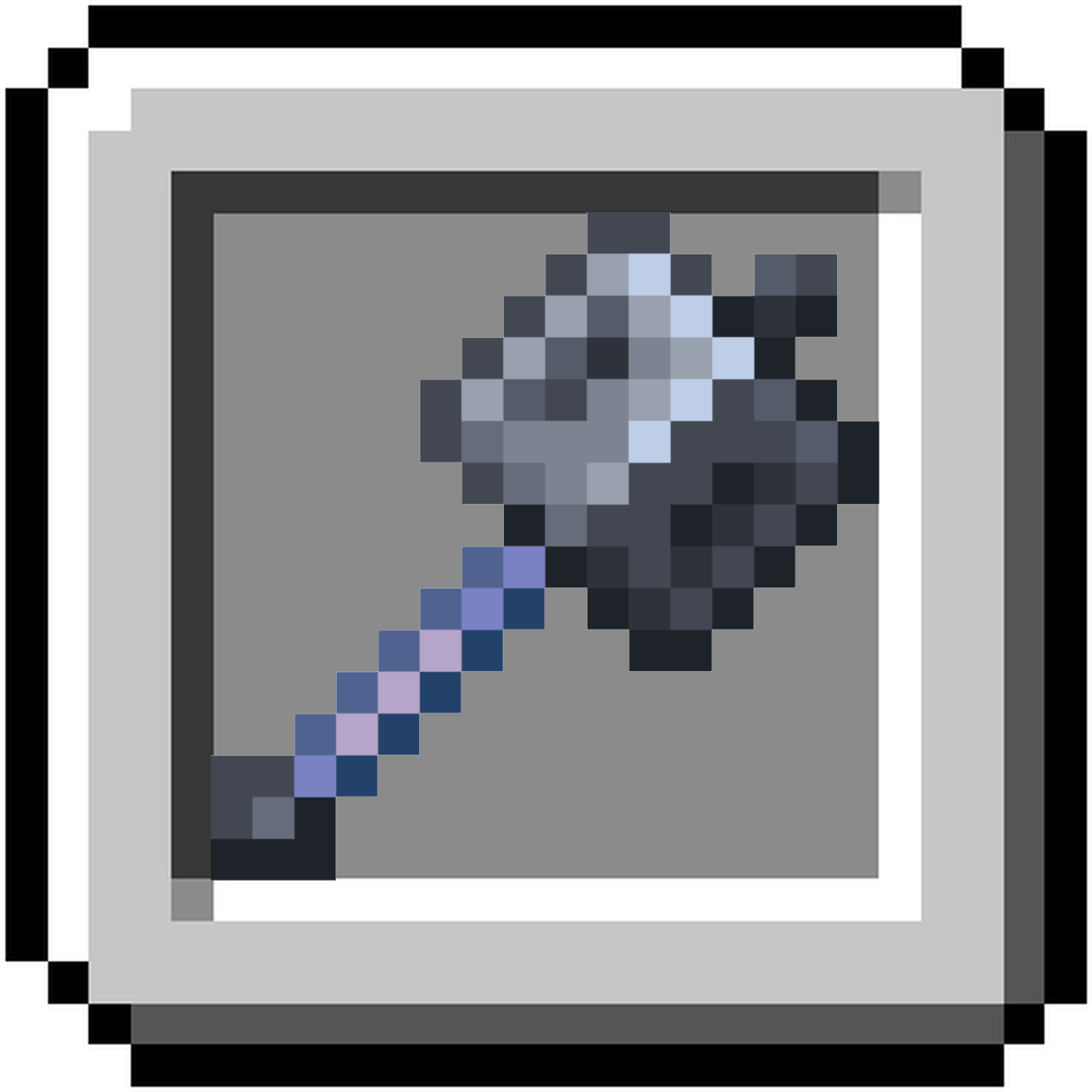
Vanilla friendly Backport of the 1.21 Mace weapon! Available on both Forge and Fabric (finally)
 mod
mod CurseForge · Minecraft
Key Items
An RPG inspired configurable inventory for keeping and using important items.
 mod
mod CurseForge · Minecraft
AegisArmory
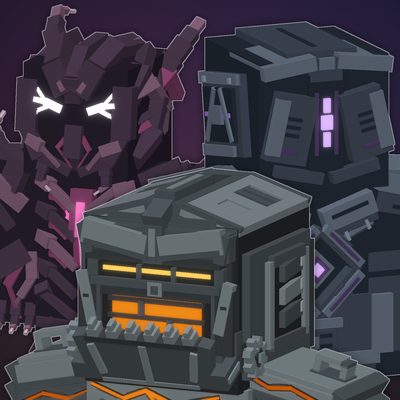
Aegis Armory adds nine highly detailed armor sets, each featuring a distinct combat style, passive effects, and a unique active ability.