Corpse Needed by Corpse Waypoints 1.2.0 - Forge 1.18.2
requiredMatching file found Matched file: [1.18.2] Corpse 1.18.2-1.0.1
CurseForge · Minecraft mod
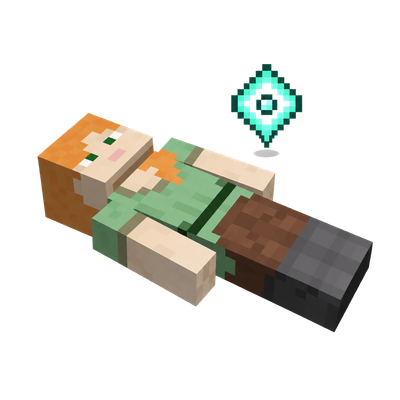
Animated waypoints for the Corpse mod. Look at a marker for its death number and distance. Markers appear only in the body's dimension and disappear when fully looted.
Quick answer
Corpse Waypoints 1.2.0 - Forge 1.18.2 targets 1.18.2 with Forge. The project page does not say whether this file belongs on the client, dedicated server, or both. All 1 required mods have matching files.
Where it goes
The project page does not say whether this file belongs on the client, dedicated server, or both.
The source does not explicitly classify this release as client-only or server-only.
Corpse Waypoints 1.2.0 - Forge 1.18.2 on 1.18.2 Forge. Every mod below is checked against that same setup.
Install Corpse first. We found matching files for this game-version and loader setup. 2 come through another mod in the chain.
2 extra mods were pulled in by other dependencies. Indented rows show who needs each one. We only count dependency files that match this setup. A file for another loader does not fill the gap.
Before you install it
Built for Corpse Waypoints 1.2.0 - Forge 1.18.2 on 1.18.2 Forge. Pick another file and the loader, install side or required mods may change.
Use Corpse Waypoints 1.2.0 - Forge 1.18.2. It targets 1.18.2 with Forge; another release may have different loader, side or dependency requirements.
Install Corpse first. We found matching files for this game-version and loader setup. 2 come through another mod in the chain.
The project page does not say whether this file belongs on the client, dedicated server, or both.
Use the “Get this file” button beside Corpse Waypoints 1.2.0 - Forge 1.18.2. It opens that exact file at the source.
About this project
Find your loot. Keep your screen clear.
A companion addon for Corpse that guides you back to your belongings with small, animated waypoints. No map mod needed.
Your corpse gets a gently animated diamond marker, visible through terrain.
Look directly at it to reveal its death number and distance. Look away, and the details smoothly fade out.
Minecraft 1.21.1 · NeoForge 21.1.232 or newer
Requires Corpse 1.21.1-1.1.13 or newer, built for Minecraft 1.21.1.
Place both mods in your mods folder. For multiplayer, install both on the server and on each client that wants waypoints.
No minimap or world map required.
Project description from CurseForge.
Pick your setup
Choose the version and loader you play, then open the matching release.
Check the dependencies, then try the file in a copied instance before changing a world you care about.
Recent files
corpse-waypoints-1.2.0-forge-1.18.2.jar
9 Oct 2026
Looking for an older file? The official CurseForge project page is in Resources.