Just Enough Items (JEI) Optional for nookworks-1.8.0.jar
optionalMatching file found Matched file: 31.23.0.130 for NeoForge 26.3
CurseForge · Minecraft mod
String café lights, cook meals that sit on the table, print posters and run a belt-driven workshop. Vanilla-style, for NeoForge 26.3 and 1.21.1.
Quick answer
nookworks-1.8.0.jar targets 26.3 with NeoForge. The project page does not say whether this file belongs on the client, dedicated server, or both. No extra mods listed for this file.
Where it goes
The project page does not say whether this file belongs on the client, dedicated server, or both.
The source does not explicitly classify this release as client-only or server-only.
nookworks-1.8.0.jar on NeoForge. Every mod below is checked against that same setup.
This file does not list any required mods. Do not add a library just because a different file uses it.
2 extra mods were pulled in by other dependencies. Indented rows show who needs each one. We only count dependency files that match this setup. A file for another loader does not fill the gap.
Before you install it
Built for nookworks-1.8.0.jar on NeoForge. Pick another file and the loader, install side or required mods may change.
Use nookworks-1.8.0.jar. It targets 26.3 with NeoForge; another release may have different loader, side or dependency requirements.
This file does not list any required mods. Do not add a library just because a different file uses it.
The project page does not say whether this file belongs on the client, dedicated server, or both.
Use the “Get this file” button beside nookworks-1.8.0.jar. It opens that exact file at the source.
About this project
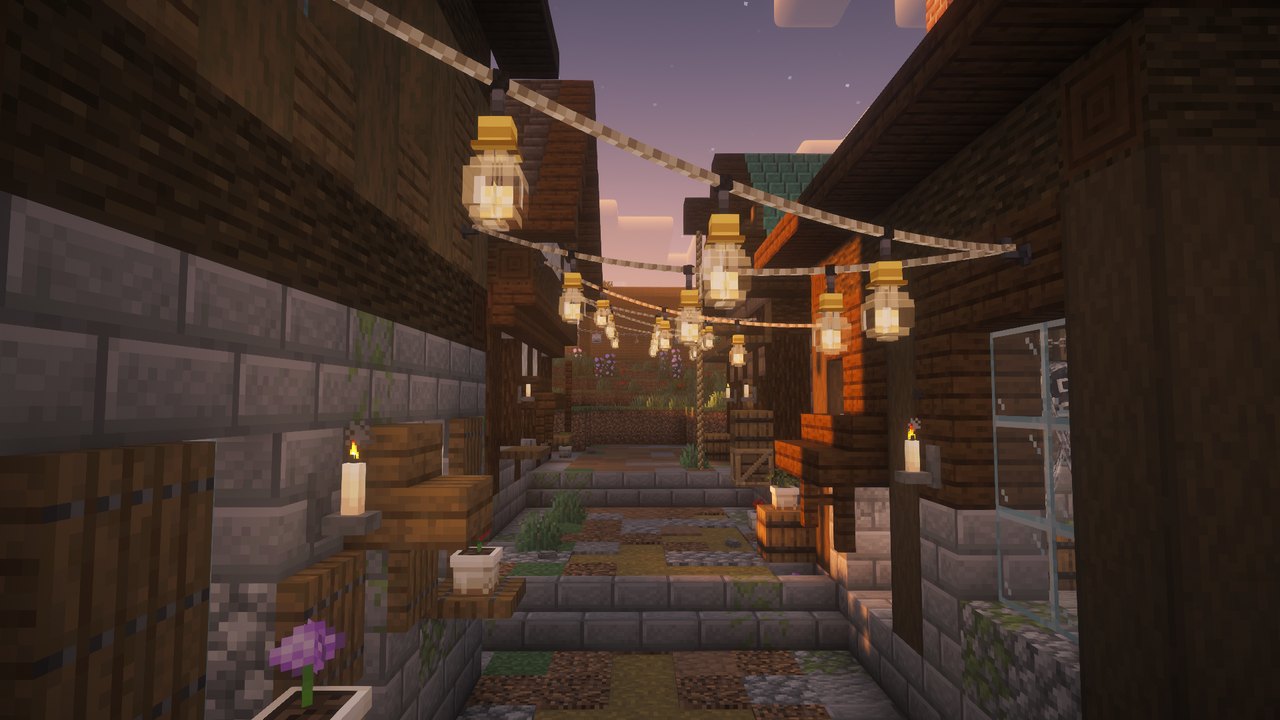
Nookworks adds the small things that make a Minecraft world feel lived in. String café lights between your houses, cook a meal and set it on the table, print posters for your walls. When you want more, build a workshop where one Motor turns a whole row of machines. About 300 blocks and items, all in vanilla's style.
NeoForge · Minecraft 26.3 and 1.21.1 · no other mods needed · JEI and Jade optional · no world generation · Player guide · Source
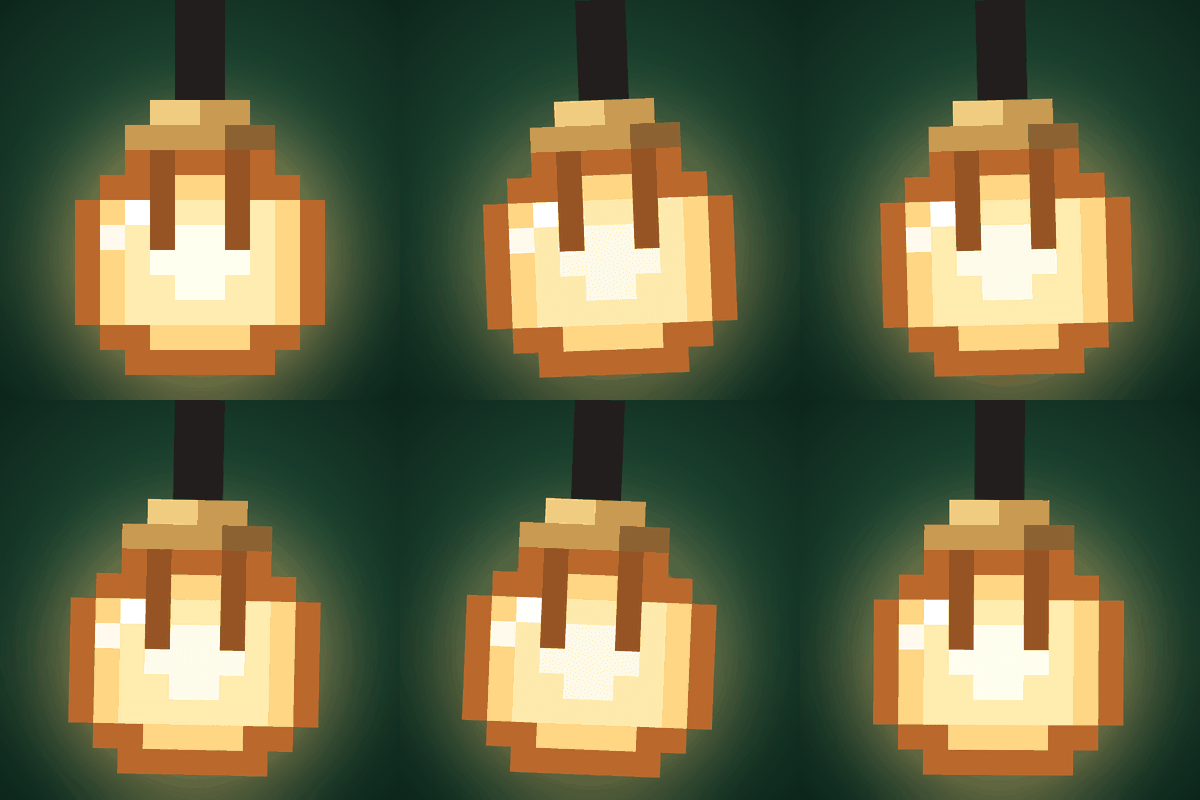
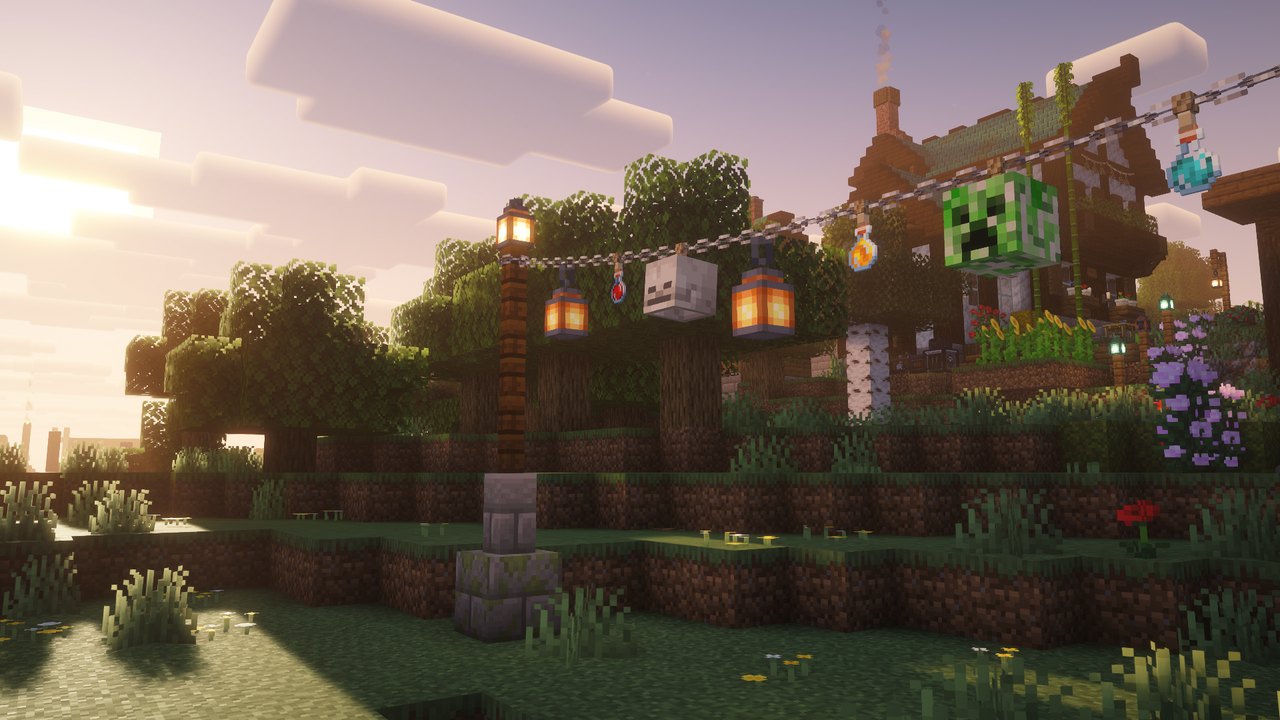
Tie Thin Rope from post to post and it sags into place. Hang Filament Bulbs, lanterns, banners or flowers on it, then pull the lever at the post to switch the whole line on. Thin Chain works the same way, in iron.
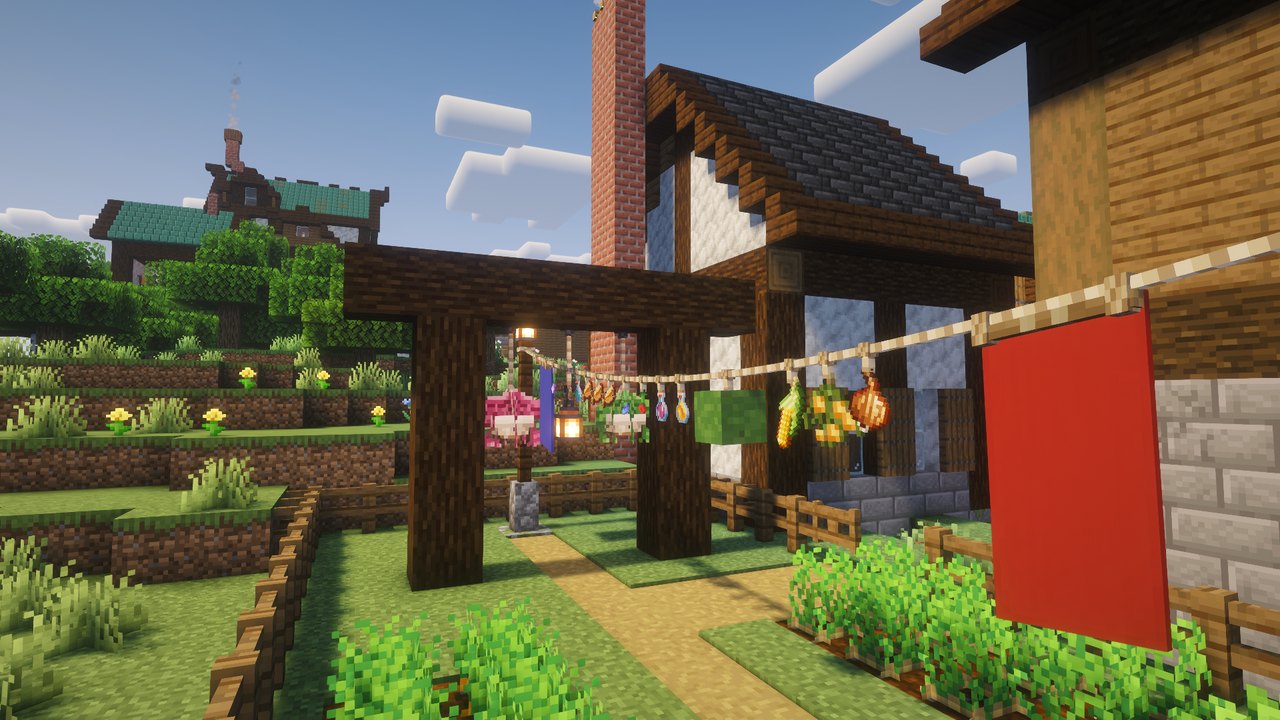
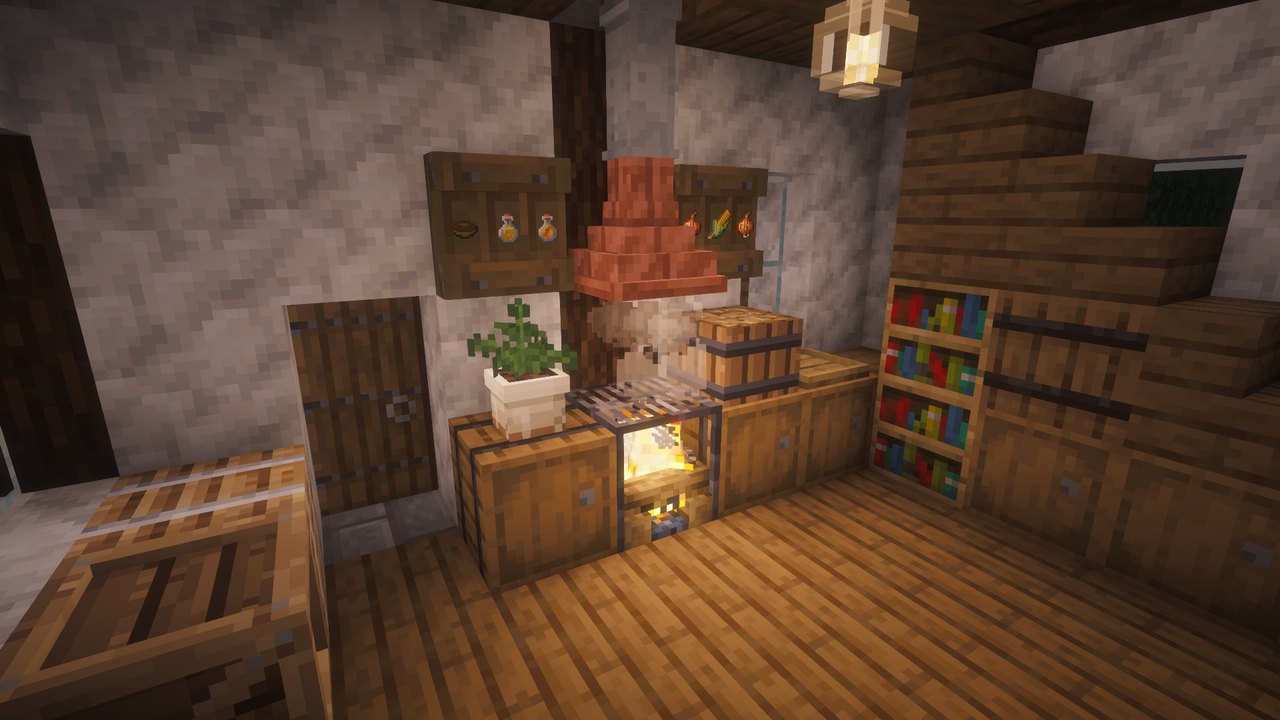
Grow rice in a paddy, make udon in the Noodle Maker, fry rice in the Frying Pan and karaage in the Iron Pot. Every dish shows up in 3D on a Plate or a Wooden Tray, so you can really set the table. A brass Kitchen Tap pours from a pipe, a tank or a cauldron.
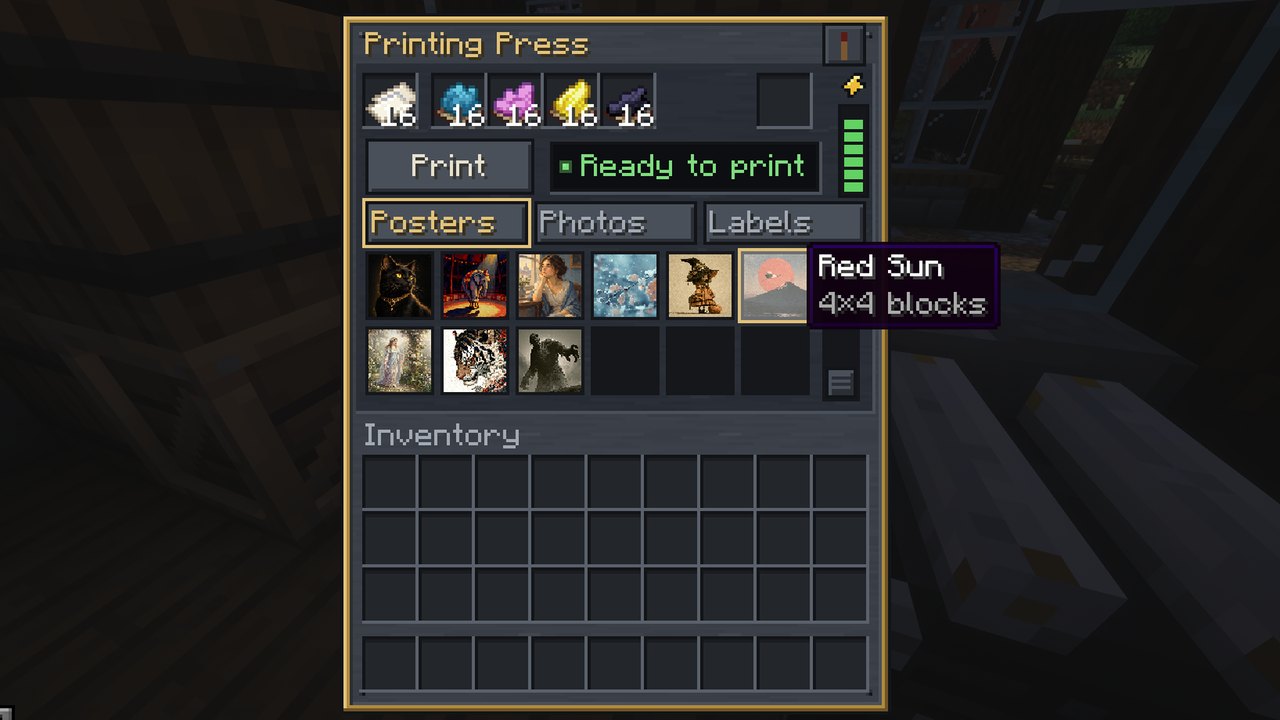
The Printing Press prints 69 posters, from 1x1 up to 4x4, and labels for your chests. Take photos with the Camera and print those as posters too.
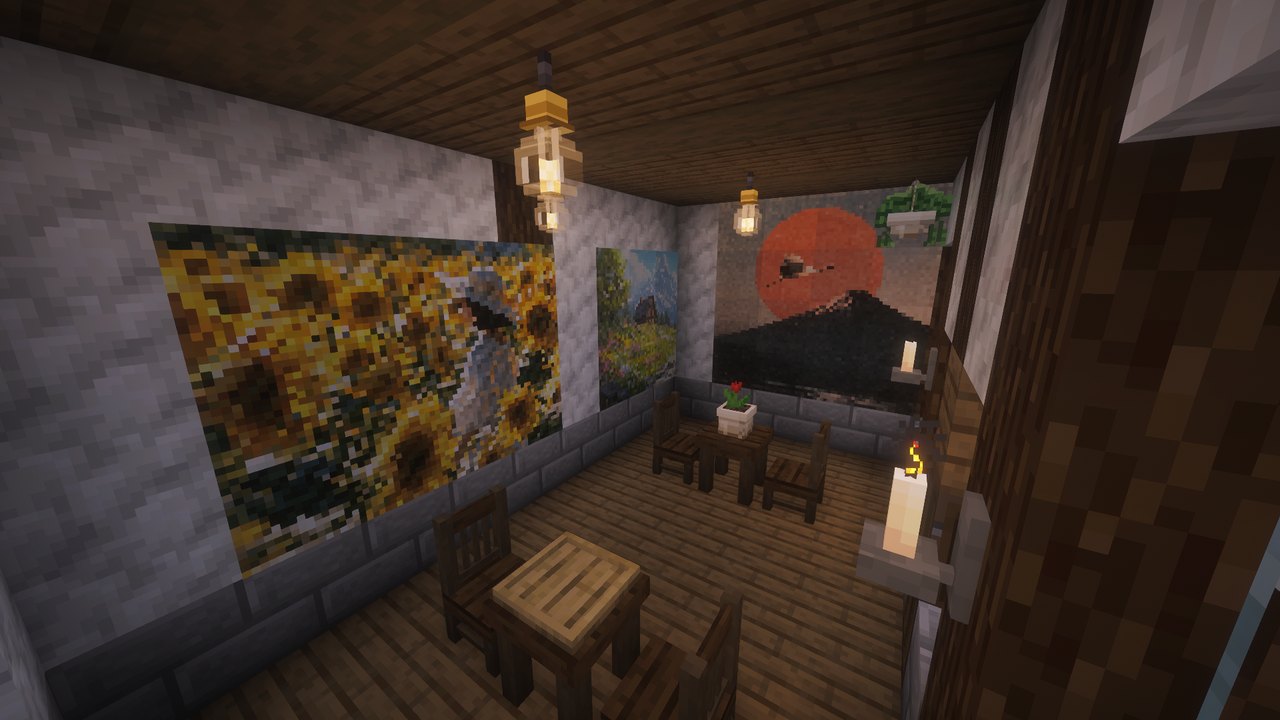
Every wood gets chairs, benches, Wall Shelves and desks. Set desks side by side and they join into one long desk. Pile books on a desk or stand them in a row with a Bookend, and put a lantern out when you go to bed.
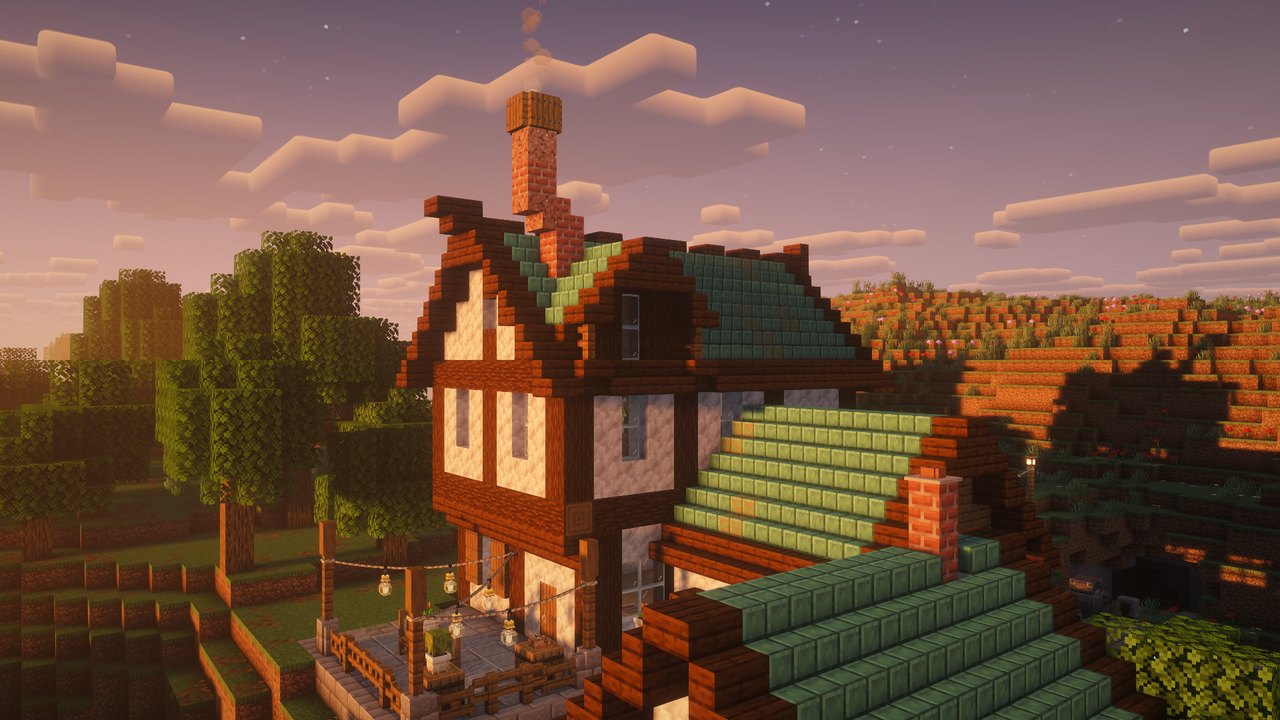
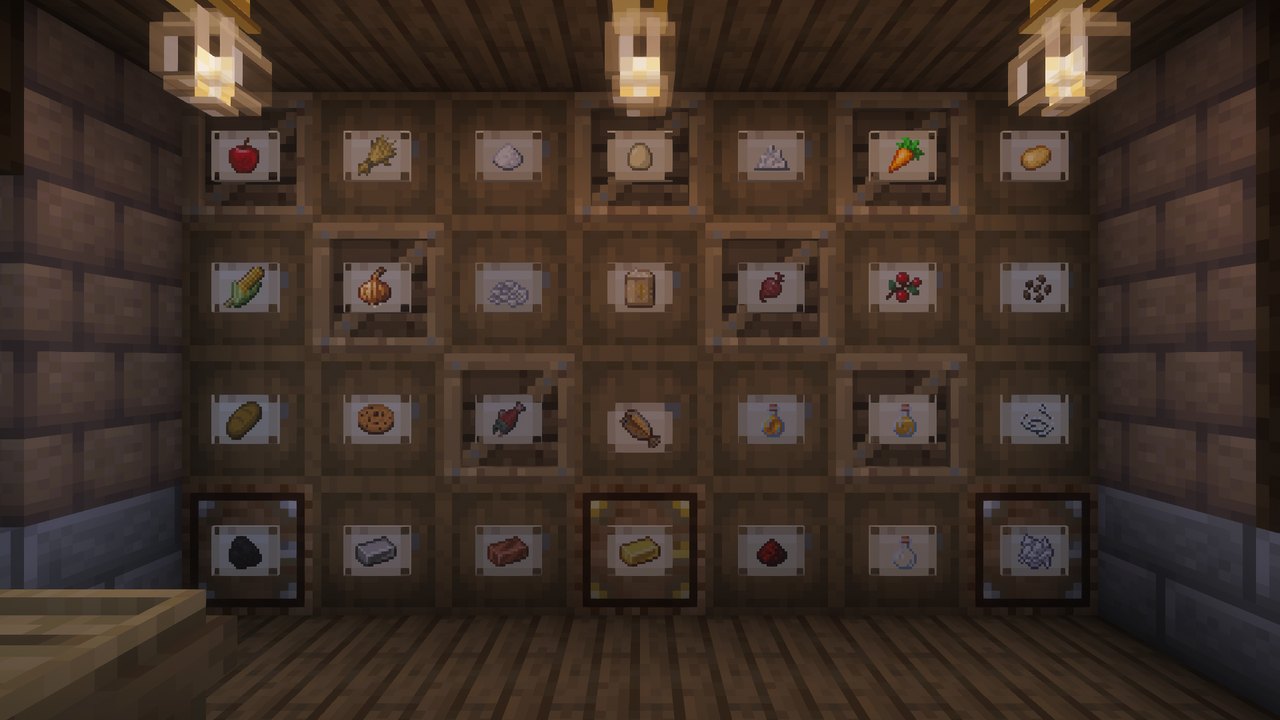
Storage Barrels come in five tiers, up to 135 slots that each hold 1,024 stacks. Upgrade them in place without emptying them. A Sort button tidies the barrels and vanilla's chests in one click.
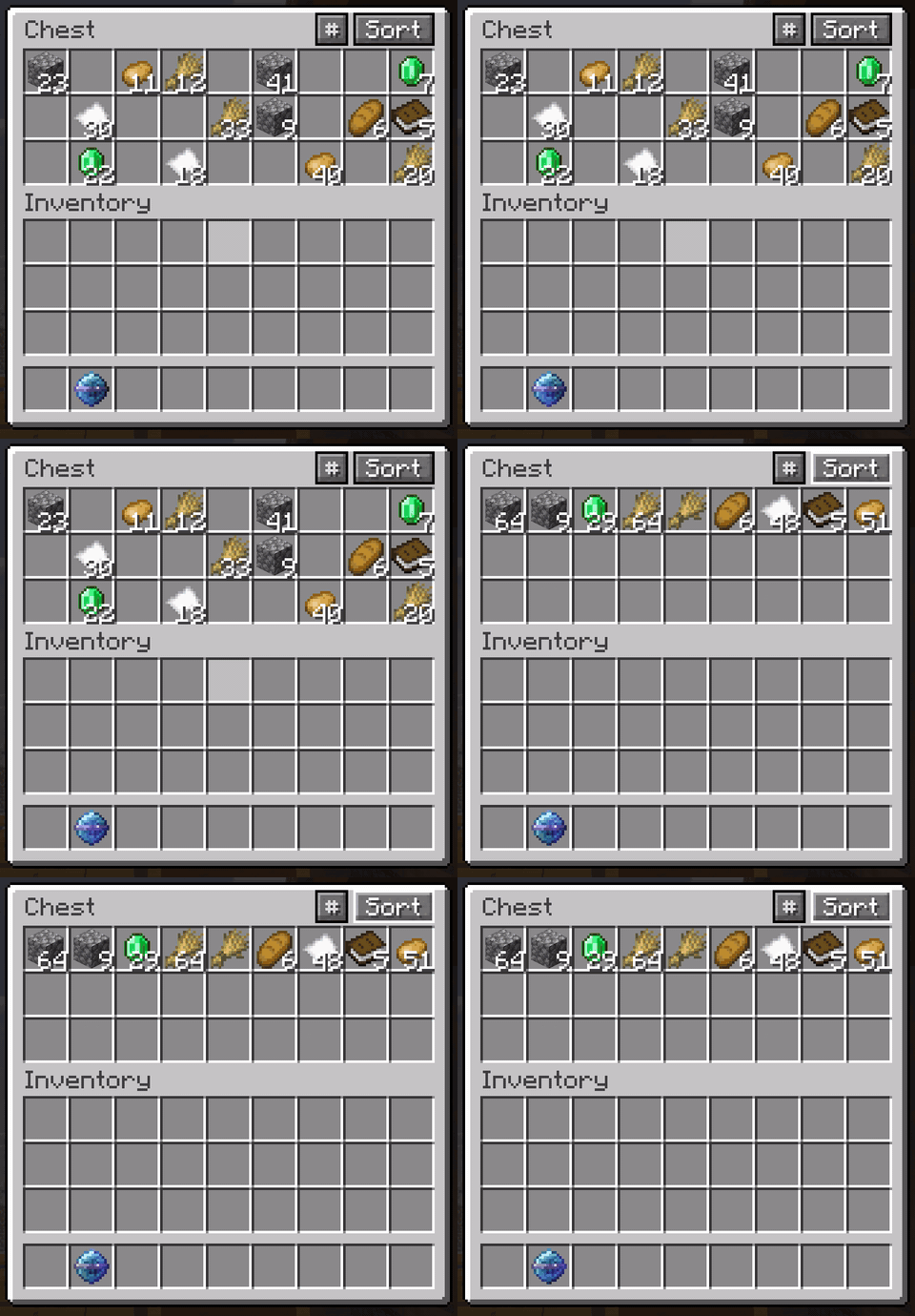
Break a log with an axe and the whole tree comes down. Mine an ore and the rest of the vein follows, or sneak to break just one block. Put Rootbound on your axe and the saplings plant themselves.
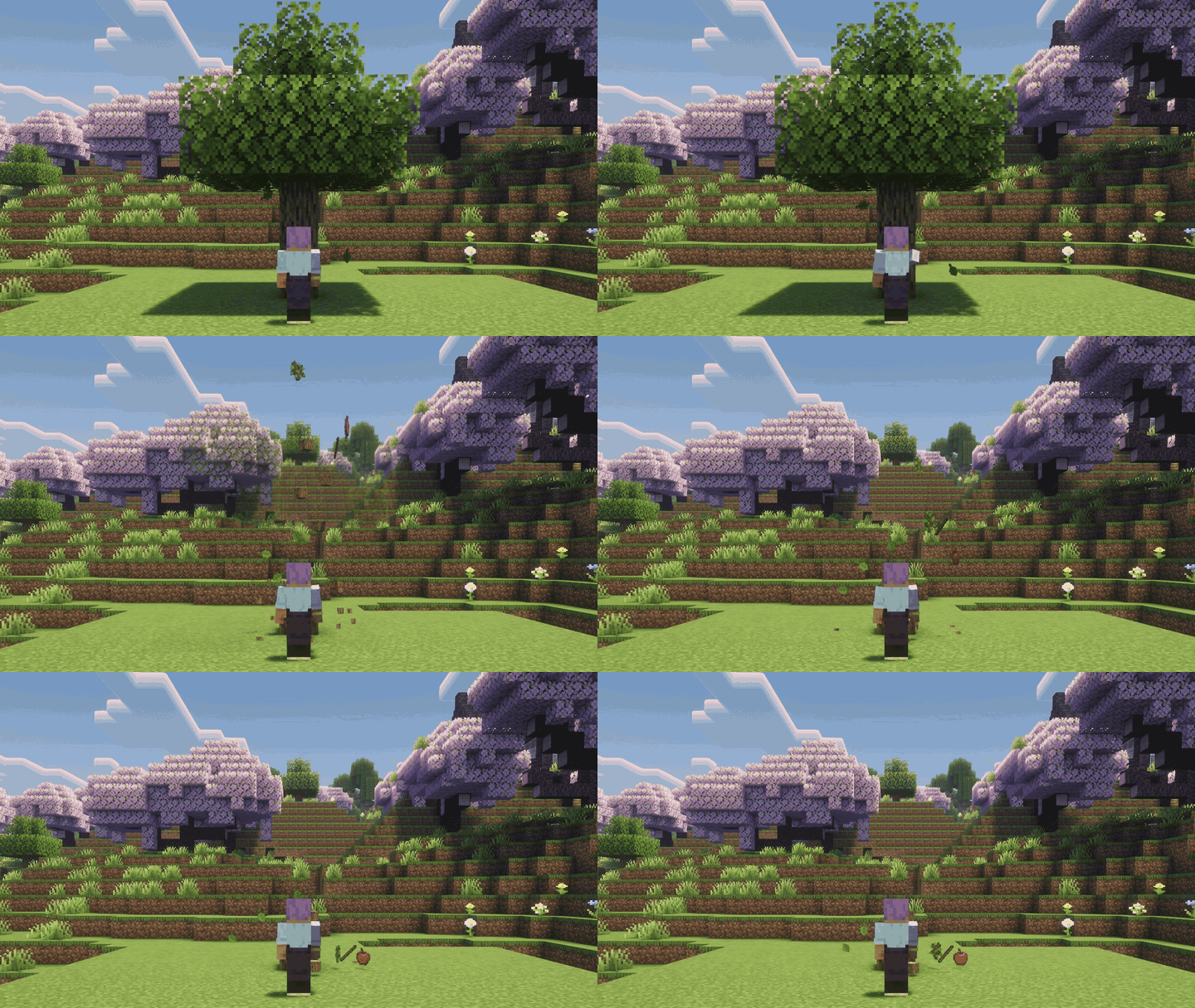
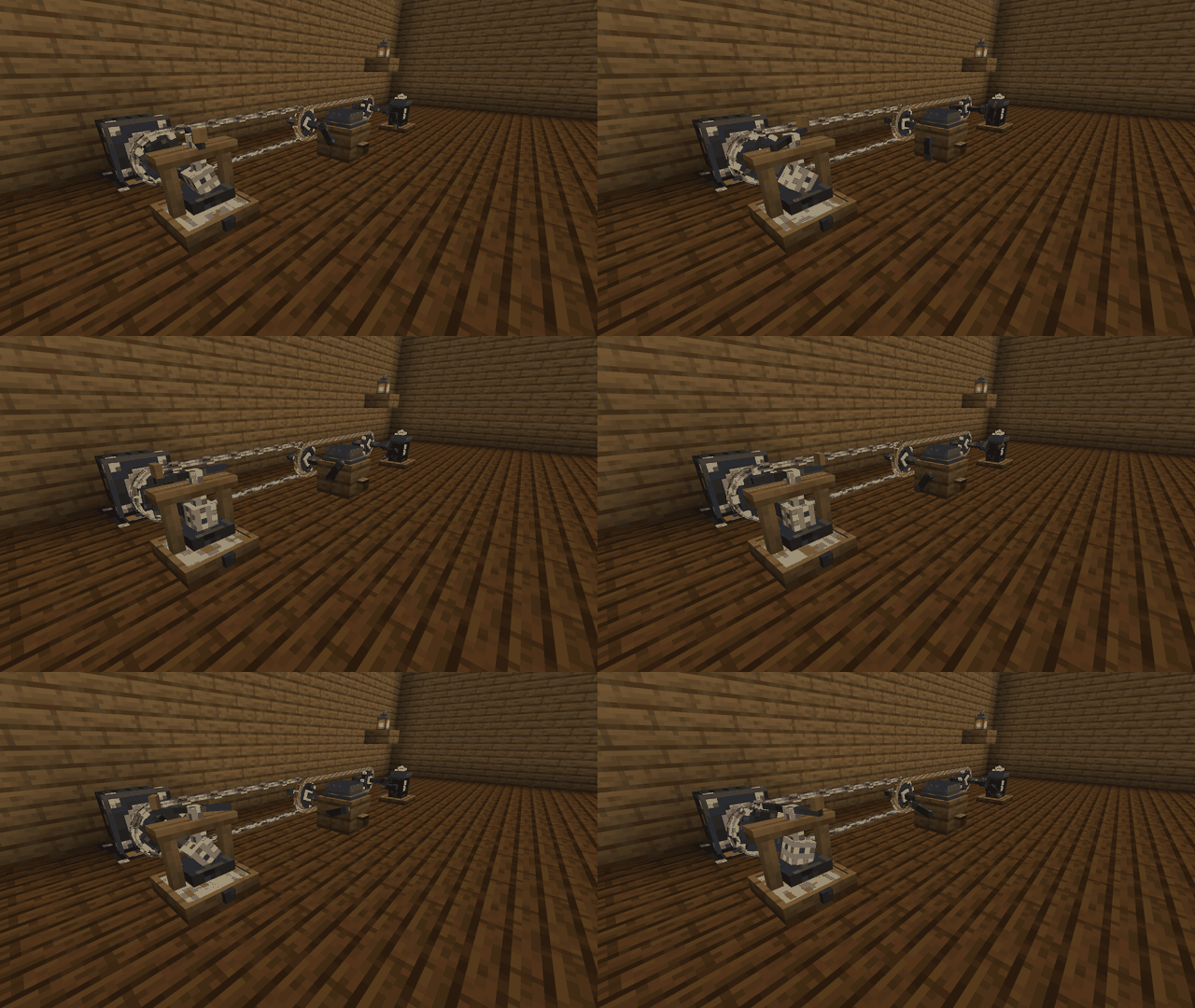
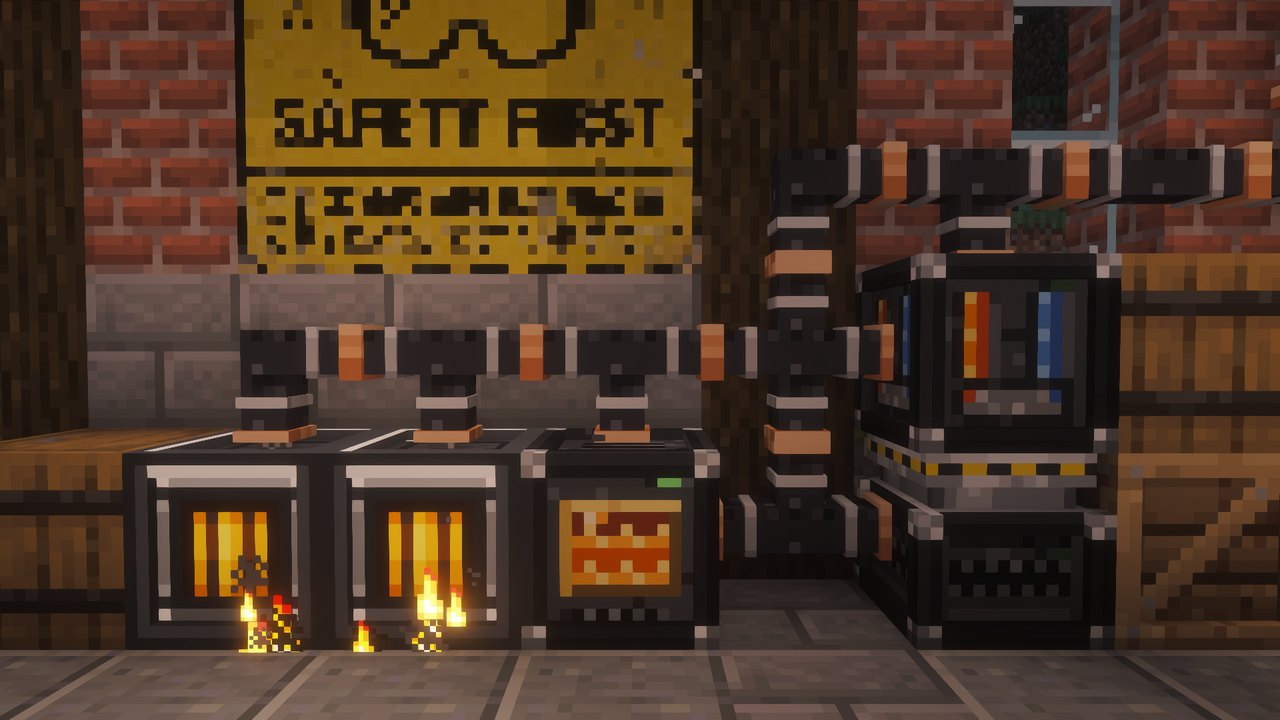
Burn coal, oil or biodiesel in Generators to run a Crusher, a Sifter and an Electric Furnace. One Motor turns a whole row of machines through rope and chain belts. Pump oil, pipe it into tanks, and work your way up to Velarium, a tool and armor tier above netherite.
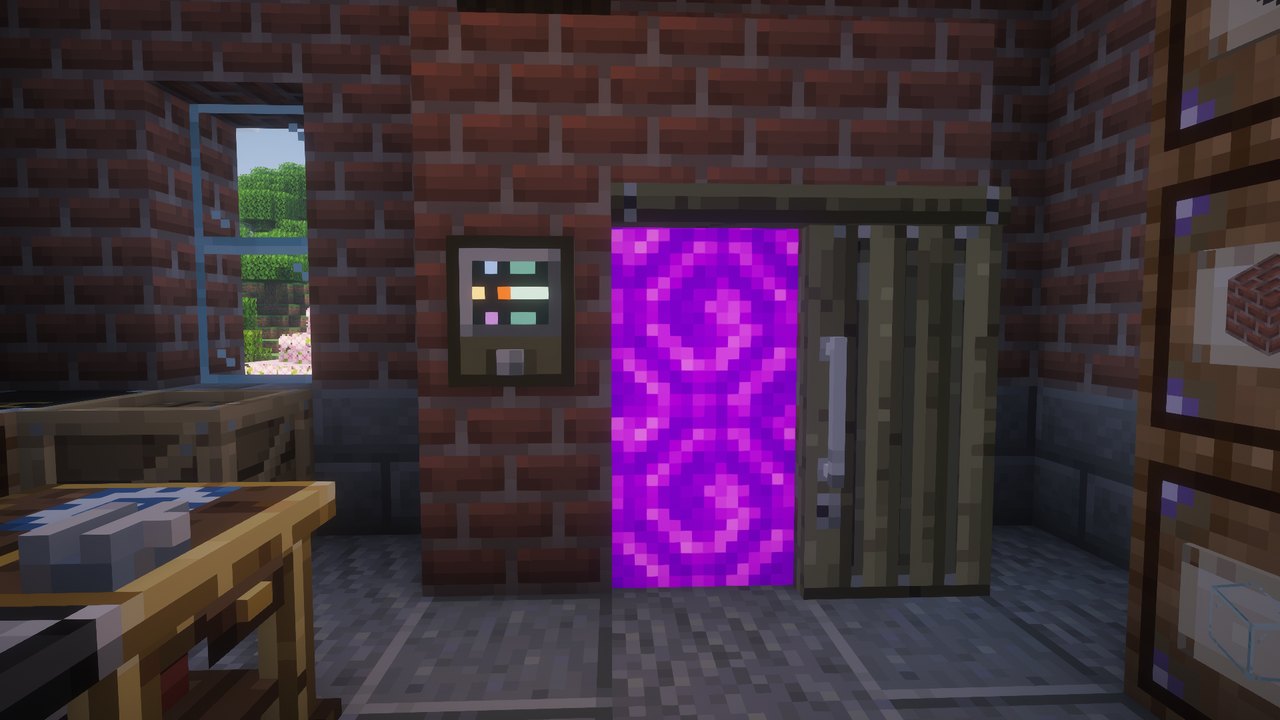
The Dock-a-Daemon Door opens onto every dimension you have visited. Choose where on the panel beside it, and your base needs no wall of portals. Through the If Mirror lies a fresh overworld from another seed, with new ground to mine and build on.
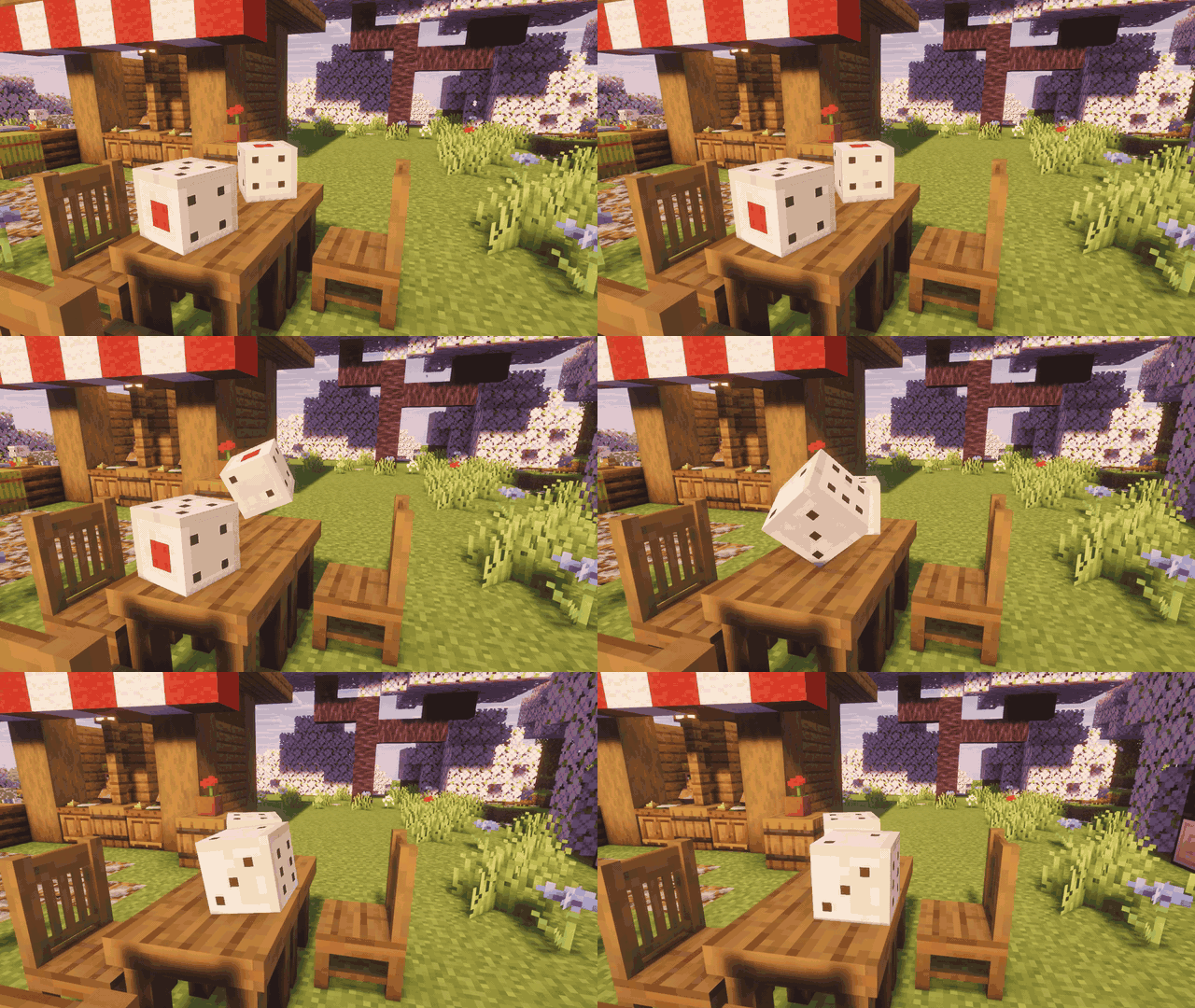
Everything else is in the player guide.
Which file do I need? Files named nookworks-1.21.1-... are for Minecraft 1.21.1 (NeoForge 21.1.219 or later, Java 21). The others are for 26.3 (NeoForge 26.3.0.76 or later, Java 25). Install it on both the client and the server. The 1.21.1 version has everything except a few things that need newer vanilla blocks.
Can I turn parts off? Yes. Choose which parts a world has under Create World → More → Nookworks Parts, or later in the mod's config. Items and recipes that depend on a part are switched off with it.
Fabric? No, Nookworks is NeoForge only.
License: MIT. Free to use in modpacks.
Feedback and bug reports: the comments here, or GitHub issues.
Made with AI: Nookworks is made with Claude (Anthropic) under the author's direction, and the poster art is AI-made too. Most screenshots use the Complementary Reimagined shaders.
Player guide in English, 日本語, 简体中文, 繁體中文, 한국어, Español, Русский and Português: Nookworks guide
Project description from CurseForge.
Pick your setup
Choose the version and loader you play, then open the matching release.
Check the dependencies, then try the file in a copied instance before changing a world you care about.
Recent files
24 Nov 2026
18 Nov 2026
17 Nov 2026
15 Nov 2026
12 Nov 2026
11 Nov 2026
6 Nov 2026
1 Nov 2026
1 Nov 2026
1 Nov 2026
26 Oct 2026
26 Oct 2026
Looking for an older file? The official CurseForge project page is in Resources.