Minecraft version
Back to mods 
CurseForge · Minecraft mod
Pixel Blood
Blood will now dynamically place onto blocks, carpet, beds and snow
Choose a version Pick your version below, then grab the matching file.
Quick answer
Which Pixel Blood release should I use?
Latest stable file PixelBlood-1.7.10-updated.jar
Game version 1.7.10
Loader Forge
Pixel Blood PixelBlood-1.7.10-updated.jar targets 1.7.10 with Forge. The project page does not say whether this file belongs on the client, dedicated server, or both. No extra mods listed for this file.
Where it goes
Is Pixel Blood required on the client, server, or both?
The project page does not say whether this file belongs on the client, dedicated server, or both.
Client Source doesn’t say
Dedicated server Source doesn’t say
Loader for this release Forge
Required install it here Optional supported, not mandatory Not supported do not install here Source doesn’t say do not assume
The source does not explicitly classify this release as client-only or server-only.
What else does Pixel Blood PixelBlood-1.7.10-updated.jar need?
PixelBlood-1.7.10-updated.jar. Change the file and its required mods may change too.
This file does not list any required mods. Do not add a library just because a different file uses it.
This file does not list any required or optional mods.
Before you install it
Add Pixel Blood without breaking your instance.
Built for Pixel Blood PixelBlood-1.7.10-updated.jar. Pick another file and the loader, install side or required mods may change.
- 01
Stick to this file
Use PixelBlood-1.7.10-updated.jar. It targets 1.7.10 with Forge; another release may have different loader, side or dependency requirements.
- 02
Bring the mods it needs
This file does not list any required mods. Do not add a library just because a different file uses it.
- 03
Put it on the correct side
The project page does not say whether this file belongs on the client, dedicated server, or both.
- 04
Pick the file you checked
Use the “Get this file” button beside PixelBlood-1.7.10-updated.jar. It opens that exact file at the source.
About this project
What does Pixel Blood add?
This will now add blood to dynamically place under blocks
Mobs will bleed their own colours (creeper and slime green, blaze yellow, magma cube black and orange, endermen magenta, skeletons none)
Showcase Video:
If a modded entity has "creeper" or "slime" in their name, they will bleed green. If a mob has "blaze" in their name they will bleed yellow. If a modded entity has "magma cube" in their name they shall bleed black and orange. If a modded entity has "enderman" in their name they will bleed magenta.
Every other entity without those specifications bleed red.
There is also a config that is automatically enabled that prevents the red hit overlay on mobs, you can turn this off in pixelblood.cfg in minecraft/config
Project description from CurseForge.
Pick your setup
Pixel Blood by Minecraft version and loader
Choose the version and loader you play, then open the matching release.
Check the dependencies, then try the file in a copied instance before changing a world you care about.
Recent files
Pixel Blood versions and loaders
PixelBlood-1.7.10-updated.jar
1 Oct 2026
Client Source doesn’t say Server Source doesn’t say Dependencies No extras listed Listed on Release listing
Check the 1.7.10 · Forge setup Forge1.7.10 release
Looking for an older file? The official CurseForge project page is in Resources.
 mod
mod CurseForge + Modrinth · Minecraft
Falling Leaves (Backport)
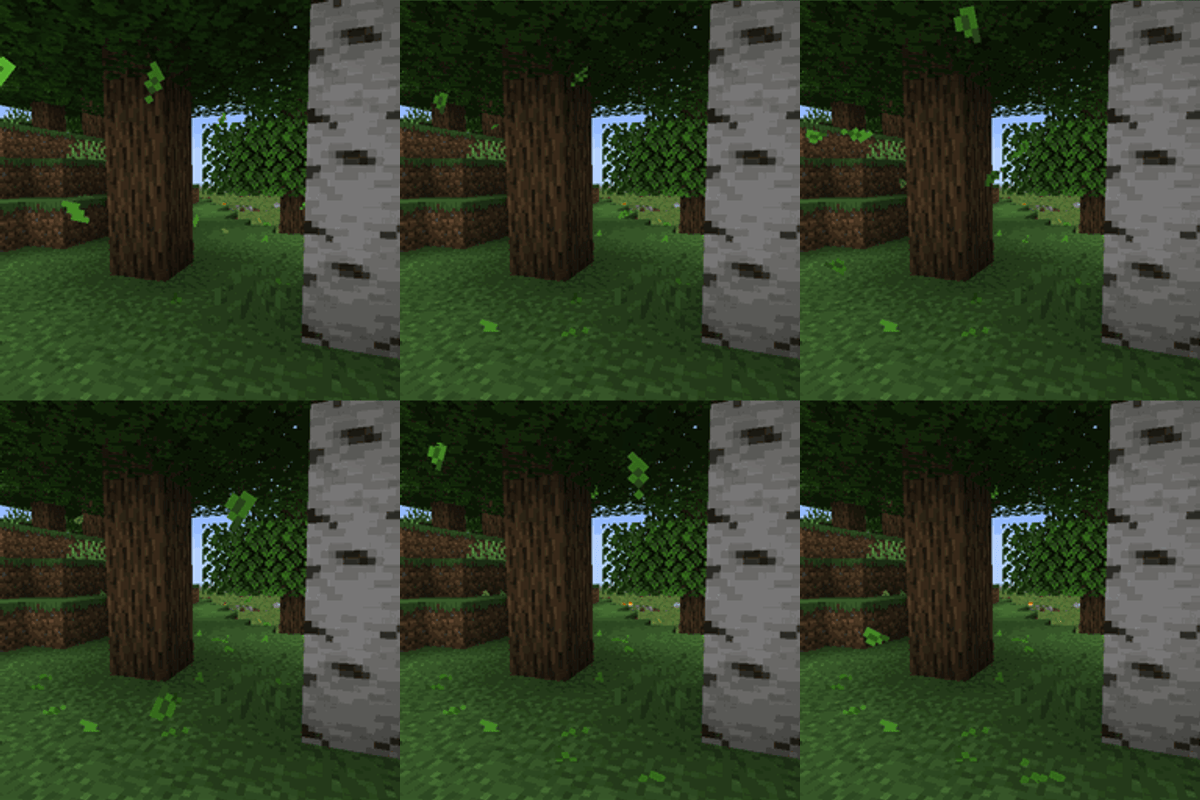
This mod for 1.12.2 adds a neat little particle effect to leaf blocks.
 mod
mod CurseForge + Modrinth · Minecraft
Inventory Profiles Next (Backport)
Take control over you inventory. Sort. Move matching Items. Throw all. Locked slots. Gear sets! And much more.
 mod
mod CurseForge · Minecraft
Machinery_Legend(器械师の传说)
Migrate the content of MVZ2 to minecraft in a reasonable manner and create some unique accessories or props