Fabric API Needed by Throughput 1.0.0-beta.1
requiredMatching file found Matched file: [26.3] Fabric API 0.162.0+26.3

CurseForge · Minecraft mod
Factorio-style production stats for any factory. Group containers, then read per-item rates over 1m to 10h, sparkline history and bottleneck alerts with time-to-empty in chat. Works with modded storage. Server-side; vanilla clients can join.
Quick answer
Throughput 1.0.0-beta.1 targets 26.3 with Fabric. The project page does not say whether this file belongs on the client, dedicated server, or both. All 1 required mods have matching files.
Where it goes
The project page does not say whether this file belongs on the client, dedicated server, or both.
The source does not explicitly classify this release as client-only or server-only.
Throughput 1.0.0-beta.1. Change the file and its required mods may change too.
Install Fabric API first. We found matching files for this game-version and loader setup.
We only count dependency files that match this setup. A file for another loader does not fill the gap.
Before you install it
Built for Throughput 1.0.0-beta.1. Pick another file and the loader, install side or required mods may change.
Use Throughput 1.0.0-beta.1. It targets 26.3 with Fabric; another release may have different loader, side or dependency requirements.
Install Fabric API first. We found matching files for this game-version and loader setup.
The project page does not say whether this file belongs on the client, dedicated server, or both.
Use the “Get this file” button beside Throughput 1.0.0-beta.1. It opens that exact file at the source.
About this project
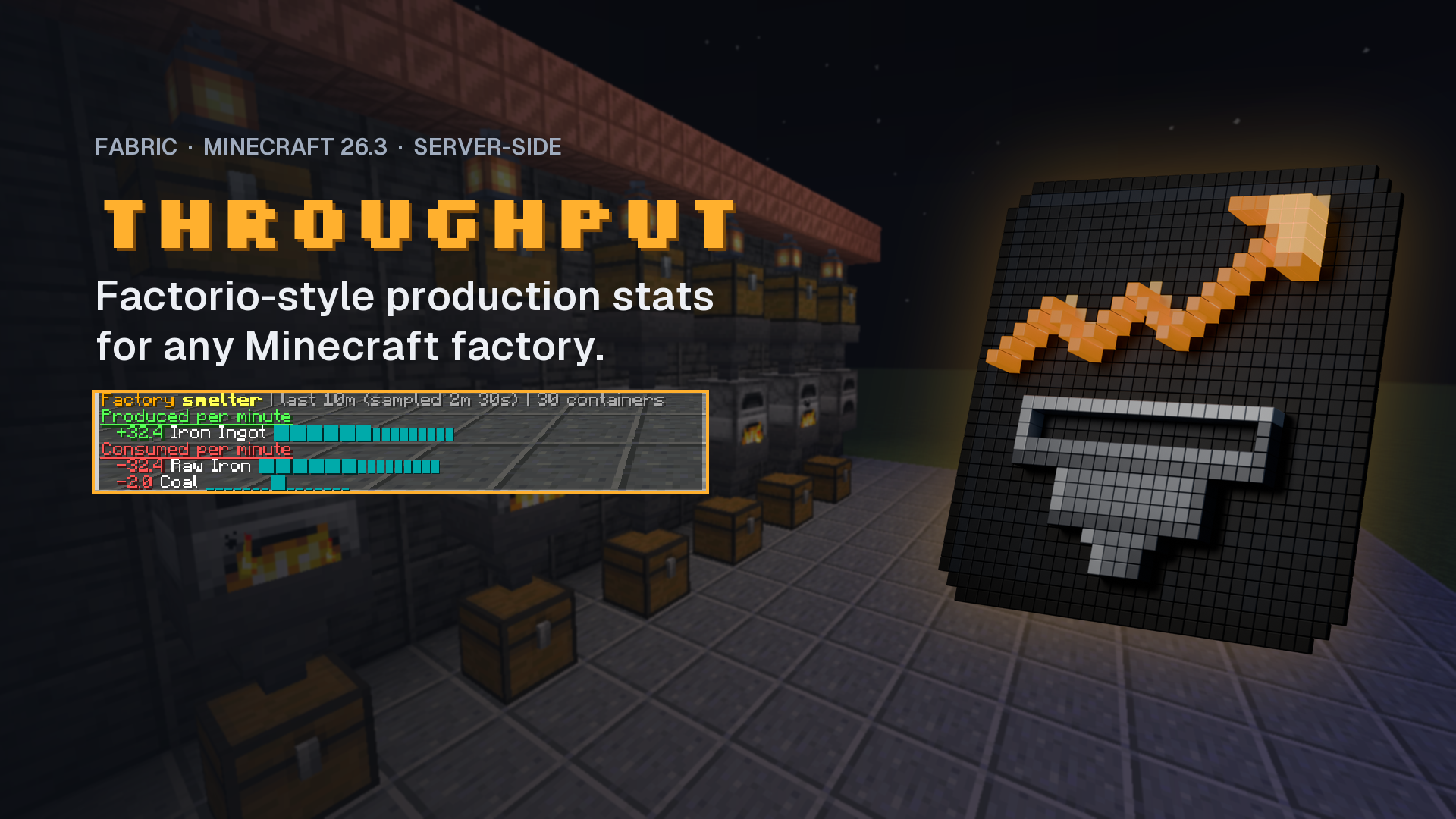
Factorio-style production statistics for any Minecraft factory.
You built the smelter array. Is it keeping up? Which input runs out first? Which output chest is backing everything up? Throughput answers with numbers instead of guesses: group a factory's containers once, then ask for per-item rates, history and alerts right in chat.
Server-side only. Players join with a vanilla client.
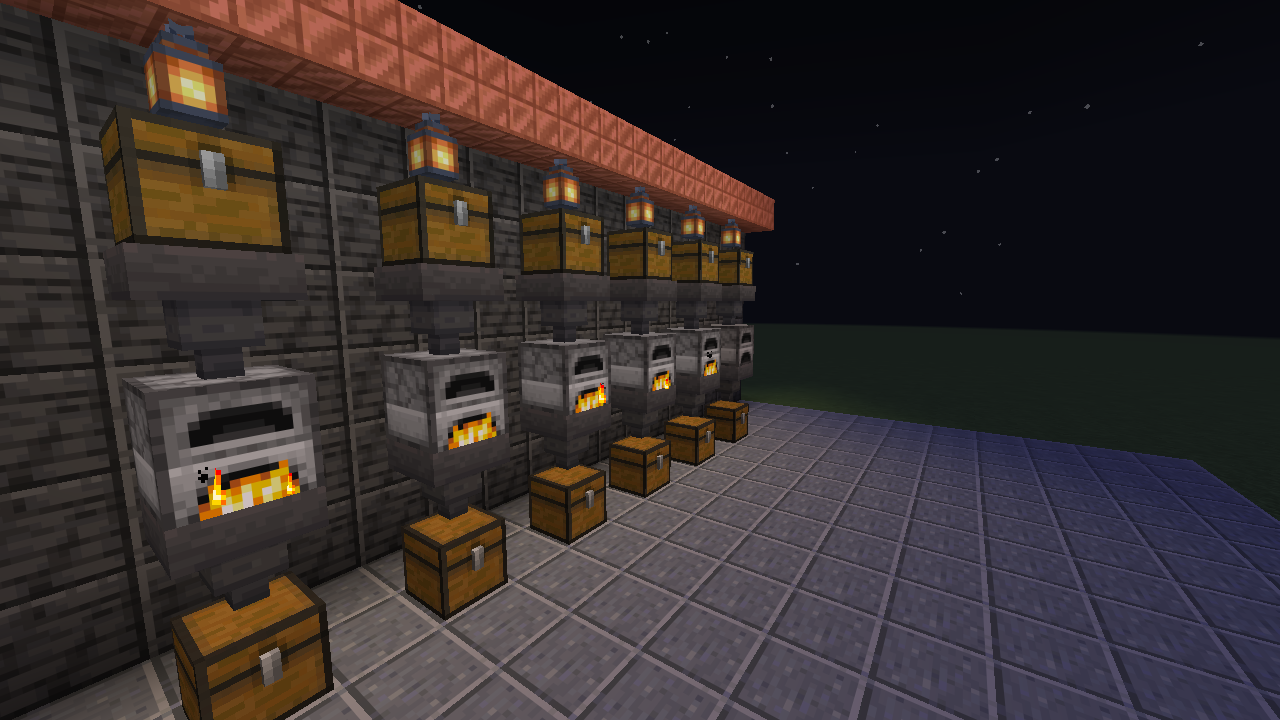
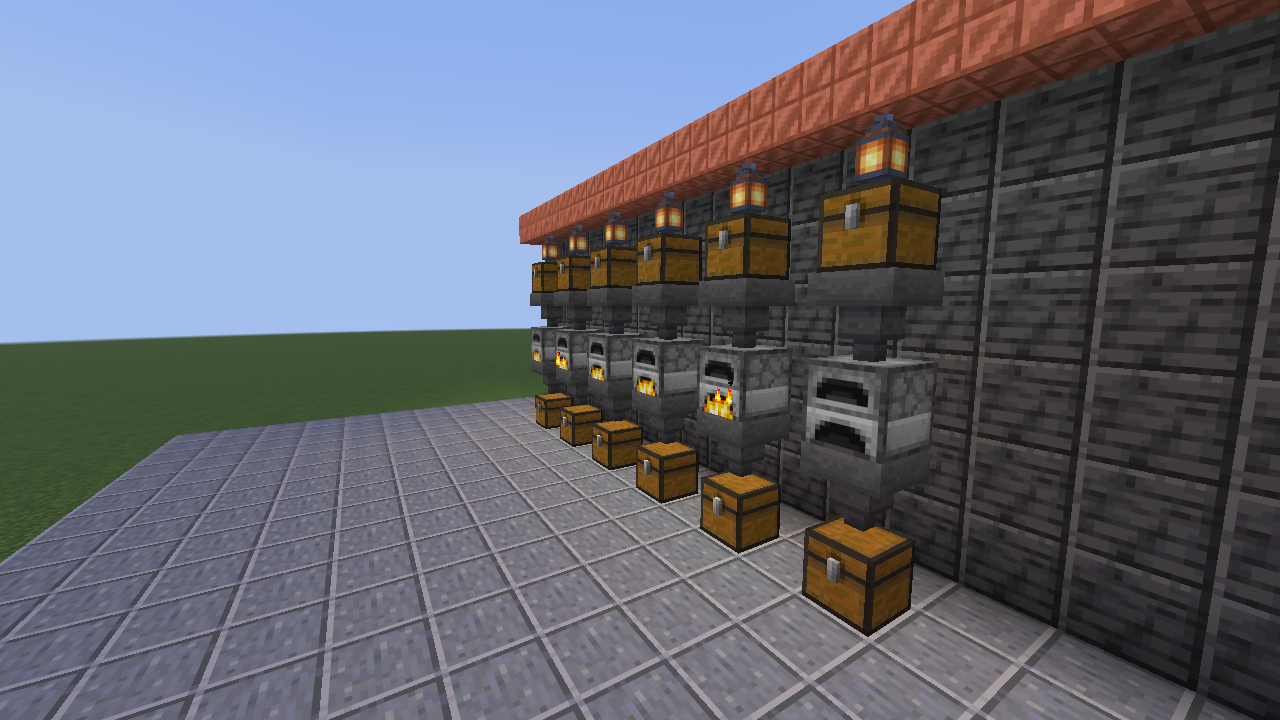
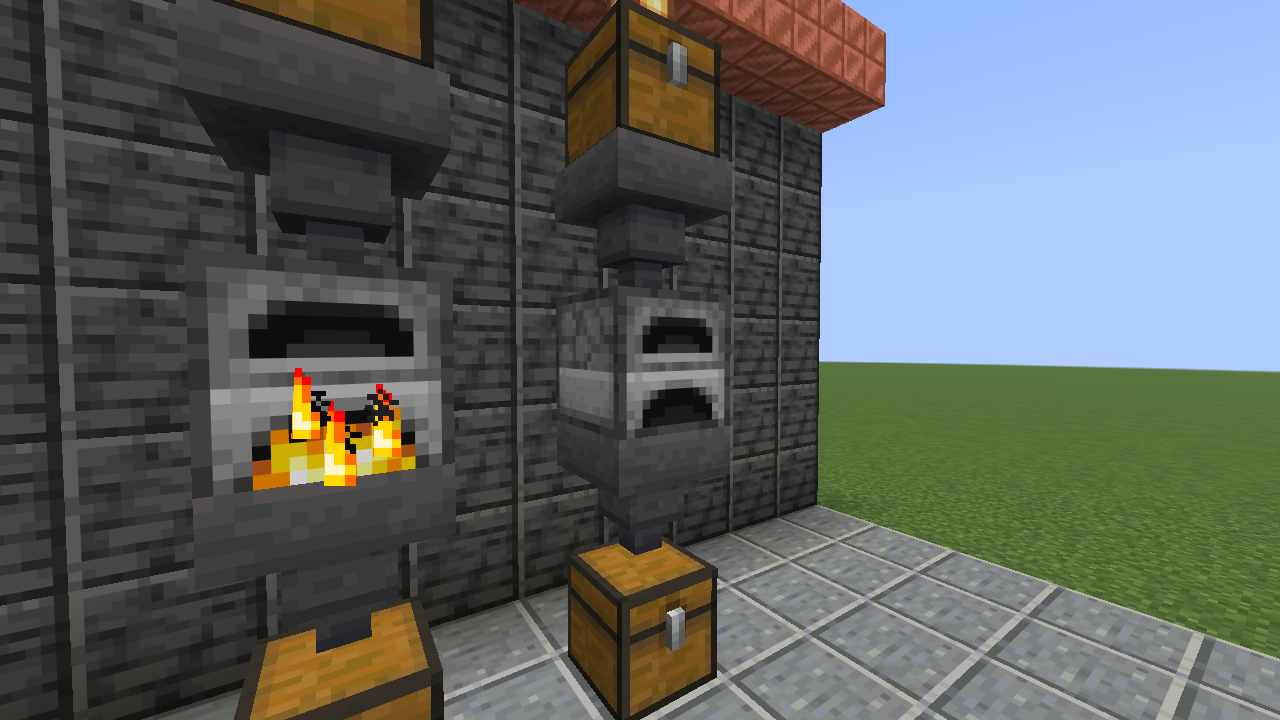
Real output from the six-furnace floor in the screenshots below (one line jammed on purpose, one short on ore):
Factory smelter | last 10m (sampled 2m 30s) | 30 containers
Produced per minute
  +32.4 Iron Ingot ██████▇▇▇▇▇▇▇▇▇
Consumed per minute
  -32.4 Raw Iron ██████▇▇▇▇▇▇▇▇▇
  -2.0 Coal ▁▁▁▁▁▁▁█▁▁▁▁▁▁▁
Alerts for smelter (10)
  BLOCKED 1 container full for 2m 31s (whatever feeds it backs up): 5 -60 8
  RAN DRY 8 containers empty, longest 2m 29s (what they feed stalls once buffers drain): -5 -57 8, -5 -56 8, -3 -56 8 (+5 more)
  RUNNING OUT Raw Iron empty in about 18m 50s
In game it is colour coded: green for produced, red for consumed, aqua sparklines, and a colour per alert kind.
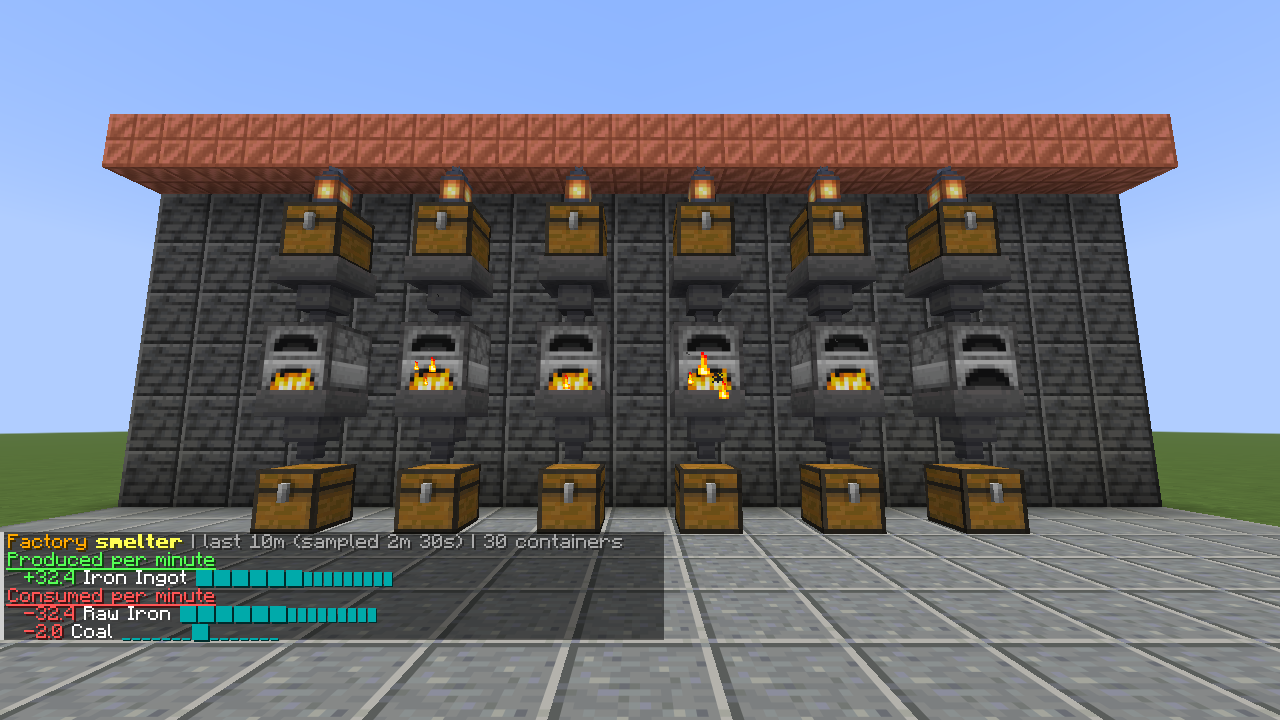
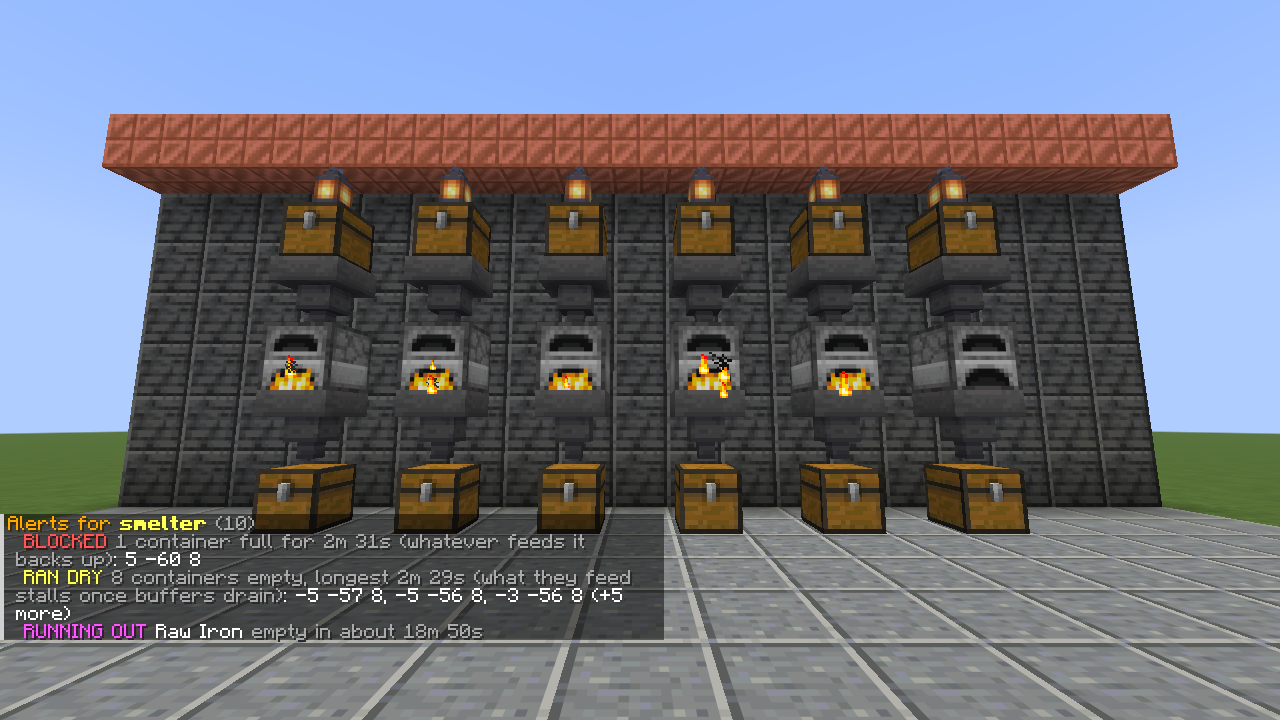
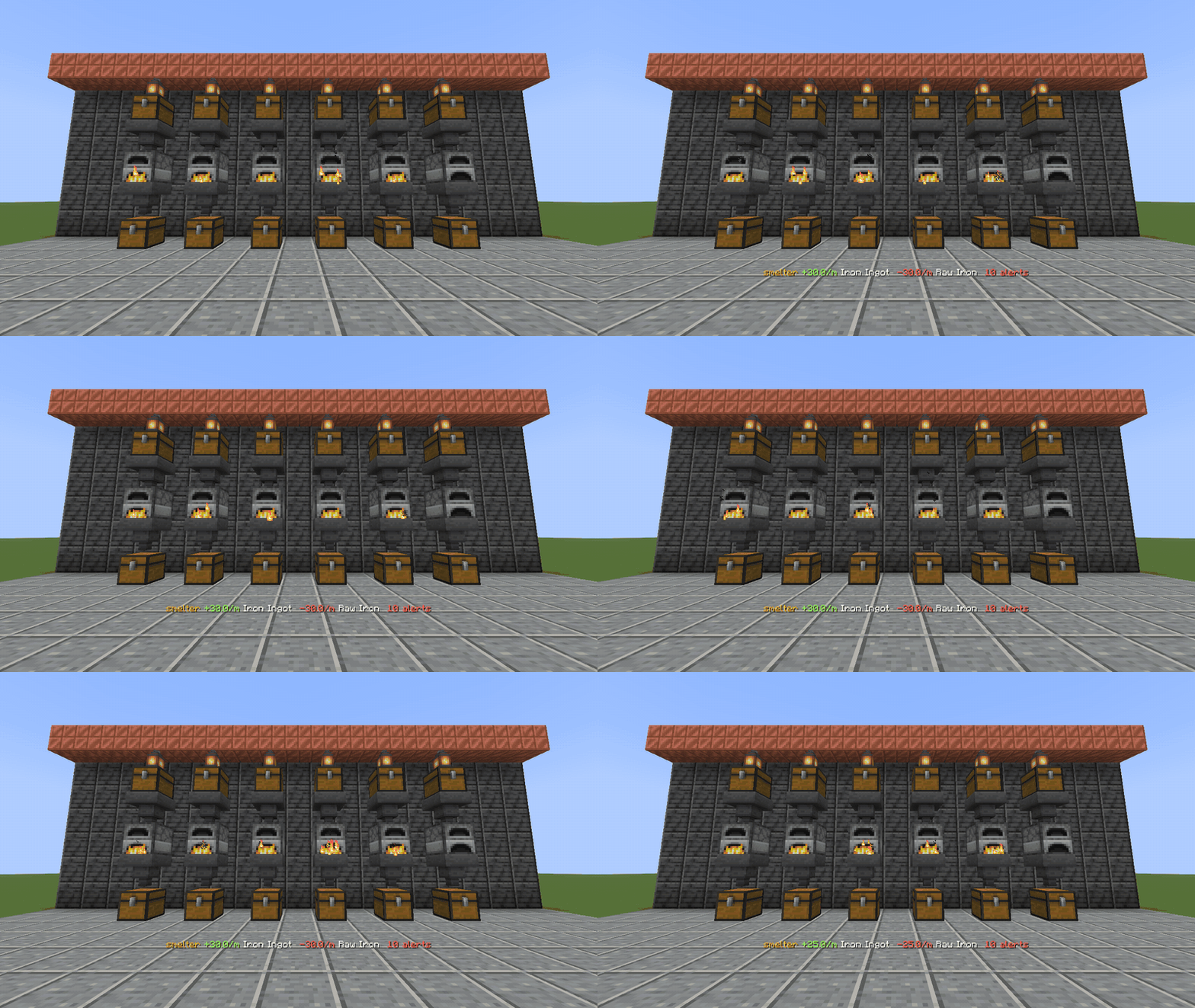
The test factory: six furnace lines of chest, hopper, furnace, hopper, chest, 30 containers tracked as one factory.
/flow factory create smelter
/flow addarea smelter ~-4 ~-1 ~-4 ~4 ~2 ~4
/flow stats smelter 10m
/throughput and the short alias /flow are the same command.
| Command | Who | What it does |
|---|---|---|
factory create <name> |
operators | New factory in your current dimension |
factory delete <name> |
operators | Delete a factory and its history |
factory list |
everyone | List factories |
add <factory> [pos] |
operators | Track the container you look at, or the one at pos (double chests: both halves) |
addarea <factory> <from> <to> |
operators | Track every container in a box |
remove <factory> [pos] |
operators | Stop tracking a container |
| `stats [1m\ | 10m\ | 1h\ |
alerts <factory> [all] |
everyone | Blocked, ran dry, missing and running out, grouped by kind; all lists every container (coordinates for operators only) |
watch <factory> |
everyone | Live ticker on your action bar |
unwatch |
everyone | Stop the ticker |
reload |
admins | Re-read config/throughput.json |
With a permissions mod such as LuckPerms, the nodes throughput.use, throughput.manage, throughput.coordinates and throughput.admin take over from the operator levels (defaults 0, 2, 2, 3, configurable in config/throughput.json).
Every second of game time, Throughput reads each tracked container and adds up the per-item change. The sum is the factory's real net production.
tools/benchmark.sh).config/throughput.json, applied with /flow reload:{
"sampleIntervalSeconds": 1,
"alertAfterSeconds": 10,
"runningOutHorizonMinutes": 60,
"maxContainersPerFactory": 4096,
"maxAreaBlocks": 32768,
"permissionLevels": { "use": 0, "manage": 2, "coordinates": 2, "admin": 3 }
}
Do players need to install it? No. It runs on the server and sends plain chat and action-bar text.
Will it slow my server down? It only reads the containers you add, once per second of game time, and each factory samples on its own tick. A factory of 4,096 filled chests takes about 1.75 ms per sample (median, measured with the benchmark in the repository). Server owners can cap addarea box size and containers per factory in the config, and /flow factory list shows the cost on your own hardware.
Does it work with my storage mod? If the block exposes Fabric item storage, yes. Most tech mods do.
Fluids or energy? Not yet.
Are enchanted or renamed items tracked separately? No. Items are grouped by item id.
Can it run in singleplayer? Yes. Install Fabric Loader for 26.3, put Throughput and Fabric API in your mods folder, and open a world with commands allowed.
Throughput bundles fabric-permissions-api by lucko (MIT) for permission nodes; its licence ships inside the jar. Throughput itself is open source under the Apache License 2.0.
Licensed under Apache-2.0.
NOT AN OFFICIAL MINECRAFT PRODUCT. NOT APPROVED BY OR ASSOCIATED WITH MOJANG OR MICROSOFT.
Project description from CurseForge.
Pick your setup
Choose the version and loader you play, then open the matching release.
Check the dependencies, then try the file in a copied instance before changing a world you care about.
Recent files
throughput-1.0.0-beta.1.jar
8 Oct 2026
Looking for an older file? The official CurseForge project page is in Resources.
 mod
modChoose which vanilla music plays, mark favorites, set how often it plays, pause without losing your place, and see the current track in a HUD.
 mod
modAdds a (dubious) alternate source of food
 mod
modA simple mod that allows your pets to respawn after death when you next sleep using a new item, the Etheric Gem.