Fabric API Needed by Touch'n Motion touch_n_motion_fabric_26.3_1.0.5.jar
requiredMatching file found Matched file: [26.3] Fabric API 0.165.2+26.3
CurseForge · Minecraft mod
Uncompromising player interaction with the world and improved movement physics.
Quick answer
Touch'n Motion touch_n_motion_fabric_26.3_1.0.5.jar targets 26.3 with Fabric. The project page does not say whether this file belongs on the client, dedicated server, or both. All 4 required mods have matching files.
Where it goes
The project page does not say whether this file belongs on the client, dedicated server, or both.
The source does not explicitly classify this release as client-only or server-only.
touch_n_motion_fabric_26.3_1.0.5.jar. Change the file and its required mods may change too.
Install Fabric API, [EMF] Entity Model Features [Fabric & Forge], EMF Compat: Core, [ETF] Entity Texture Features - [Fabric & Forge] first. We found matching files for this game-version and loader setup. 1 comes through another mod in the chain.
1 extra mod was pulled in by another dependency. Indented rows show who needs each one. We only count dependency files that match this setup. A file for another loader does not fill the gap.
Before you install it
Built for Touch'n Motion touch_n_motion_fabric_26.3_1.0.5.jar. Pick another file and the loader, install side or required mods may change.
Use touch_n_motion_fabric_26.3_1.0.5.jar. It targets 26.3 with Fabric; another release may have different loader, side or dependency requirements.
Install Fabric API, [EMF] Entity Model Features [Fabric & Forge], EMF Compat: Core, [ETF] Entity Texture Features - [Fabric & Forge] first. We found matching files for this game-version and loader setup. 1 comes through another mod in the chain.
The project page does not say whether this file belongs on the client, dedicated server, or both.
Use the “Get this file” button beside touch_n_motion_fabric_26.3_1.0.5.jar. It opens that exact file at the source.
About this project

Do you feel it too? In Minecraft, we interact with our surroundings all the time, yet our characters barely seem to touch them. They open chests, press buttons, feed animals — and just wave a hand in the air. Why shouldn’t they actually reach for the things they use?
That question is where Touch'n Motion began.
It adds those missing movements to your Entity Model Features player model. A hand reaches for a button. Feet find their place on a step. The body leans into what the hands are doing.
Requires an enabled resource pack that adds an EMF player model, such as Fresh Animations: Player Extension or Just Expressions. Any resource pack that provides an EMF player model can be used.
Made for and tested with Fresh Animations: Player Extension.
A great addition to Punchy! or Hold My Items!
Hands on what you use. Open a door, pull a lever, turn a page, look through a chest: your hands go to the thing itself, at the height where it actually is. Reach further and the body leans with them, the feet step into a stance, and the other arm helps you balance.

Feet on the ground. Feet rest on stairs, slabs and uneven surfaces. On a fence or a narrow wall you take a more careful stance.

The world around you. Stand beside a wall and a hand rests against it. Walk through crops and your hands brush past them. Face a gap that’s too narrow and your body turns to fit.


Animals and gear. Food goes to an animal’s mouth, followed by a stroke with your other hand. You bend down to milk or shear, plant a seed in the soil, dress an armour stand. Getting dressed has gestures of its own: a helmet pushed into place, a chestplate settled with both hands.

Work. Mining puts your tool against the block, with stances and swings for different tools. Fishing follows the cast, the wait, the bite and the haul. A handful of picked-up items goes into your pocket in one gesture. Come out of water, powder snow or mud and you shake it off.


Riding. You rise and fall with an animated horse, hold the oars while rowing, and brace against the sides of a minecart on a bend or a drop. A boat’s passenger sits in the bow facing the rower; a chest boat keeps its chest there instead.

Just standing there. You glance at a creature nearby, turn to read a sign, or lean on a fence with your hands on top. A sudden hiss or thunder can make you flinch, step back and look towards it.


Machines. With Create, Aeronautics or Supplementaries, your hands find cranks, valves, wheels and throttles. Turning a crank takes the whole body; at a wheel one hand keeps its grip while the other moves around the rim.


All of this shows on other players too. And if there’s a movement you don’t want, you can switch it off.
Vanilla: buttons, levers, doors, fence gates, chests, barrels, lectern, chiseled bookshelf, jukebox, note block, composter, cauldron, beehive and bee nest, respawn anchor, cake, candles and candle cake, flower pot, repeater, comparator, daylight detector, enchanting table, cartography table, brewing stand, crafting table, stonecutter, crafter, vault, bell, TNT, campfire.
Create: hand crank, valve handles, weighted ejector, train controls, contraption controls, factory gauge, content observer, track station, depot, basin, item drain, blaze burner, mechanical arm, deployer, mechanical crafter, package frogport, packager and repackager, postbox, rotation speed controller, sequenced gearshift, stockpile switch, display link, redstone link, elevator contact, stock ticker, redstone requester, funnels, smart chute, creative motor, mechanical bearing.
Create Aeronautics: steering wheel, throttle lever, linked typewriter, navigation table, physics assembler, mounted potato cannon, portable engine, adjustable burner, rope winch, propeller bearings.
Supplementaries: crank, bellows, gold door, iron gate, globes, sconce lever, item shelf, pedestal, blackboard, safe, lunch basket, presents, cage, notice board, hourglass, faucet, speaker block, turn table, book piles, jars, sack, flower box and planter, cannon, pulley block, lock block, doormat.
Cranks, valves, wheels and bellows have their own working motions. For most other blocks, your hand reaches the place where you press, put something in or take something out.
Have one of these installed? Touch'n Motion adds the matching gestures when it finds it.
| Mod | What it covers |
|---|---|
| Create | Hand crank and valve handle turned with the whole body; the weighted ejector; depots, basins, controls and other blocks used by hand |
| Create Aeronautics | Steering wheel, throttle, typewriter, navigation table, rope; the seated cockpit |
| Supplementaries | Crank, bellows, faucet, globe, jars, shelves and other blocks used by hand |
| Curios | Putting on accessories |
| Not Enough Animations | Its rowing and horse-riding poses give way to Touch'n Motion's while NEA Compat is on |
| Enchanted Fishing Line | The line starts at the rod's tip as the fishing pose has it (1.21.1 and newer) |
Touch'n Motion works on the client alone, on any server. It works out other players’ gestures from what you can see them doing: where they look, how they swing, and what changes around them.
Put the matching jar on the server too (NeoForge, Forge or Fabric; a server needs neither Entity Model Features nor EMF Compat: Core), and players with the mod share the details. A crank being turned, a wheel being held or an animal being fed then looks to others as it does to you. Players without the mod can still join.
Yes — each feature has its own switch. Open Mods → Touch'n Motion → Config (Fabric needs Mod Menu), pick a category, and turn off what you don’t want. Reset goes back to the defaults; the switch at the top turns the whole mod off and keeps your choices for later.
With Not Enough Animations installed, the NEA Compat option (on by default) keeps its rowing and horse-riding animations out of the way while Touch'n Motion’s are on. NEA’s own settings file is left unchanged.
enjoy ^_^
Project description from CurseForge.
Pick your setup
Choose the version and loader you play, then open the matching release.
Check the dependencies, then try the file in a copied instance before changing a world you care about.
Recent files
9 Nov 2026
9 Nov 2026
9 Nov 2026
9 Nov 2026
9 Nov 2026
9 Nov 2026
9 Nov 2026
16 Oct 2026
16 Oct 2026
16 Oct 2026
16 Oct 2026
16 Oct 2026
Looking for an older file? The official CurseForge project page is in Resources.
 mod
35 custom 3D capes, wings, hats, horns and necklaces for Fabric & NeoForge 1.20.1-1.21.11: cloth physics, 16 dye colours, per-skin fitting, RPG perks.
 mod
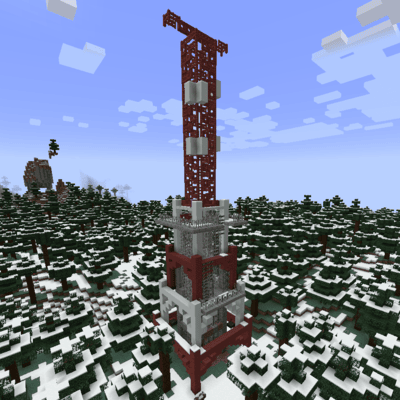
adds radio towers and airdrops
 mod
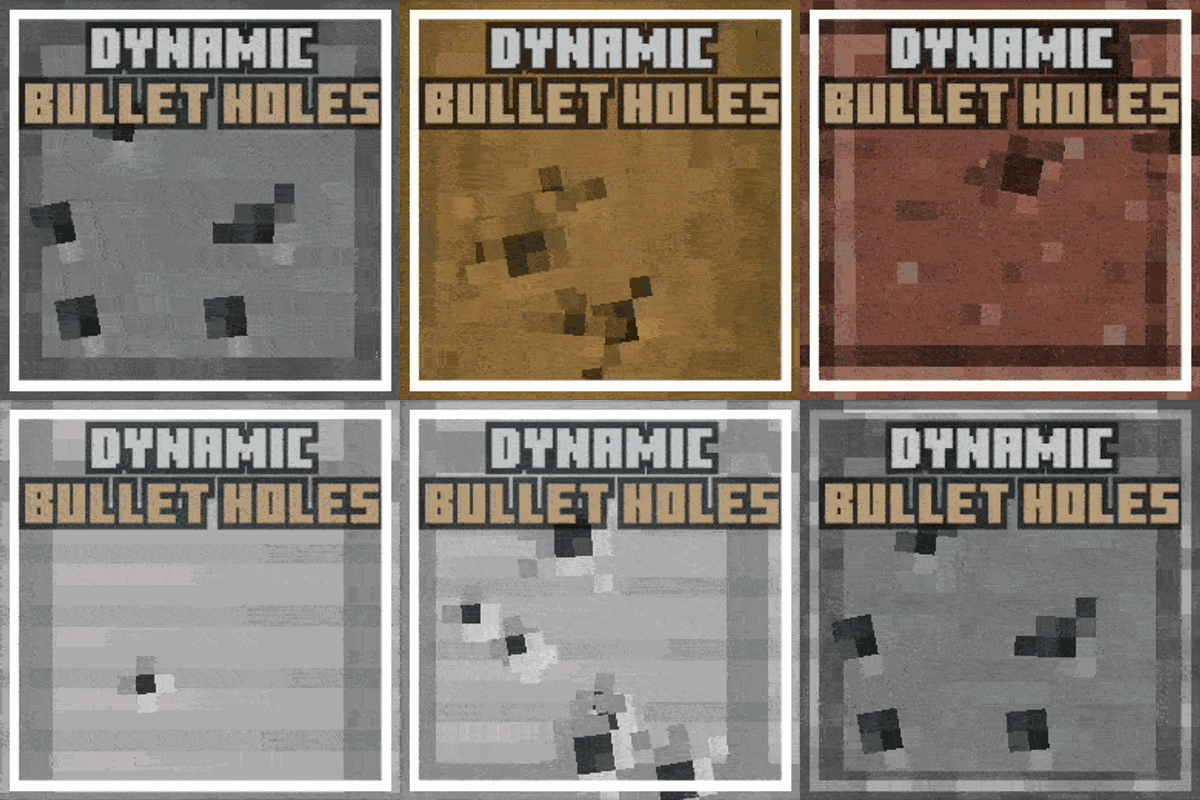
Dynamic block & calibre-dependant bullet holes for TaCZ