Minecraft version
Back to mods 
CurseForge · Minecraft mod
ARCHITECTA
A visual world editor for Minecraft Forge with building brushes, terrain tools, copy-and-paste previews, and schematic support.
Choose a version Pick your version below, then grab the matching file.
Quick answer
Which ARCHITECTA release should I use?
Latest stable file architecta-0.0.33-forge-rc1.jar
Game version 1.20.1
Loader Forge
architecta-0.0.33-forge-rc1.jar targets 1.20.1 with Forge. The project page does not say whether this file belongs on the client, dedicated server, or both. No extra mods listed for this file.
Where it goes
Is ARCHITECTA required on the client, server, or both?
The project page does not say whether this file belongs on the client, dedicated server, or both.
Client Source doesn’t say
Dedicated server Source doesn’t say
Loader for this release Forge
Required install it here Optional supported, not mandatory Not supported do not install here Source doesn’t say do not assume
The source does not explicitly classify this release as client-only or server-only.
What else does architecta-0.0.33-forge-rc1.jar need?
architecta-0.0.33-forge-rc1.jar. Change the file and its required mods may change too.
This file does not list any required mods. Do not add a library just because a different file uses it.
This file does not list any required or optional mods.
Before you install it
Add ARCHITECTA without breaking your instance.
Built for architecta-0.0.33-forge-rc1.jar. Pick another file and the loader, install side or required mods may change.
- 01
Stick to this file
Use architecta-0.0.33-forge-rc1.jar. It targets 1.20.1 with Forge; another release may have different loader, side or dependency requirements.
- 02
Bring the mods it needs
This file does not list any required mods. Do not add a library just because a different file uses it.
- 03
Put it on the correct side
The project page does not say whether this file belongs on the client, dedicated server, or both.
- 04
Pick the file you checked
Use the “Get this file” button beside architecta-0.0.33-forge-rc1.jar. It opens that exact file at the source.
About this project
What does ARCHITECTA add?
Architecta
Visual building and terrain editing for Minecraft Forge
Architecta brings brushes, terrain editing, and schematic workflows into your Minecraft world. Shape landscapes, create paths, place grown trees, and transform builds through a transparent interface that keeps your surroundings visible.
Features
Continuous brushes: Hold right-click to build, erase, paint, or smooth, with adjustable brush size and smoothing strength.
Terrain tools: Sculpt landscapes, paint biomes, and naturalize selected areas with configurable depth.
Path Creator: Draw paths across curves and slopes using a randomized mixture of up to eight selected materials.
Tree Creator: Quickly place grown trees with selectable species, wood types, sizes, and seeds.
Copy and paste: Select with Pos1 and Pos2, preview placement, rotate, mirror, and replace materials before pasting.
Schematic workflows: Import and export supported NBT and Sponge schematics. Compatible import can replace missing blocks with stone and report adaptations.
Create integration: Export NBT schematics for Schematicannon and copy supported machines with their configuration and inventory data.
Editing controls: Undo, redo, selection masks, saved presets, and a clipboard library.
Flexible interface: Transparent purple panels, configurable shortcuts, and English/Spanish language switching.
Getting started
Right Shift: Open the main editor.
Right Control: Activate direct copy/paste with an empty main hand.
Ctrl + P: Open materials, replacements, library, and schematic files.
Ctrl + Z / Ctrl + Y: Undo and redo.
Ctrl + D: Clear the selection and its filters.
Move while the editor is open, drag with the left mouse button to look around, and hold right-click to use continuous brushes.
Requirements
Minecraft 1.20.1 · Forge 47.4.10 · Java 17
Install the same Architecta version on the client and server. World editing requires Creative mode and operator-level permissions. Survival players can use visual blueprints for manual construction.
Create is optional; integration has been tested with Create 6.0.8. Machine support covers selected types, and contraptions are copied as static structures.
Current release: Release Candidate. Back up your world before large edits. Other Minecraft versions and universal modpack compatibility are not supported by this release.
Project description from CurseForge.
Pick your setup
ARCHITECTA by Minecraft version and loader
Choose the version and loader you play, then open the matching release.
Check the dependencies, then try the file in a copied instance before changing a world you care about.
Recent files
ARCHITECTA versions and loaders
architecta-0.0.33-forge-rc1.jar
10 Oct 2026
Client Source doesn’t say Server Source doesn’t say Dependencies No extras listed Listed on Release listing
Check the 1.20.1 · Forge setup 1.20.1Forge release
Looking for an older file? The official CurseForge project page is in Resources.
 mod
mod CurseForge + Modrinth · Minecraft
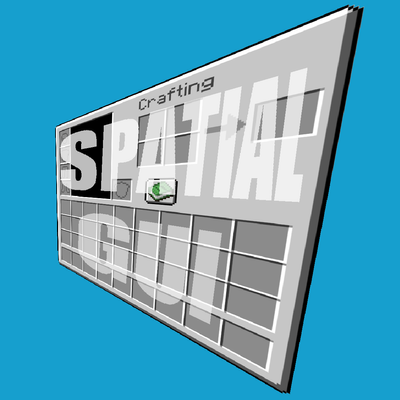
Spatial GUI
A client-side mod that renders inventory & container screens as a 3D plane.
 mod
mod CurseForge + Modrinth · Minecraft
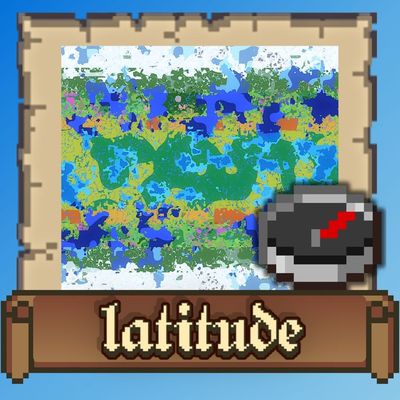
Latitude
Latitude overhauls world generation so biomes follow realistic latitude bands—from equatorial jungles to polar tundras.
 mod
mod CurseForge · Minecraft
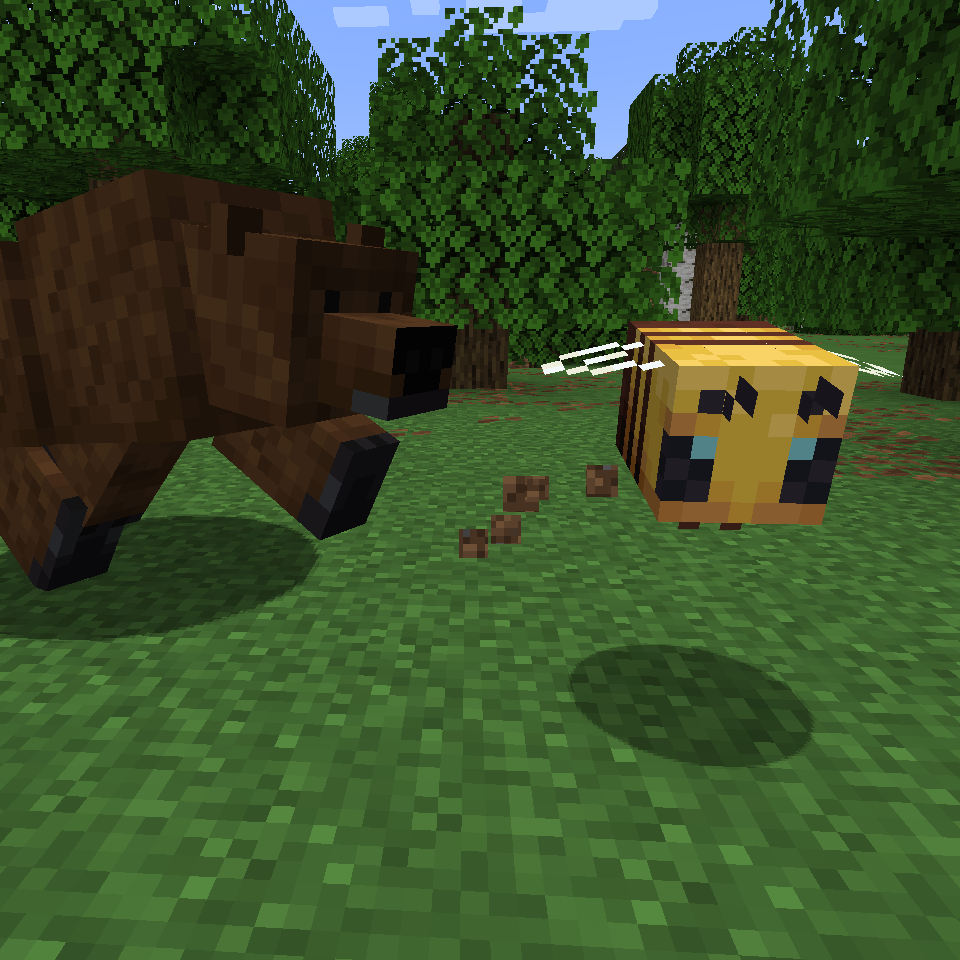
Bear Minimum
A small mod that adds more bear varieties and rebalances polar bears.