Fabric API Needed by GUI Compass - Locator Bar integrated 7amada-gui-compass-1.0.0.jar
requiredMatching file found Matched file: [26.3] Fabric API 0.166.2+26.3
CurseForge · Minecraft mod
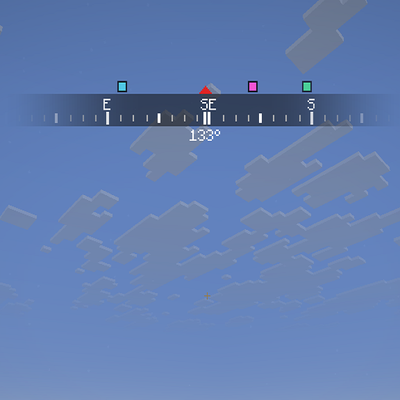
A clean horizontal compass bar for your HUD with a live heading readout, adjustable FOV, size and position, and an optional locator bar with player dots above the compass.
Quick answer
GUI Compass - Locator Bar integrated 7amada-gui-compass-1.0.0.jar targets 26.3 with Fabric. The project page does not say whether this file belongs on the client, dedicated server, or both. All 1 required mods have matching files.
Where it goes
The project page does not say whether this file belongs on the client, dedicated server, or both.
The source does not explicitly classify this release as client-only or server-only.
7amada-gui-compass-1.0.0.jar. Change the file and its required mods may change too.
Install Fabric API first. We found matching files for this game-version and loader setup.
We only count dependency files that match this setup. A file for another loader does not fill the gap.
Before you install it
Built for GUI Compass - Locator Bar integrated 7amada-gui-compass-1.0.0.jar. Pick another file and the loader, install side or required mods may change.
Use 7amada-gui-compass-1.0.0.jar. It targets 26.3 with Fabric; another release may have different loader, side or dependency requirements.
Install Fabric API first. We found matching files for this game-version and loader setup.
The project page does not say whether this file belongs on the client, dedicated server, or both.
Use the “Get this file” button beside 7amada-gui-compass-1.0.0.jar. It opens that exact file at the source.
About this project
A clean, minimal compass bar at the top of your screen. It scrolls smoothly as you turn, fades out toward the sides, and shows your exact heading in degrees. Everything is adjustable in game.
You can change the key under Options → Controls → Key Binds → GUI Compass.
Project description from CurseForge.
Pick your setup
Choose the version and loader you play, then open the matching release.
Check the dependencies, then try the file in a copied instance before changing a world you care about.
Recent files
10 Oct 2026
Looking for an older file? The official CurseForge project page is in Resources.
 mod
Color you hud in any color you want
 mod
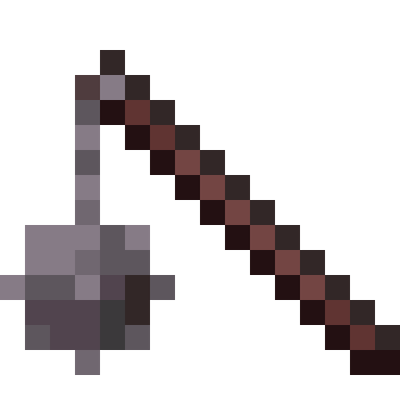
Adds 16 new melee weapons to the game
 mod
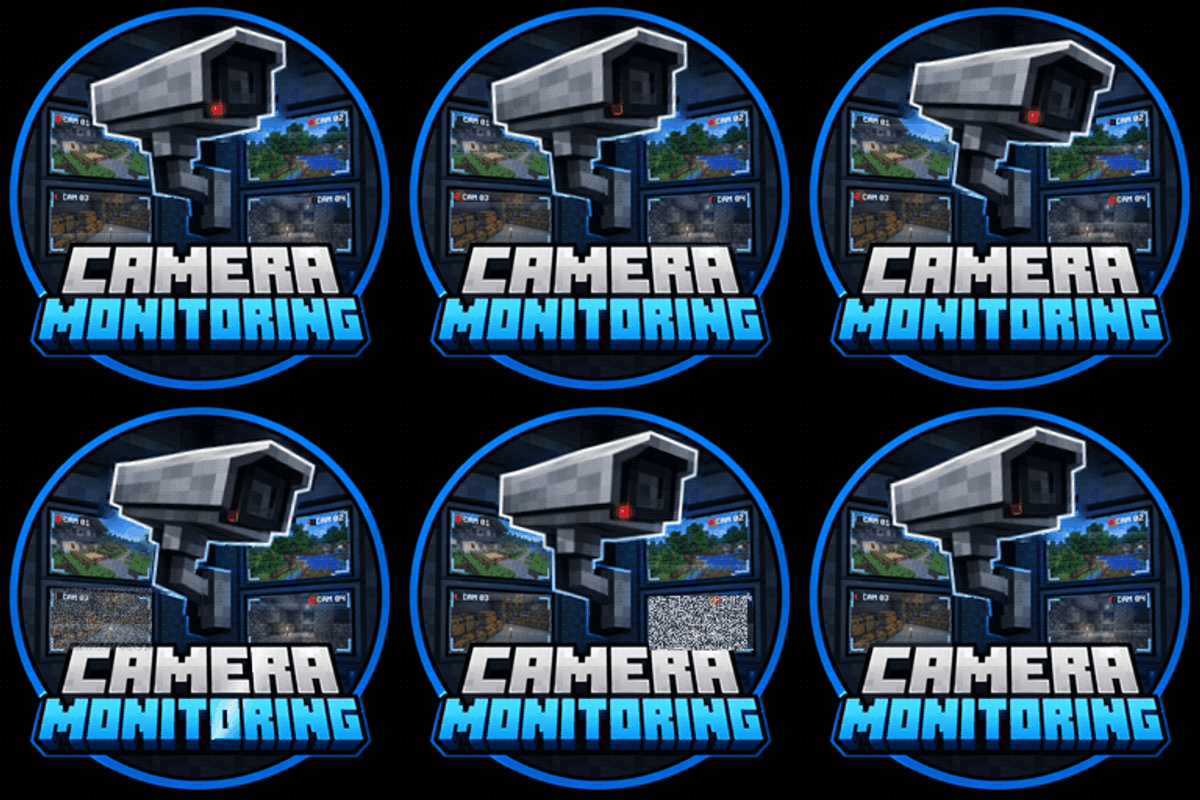
Professional CCTV for Minecraft: PTZ security cameras, live monitor screens that auto-switch to whoever is on camera, patrol and motion tracking modules, alarms and permissions. Fabric, NeoForge and Forge, 1.20.1 to 26.3.