Architectury API Needed by Colorful UI cui 5.0.5
requiredMatching file found Matched file: [NeoForge 26.3] v22.0.5

CurseForge · Minecraft mod
Color you hud in any color you want
Quick answer
Colorful UI cui 5.0.5 targets 26.3 with NeoForge. The project page does not say whether this file belongs on the client, dedicated server, or both. All 1 required mods have matching files.
Where it goes
The project page does not say whether this file belongs on the client, dedicated server, or both.
The source does not explicitly classify this release as client-only or server-only.
cui 5.0.5. Change the file and its required mods may change too.
Install Architectury API first. We found matching files for this game-version and loader setup.
We only count dependency files that match this setup. A file for another loader does not fill the gap.
Before you install it
Built for Colorful UI cui 5.0.5. Pick another file and the loader, install side or required mods may change.
Use cui 5.0.5. It targets 26.3 with NeoForge; another release may have different loader, side or dependency requirements.
Install Architectury API first. We found matching files for this game-version and loader setup.
The project page does not say whether this file belongs on the client, dedicated server, or both.
Use the “Get this file” button beside cui 5.0.5. It opens that exact file at the source.
About this project

CUI gives you full control over Minecraft’s UI colors.
Menus, HUD elements, inventories, buttons, hotbars, hearts, text, and even interfaces added by other mods can all be recolored in real time. Because apparently every mod author on earth independently decided that dark gray buttons on slightly darker gray backgrounds are peak design.


CUI is not limited to vanilla textures.
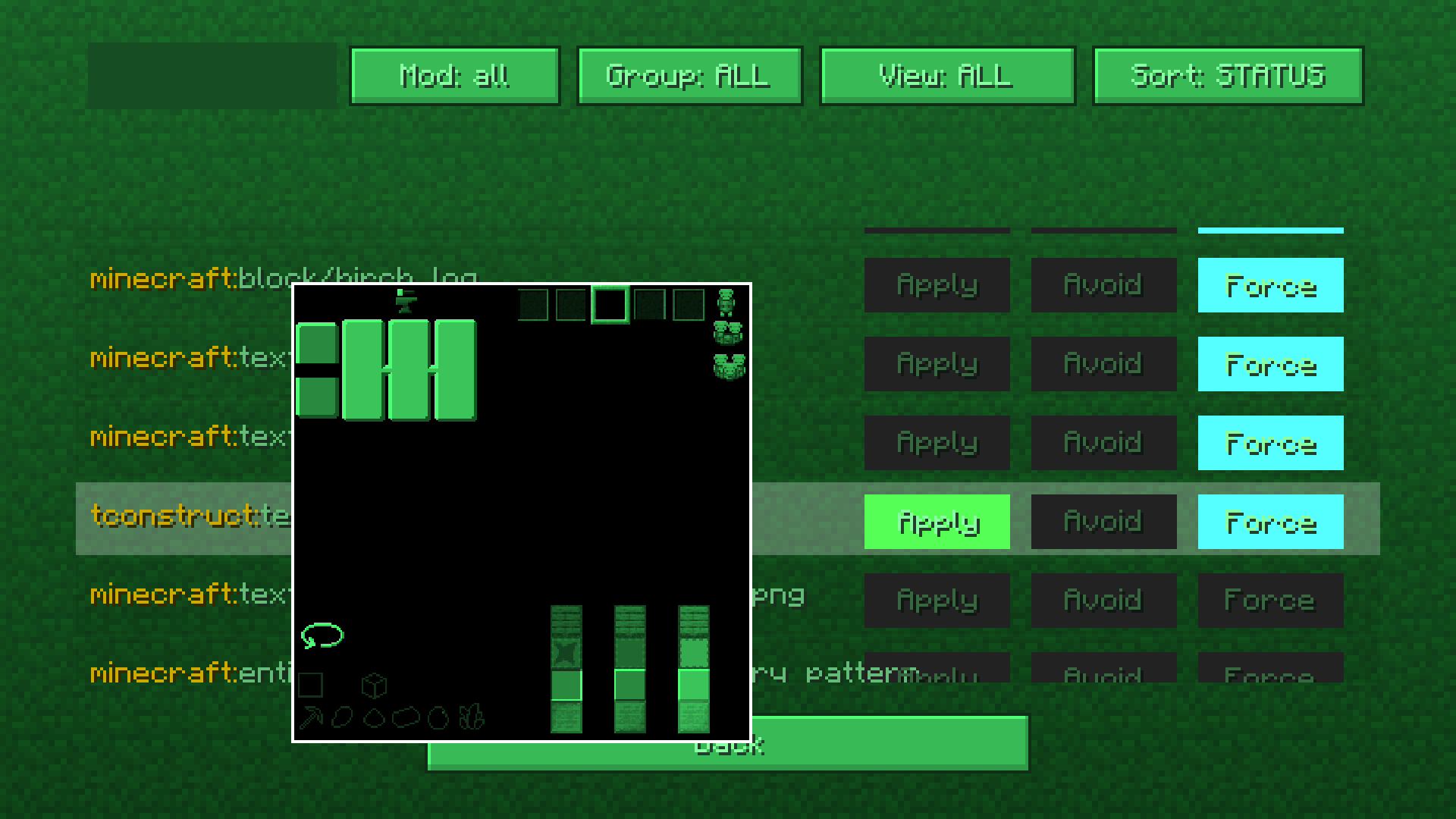
The mod includes a built-in texture management screen that lets you manually control how textures are processed and recolored.
You can:
This system works with practically any mod interface and textures.
You can even force CUI to recolor block textures if you really want to. Which is an amount of power humanity historically does not handle responsibly.
CUI comes with a full color editor featuring:
Everything updates in real time, so tweaking colors does not feel like performing dark rituals through JSON files anymore.
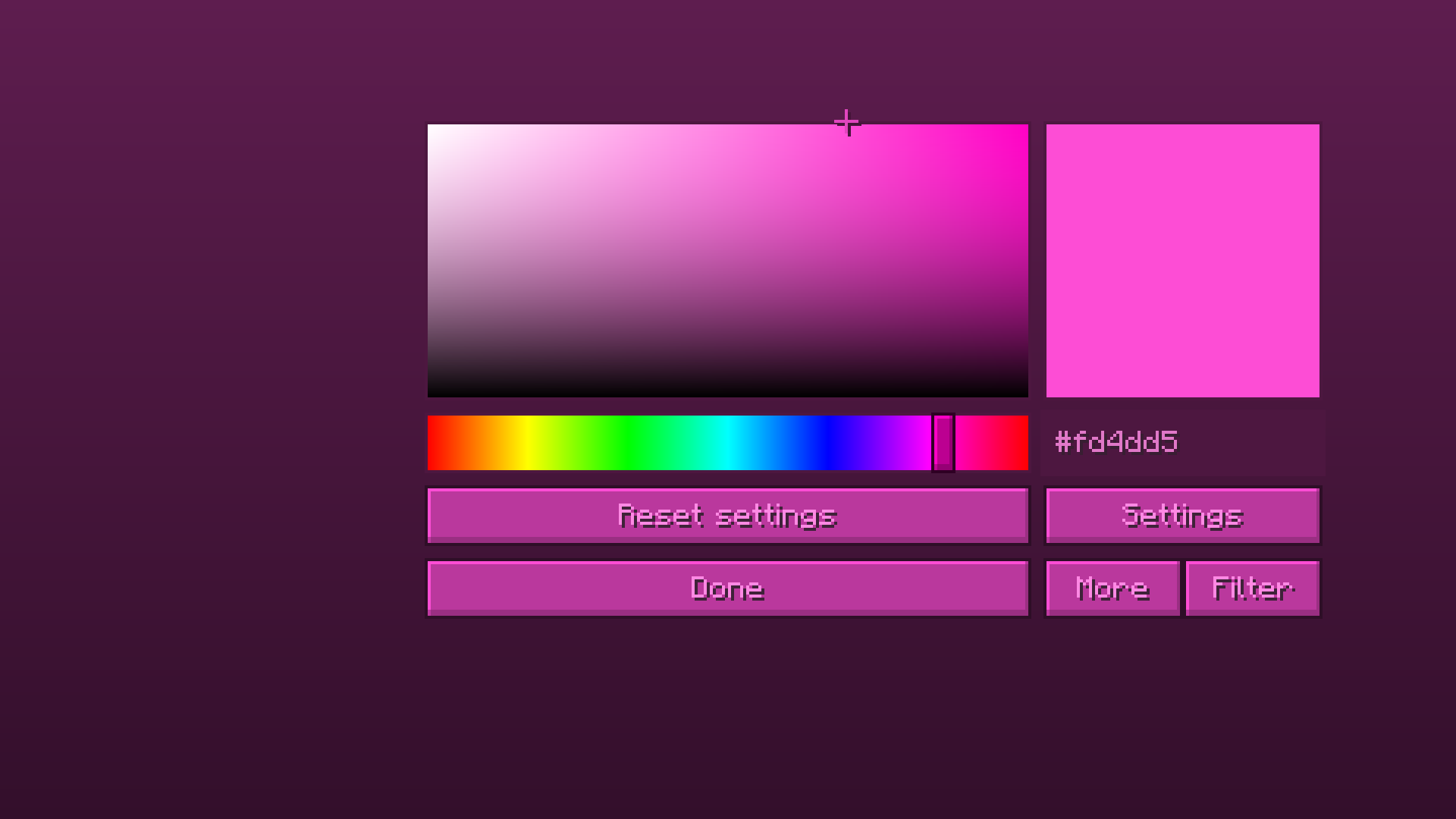
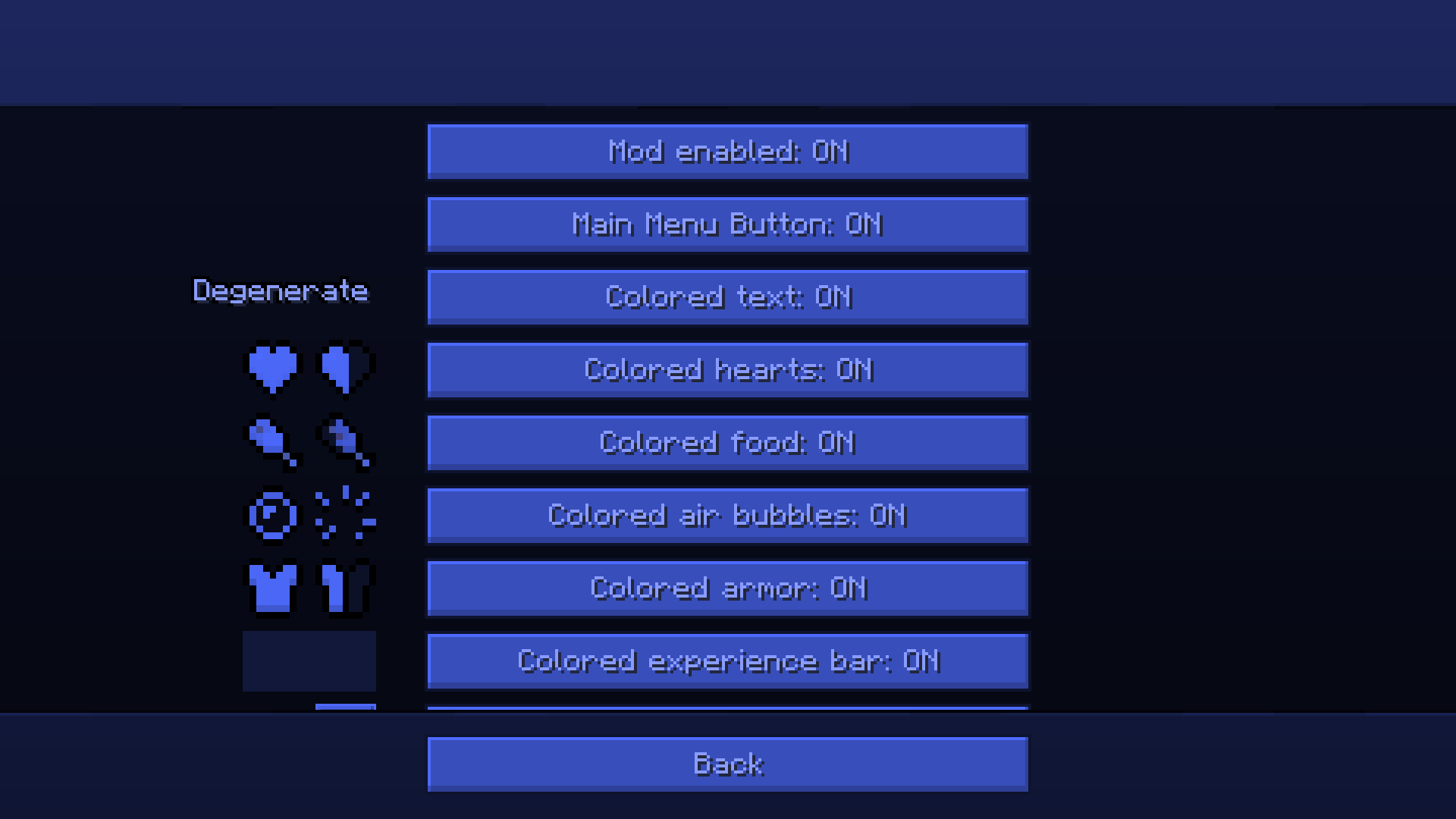
Open the mod settings through Mod Menu or directly from the title screen.
Pick a color, tweak filters if needed, and changes apply instantly.
For advanced customization, open the texture management screen and configure exactly which textures should or should not be recolored.
As I already said cui supports modded uis. 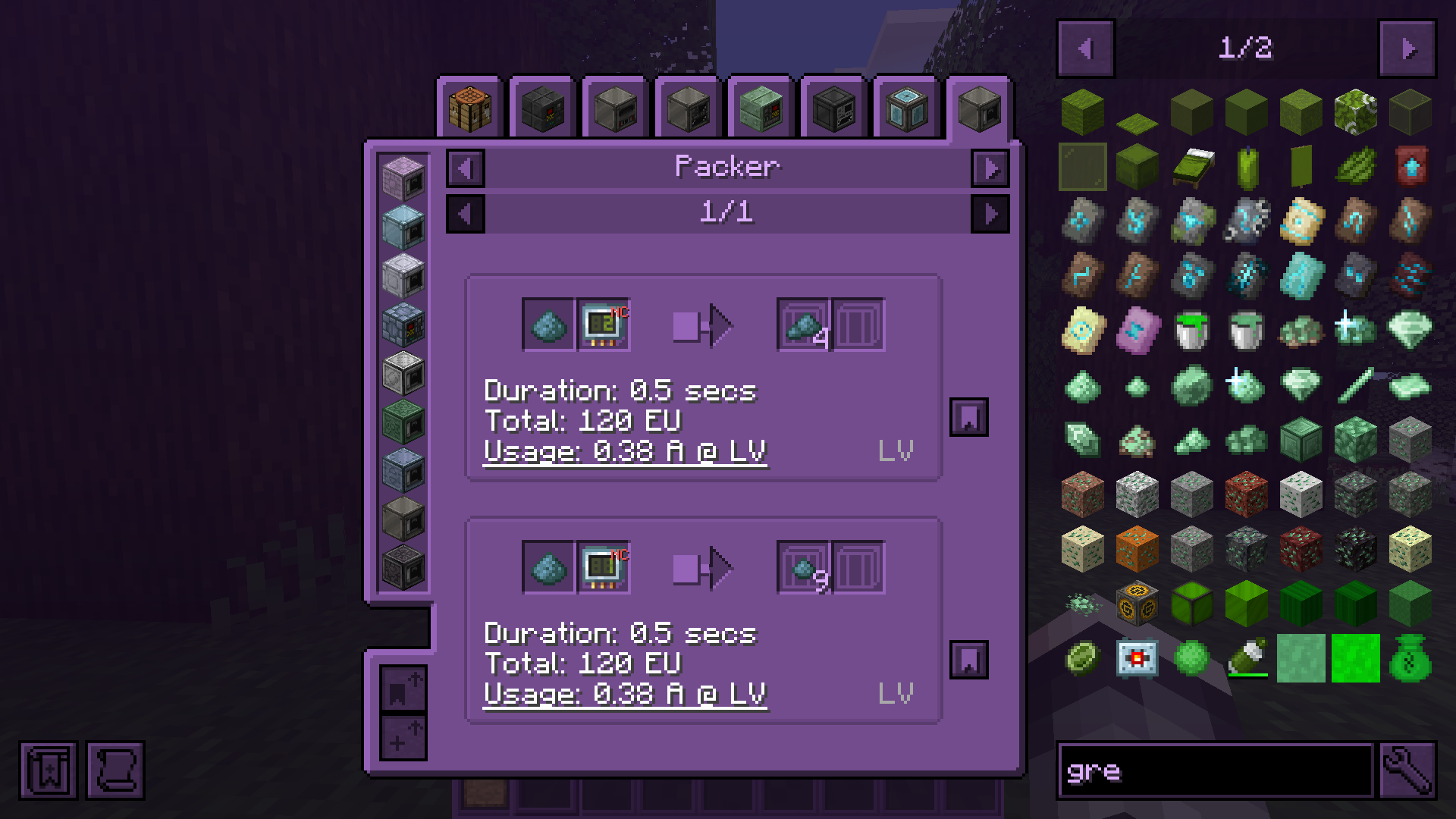
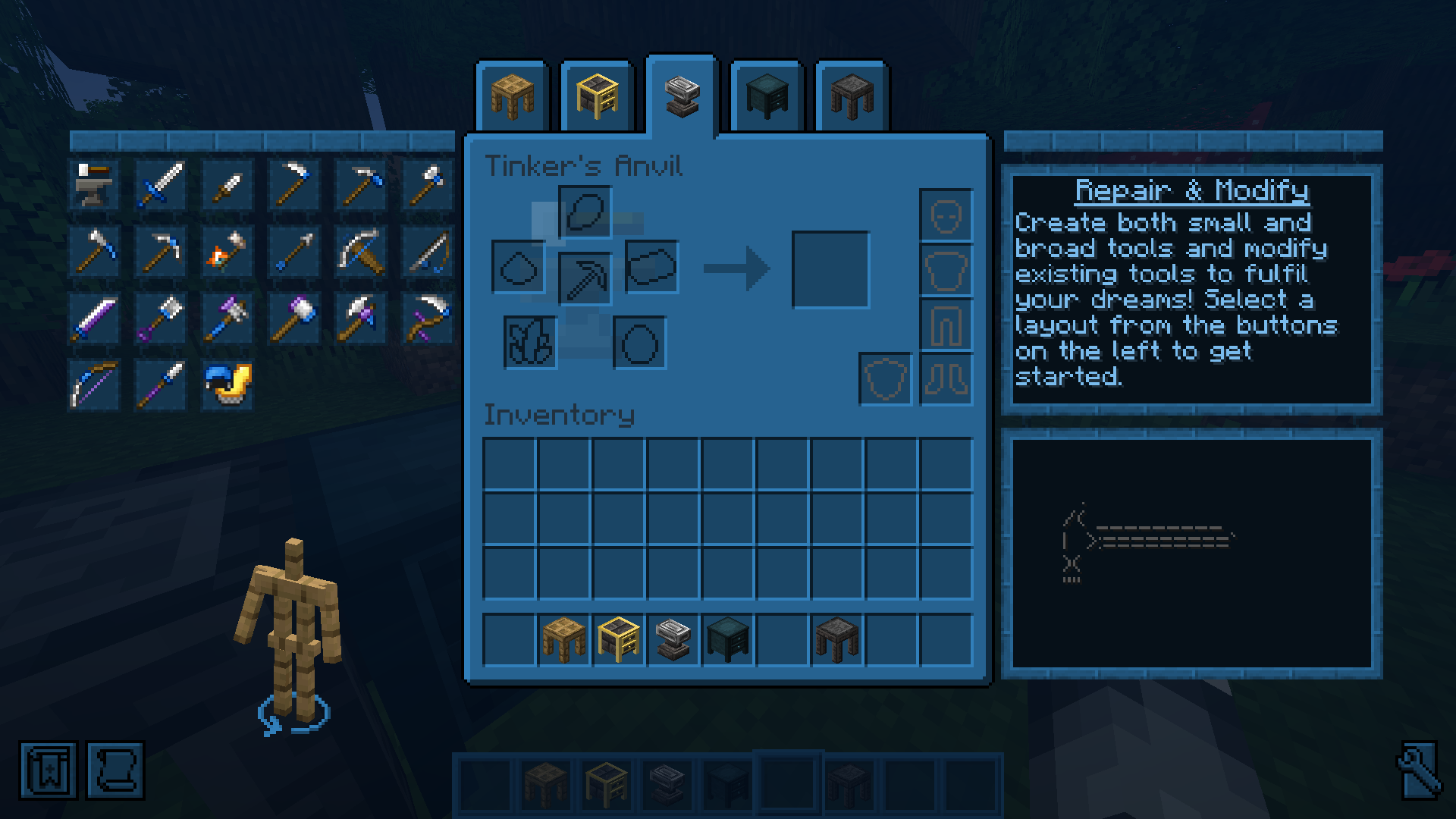
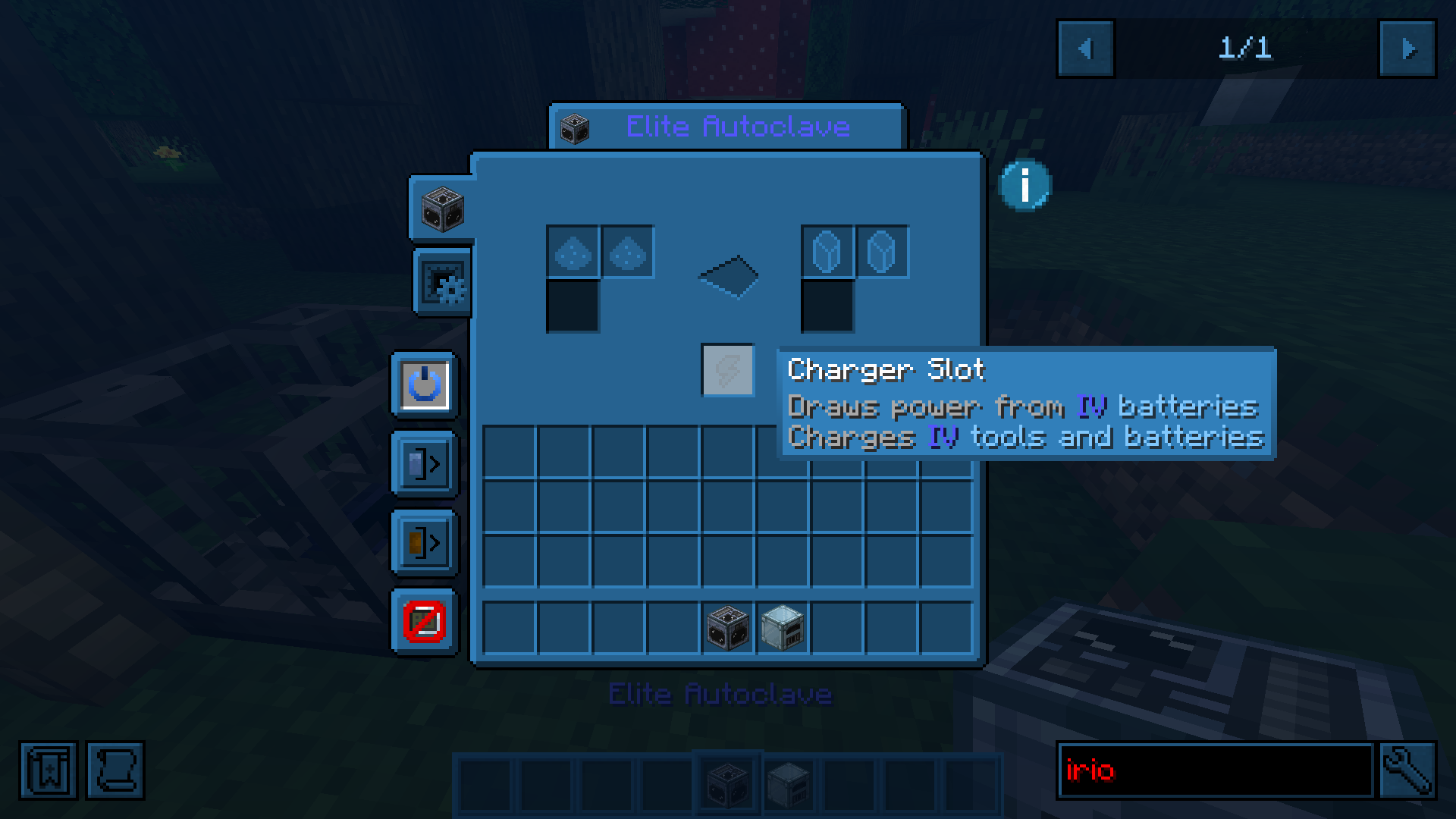
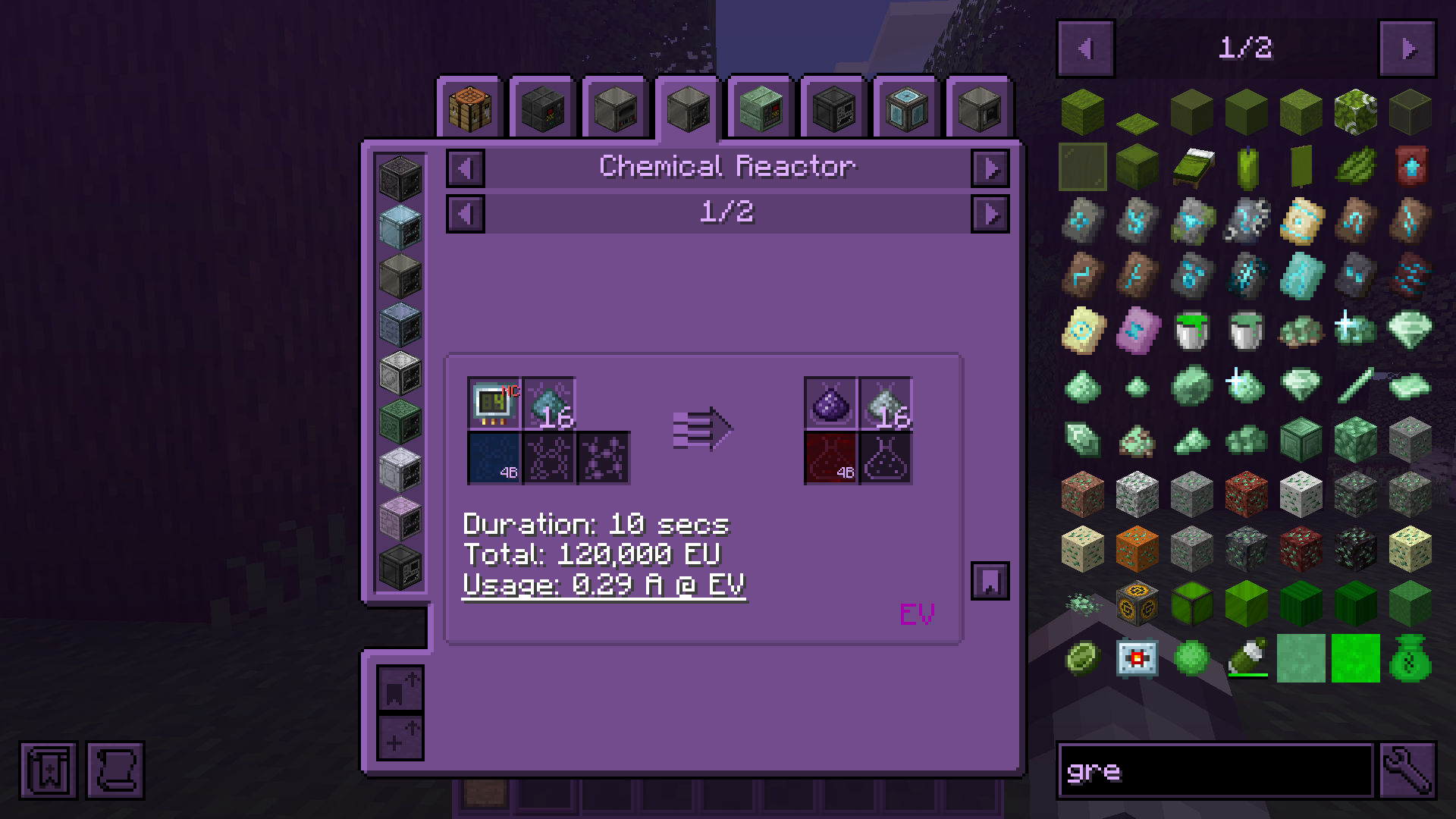
Project description from CurseForge.
Pick your setup
Choose the version and loader you play, then open the matching release.
Showing the newest 12 of 16 game versions. Older files are in the list below.
Check the dependencies, then try the file in a copied instance before changing a world you care about.
Recent files
cui-mc26.3-neoforge-5.0.5.jar
15 Nov 2026
cui-mc26.3-fabric-5.0.5.jar
15 Nov 2026
cui-mc26.2-neoforge-5.0.5.jar
15 Nov 2026
cui-mc26.2-fabric-5.0.5.jar
15 Nov 2026
cui-mc26.1.2-neoforge-5.0.5.jar
15 Nov 2026
cui-mc26.1.2-fabric-5.0.5.jar
15 Nov 2026
cui-mc1.21.11-fabric-5.0.5.jar
15 Nov 2026
cui-mc1.21.8-neoforge-5.0.5.jar
15 Nov 2026
cui-mc1.21.8-fabric-5.0.5.jar
15 Nov 2026
cui-mc1.21.4-neoforge-5.0.5.jar
15 Nov 2026
cui-mc1.21.4-fabric-5.0.5.jar
15 Nov 2026
cui-mc1.21.1-neoforge-5.0.5.jar
15 Nov 2026
Looking for an older file? The official CurseForge project page is in Resources.
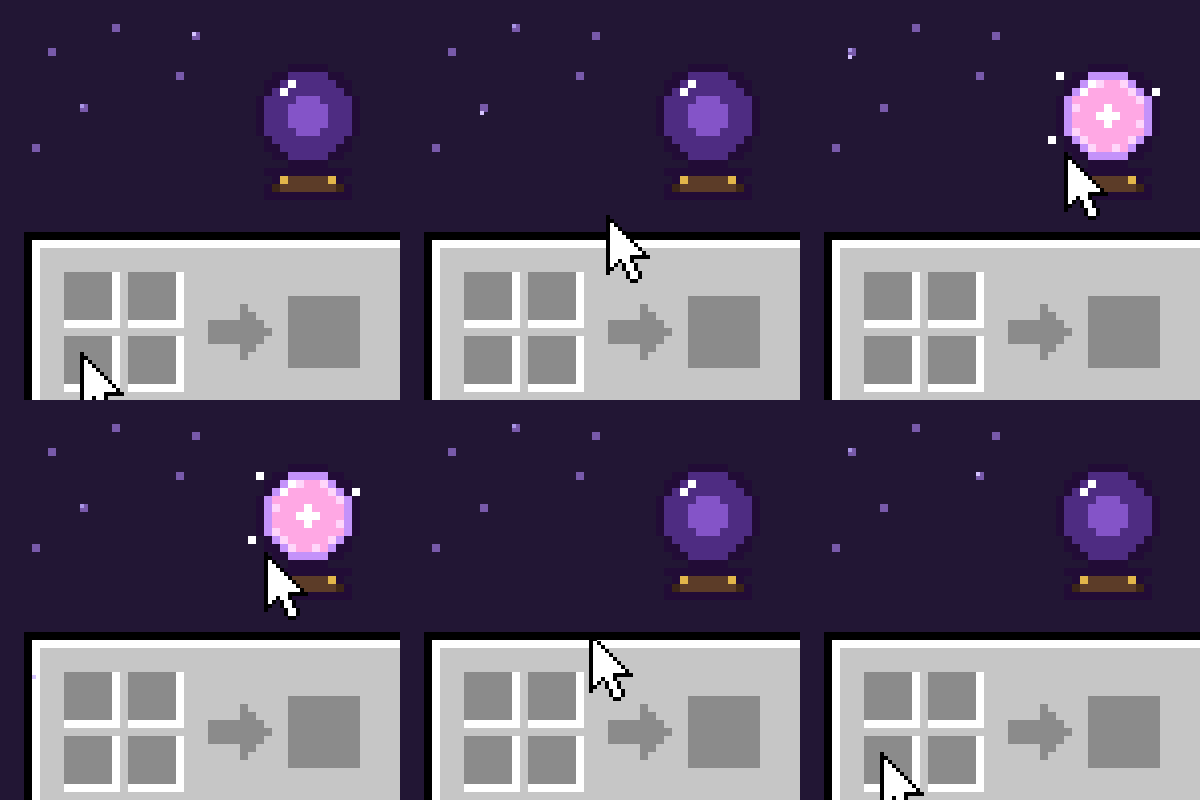 mod
An Advancements (achievements) button on your inventory, with a little animation when you hover it. Four styles (card, arcane orb, scroll, medal) or your own frames from a resource pack.
 mod
Space mod with own lore and mechanics.
 mod
Adds real vanilla-style armor damage reduction to Entity