Fabric API Needed by Animated Advancements Button 0.1.0 for Minecraft 1.20.1 (Fabric)
requiredMatching file found Matched file: [1.20.1] Fabric API 0.92.12+1.20.1
CurseForge · Minecraft mod
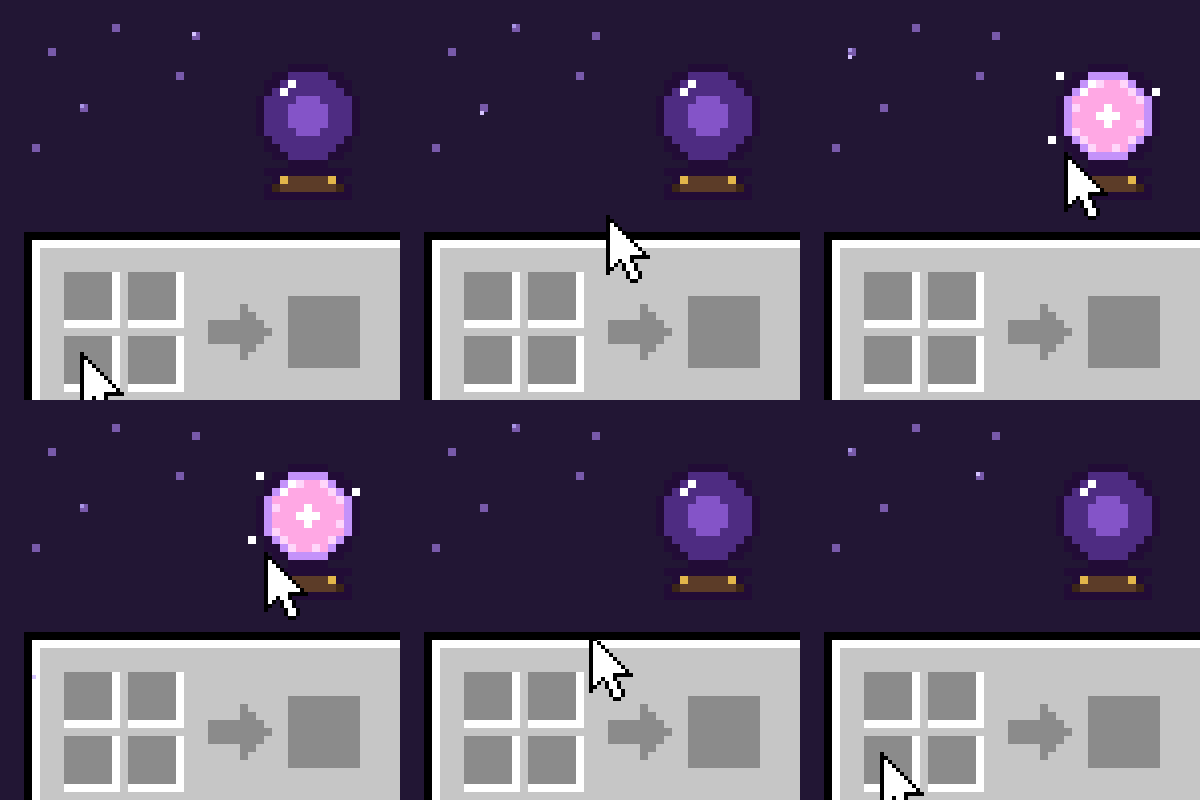
An Advancements (achievements) button on your inventory, with a little animation when you hover it. Four styles (card, arcane orb, scroll, medal) or your own frames from a resource pack.
Quick answer
Animated Advancements Button 0.1.0 for Minecraft 1.20.1 (Fabric) targets 1.20.1 with Fabric. The project page does not say whether this file belongs on the client, dedicated server, or both. All 1 required mods have matching files.
Where it goes
The project page does not say whether this file belongs on the client, dedicated server, or both.
The source does not explicitly classify this release as client-only or server-only.
Animated Advancements Button 0.1.0 for Minecraft 1.20.1 (Fabric). Change the file and its required mods may change too.
Install Fabric API first. We found matching files for this game-version and loader setup.
We only count dependency files that match this setup. A file for another loader does not fill the gap.
Before you install it
Built for Animated Advancements Button 0.1.0 for Minecraft 1.20.1 (Fabric). Pick another file and the loader, install side or required mods may change.
Use Animated Advancements Button 0.1.0 for Minecraft 1.20.1 (Fabric). It targets 1.20.1 with Fabric; another release may have different loader, side or dependency requirements.
Install Fabric API first. We found matching files for this game-version and loader setup.
The project page does not say whether this file belongs on the client, dedicated server, or both.
Use the “Get this file” button beside Animated Advancements Button 0.1.0 for Minecraft 1.20.1 (Fabric). It opens that exact file at the source.
About this project
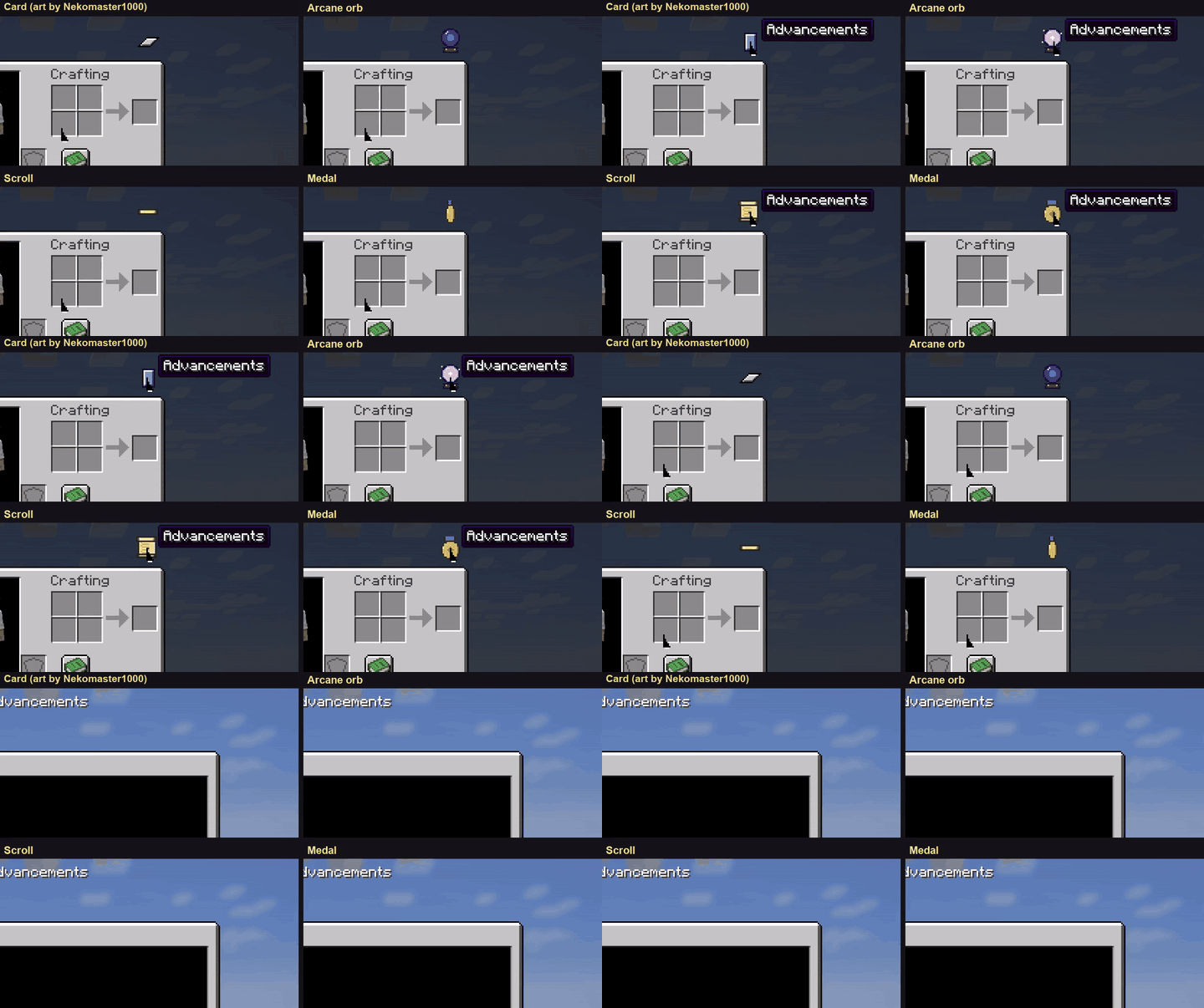
A small button sits on the corner of your inventory. Hover it and it plays a little animation; click it and your Advancements open. No more hunting for the key.
Everything is in the config screen (Mods > Animated Advancements Button > Config): style, animation speed, loop or hold the last frame, play backwards when the pointer leaves, sounds on hover and click (with your own sound ids), tooltip, position, size of the hover area, and the button in the creative inventory too.
Every style is just a few PNG frames, so a resource pack can replace them: assets/advancementsbutton/textures/gui/button/<style>_0.png, _1, _2... The mod uses however many frames you give it, so your animation can be as short or as long as you like.
Idea and default card art by Nekomaster1000, thank you!
Project description from CurseForge.
Pick your setup
Choose the version and loader you play, then open the matching release.
Check the dependencies, then try the file in a copied instance before changing a world you care about.
Recent files
advancementsbutton-fabric-mc1.20.1-0.1.0.jar
15 Nov 2026
advancementsbutton-fabric-mc1.21.1-0.1.0.jar
15 Nov 2026
advancementsbutton-forge-mc1.20.1-0.1.0.jar
15 Nov 2026
advancementsbutton-neoforge-mc1.21.1-0.1.0.jar
13 Nov 2026
Looking for an older file? The official CurseForge project page is in Resources.
 mod
Space mod with own lore and mechanics.
 mod
Phantasia is a Guide, Script, and Viewer platform for a vast array of machine/magic mods designed to be easily used by anyone.
 mod
The official asset library for Custom Symbiotes, featuring unique 3D models, textures, animations, transformation effects, and visual resources for new symbiotes!