Minecraft version
Back to mods 
CurseForge · Minecraft mod
ElytraX PackMaker
ElytraX PackMaker is a client-side Fabric mod for Minecraft that lets you create custom resource packs in-game. Browse bundled item artwork, select textures, name them with helpful Minecraft item-ID guidance
Choose a version Pick your version below, then grab the matching file.
Quick answer
Which ElytraX PackMaker release matches Fabric?
Best match for your filters elytrax-packmaker-1.20.1.jar
Game version 1.20.1
Loader Fabric
ElytraX PackMaker elytrax-packmaker-1.20.1.jar targets 1.20.1 with Fabric. The project page does not say whether this file belongs on the client, dedicated server, or both. No extra mods listed for this file.
Where it goes
Is ElytraX PackMaker required on the client, server, or both?
The project page does not say whether this file belongs on the client, dedicated server, or both.
Client Source doesn’t say
Dedicated server Source doesn’t say
Loader for this release Fabric
Required install it here Optional supported, not mandatory Not supported do not install here Source doesn’t say do not assume
The source does not explicitly classify this release as client-only or server-only.
What else does ElytraX PackMaker elytrax-packmaker-1.20.1.jar need?
elytrax-packmaker-1.20.1.jar on Fabric. Every mod below is checked against that same setup.
This file does not list any required mods. Do not add a library just because a different file uses it.
This file does not list any required or optional mods.
Before you install it
Add ElytraX PackMaker without breaking your instance.
Built for ElytraX PackMaker elytrax-packmaker-1.20.1.jar on Fabric. Pick another file and the loader, install side or required mods may change.
- 01
Stick to this file
Use elytrax-packmaker-1.20.1.jar. It targets 1.20.1 with Fabric; another release may have different loader, side or dependency requirements.
- 02
Bring the mods it needs
This file does not list any required mods. Do not add a library just because a different file uses it.
- 03
Put it on the correct side
The project page does not say whether this file belongs on the client, dedicated server, or both.
- 04
Pick the file you checked
Use the “Get this file” button beside elytrax-packmaker-1.20.1.jar. It opens that exact file at the source.
About this project
What does ElytraX PackMaker add?
Discord Link: https://discord.gg/EsM6ArB4RC ElytraX PackMaker
Create custom Minecraft resource packs directly from inside the game — without an image editor, manual file placement, file compression, or restarting Minecraft.
ElytraX PackMaker is a lightweight, client-side Fabric mod that makes resource-pack creation simple and accessible. Browse a large collection of custom artwork, assign textures to vanilla Minecraft items, customize your pack, and export a ready-to-use resource pack in just a few clicks.
✨ Features
In-Game Texture Library
Browse custom artwork organized into convenient categories, including:
- Swords
- Tools
- Food
- Blocks
- Totems
- Fireworks
- Inventory backgrounds
- And more
Select individual textures, preview your choices, or use the ALL and NONE buttons to manage multiple textures quickly.
Smart Item Naming
Assign textures to Minecraft items without memorizing complicated item IDs. Enter an item name and receive live suggestions with matching item icons directly from Minecraft’s item registry.
Custom Inventory Screens
Change your inventory GUI background with a single click. No manual file placement or external editing is required.
One-Click Resource-Pack Export
When your pack is ready, ElytraX PackMaker automatically creates a complete resource pack containing:
pack.mcmeta- Your selected textures
- License information
- Pack name and description
The resource pack is saved directly to your Minecraft resourcepacks folder and activated automatically.
Kill Effects
Add stylish visual effects whenever you defeat an enemy. Choose from a variety of particle styles and customize the effect to match your preference.
Available options include:
- Multiple particle styles
- Adjustable effect duration
- Customizable particle density
- Totem effects
- TNT effects
- Sound effects
- Instant effect previews
Customizable Interface
The menus have been refined for a smoother and more reliable experience across different screen sizes. Choose the interface scale that works best for your setup:
- Full
- Compact
- Small
The improved layout helps the main menu, Settings, Kill FX, Draw, and Create Pack screens remain clear and usable, even on smaller displays.
Saved Item Names
Your assigned item names remain saved when navigating between menus. You can leave the Create Pack screen and return later without losing your progress.
Performance-Friendly
Textures are automatically limited to a sensible resolution during export, helping your resource packs load faster, remain lightweight, and use less VRAM.
License Selection
Choose a license for your exported resource pack:
- All Rights Reserved
- CC0
- CC BY 4.0
- MIT
🎮 How to Use
- Press Right Ctrl in-game to open PackMaker.
- Browse the available texture categories.
- Select the artwork you want to use.
- Use ALL or NONE to manage your selections quickly.
- Open Create Pack.
- Assign each texture to a Minecraft item using the name field or smart suggestions.
- Enter your pack name, description, version, and license.
- Click Create Resourcepack.
- Your resource pack will be generated, saved, and enabled automatically.
From the main menu, you can also open Settings or Kill Effect to customize your interface and visual effects.
🧩 Supported Versions
| Minecraft Version | Loader |
|---|---|
| 1.20.1 | Fabric |
| 1.20.4 | Fabric |
| 1.21 | Fabric |
| 1.21.1 | Fabric |
| 1.21.3 | Fabric |
| 1.21.4 | Fabric |
| 1.21.8 | Fabric |
| 1.21.11 | Fabric |
Requirements
- Fabric Loader
- Fabric API
ElytraX PackMaker is client-side only. It can be used on multiplayer servers and does not need to be installed on the server.
❓ Notes
ElytraX PackMaker does not modify Minecraft’s original game files. Every pack it creates is a standard resource pack that you can inspect, share, edit, disable, or delete at any time.
Kill Effects are entirely client-side and provide only visual and audio feedback. They do not change combat, hitboxes, gameplay mechanics, or other players’ experiences.
Project description from CurseForge.
Pick your setup
ElytraX PackMaker by Minecraft version and loader
Choose the version and loader you play, then open the matching release.
Minecraft version
1.21.8
1 loader buildMinecraft version
1.21.4
1 loader buildMinecraft version
1.21.3
1 loader buildMinecraft version
1.21.1
1 loader buildMinecraft version
1.21
1 loader buildMinecraft version
1.20.4
1 loader buildMinecraft version
1.20.1
1 loader buildCheck the dependencies, then try the file in a copied instance before changing a world you care about.
Recent files
ElytraX PackMaker versions and loaders
elytrax-packmaker-1.20.1.jar
16 Nov 2026
Client Source doesn’t say Server Source doesn’t say Dependencies No extras listed Listed on Release listing
Check the 1.20.1 · Fabric setup Fabric1.20.1 release
elytrax-packmaker-1.21.jar
16 Nov 2026
Client Source doesn’t say Server Source doesn’t say Dependencies No extras listed Listed on Release listing
Check the 1.21 · Fabric setup 1.21Fabric release
elytrax-packmaker-1.20.4.jar
16 Nov 2026
Client Source doesn’t say Server Source doesn’t say Dependencies No extras listed Listed on Release listing
Check the 1.20.4 · Fabric setup Fabric1.20.4 release
elytrax-packmaker-1.21.1.jar
16 Nov 2026
Client Source doesn’t say Server Source doesn’t say Dependencies No extras listed Listed on Release listing
Check the 1.21.1 · Fabric setup Fabric1.21.1 release
elytrax-packmaker-1.21.3.jar
16 Nov 2026
Client Source doesn’t say Server Source doesn’t say Dependencies No extras listed Listed on Release listing
Check the 1.21.3 · Fabric setup Fabric1.21.3 release
elytrax-packmaker-1.21.4.jar
16 Nov 2026
Client Source doesn’t say Server Source doesn’t say Dependencies No extras listed Listed on Release listing
Check the 1.21.4 · Fabric setup Fabric1.21.4 release
elytrax-packmaker-1.21.11.jar
16 Nov 2026
Client Source doesn’t say Server Source doesn’t say Dependencies No extras listed Listed on Release listing
Check the 1.21.11 · Fabric setup Fabric1.21.11 release
elytrax-packmaker-1.21.8.jar
16 Nov 2026
Client Source doesn’t say Server Source doesn’t say Dependencies No extras listed Listed on Release listing
Check the 1.21.8 · Fabric setup Fabric1.21.8 release
Looking for an older file? The official CurseForge project page is in Resources.
 mod
CurseForge + Modrinth · Minecraft
Diorama
A minimap and world map drawn at an angle, like a model of your world on a table. Towers stand up, cliffs have faces and trees cast shadows.
 mod
CurseForge + Modrinth · Minecraft
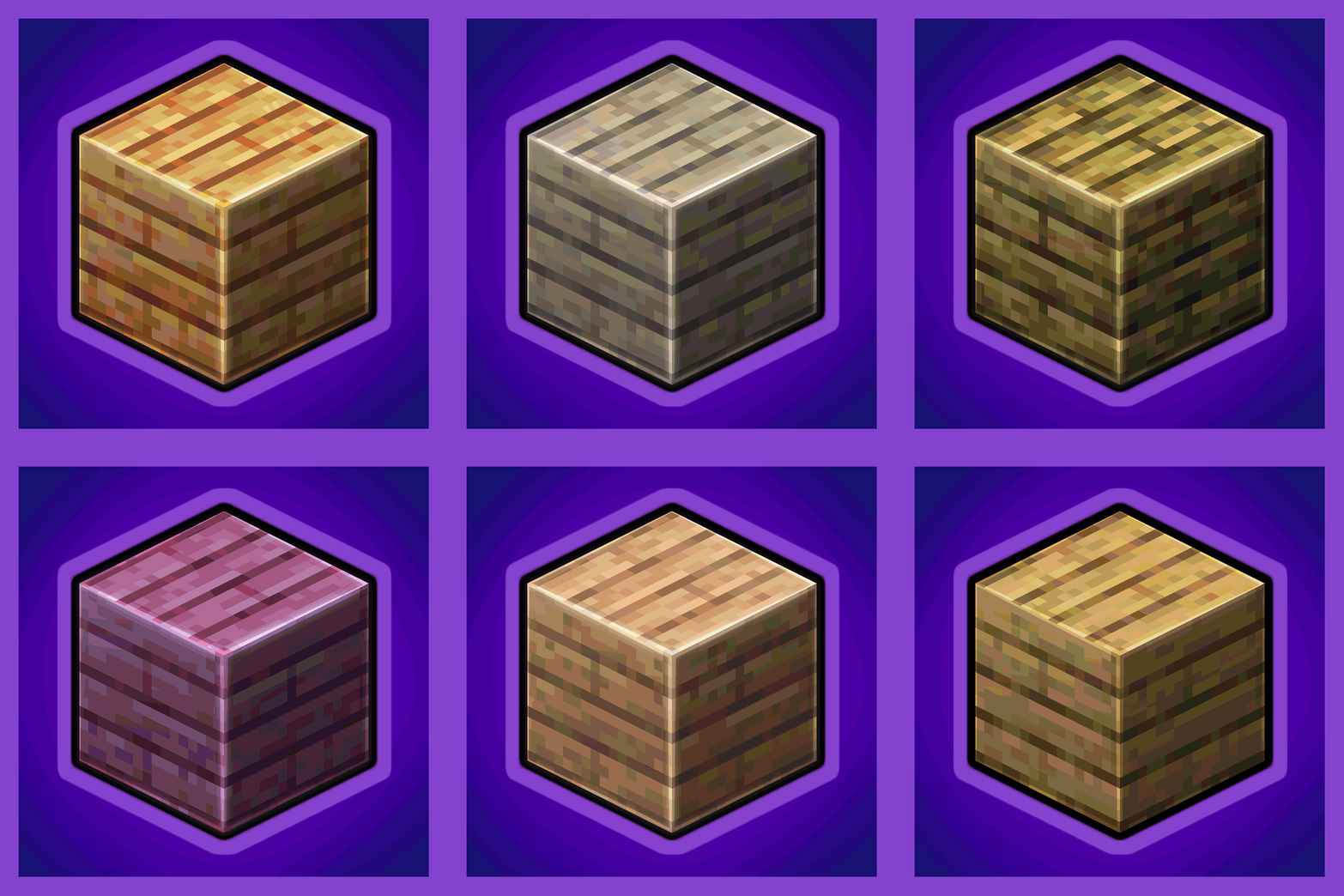
Every Compat (Wood Good)
Universal Wood Compat: Quark, Twilight Forest, Twigs, Another Furniture, Farmers Delight, Macaw's, Valhelsia, Architects Palette, Deco Blocks, Crayfish FM
 mod
CurseForge · Minecraft
Aquila
Furniture mod for Creative Mode